
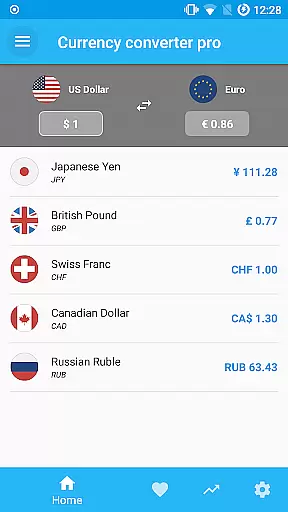
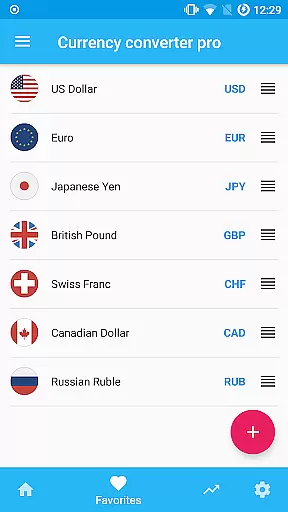
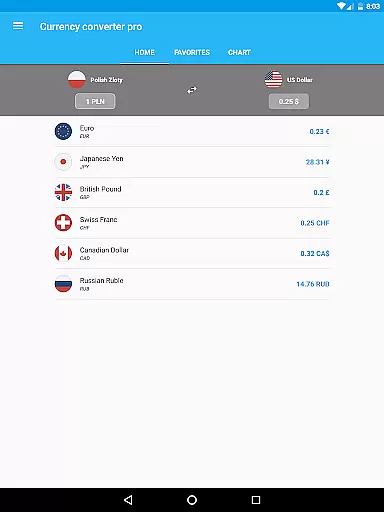
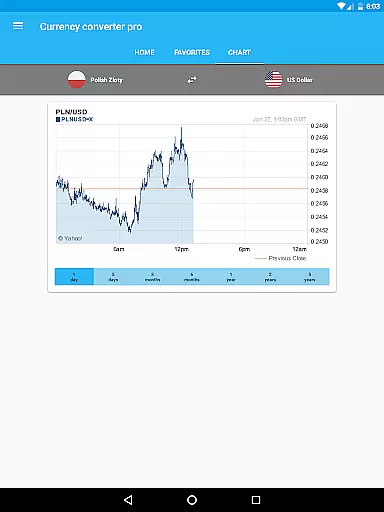
Currency Converter Pro is a powerful financial tool designed for seamless currency conversion across over 180 global currencies. With its offline functionality, users can access updated exchange rates without an internet connection, ensuring reliability even during travel or in areas with limited connectivity. The app also supports popular cryptocurrencies like Bitcoin and Ethereum, making it versatile for both traditional and digital currency needs.
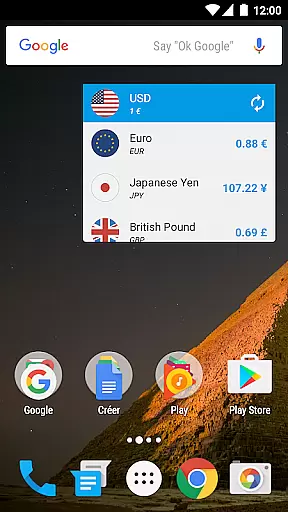
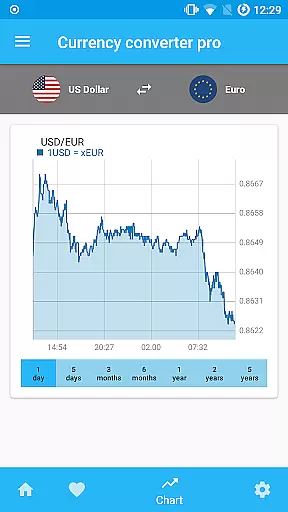
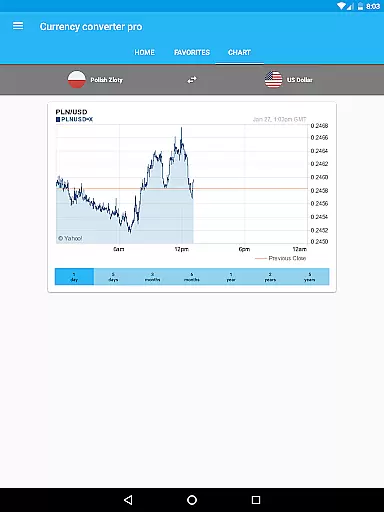
One of the standout features is its customizable widget, which allows users to track their favorite currencies effortlessly. Whether you're a frequent traveler, an international business professional, or someone who simply needs quick access to accurate exchange rates, this app provides a user-friendly interface combined with advanced functionalities such as interactive historical charts spanning up to five years.
Currency Converter Pro offers a comprehensive suite of features tailored to meet diverse financial needs. Its core strength lies in providing live and historical exchange rates for more than 180 currencies worldwide, including major cryptocurrencies. The app ensures data accuracy through quick and recurrent updates, delivering consistent and reliable information that users can depend on.
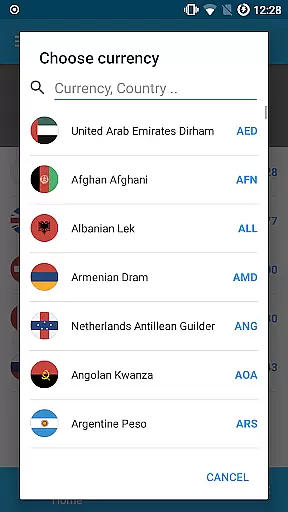
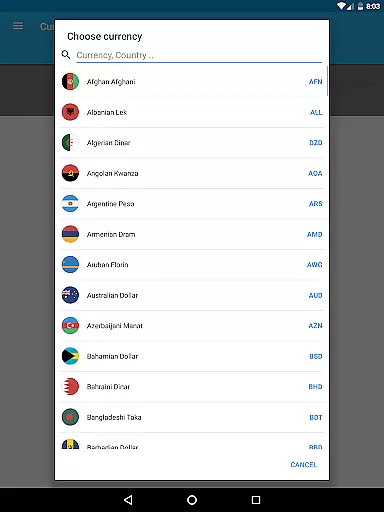
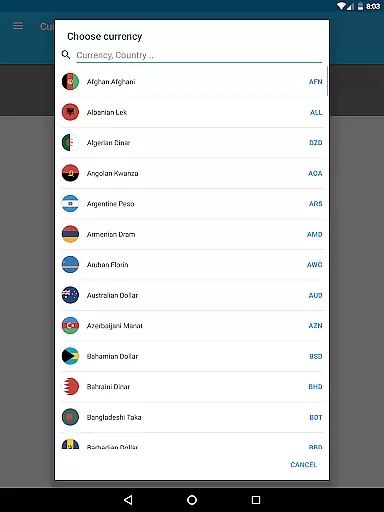
In addition to its robust currency conversion capabilities, the app boasts a beautiful material design interface that enhances usability. Users benefit from practical tools such as an offline mode that stores the latest rates for future use, a search function for adding new currencies by country name, and interactive charts that allow detailed analysis of currency trends over time. These features collectively create a premium experience that simplifies complex financial tasks while maintaining accessibility for all types of users.
When it comes to financial applications, security is paramount. Currency Converter Pro ensures the safety of user data through regular updates and secure offline functionality. The app stores exchange rate data locally on the device, which means sensitive information never leaves the user's control.
The absence of ads not only enhances user experience but also reduces potential security risks associated with third-party advertisements. Additionally, customizable widgets allow users to monitor their favorite currencies without exposing personal data to external threats.
Users benefit from peace of mind knowing that their financial information remains private and secure. This level of security is particularly important for those who frequently travel or engage in international transactions.
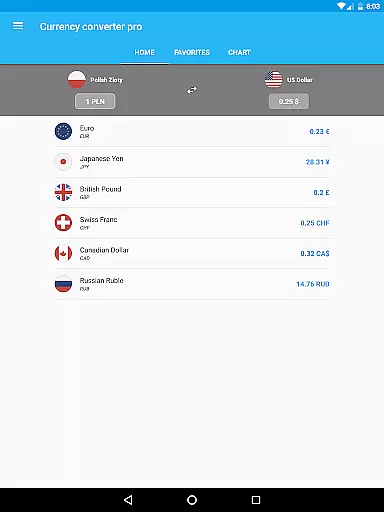
Currency Converter Pro offers an exceptional transaction experience by providing fast and accurate currency conversions for over 180 currencies. The app's quick update feature ensures users always have access to the latest exchange rates, making financial decisions more reliable and timely.
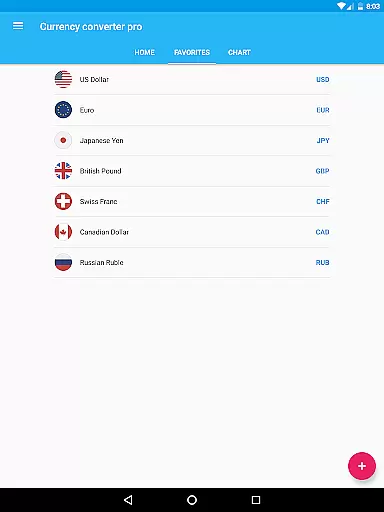
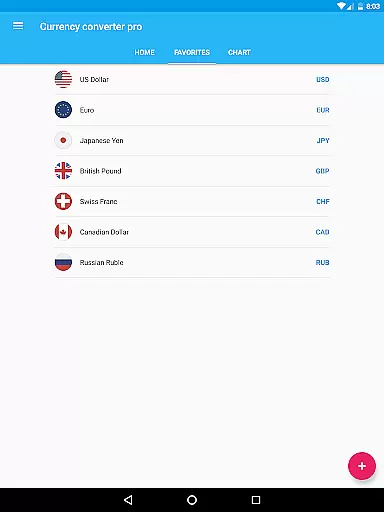
With its user-friendly interface and material design, the application simplifies the process of converting currencies. Users can easily add their preferred currencies and access them directly from the home screen widget, streamlining the entire conversion process.
The inclusion of popular cryptocurrencies like Bitcoin and Ethereum further enhances the transaction experience. Whether users need live rates or historical data, this app delivers a seamless and efficient service that caters to both casual and professional needs.
Offline functionality
Updated exchange rates
User-friendly design
Supports cryptocurrencies
Customizable widgets
Premium version cost
Limited free features
No multi-platform sync
Occasional update delays
Ads in free version

Retirement plan, IRA, retail and HSA customers serviced by Empower.
 3.10
3.10
Money transfer made easy. Send money to friends and family with great rates.
4.70
The Citi Mobile® App lets you manage your accounts virtually anytime, anywhere
4.80
Invest, bank & save in one app. Trade stocks, earn high APY & budget smarter.
4.00
Mine Bitcoin in the cloud! Earn BTC daily with high-speed mining power.
4.30
Currency Converter (200+ currencies) with live exchange rates and offline mode.
4.70
The US Debt Clock .org App gives you a Real-Time glimpse of US Financial Stats
4.60
Trade NFL, NBA, Crypto, Tech
4.50
Pay, bank & build credit.
4.70
BA Financial Calculator PRO – Perfect for CFA/FRM/CPA and finance professionals
4.90
Manage your Discover account conveniently from anywhere.
4.80
Wells Fargo Mobile allows you to access your investment and bank accounts.
4.80
The DailyPay app lets you access earned wages before your next payday.
4.70
Get 250$ Cash Advance to solve emergencies instantly in loan app called LendMe
4.70
Money App - Earn Cash back, Fast Cash Advance, Personal Loan Offers, Banking
4.70
Loan Calculator, Mortgage Calculator, Compound Interest Calculator
4.70
Play for fun, earn for real. Collect rent by owning virtual land & get cashback
4.60
Car Insurance Made For You.
4.50
Venmo is the fun and easy way to pay and get paid.
4.10


User Reviews