

Enjoy convenience wherever you are with the Tune Up, The Manly Salon app.
 3.20
3.20
Make beautiful Hairstyles for girls with your own hands in little bit of time
4.00
Intelligent Beauty calculator tool! Face scale and face symmetry in one app!
3.80
The Official Voting App
3.90
True mirror app with zoom, LED light, for makeup & shaving anywhere!
4.20
Unique selfie filter camera! Upload live sticker & face filter every week!
4.70
Manage your daily skin care beauty regimen & track your skin's progress.
4.70
Monthly Perfume Subscription
4.70
Snap stunning selfies with AI from the Sweet Beauty Camera editor
4.10
Salon appointment booking and scheduling software for beauty pros and barbers.
4.80
The mirror app you were looking for, simple and easy to use. Try Mirror now.
4.60
Unleash your (Pro)tential with the hottest hair, nails and beauty brands!
4.60
Winter picture editor: Christmas stickers, frames for photos & Christmas cards.
4.40
Crown Heart Emoji Photo Editor has given you the chance to look cute girl
4.40
Shop Smarter, Dress Better, and Shine Brighter!
4.10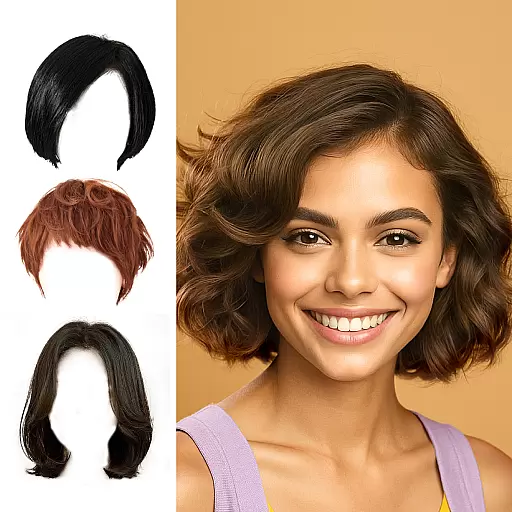
Try on different hairstyles and hair colors, glasses and jackets | Cartoon face
4.10
Never run out of your go-to beauty & get 5% off with auto-replenish deliveries!
4.00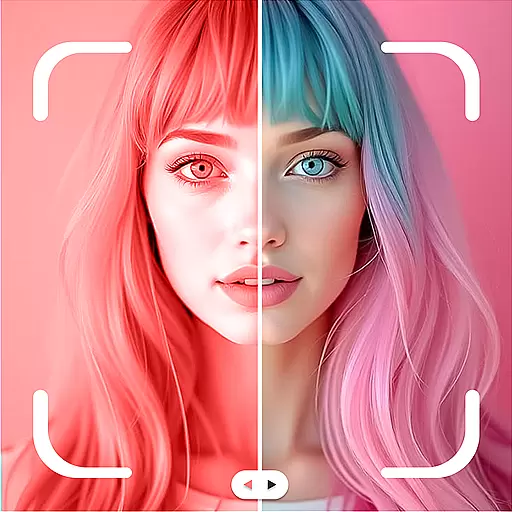
Color haircut changer style on
3.30
Beauty/age defining ai coach guides you through the exercises in daily routine.
3.30


