
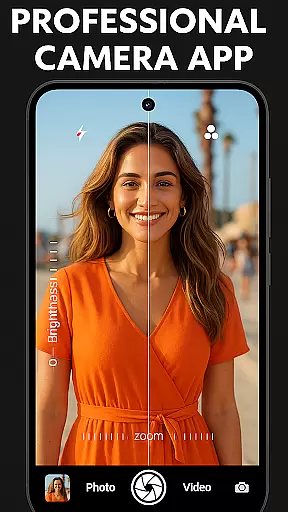
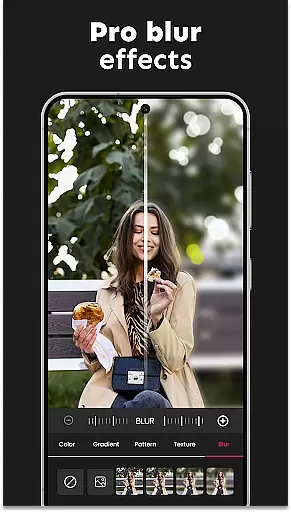
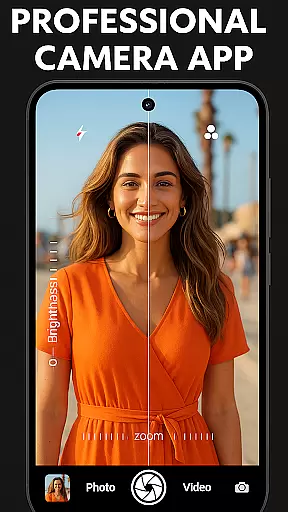
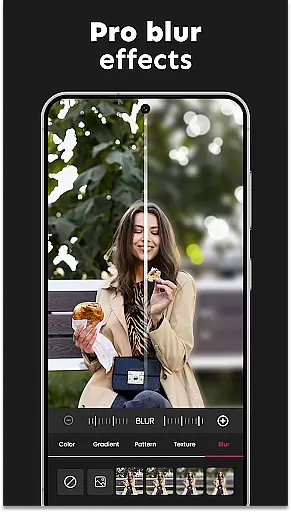
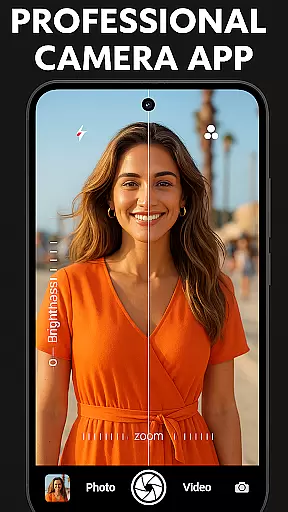
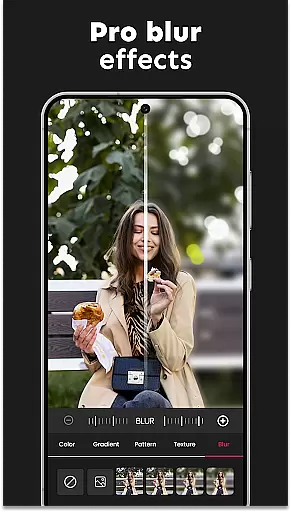
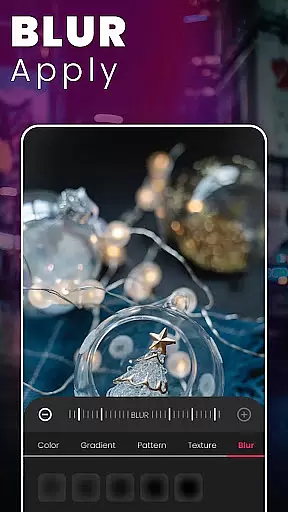

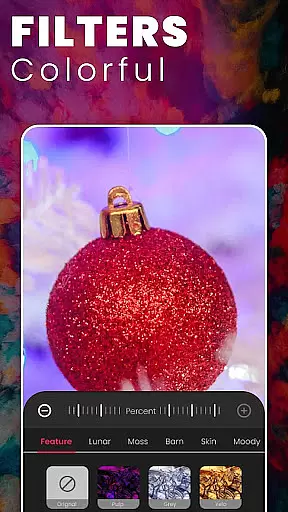
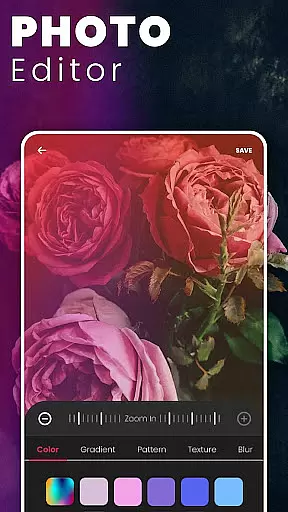
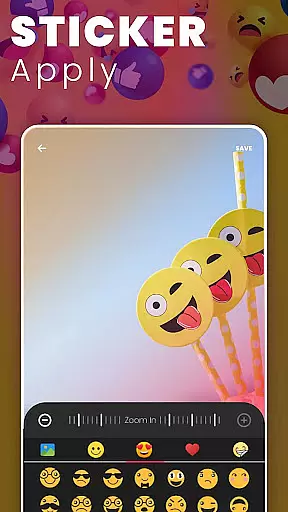
DSLR HD Camera is a professional-grade mobile photography app that transforms your smartphone into a powerful camera tool. Designed for both amateur and experienced photographers, this application offers advanced features such as 4K video recording, high-definition photo capture, and an ultra blur effect that enhances image quality by focusing on the subject while blurring the background.
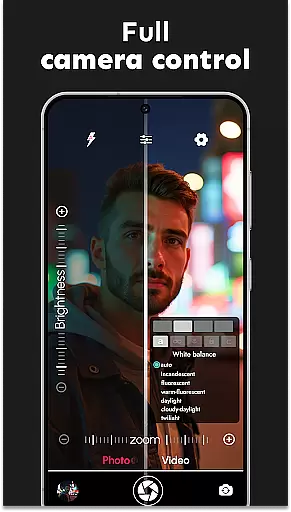
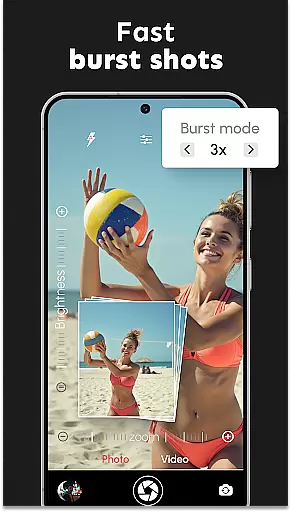
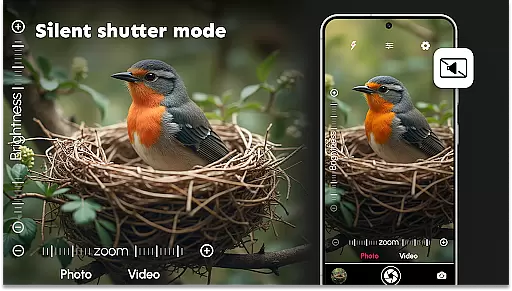
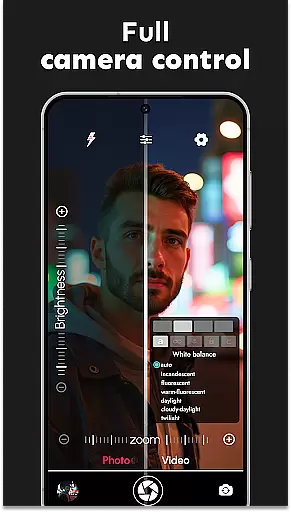
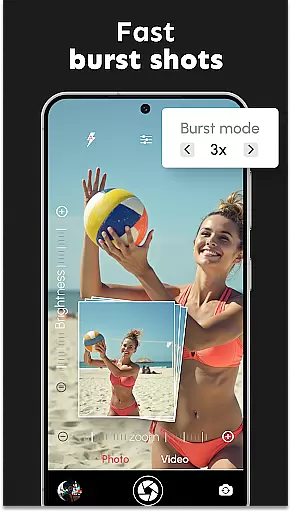
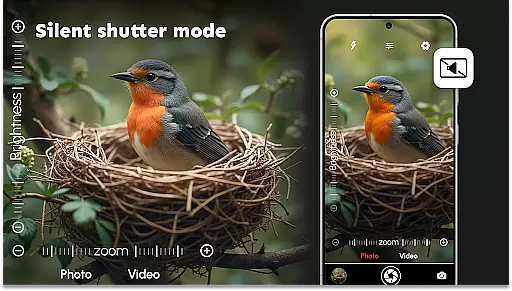
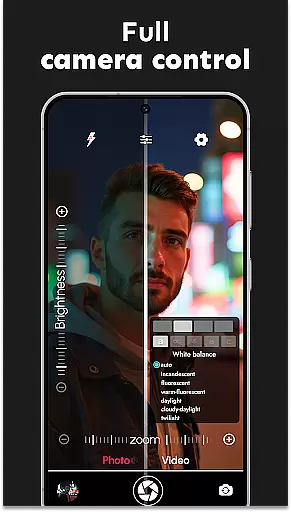
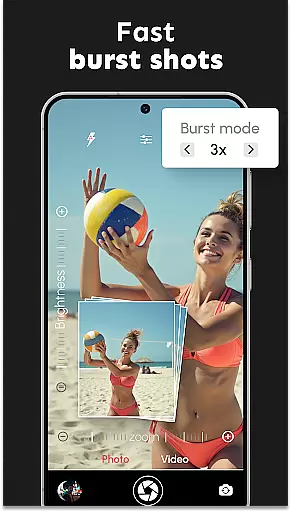
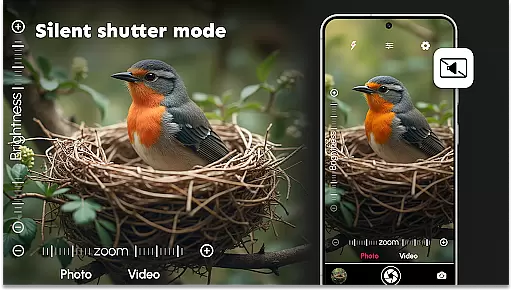
The app includes essential DSLR-like functionalities including adjustable resolutions, burst mode with configurable delays, and precise multi-touch zoom controls. With innovative digital filters, face detection technology, and various customizable settings like white balance and exposure compensation, users can take stunning photos and videos in any environment. Its silent shutter option also ensures discreet shooting sessions, making it perfect for candid moments.
Whether you're capturing quick selfies or breathtaking landscapes, DSLR HD Camera provides all the tools needed to produce polished, professional-quality images. The intuitive interface allows easy navigation through its rich feature set, ensuring users can maximize their creative potential without hassle. This makes it an ideal choice for anyone looking to elevate their mobile photography experience.
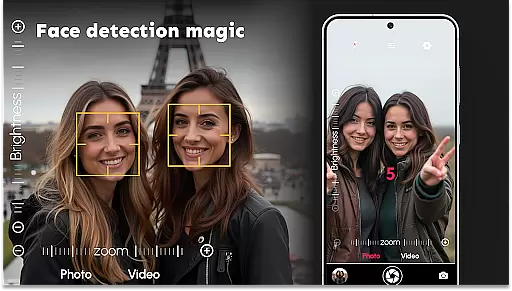
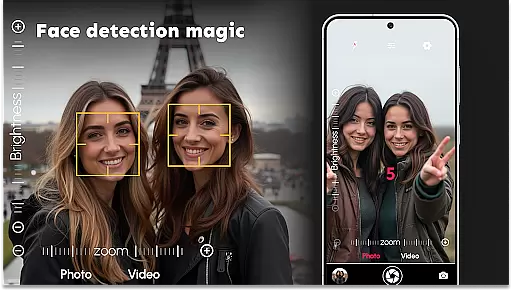
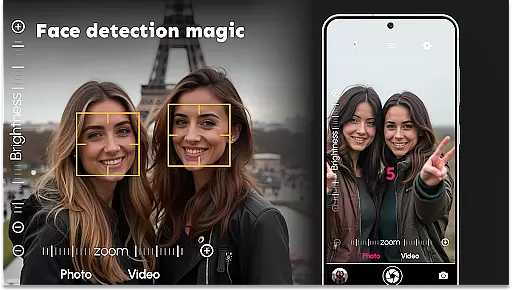
DSLR HD Camera stands out with its comprehensive suite of advanced features tailored for mobile photographers. One of the key highlights is the ultra blur effect, which allows users to effortlessly blur backgrounds and emphasize subjects with adjustable intensity and brush sizes. This feature is complemented by accurate face detection, ensuring every shot is crisp and clear, whether using the front or rear camera.
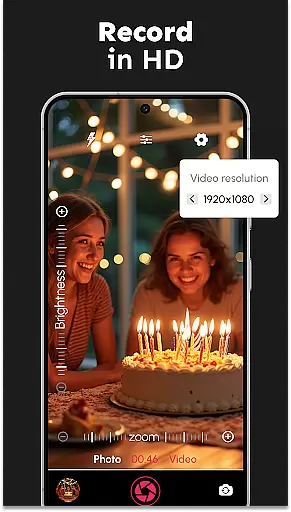
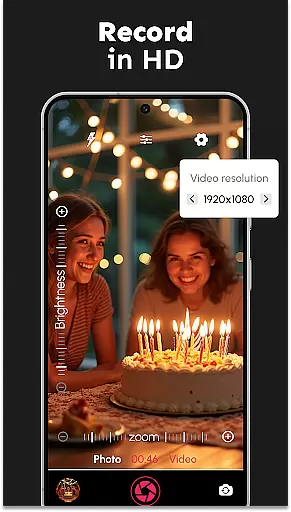
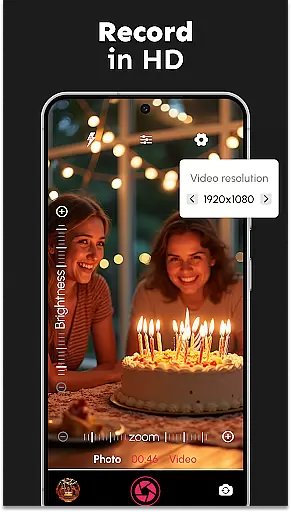
The app supports multiple video resolutions, including 1080p and 4K ultra-HD quality, enabling users to record professional-grade videos. It also includes a burst mode with configurable delays, perfect for capturing fast-paced action. Additionally, users can customize their photography experience with options like color effects, scene modes, white balance adjustments, and exposure compensation, providing full control over the final output.
Other notable features include a silent shutter option for discreet photo sessions, remote control timer functionality with audio countdowns, and adjustable zoom keys for precision control. Multi-touch gesture support further enhances usability, allowing smooth zooming and effortless navigation. These robust features collectively ensure that DSLR HD Camera delivers a premium photography experience directly from your smartphone.
DSLR HD Camera offers an extensive product database that caters to a wide range of photography needs. This app provides detailed information on camera settings, allowing users to adjust parameters such as white balance, exposure compensation, and scene modes with precision.
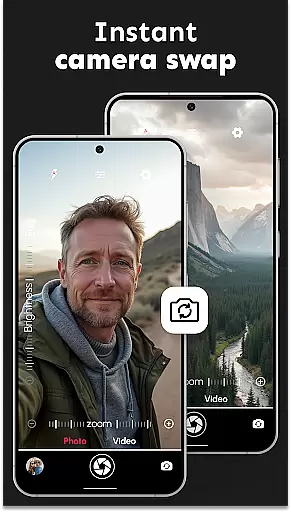
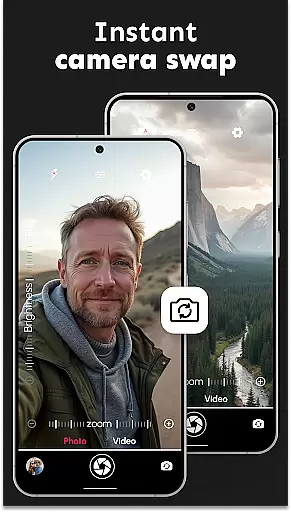
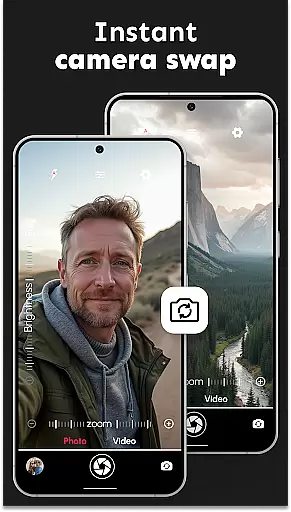
The inclusion of high-resolution photo and video capabilities in 1080p and 4K ensures that users can capture images with exceptional clarity and detail. The app's support for both front and rear cameras adds versatility, making it suitable for various shooting scenarios from selfies to professional portraits.
With features like burst mode, multi-touch gesture control, and adjustable zoom, the app empowers photographers to take dynamic shots effortlessly. These functionalities not only enhance the photographic experience but also provide users with the tools needed to produce polished and professional-quality visuals.
One of the key highlights of DSLR HD Camera is its personalization precision, which allows users to tailor their photography experience according to their preferences. The ultra blur effect feature exemplifies this by enabling effortless background blurring, thus placing the focus squarely on the subject.
This app includes an intuitive blur editor, giving users the ability to adjust the intensity of the blur and control brush sizes for meticulous edits. Such customization options ensure that whether capturing professional portraits or artistic shots, users can achieve their desired aesthetic with accuracy.
Furthermore, the app's customizable settings extend to color effects, remote control timer, and silent shutter options, all contributing to a personalized and discreet photo session. By offering these precise controls, DSLR HD Camera ensures that every user can capture stunning moments in a way that reflects their unique style and vision.
User-friendly interface
High-quality 4K video
Advanced blur effects
Accurate face detection
Customizable settings
May drain battery quickly
Occasional lag in processing
Limited free features
Requires high storage space
Not compatible with older devices

Winter picture editor: Christmas stickers, frames for photos & Christmas cards.
 4.40
4.40
Enjoy convenience wherever you are with the Tune Up, The Manly Salon app.
3.20
The Official Voting App
3.90
Enhance Your Look with Face Analysis, Hair Style Changer, Beauty Score, Rating
3.90
Your future self face age old or young from camera selfie into beautify videos
4.4
Selfiechat Filters for amazing photos with Funny face filters
4.60
Use your phone as a makeup mirror, shaving mirror. Magnifying mirror with light!
4.80
Beauty Camera & Selfie Camera snap Beauty selfie with filter, makeup, stickers
4.80
Never run out of your go-to beauty & get 5% off with auto-replenish deliveries!
4.00
Salon appointment booking and scheduling software for beauty pros and barbers.
4.80
Get Smart About Your Skin with Fully Personalized Beauty Tech!
4.80
Unique selfie filter camera! Upload live sticker & face filter every week!
4.70
A tool that brings skin care and technology together at your fingertips.
4.50
True mirror app with zoom, LED light, for makeup & shaving anywhere!
4.20
Try On Style with AI: Virtual Dressing Room & Personal Fashion Stylist App
4.00
Design your nails, manicure and pedicure with nail paint art and nail idea app
3.90
Change your hairstyle and color instantly with AI-powered virtual makeovers.
3.90
Create, design and dress up your own beautiful characters in cute fashion styles
3.50
Color haircut changer style on
3.30


User Reviews