
Fly your Solo like a boss.
 4.10
4.10
Get roadside help, discounts, travel tools & more — AAA is with you everywhere.
4.80
Good magnifier app to see tiny things bigger and more clearly!
4.80
Smart home security protection
3.20
Get the news, events and savings that matter to you with AARP Now.
4.80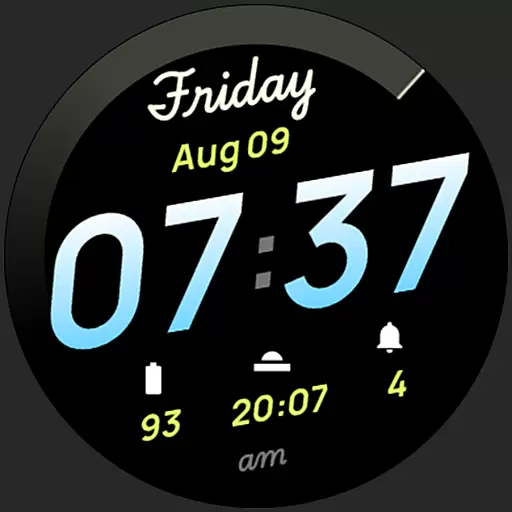
Simple, stylish & fresh watch face. Customize colors, gradients & complications.
4.70
The App can control Roborock vacuum cleaners from anywhere with rich features.
4.60
DailyGift can help you record your habits and get rewards along the way!
4.60
Just play, earn rewards, fetch gift cards, and turn gaming into real payouts!
4.80
Pay your rent, submit work orders and much more with the RentCafe Resident App.
4.70
Premium floor cleaning robots
4.50
This is a simple and highly functional alarm clock "Smart Alarm" paid version.
4.20
Use your device sensors to detect energy and convert it into spoken words.
4.10
Design and brew great homebrewing beer, mead, cider and wine recipes on the go!
3.60
Take Hobby Lobby with you wherever you go!
3.40
The Miracle Box includes methods used by Steve Huff of Huff Paranormal.
3.20
Turn your watch into a key fob for your Tesla
2.90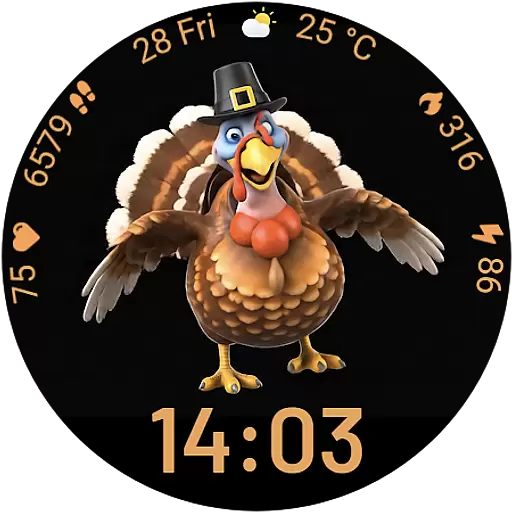
Cute animated Thanksgiving watchface for your WearOS smartwatch
4.1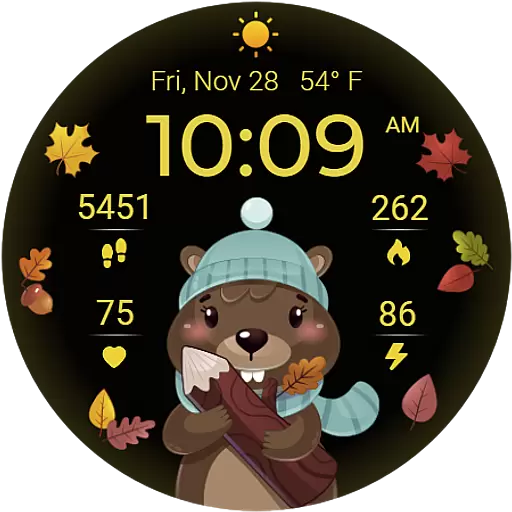
The cutest Autumn watchface featuring the adorable Mr. Squirrel
4.1


