
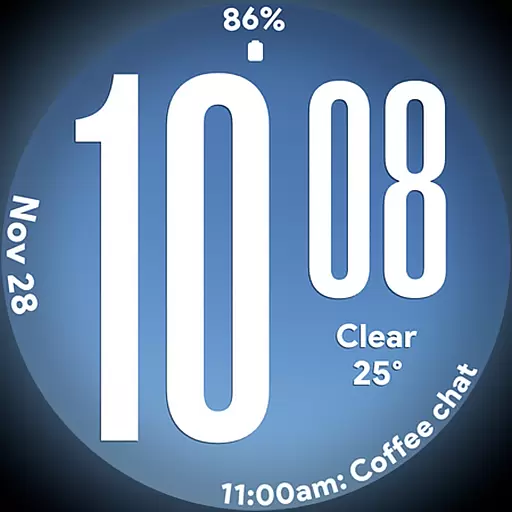
Big bold weather watch face with dynamic backgrounds and 3 complications
 4.2
4.2
Daily lessons from A Course in Miracles with scheduled reminders
4.80
View over 160,000 line dance stepsheets from the CopperKnob website.
3.30
Spiritus Ghost Box is an Audio and Visual ITC tool for paranormal research.
4.00
Earn money & gift cards when you take surveys, play games, scan receipts & more.
4.50
Falling Fruit is a massive collaborative map of food in our cities.
3.20
Have your Tehillim with you at all times
4.70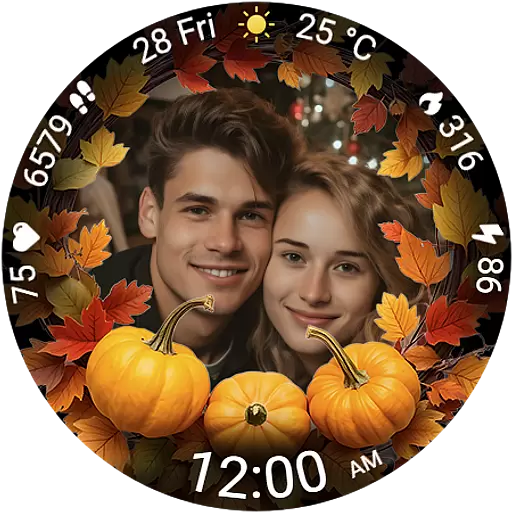
Wear your favorite memories, loved ones, pets or travel photos on your watch
4.2
Control your Tapo smart devices from anywhere.
4.60
See wait times and check into a hair salon ahead of time with Online Check-In.
4.80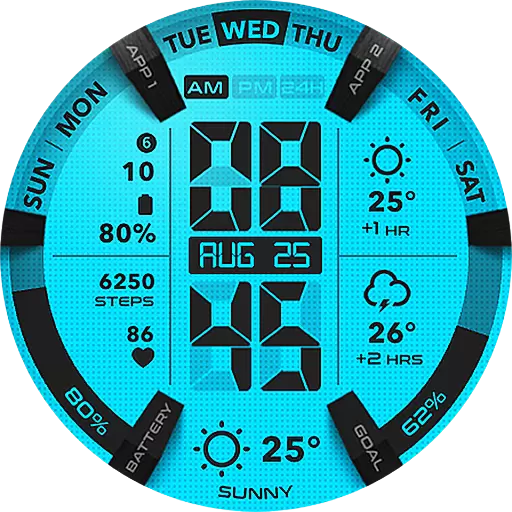
Retro animated weather with hourly forecast Watch Face for Wear OS
4.60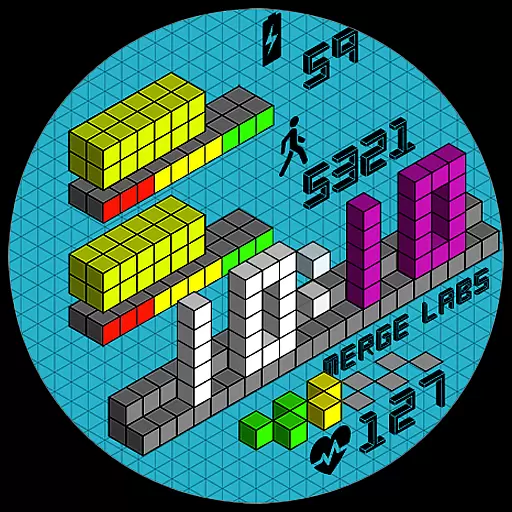
Unique "Isometric" style digital watch face for Wear OS
4.50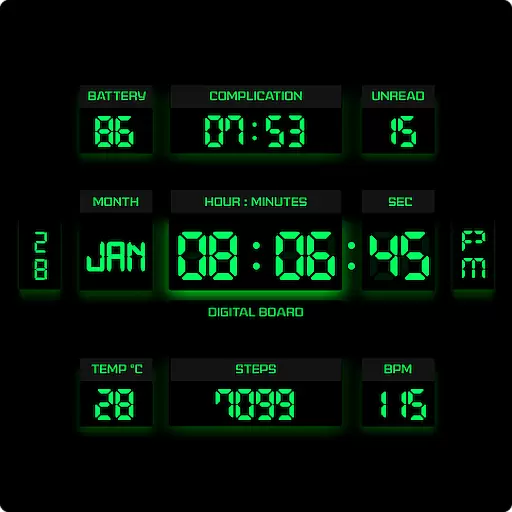
This minimalist yet classic board design brings a futuristic twist to your wrist
4.20
Fly your Solo like a boss.
4.10
Smart controls for your Ember Smart Mugs
4.10
Do you want to communicate with spirits?
3.80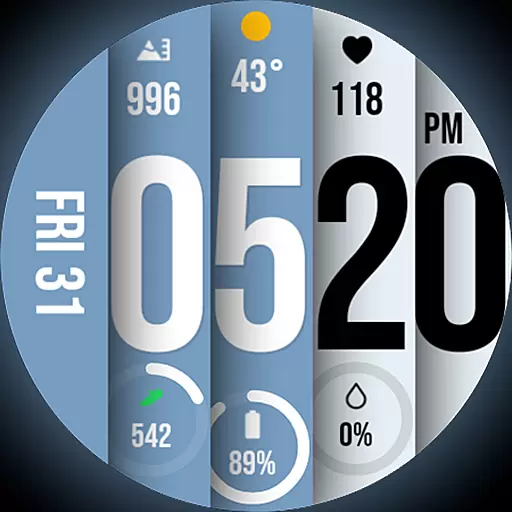
Unique BIG BOLD TIME with amazing colors and customisations.
3.70
Connect to your Shark ROBOT™ from anywhere using the SharkClean™ App.
3.60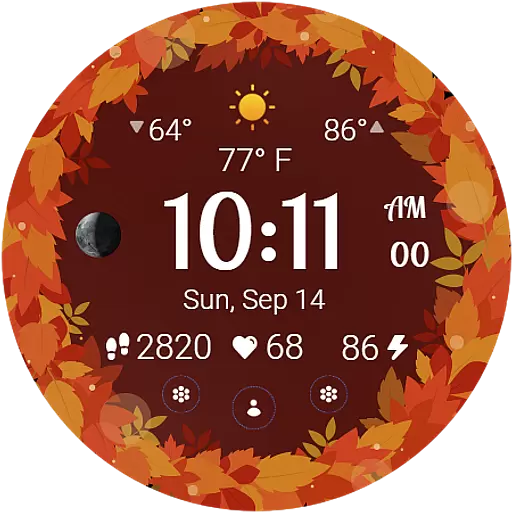
Bring the warm colors of fall directly to your wrist with Autumn Leaves!
4.4


