
Turn your watch into a key fob for your Tesla
 2.90
2.90
Earn points with every purchase with Moe Rewards.
4.20
This is a simple and highly functional alarm clock "Smart Alarm" paid version.
4.20
Spirit Communicator is a real paranormal ghost hunting app with many fun modes.
3.90
Connect to your Shark ROBOT™ from anywhere using the SharkClean™ App.
3.60
See wait times and check into a hair salon ahead of time with Online Check-In.
4.80
SmartHQ: Your Connected Home Command Center
4.10
Kasa Smart is your portal to your TP-LINK Smart Home.
4.70
AAA Mobile provides on-the-go access to the services you know and trust.
4.60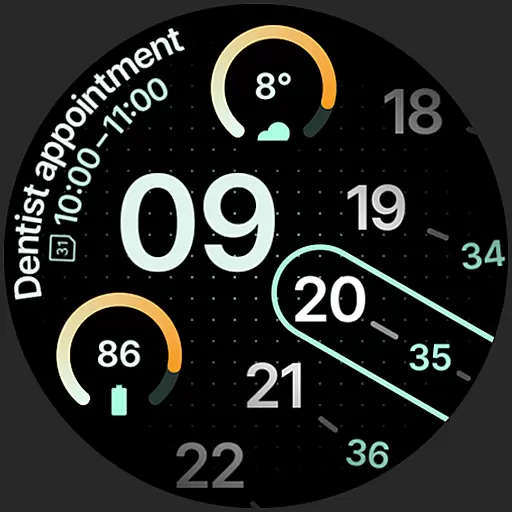
A unique and customizable watch face which rotates its layout every minute.
4.80
The App can control Roborock vacuum cleaners from anywhere with rich features.
4.60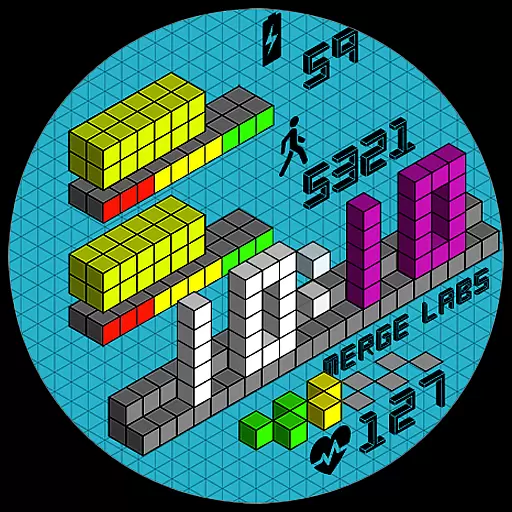
Unique "Isometric" style digital watch face for Wear OS
4.50
The go to app for taking unlimited notes!
4.50
Redecor your home with Home AI interior design, room planner and home designer.
4.50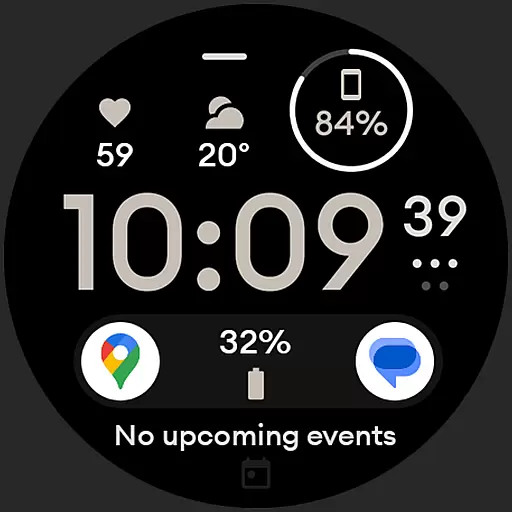
Digital watch face design. Modern looking, hi-res & battery friendly.
4.00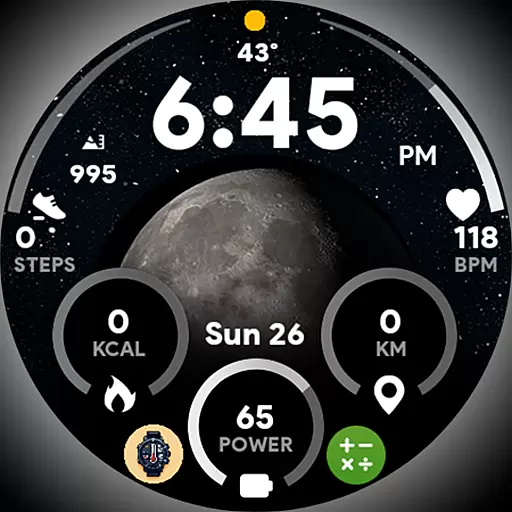
Unique informative Dial with Live Moon Phase at a glance!
3.60
The Miracle Box includes methods used by Steve Huff of Huff Paranormal.
3.20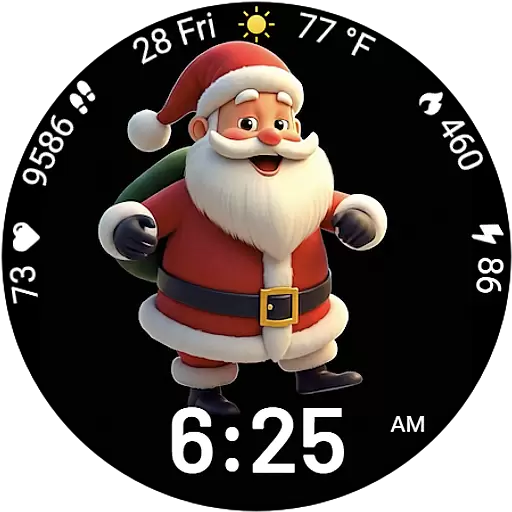
Designed to delight, impress and energize your festive spirit every single day
4.0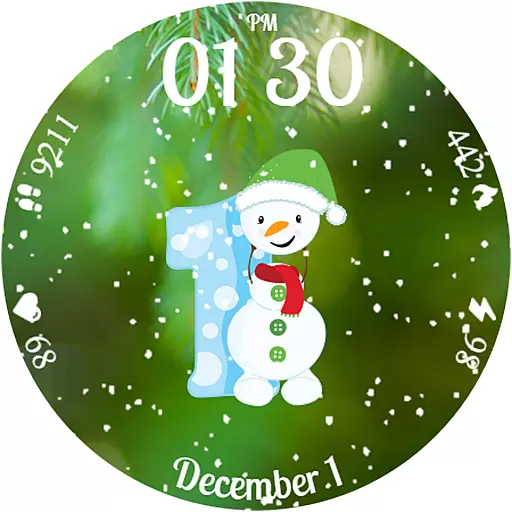
Celebrate the holidays with Advent Calendar: daily surprises and festive fun!
4.4


