

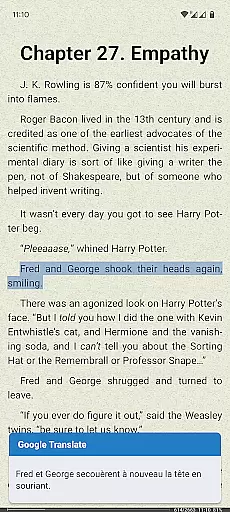
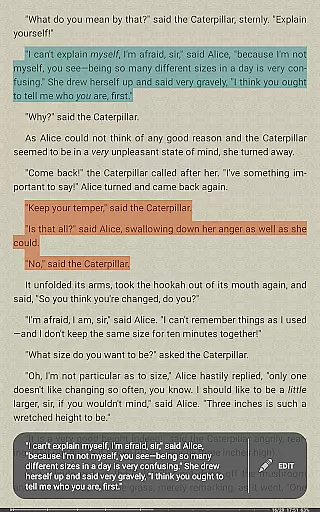
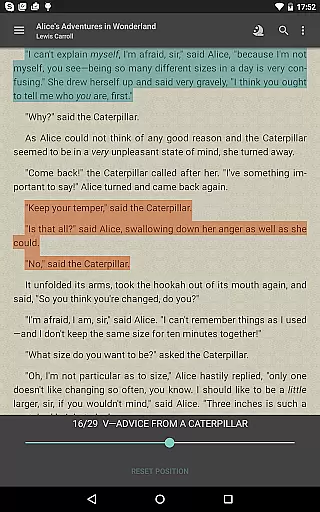
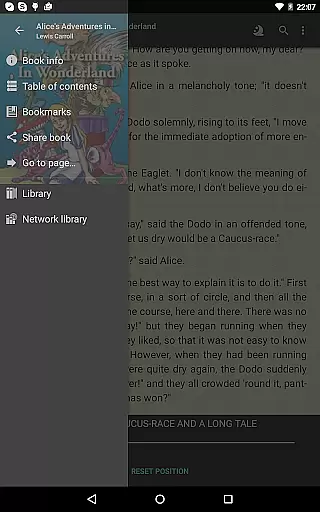
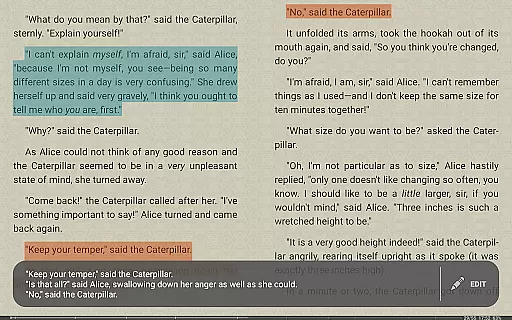

FBReader Premium is a comprehensive ebook reader designed for avid readers who demand flexibility and advanced features. This paid version offers an exceptional reading experience across various devices, including both LCD and e-ink screens. With support for numerous ebook formats like ePub, PDF, Kindle azw3, and more, it ensures compatibility with virtually any digital book. The app stands out with its smart integrations, such as Android text-to-speech for read-aloud functionality and instant translation via Google Translate or DeepL.
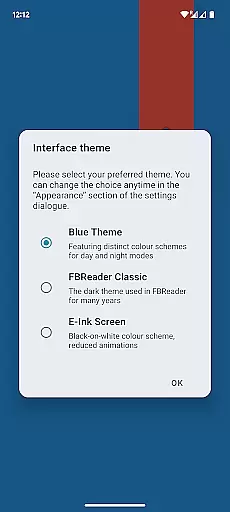
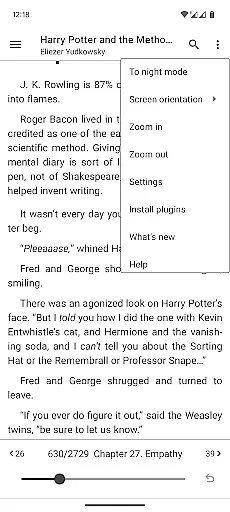
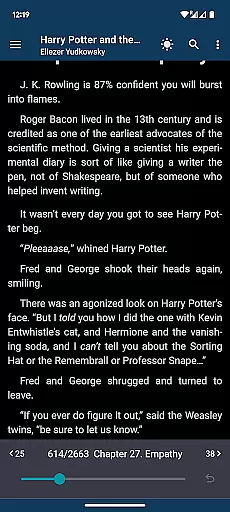
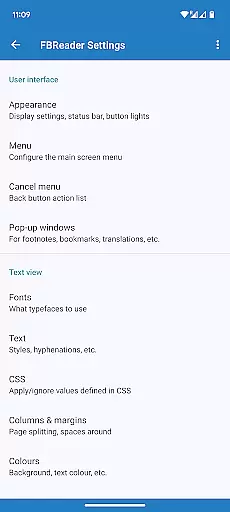
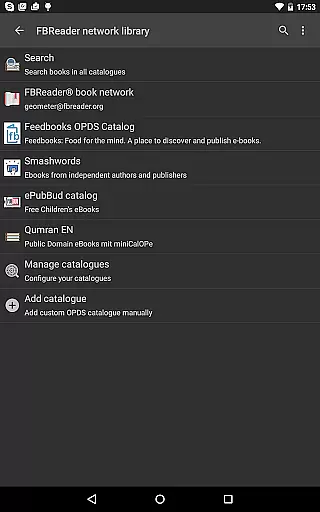
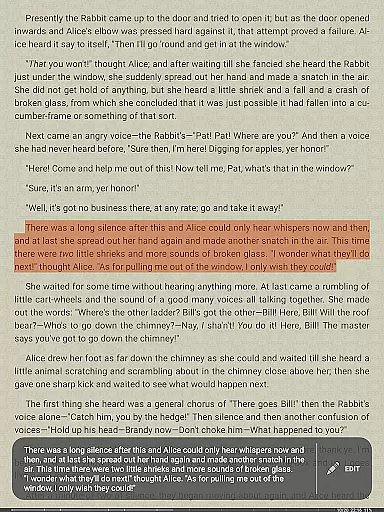
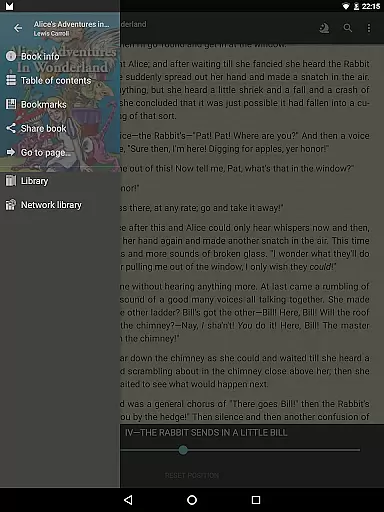
Beyond basic reading, FBReader Premium provides powerful customization options. Users can personalize their reading environment with custom fonts, backgrounds, and adjustable brightness controls. The app also supports day and night themes, making it suitable for reading in any lighting condition. Its extensive layout and gesture settings allow users to tailor the interface to their preferences. Additionally, the built-in browser and OPDS catalog support make it easy to access and manage ebooks from various sources.
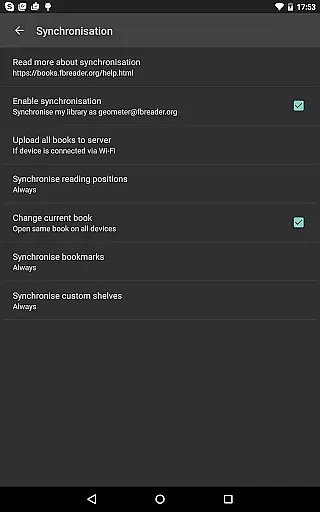
The app's cloud sync feature, powered by Google Drive, ensures that users can seamlessly access their library and reading positions across multiple devices. Whether you're a casual reader or a dedicated bookworm, FBReader Premium delivers a versatile and user-friendly reading solution that adapts to your needs.
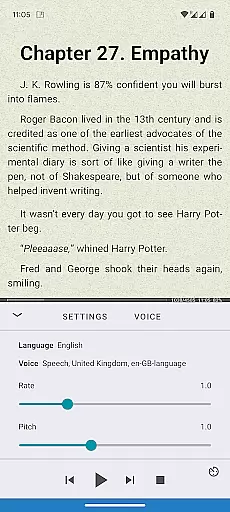
FBReader Premium distinguishes itself through its robust feature set tailored for diverse reading needs. One of its standout capabilities is the support for an extensive range of ebook formats, including ePub, PDF, Kindle azw3, fb2, and even comic books. This versatility ensures that users can access virtually any ebook without worrying about format compatibility. Furthermore, the app integrates advanced reading tools such as Android text-to-speech, which allows users to listen to their books, and instant translation services via Google Translate or DeepL, enabling multilingual readers to enjoy content in their preferred language.
Customization is at the heart of FBReader Premium's design. The app offers a variety of personalization options, including custom fonts, backgrounds, and adjustable brightness controls. Readers can switch between day and night themes to suit their environment, while the extensive layout and gesture settings provide a tailored user experience. These features collectively enhance readability and comfort, making long reading sessions more enjoyable. Additionally, the app supports quick dictionary lookups, allowing users to instantly clarify unfamiliar terms using their preferred dictionary app.
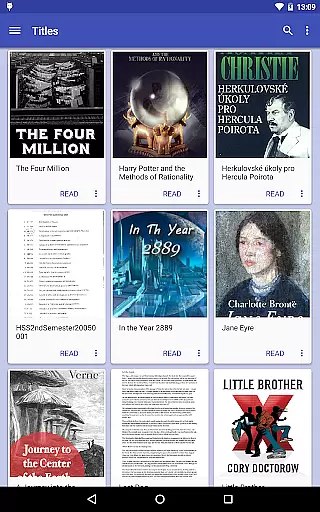
For those who value convenience, FBReader Premium includes practical tools like cloud sync with the FBReader Book Network, ensuring that your library and reading progress are always up-to-date across devices. The built-in browser facilitates easy access to online catalogs and OPDS stores, while support for custom OPDS catalogs and direct file placement in the device’s Books folder streamlines ebook management. These thoughtful features make FBReader Premium a top choice for readers seeking a seamless and personalized reading experience.
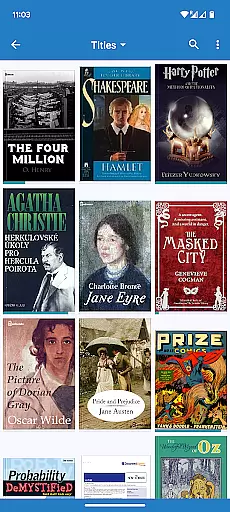
FBReader Premium offers an extensive e-book library with support for a wide range of formats including ePub, PDF, Kindle azw3, fb2(.zip), CBZ/CBR, DOC, RTF, HTML, and TXT. This ensures that readers have access to almost any ebook they wish to read.
The application supports DRM-free books as well as titles protected with Readium LCP, ensuring copyright authenticity and allowing users to enjoy content legally and safely. This feature is crucial for readers who want to ensure the integrity and legality of their digital libraries.
With built-in support for PDF and comic books, FBReader Premium caters to diverse reading preferences. Whether you're into novels, academic papers, or graphic novels, this app provides a comprehensive solution for all your reading needs.
One of FBReader Premium's standout features is its broad format compatibility. The app reads almost any ebook format, making it a versatile tool for avid readers. From popular formats like ePub (including ePub3) to less common ones like CBR, FBReader has got you covered.
In addition to supporting various text formats, FBReader allows users to open books directly from their deviceu2019s Books folder or through custom OPDS catalogs. This flexibility in accessing content ensures that no matter where your files are stored, you can easily import and read them within the app.
For those who frequently switch between devices, FBReader's optional cloud sync feature using Google Drive via the FBReader Book Network is invaluable. It keeps your library and reading positions synchronized across multiple devices, enhancing convenience and continuity in your reading experience.
Extensive format support
Advanced customization
Cloud sync functionality
Multilingual support
Read-aloud feature
Paid version only
No DRM support
Limited free features
Complex settings
Occasional bugs

Cute bedtime story for kids
 4.30
4.30
Plan of Life that Saint Josemaría recommended
4.80
Crowd-sourced listing of businesses with anti-gun signs, and pro-2a alternatives
4.60
Master AKC Rally signs with in-depth hints, diagrams, and expert guidance.
4.50
The favorite Christmas story comes to life!
4.80
Bible Study App with Audio Book, Verse of the Day, and Devotionals.
4.80
Personalized Chat with Bible
4.80
A companion for prayer, with Azan alarm, Quibla direction, and Holy Quran book
4.10
A highly sophisticated app for all of your mobile reading—any format, any time
4.50
Track your Star Wars book collection across Canon & Legends
4.80
My Bible offers a comprehensive app by providing offline access, daily verses.
4.80
A lightweight reader for comics and mangas files (.cbr, .cbz, .cbt, .pdf, ...)
4.80
Read the KJV Bible with Strong’s offline: reading plans, audio Bibles, and more.
4.70
Werewolf novels & romance stories in audiobooks for book lovers! Werewolf storie
4.60
Full text, sheet music, and recordings of the print edition
4.60
Learn Electricians' Handbook PRO complete guide beginners to advance.
4.40
Novels, audiobooks, ebooks & fanfiction. Read anytime, anywhere!
3.40
The Psalms for singing
4.1
Fast loot guide for ARC Raiders. Simple tips, stats, maps, and item details.
4.2


User Reviews