
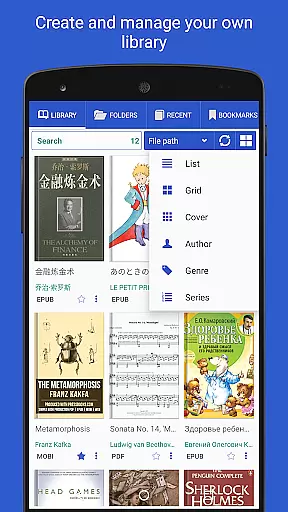
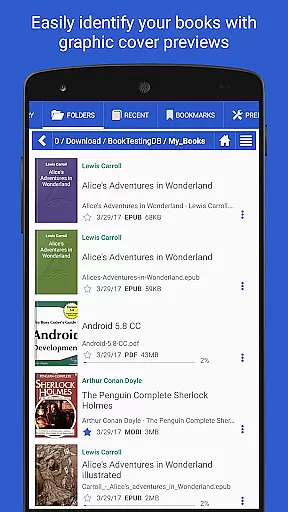
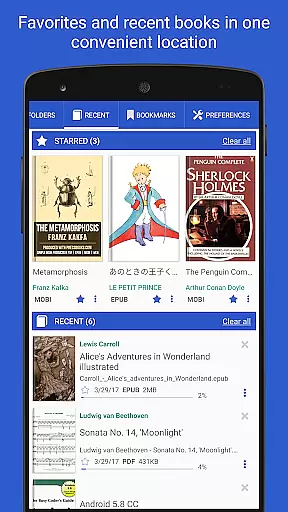
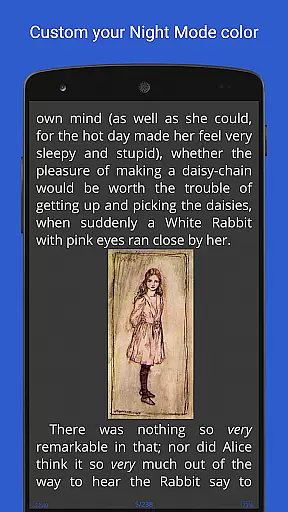
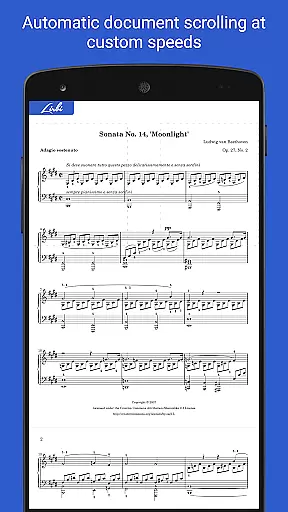
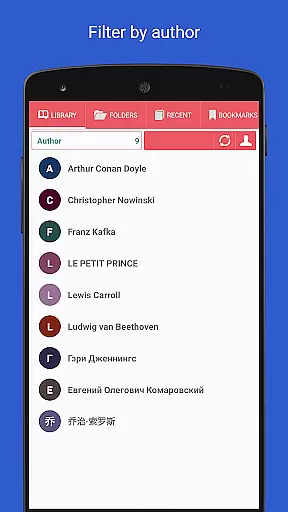
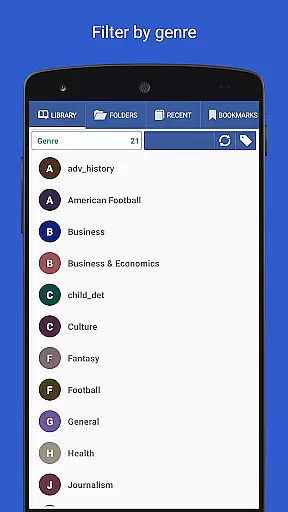
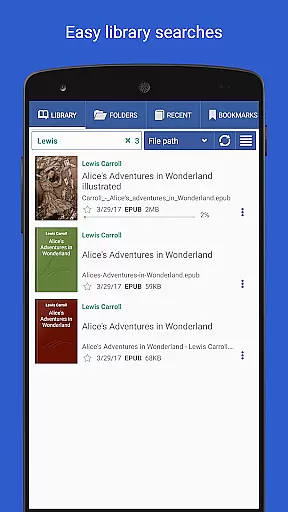
Librera PRO is a versatile reading application designed for book enthusiasts who require support for multiple document formats. This app accommodates an extensive range of file types including PDF, EPUB, MOBI, and many others, making it an all-in-one library solution. Its user-friendly interface offers RSVP reading and a unique Musician's mode for hands-free auto-scrolling, enhancing the reader's experience.
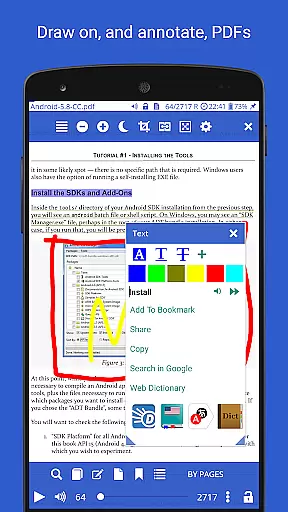
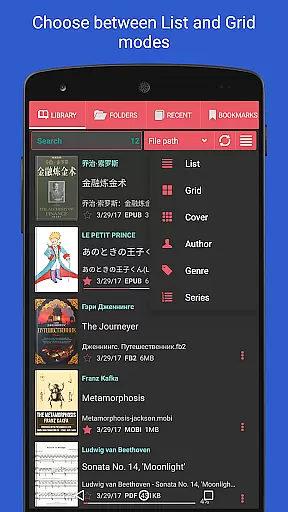
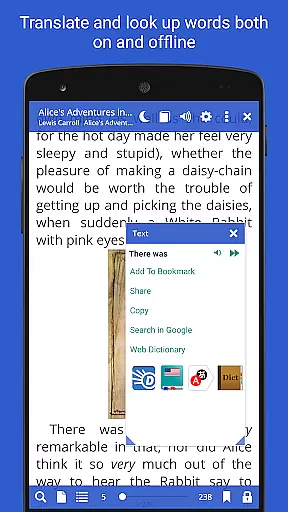
Beyond just reading, Librera PRO allows users to manage their digital libraries with ease through customizable lists and filters. Whether scanning specific folders or browsing via the in-app file explorer, documents are neatly organized and accessible. The app also supports bookmarks, annotations, configurable Day and Night modes, and integrates with online translators and offline dictionaries, providing a comprehensive toolset for readers.
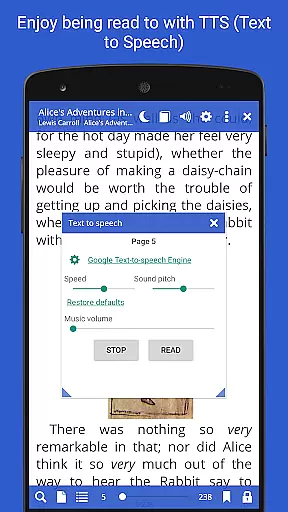
With features like vertical-scroll lock, auto-centering, and read-aloud capabilities through TTS engines, Librera PRO caters to various reading preferences. It is especially useful for those who frequently switch between devices, as it syncs reading progress across them. For avid readers and professionals who demand efficiency and flexibility in their reading habits, Librera PRO delivers substantial value.
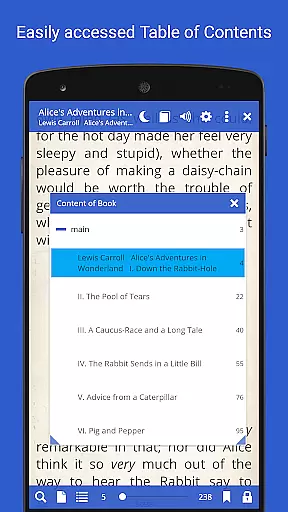
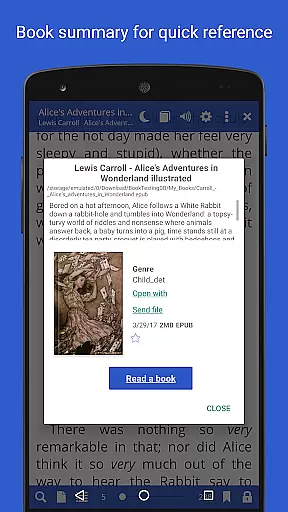
Librera PRO stands out with its rich feature set tailored to enhance the reading experience. One of its main highlights is the support for a multitude of document formats such as PDF, EPUB, and DjVu, ensuring that users can access their entire library without compatibility concerns. The app's interface is both intuitive and powerful, offering tools like auto-scan for user-specified folders and an in-app file explorer for effortless document discovery.
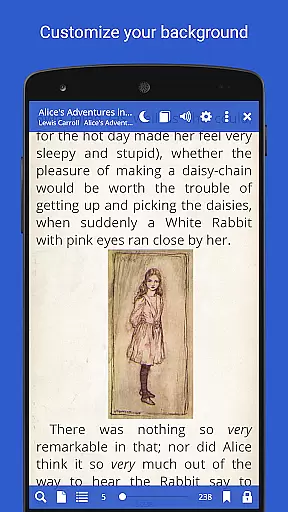
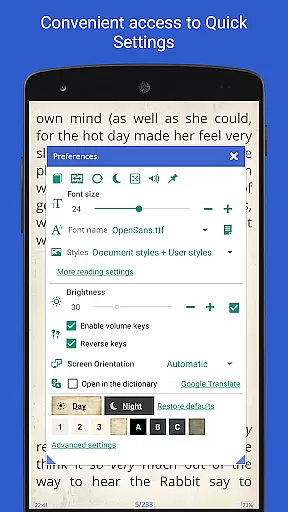
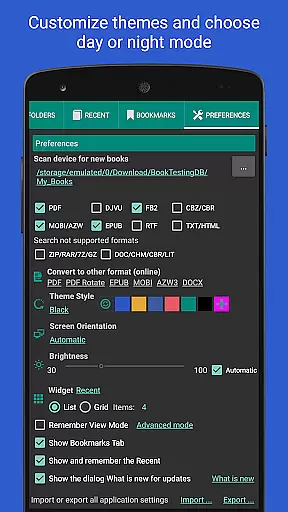
The app provides numerous innovative functionalities, including a Musician's mode that auto-scrolls text at a user-defined pace, perfect for musicians needing hands-free operation. Additionally, the inclusion of configurable reading modes, such as Day and Night options, caters to personalized comfort. Integration with major online translators and offline dictionaries further enriches the reading process, allowing users to tackle language barriers seamlessly.
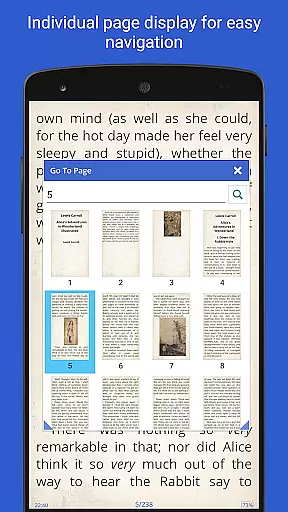
Advanced features like vertical-scroll lock, single-page view for dual-paged documents, and read-aloud capability via TTS engines exemplify the app's commitment to accessibility and customization. Users can search within documents quickly, convert formats online, and even sync their reading progress across devices. Each feature is meticulously crafted to offer practical benefits, establishing Librera PRO as a top choice for serious readers.
Librera PRO offers an extensive e-book library that supports a wide array of document formats including PDF, EPUB, MOBI, and more. This ensures users have access to a vast collection of reading materials tailored to their preferences.
The app's support for various formats not only enhances its library size but also guarantees the authenticity of copyrighted materials. Users can confidently access books knowing they are sourced legally and ethically.
With features like online document format conversion and integration with major offline dictionaries, Librera PRO provides a comprehensive solution for managing and enjoying a diverse e-book collection.
Additionally, the ability to sync reading progress across multiple devices allows users to seamlessly continue their reading experience, making it both versatile and user-friendly.
One of Librera PRO's standout features is its exceptional format compatibility, accommodating over ten different document types such as PDF, EPUB, DjVu, and TXT. This versatility ensures that no matter the source or type of document, users can read without limitations.
The app goes beyond basic format support by offering advanced functionalities like text reflow and annotations in PDF documents. These features provide a richer and more interactive reading experience.
Moreover, Librera PRO supports right-to-left languages, catering to a global audience and ensuring inclusivity for readers of all linguistic backgrounds.
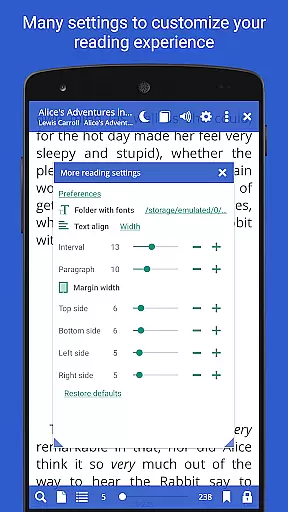
By allowing users to customize CSS code for a better reading experience, Librera PRO empowers readers to tailor their interface to personal preferences, enhancing both usability and enjoyment.
User-friendly interface
Wide format support
Customizable reading modes
Powerful document search
Cross-device syncing
Paid PRO version
Complex for beginners
Occasional bugs
Heavy on resources
Limited free features

"Five Dr. Seuss titles in one omBook!"
 4.60
4.60
Flora of Virginia Project (www.floraofvirginia.org)
5.00
Sea tide predictions for all coastal U.S. locations.
4.4
The Psalms for singing
4.0
7 Languages, Google, Wiki, Vocabulary.com, Cambridge & Urban Dictionary!
4.50
The dynamic dictionary/reference app for piano chords and scales!
4.80
Fast loot guide for ARC Raiders. Simple tips, stats, maps, and item details.
4.1
World's most comprehensive dictionary app: 13 languages, all online or offline!
4.80
A Comprehensive Restoration of Sacred Scripture
4.50
Personalized Chat with Bible
4.80
Read and study the Bible and other content in over 1,000 languages.
4.80
Universal Zoom, learn about sizes & distances of the universe and microcosmos
4.80
Learn Thai with 195,000+ entries, crisp Thai sounds, big text; works offline.
4.80
This is the pro version King James bible Offline that we have
4.70
Words spoken by native English speakers and full definitions.
4.60
Offline translator from english to spanish, and from spanish to english.
4.50
Daily Bible app: King James Version with verses and audio for studying&prayer
4.40
Prime novels await! Fantasy & Romance on JoyRead. Immersive reads!
4.20
"BIG A, little a. What begins with A?"
4.10


User Reviews