
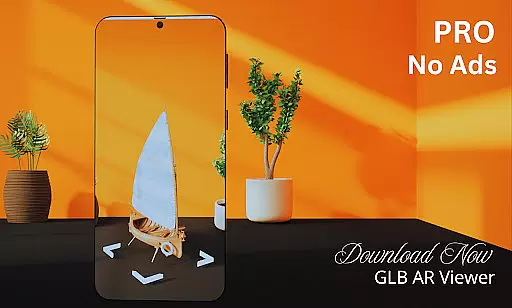
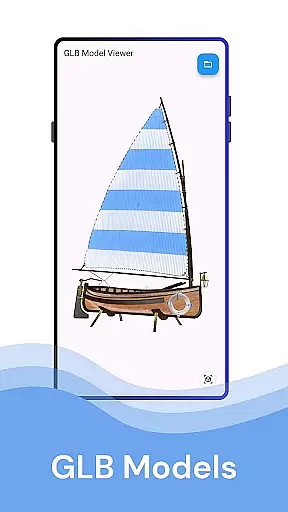
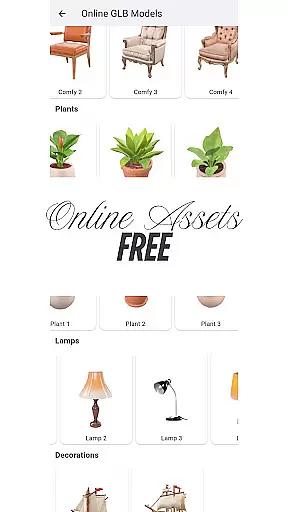
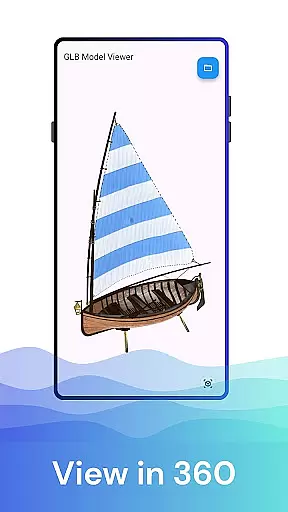
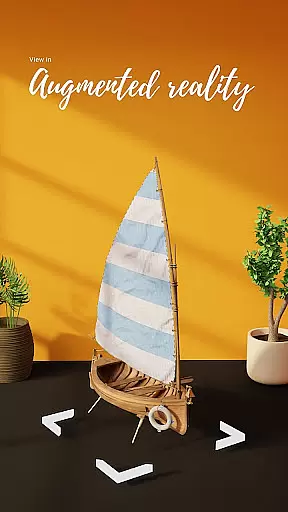

GLB AR Viewer 3D PRO is a cutting-edge application designed for users to seamlessly view and interact with 3D models in both standard 3D and Augmented Reality (AR) modes. This app allows you to open .glb files directly from your device, offering an immersive experience by integrating 3D models into real-world environments using ARCore technology.
With its interactive controls, users can easily rotate, zoom, and pan 3D models through intuitive touch gestures. The app's lightweight nature ensures fast loading times without unnecessary features, making it ideal for 3D artists, developers, educators, and enthusiasts who need a reliable tool for showcasing or testing 3D content.
Whether you're a professional wanting to display your work or someone curious about 3D modeling, GLB AR Viewer 3D PRO provides the tools to bring your creations to life in augmented reality, enhancing both creativity and practical applications.
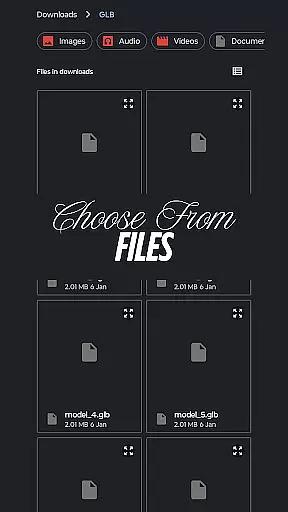
GLB AR Viewer 3D PRO stands out with its robust feature set tailored for 3D interaction. One of its core functionalities is the ability to load .glb files directly from your device storage, providing quick access to 3D models without complicated setups.
The app leverages ARCore to enable an Augmented Reality viewing mode, allowing users to place 3D models within their physical space. This feature is particularly beneficial for professionals such as game developers or educators who want to visualize models in real-world contexts. Additionally, the interactive controls enhance user engagement by enabling smooth rotation, zooming, and panning via simple touch gestures.
Designed with a user-friendly interface, the app offers a clean and minimalistic UI that prioritizes ease of use. Its fast and lightweight design ensures optimal performance, focusing on delivering essential features without overloading the system, thus catering to both casual users and professionals alike.
When it comes to viewing 3D models in augmented reality, ensuring the authenticity of the listings is paramount. GLB AR Viewer 3D PRO provides a reliable platform for users to access verified and accurately rendered 3D models.
The app employs advanced rendering techniques that preserve the original quality and specifications of the .glb files, ensuring that what you see is an authentic representation of the model. This feature is particularly beneficial for 3D artists and developers who rely on precise visualizations for their projects.
Users can trust that the interactive controls for rotating, zooming, and panning provide a genuine experience of the 3D models, which is crucial when using this tool for professional purposes such as showcasing work or testing models for games and apps.
Beyond just viewing 3D models, GLB AR Viewer 3D PRO offers functionalities that can be considered as home management features, especially for professionals managing multiple 3D design projects.
The app's user-friendly interface and minimal UI ensure that managing and previewing various GLB files is a smooth and hassle-free experience. Its fast and lightweight nature means that users can efficiently handle several models without any performance lags.
For educators and students, the ability to quickly load and explore different 3D contents adds an educational layer to the home management aspect, making it easier to organize learning materials and resources related to 3D content exploration.
Easy-to-use interface
Fast model loading
Augmented reality support
Interactive 3D controls
Ideal for professionals
Limited file formats
ARCore dependency
No advanced editing
Premium version cost
Device compatibility

For all of your Airthings devices
 4.30
4.30
Draw house plans, floor plans 3d & house design with house plan drawing 3d app
3.60
Unlock AI-based barcode scanning and support the development of Grocy Android
4.5
Calculate baluster spacing with ease and precision.
4.1
Wobble Fix Tool
4.40
SmartRent - Opening Doors To A Smarter World
4.40
IP camera view and playback, for your WiFi cam or home security cctv system.
3.70
Schlage Lock Company LLC
4.00
Control your thermostat, comfort, and home monitoring from your phone
4.30
Convert your Phone to HiSense Smart TV Remote Control
4.70
Real estate app to find homes for sale or rent in the right neighborhood for you
4.70
A Smarter Home in Seconds
4.70
Find homes for sale and apartments for rent in the best neighborhood.
4.70
Parcel Pending Resident App
4.50
Make your phone a surveillance camera remote with a home camera app for Android!
4.40
The official app for Home Assistant. Control your home anywhere in the world.
4.30
Our app allows Sunrun customers to monitor systems, pay bills, and get support.
3.80
Use Home by ShowingTime to easily manage showings, tours, feedback and more
3.60
An easier way to make payments and maintenance requests from anywhere.
3.50


User Reviews