
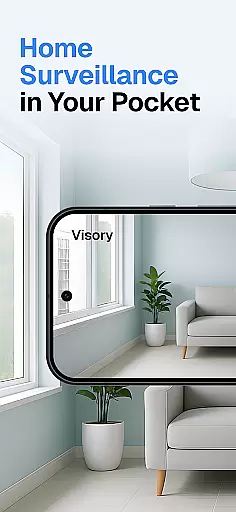
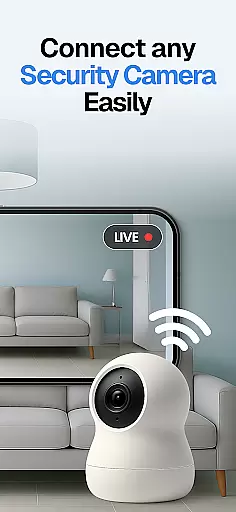
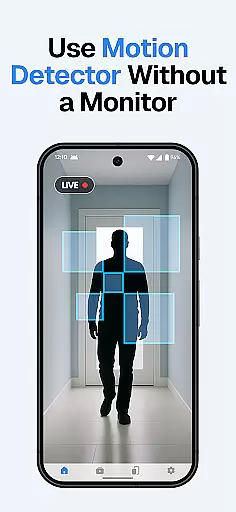
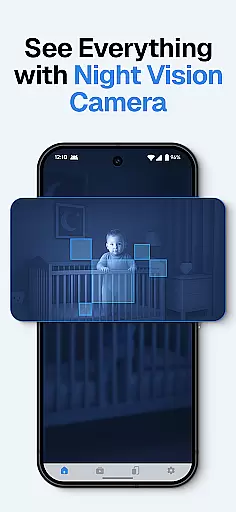
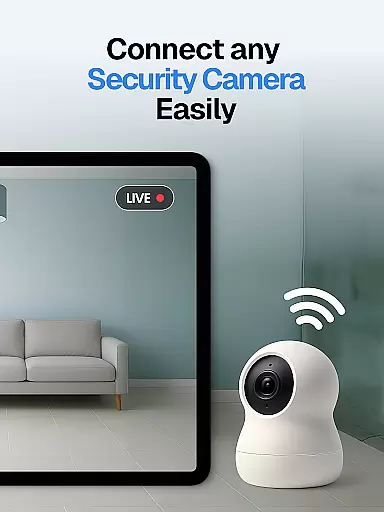
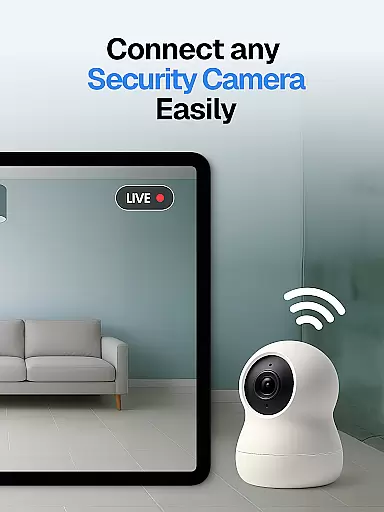
Surveillance Camera is a feature-rich home monitoring solution that transforms your mobile devices into a sophisticated CCTV system. This HD wireless IP camera app allows users to remotely monitor their homes, pets, or loved ones with ease. The application's cross-platform compatibility enables seamless connection between Android and iOS devices, turning any smartphone or tablet into a powerful surveillance tool.
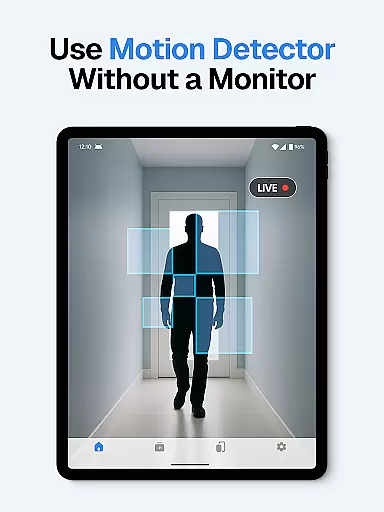
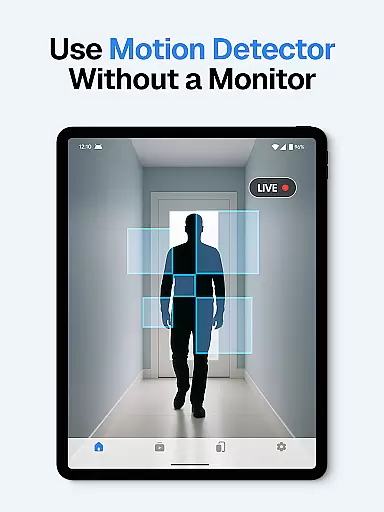
The app's standout capability lies in its versatile monitoring functions. Whether you need to keep an eye on your pet while at work, monitor elderly family members, or set up a comprehensive security system, Surveillance Camera delivers reliable performance. Its motion detection and instant alert system ensures you're immediately notified of any suspicious activity, making it an essential tool for modern home security.
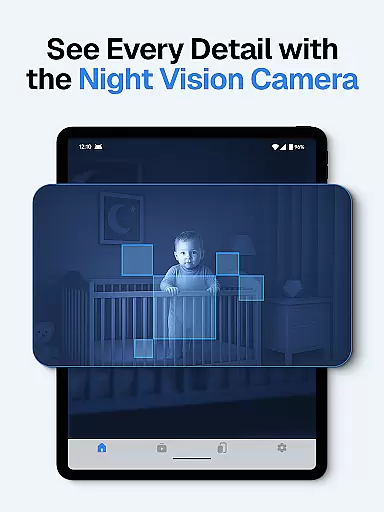
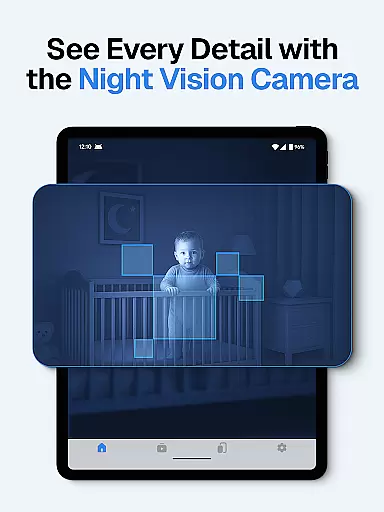
Particularly useful for busy professionals and concerned parents, this application provides peace of mind through its remote monitoring capabilities. The ability to access live streams from multiple devices simultaneously makes it perfect for those who need to monitor different areas of their home or property. With features like night vision and cloud recording, Surveillance Camera offers professional-grade security solutions for residential use.
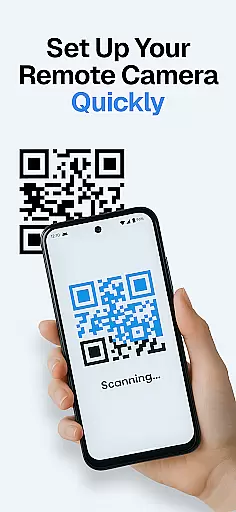
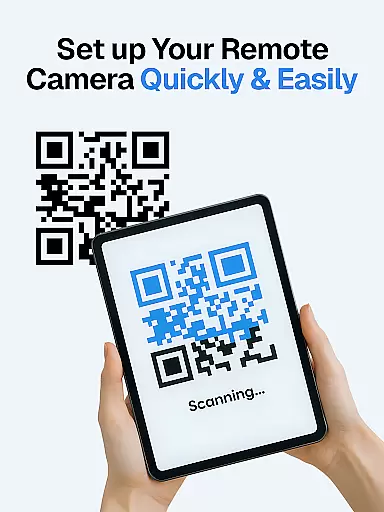
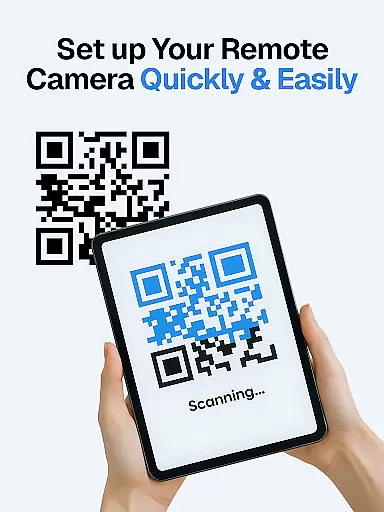
Surveillance Camera distinguishes itself through its comprehensive feature set designed for maximum security and convenience. The application's core functionality revolves around its ability to link multiple devices together, creating a robust network of surveillance cameras. Users can easily set up the system by scanning a QR code, establishing a secure connection between their devices within minutes.
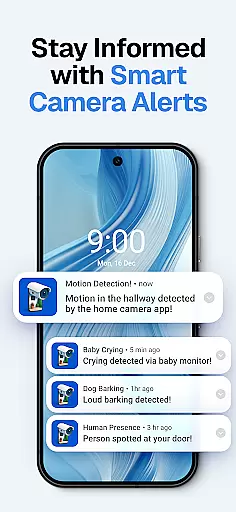
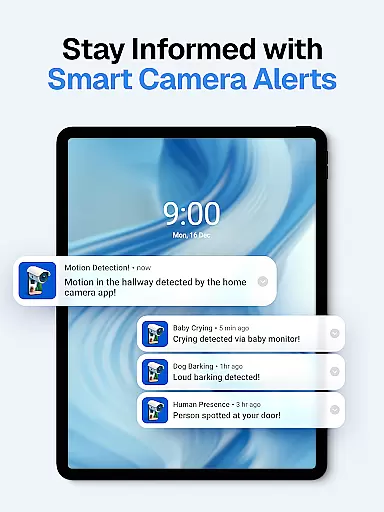
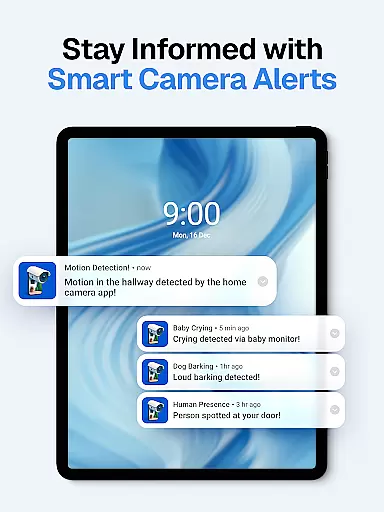
The app's advanced detection capabilities make it stand out in home security applications. It employs sophisticated algorithms for sound and motion detection, including specialized recognition for baby cries and dog barks. These smart detection features are complemented by automatic night vision mode, ensuring 24/7 monitoring capabilities regardless of lighting conditions. The system's intelligent alert mechanism immediately notifies users of any detected activity.
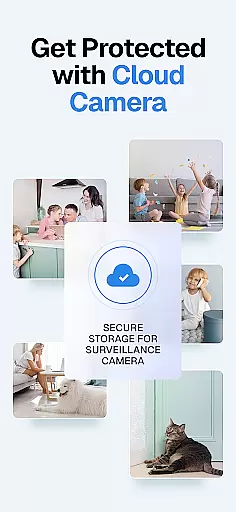
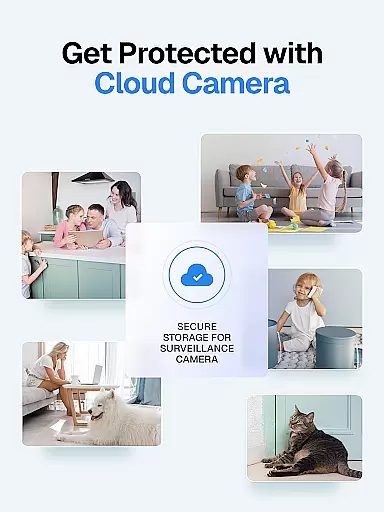
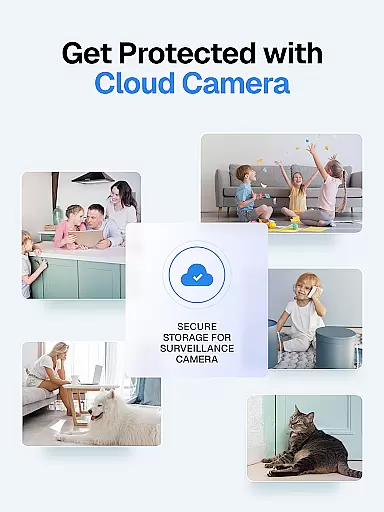
Additional notable features include support for multiple live streams, secure cloud storage for recordings, and one-time payment model for unlimited device connections. The application maintains strict user privacy standards while providing reliable performance. Its WiFi IP camera functionality with cloud integration ensures that all recorded footage is safely stored and accessible from anywhere, making it an ideal solution for both security monitoring and pet care.
When it comes to home security, the authenticity of a property's surveillance system is crucial. The Surveillance Camera app ensures that every connected device provides genuine and reliable video feeds. This means users can trust the footage they are viewing on their mobile devices as authentic representations of their property.
The app employs advanced verification protocols to confirm that each linked camera is legitimate and operational. By requiring at least two devices to be connected - one for capturing video and another for monitoring - it creates a dependable network of verified cameras. This dual-device setup not only enhances security but also guarantees the legitimacy of the surveillance data being transmitted.
Users benefit from this robust verification process by having peace of mind knowing that their home monitoring system is both credible and accurate. Whether checking in on pets or ensuring the safety of elderly family members, the Surveillance Camera app delivers trustworthy information directly to your smartphone or tablet.
Beyond basic surveillance, the Surveillance Camera app offers comprehensive home management features that transform any mobile device into a sophisticated control center. With capabilities such as sound and motion detection, automatic night vision mode, and smart alerts, users gain unprecedented control over their home security environment.
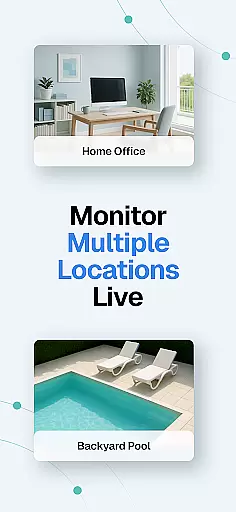
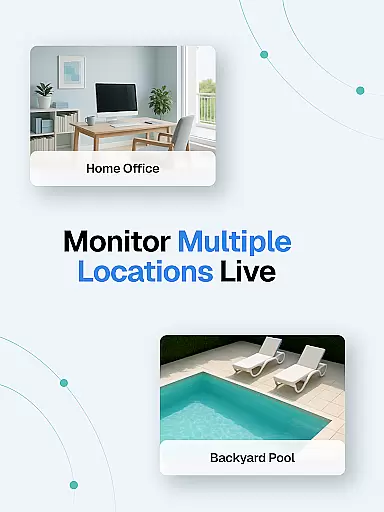
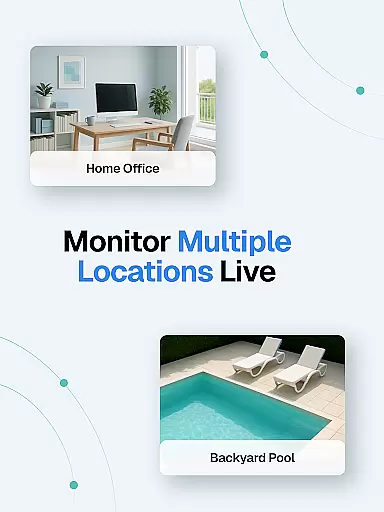
The app supports multiple live streams simultaneously, allowing homeowners to monitor different areas of their property at once. This feature is particularly useful for those who need to keep an eye on various rooms or locations within their home. Additionally, quick setup via QR code makes linking devices effortless, while cloud storage ensures all recordings are safely stored and easily accessible.
These home management tools provide significant value to users by enabling them to create a personalized and responsive security system. From receiving instant notifications about unusual activities to reviewing past events through cloud recordings, the Surveillance Camera app empowers homeowners with advanced functionalities that enhance both convenience and protection.
User-friendly interface
Cross-platform compatibility
Advanced detection systems
Secure cloud storage
One-time payment model
Requires multiple devices
Dependent on stable internet
Limited free features
No physical camera included
Subscription for cloud

For all of your Airthings devices
 4.30
4.30
Map-based search app for apartments and homes for rent.
4.60
Find paints using a Color Muse & ColorSnap® Match
3.60
Innovative and budget-friendly housing options
4.60
Your guide to apartments & rental homes. Find your next place to rent with AG.
4.60
Control your Vivint Smart Home with the next generation Vivint App.
4.30
MLS-powered real estate app to find homes for sale & apartments for rent
4.70
Universal Tv Remote Control for all Tv. Cast for chromecast & all Tv Controller
4.20
Samsung remote app helps control all Samsung Smartthings TVs. Fast and Stable!
4.10
B-hyve Pro App for landscape irrigation professionals
4.70
Find homes for sale and apartments for rent in the best neighborhood.
4.70
Looking for the perfect apartment finder app? Find beautiful rental homes here!
4.60
Make Renting Easy
4.40
The official app for Home Assistant. Control your home anywhere in the world.
4.30
Turn your phone into a wifi cam with smart features and umlimited reach.
4.20
Design your dream home with 3D planning app, Visualize your dream home in 3D.
4.20
AI floor creator to design your dream house, plan rooms & style your home
4.00
Our app allows Sunrun customers to monitor systems, pay bills, and get support.
3.80
IP camera view and playback, for your WiFi cam or home security cctv system.
3.70


User Reviews