
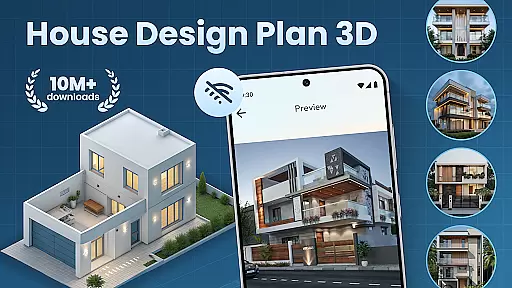
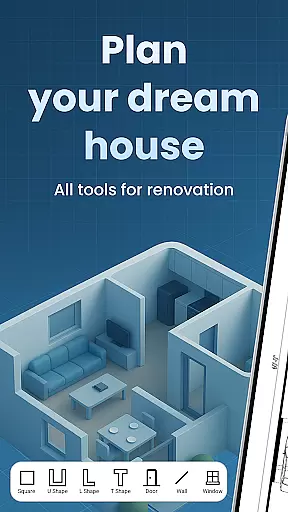
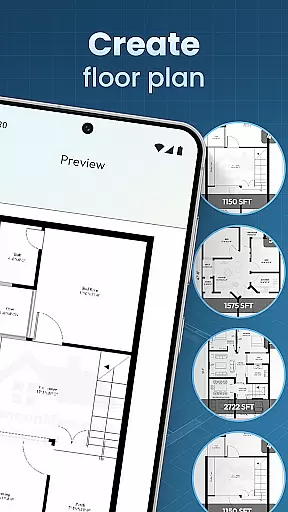
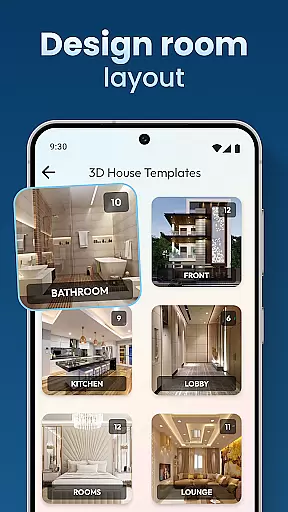
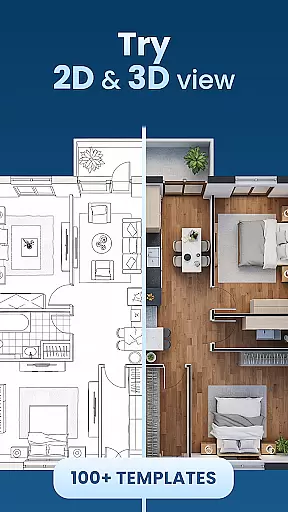
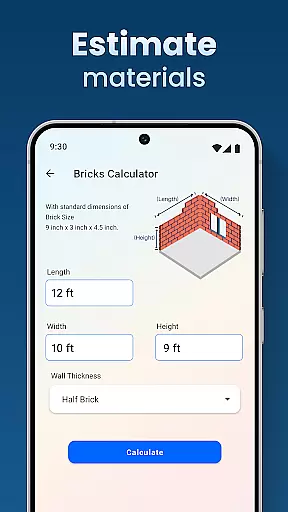
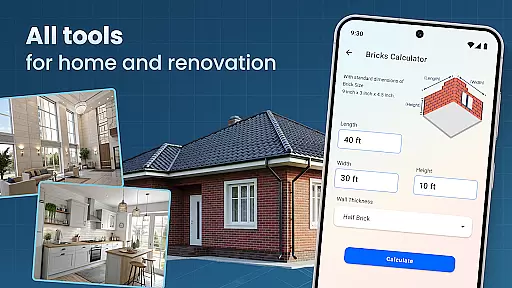
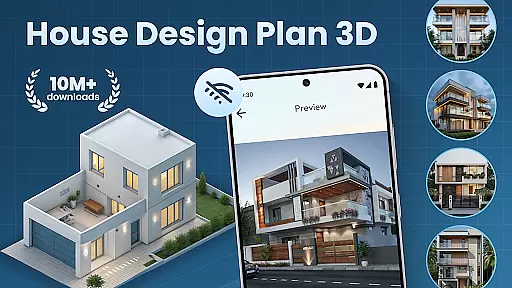
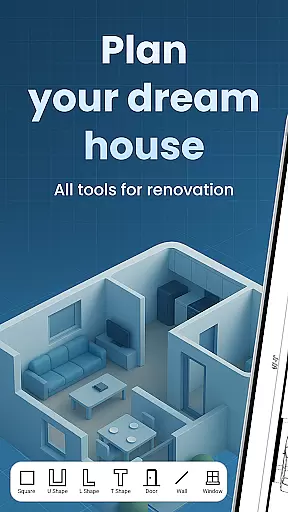
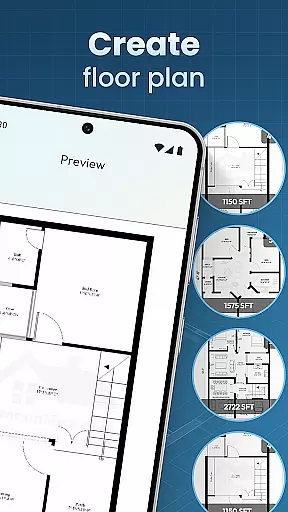
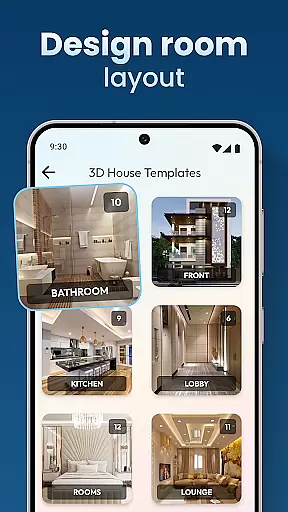
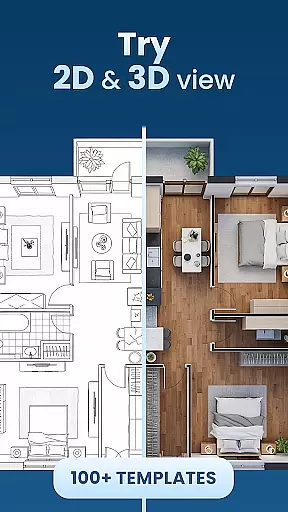
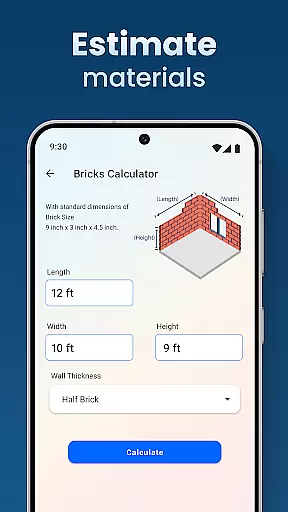
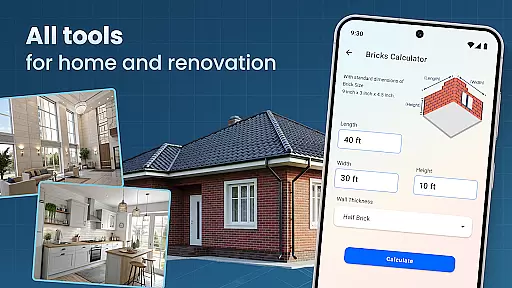
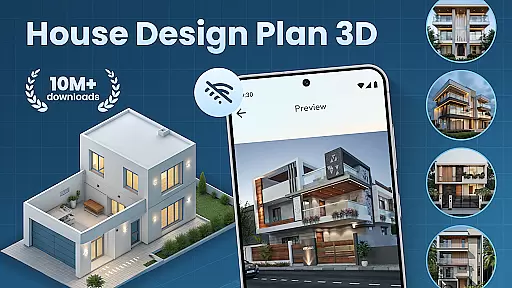
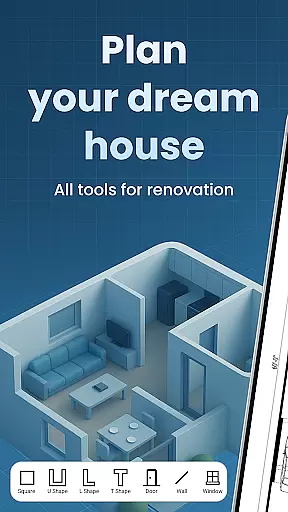
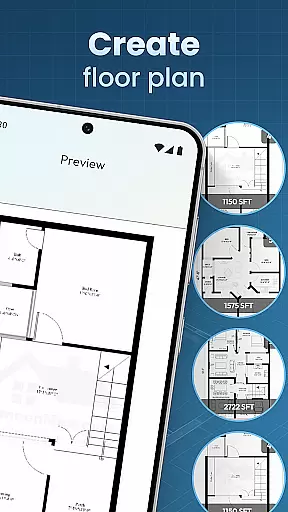
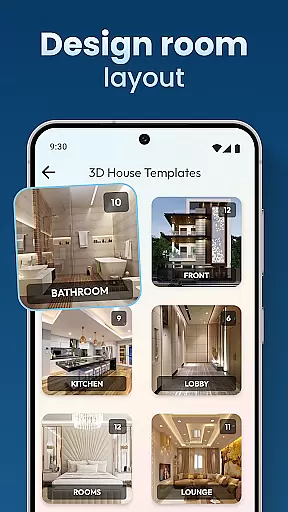
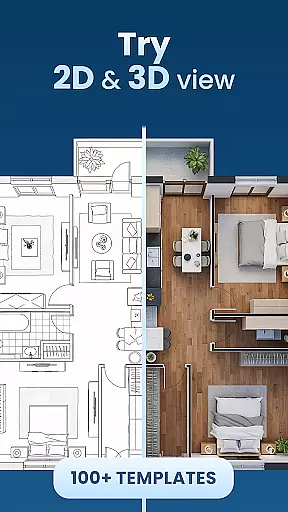
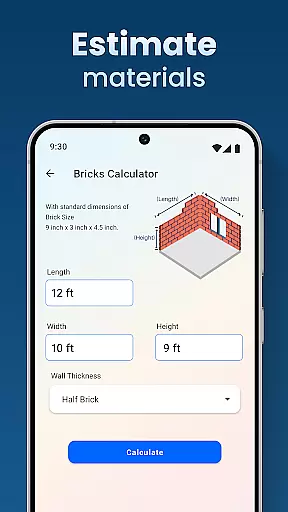
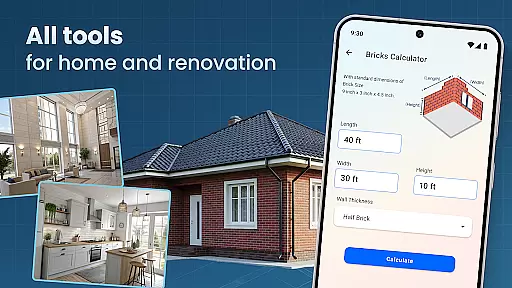
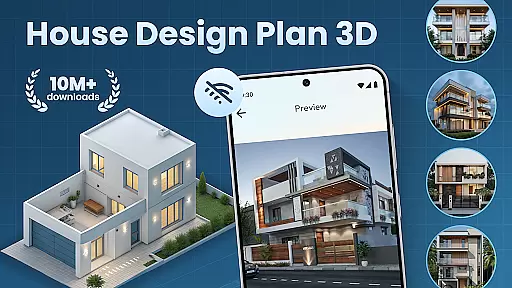
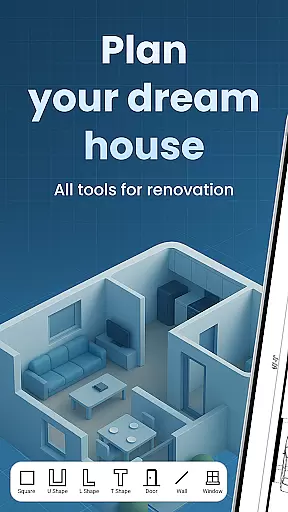
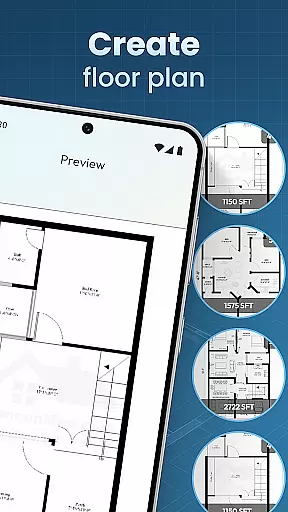
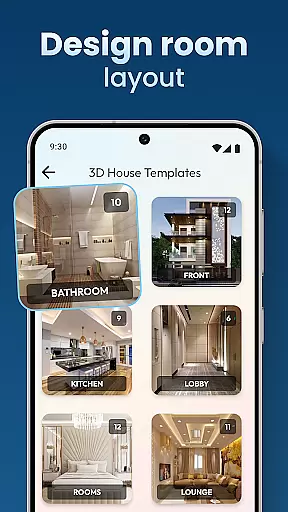
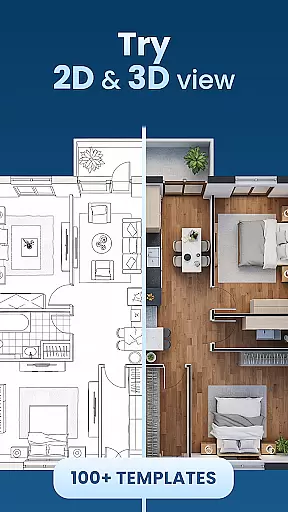
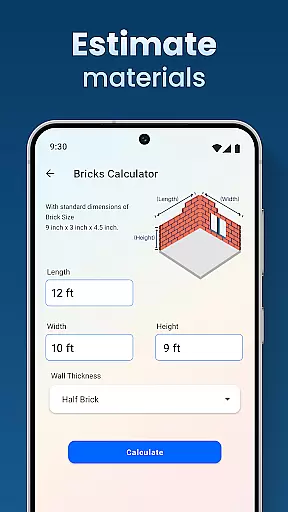
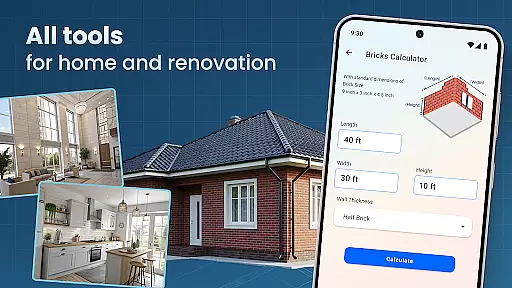
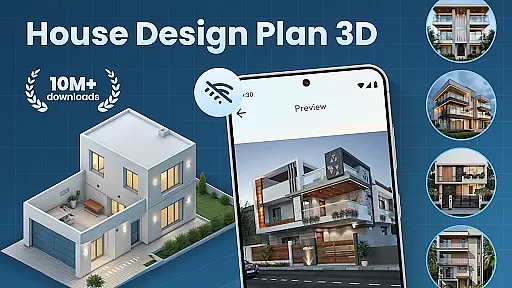
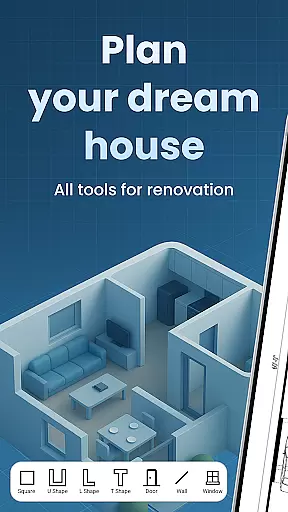
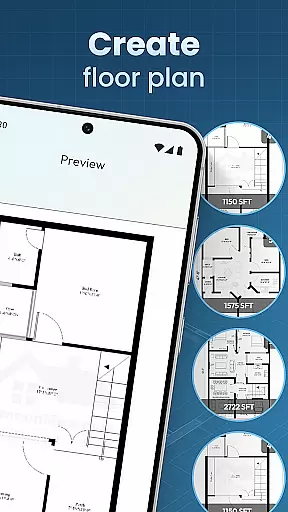
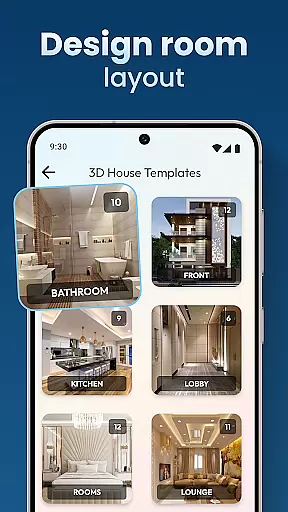
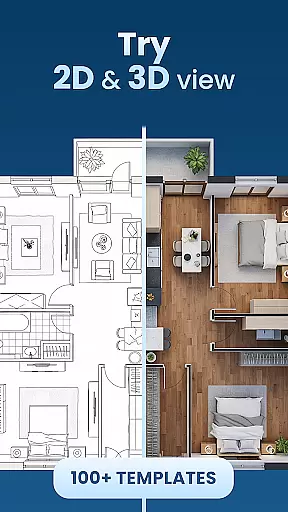
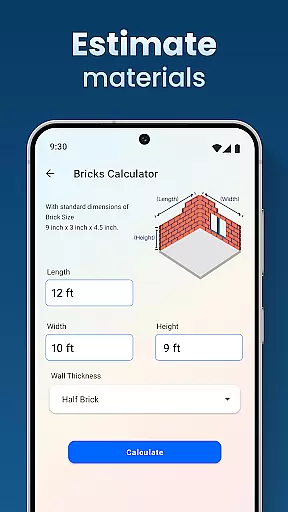
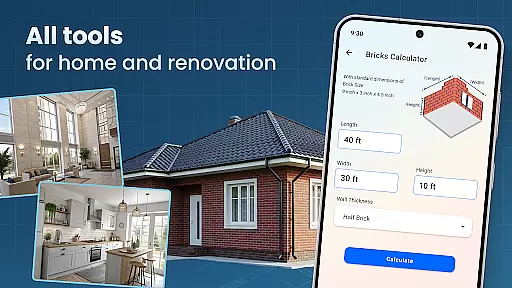
House Design Plan 3D App is a comprehensive home design tool that allows users to create detailed floor plans and visualize their dream homes in fully-rendered 3D. The app provides an intuitive drag-and-drop interface for designing room layouts, customizing interiors, and arranging furniture with precision.
With its powerful 3D visualization capabilities, users can explore every corner of their designs, experiment with different color schemes, and optimize space utilization. Whether you're a beginner or an experienced designer, this app offers professional-grade tools that cater to all skill levels while maintaining ease of use.
The app's standout feature is its ability to transform simple sketches into realistic 3D models, making it perfect for both personal home planning and professional presentations. This functionality helps users make informed decisions about their living spaces before committing to any physical changes.
One of the key strengths of House Design Plan 3D App lies in its robust set of features designed for both amateur decorators and professional architects. The app includes advanced tools for creating precise floor plans, allowing users to draw walls, partition rooms, and customize every aspect of their interior design.
Users can take advantage of real-time 3D rendering to view their designs from multiple angles, ensuring accuracy in every detail. The app also provides guided assistance through step-by-step tutorials, making complex design tasks more approachable for beginners while offering sophisticated customization options for experts.
Additional notable features include a comprehensive library of furniture and decor items, customizable textures for walls and floors, and specialized tools for lighting design. These elements combine to create a powerful platform that brings architectural visions to life with remarkable realism.
When it comes to designing your dream home, having authentic and reliable property listings is crucial. The House Design Plan 3D App ensures that every design element you incorporate into your virtual space is based on accurate specifications and real-world possibilities. This means that the walls, rooms, and furniture you place are not just imaginary but can realistically fit within the dimensions of an actual property.
The app provides a comprehensive set of tools for creating floor plans with precision. You can draw walls, partition rooms, and test different furniture arrangements with confidence, knowing that these elements adhere to realistic measurements and spatial considerations. This level of authenticity in property listings allows users to make informed decisions about their designs, ensuring that they can translate their virtual plans into reality without any discrepancies.
Moreover, the House Design Plan 3D App offers design templates that cater to various architectural styles and preferences. Whether you're looking to build a cozy single-story home or a multi-level complex, the app's authentic property listings help you visualize and plan every detail accurately. This feature is particularly beneficial for both novice users who need guidance and experienced designers who require precise control over their projects.
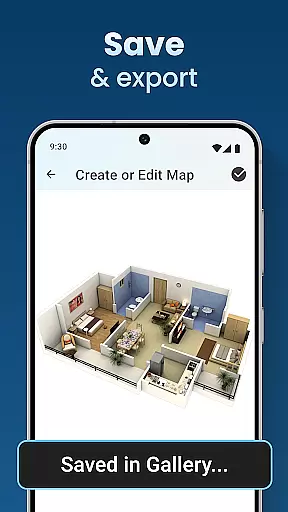
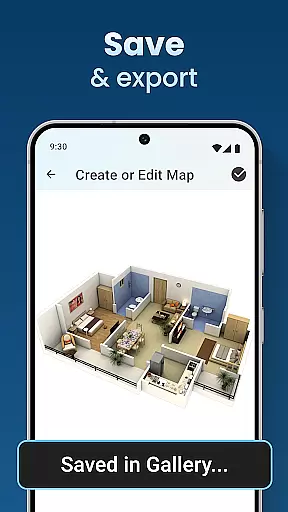
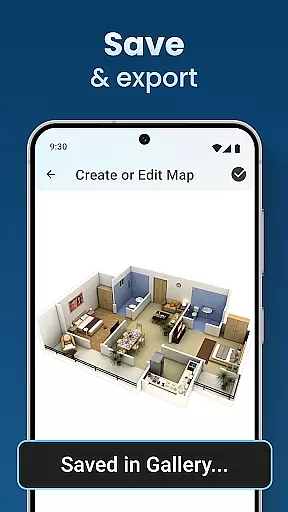
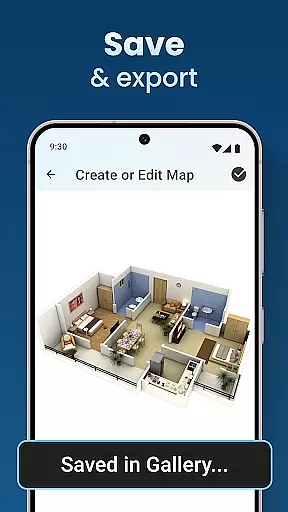
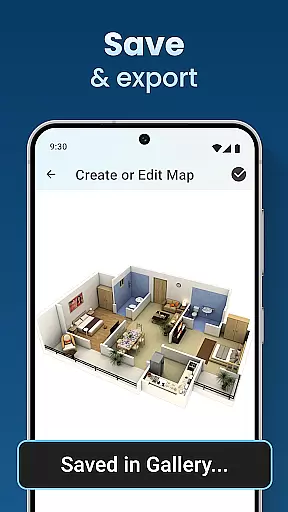
Beyond just designing, the House Design Plan 3D App excels in offering robust home management features that allow users to maintain and modify their virtual spaces with ease. These features include the ability to save and preview projects using the Home Builder Decoration App functionality, ensuring that users can track their progress and make adjustments as needed without losing any work.
One of the standout aspects of the app's home management system is its seamless integration of design and functionality. Users can utilize the Decorate House Designer tools to control every aspect of their interior design, from selecting furniture to choosing wall textures, flooring, and lighting. This holistic approach ensures that every design choice contributes to a cohesive and functional living space, whether you're redesigning a single room or planning a multi-level home.
Additionally, the app provides step-by-step guidance through its Build A House: 3D Room Designer feature, making it accessible for users of all skill levels. This guided assistance helps users navigate complex design processes, ensuring that even those new to home design can achieve professional-standard results. With these comprehensive home management features, the House Design Plan 3D App empowers users to bring their dream homes to life with confidence and precision.
User-friendly interface
Real-time 3D visualization
Comprehensive design tools
Professional templates available
Cross-platform compatibility
Steep learning curve
Occasional performance lags
Limited free version
Advanced features locked
Large storage requirements

For all of your Airthings devices
 4.30
4.30
Tailored Care Guides For Houseplants, Indoor Plants, Garden Plants & Flowers.
4.60
AI-powered home design, interior design, home decor, and room design solutions
4.50
Fully control your Philips TV with this all-in-one remote control app.
4.20
Control your thermostat, comfort, and home monitoring from your phone
4.30
MLS-powered real estate app to find homes for sale & apartments for rent
4.70
Universal Tv Remote Control for all Tv. Cast for chromecast & all Tv Controller
4.20
Set up your devices, customize settings, and monitor your home—from anywhere
4.40
Houses for Sale & Homes for Rent: Buy Homes, Rent Apartments & Sell Real Estate
4.80
Your guide to apartments & rental homes. Find your next place to rent with AG.
4.60
Innovative and budget-friendly housing options
4.60
Resident Center, powered by Buildium, is designed with simplicity in mind.
4.50
AI Home Designer & Room Planner: Decorate your interior space with AI
4.40
Security App with HD Video, 2-way Audio, and event detection for Home monitoring
4.40
WiZ smart light system
4.40
Turn your phone into a wifi cam with smart features and umlimited reach.
4.20
Floor Plan Creator Home Design with 2D interior design and 3d view.
3.90
Find the perfect paint color with advanced tools to explore and visualize color.
3.80
An awesome mobile app for Home Security Surveillance - uses ZoneMinder
3.20


User Reviews