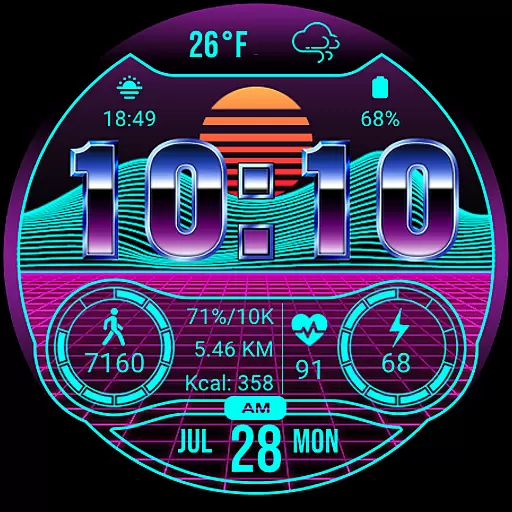
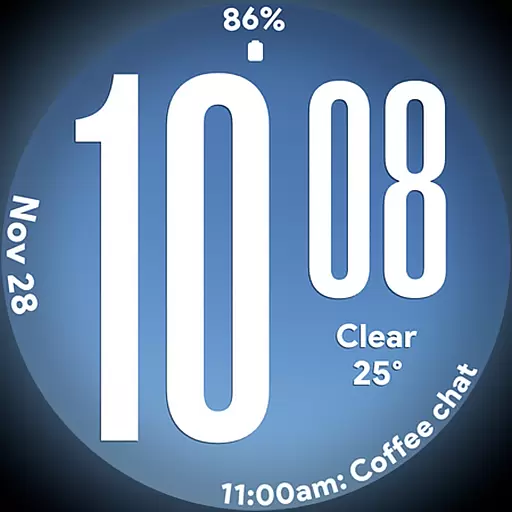
Big bold weather watch face with dynamic backgrounds and 3 complications
 4.3
4.3
Duo Watch Face (animated)
4.2
Do you want to communicate with spirits?
3.80
Connect to your Shark ROBOT™ from anywhere using the SharkClean™ App.
3.60
Play. Earn. Repeat. Get rewarded for playing mobile games. Welcome to Mobius!
4.80
My Diary - Daily Journal with lock: Diary journal app and secret diary with lock
4.80
Falling Fruit is a massive collaborative map of food in our cities.
3.20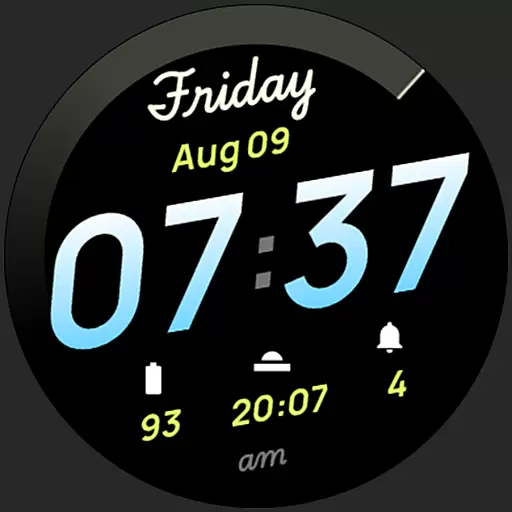
Simple, stylish & fresh watch face. Customize colors, gradients & complications.
4.70
Have your Tehillim with you at all times
4.70
See wait times and check into a hair salon ahead of time with Online Check-In.
4.80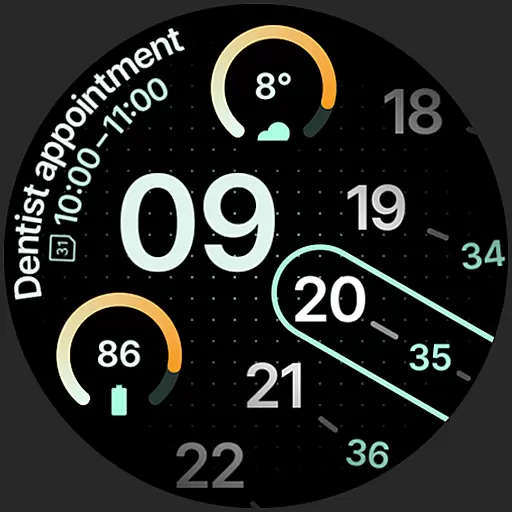
A unique and customizable watch face which rotates its layout every minute.
4.80
Smart & Healthy Living
4.60
Mixing Colors for Menswear
4.20
Paranormal EVP, Ghost Box, Spirit box, ITC, Haunted, Spirit communication device
3.70
Design and brew great homebrewing beer, mead, cider and wine recipes on the go!
3.60
Creativity and savings for kids, beginners and experts in arts and crafts
3.50
An Eerie Musical Trigger Toy for Spirits to Play with!
3.50
Smart home security protection
3.20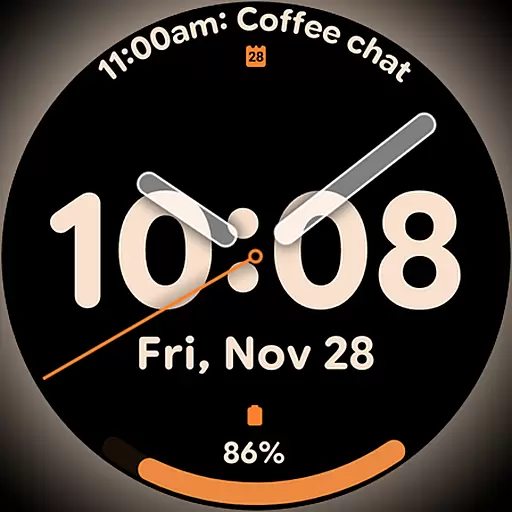
Big bold hybrid watch face with 30 colors, 5 fonts & 5 complications.
4.4


