Blushify is a beauty camera for makeup, face editing, and glowing selfies!
 4.70
4.70
A tool that brings skin care and technology together at your fingertips.
4.50
Professional HD Camera App: Capture Bright HD Selfie & Record Stunning Moments
4.40
Crown Heart Emoji Photo Editor has given you the chance to look cute girl
4.40
Healthier, more beautiful with Medicube Digital Clinic AGE-R!
4.10
Edit Your Photos and Videos with Beauty Filters & Get Makeup Artist Tutorials
3.60
Beauty Camera AI Photo Editor with effect, filter, makeup tools for photo editor
4.30
Manage your daily skin care beauty regimen & track your skin's progress.
4.70
Snap stunning selfies with AI from the Sweet Beauty Camera editor
4.10
Try interesting trending filters allows you switch to a cute girl
4.70
Beauty camera & Selfie camera for perfect selfie with filter, sticker, makeup
4.70
Wacky mirror filter, waves effect & wavy effect to make your own funny videos.
4.60
Unleash your (Pro)tential with the hottest hair, nails and beauty brands!
4.60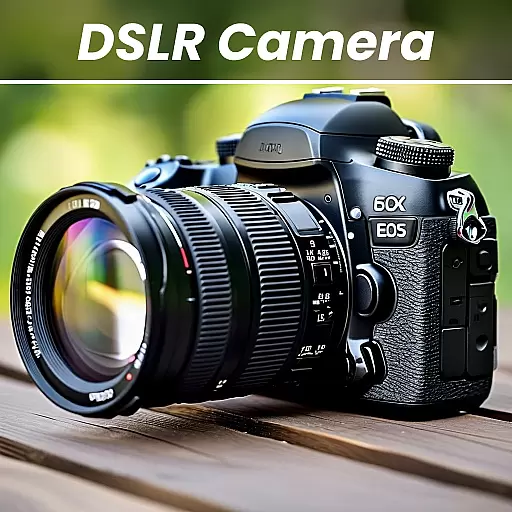
DSLR Hd camera capture high quality 4k hd picture with filters and blur editor
4.50
Your on-demand aesthetician
4.40
Hair style app, Face shape finder, Face shape, Hair style, Face shape detector
4.30
Beauty for every eye, lip & face. Earn rewards, play games, connect with others.
4.30
Try On Style with AI: Virtual Dressing Room & Personal Fashion Stylist App
4.00
Color haircut changer style on
3.30


