
Identify pills, search different drugs, get drug information and much more!
 4.50
4.50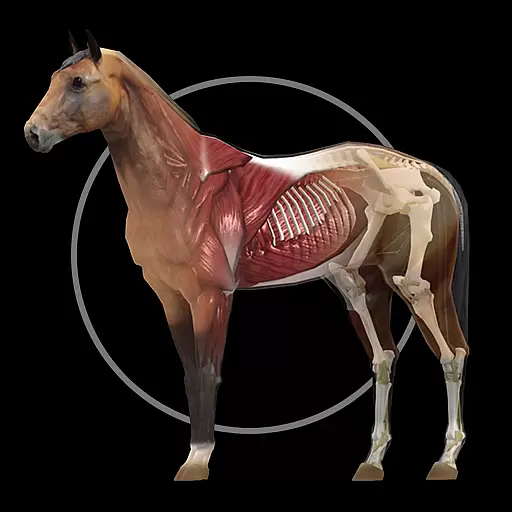
A fantastic 3d reference that includes over 300 structures and a quiz function.
3.00
Live vet support by text/video
4.80
Hearing aid app for Android solves your hearing problems.
4.00
World's largest contact lens store
4.60
MHealth is the mobile version of MEDITECH’s Patient and Consumer Health Portal.
3.10
Medication reminder, Medicine list, Trackers for BP, glucose, weight, water, etc
4.70
Over 1,200 review questions and 5 exams—pass the NREMT with EMT Review Plus!
4.10
Manage your health care in one easy place
4.40
Donating blood and platelets is easier than ever with The American Red Cross.
4.80
Be more confident prescribing homeopathy at home for your family.
4.80
Manage your healthcare through the FollowMyHealth® Universal Health Record.
4.80
Want to make it easier to manage your health? We’re with you, wherever you are.
4.70
This app is simply 1 book (also large app) and 17 other apps combined into 1
4.70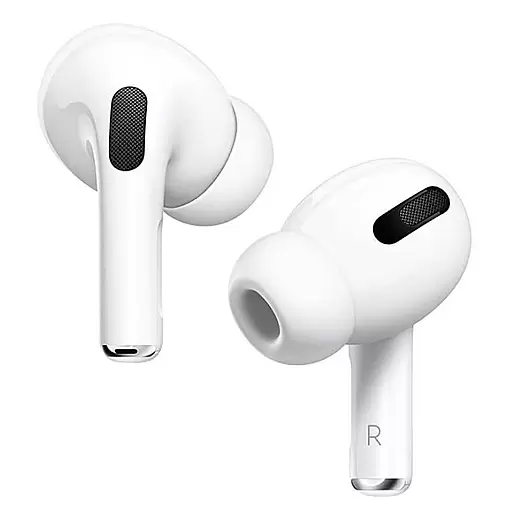
Hear far away sounds, conversations, TV and surrounding sounds more clearly.
4.70
The MDLIVE app makes connecting with a doctor fast, easy, and convenient.
4.60
Beat alcohol and drug addiction with a revolutionary treatment program in an app
4.50
Radiographic Positioning Guide for Medical Imaging Professionals and Students
4.50
Secure video appointments
4.50


