
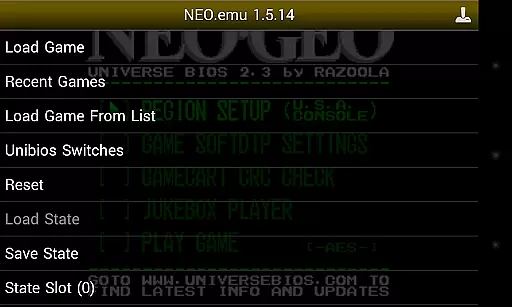
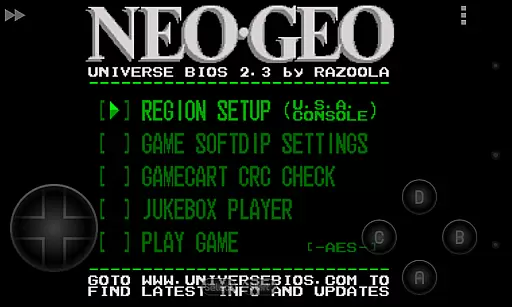
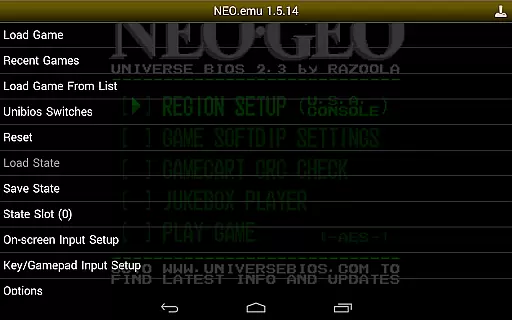
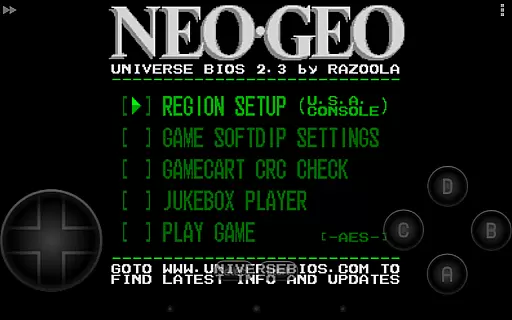
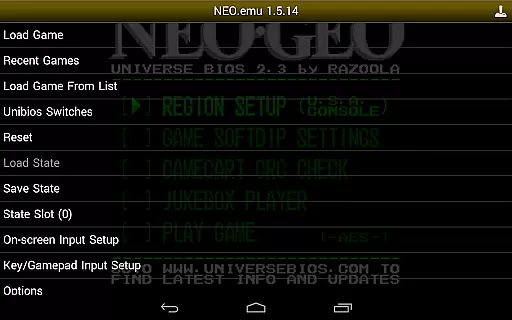
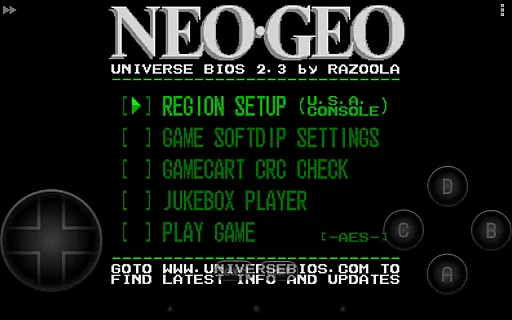
NEO.emu is an advanced open-source Neogeo arcade and home system emulator designed for Android devices. It is built on the Gngeo engine and features a minimalist UI that emphasizes low audio and video latency, making it ideal for gaming enthusiasts who value performance. The app supports a wide range of devices, from older models like the Xperia Play to modern devices such as the Nvidia Shield and Pixel phones.
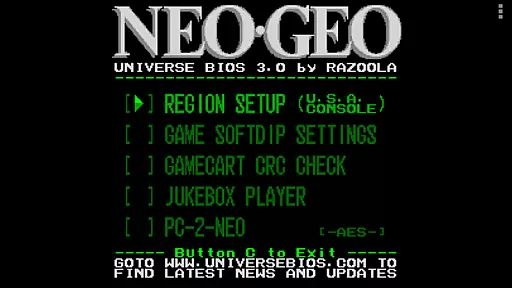
This emulator stands out with its compatibility with MAME 0.144 or newer sets and Universe Bios, allowing users to directly edit region and mode settings through the app menu. With configurable on-screen controls and support for Bluetooth/USB gamepads and keyboards, NEO.emu offers a versatile and customizable gaming experience. Whether you're revisiting classic arcade games or exploring new ones, this app provides a seamless way to enjoy Neogeo titles on your mobile device.
NEO.emu boasts a variety of features that cater to both casual gamers and hardcore enthusiasts. One of its standout capabilities is the support for MAME 0.144 or newer sets, requiring only the neogeo.zip BIOS file to get started. This ensures broad compatibility with a vast library of games. Additionally, the app includes Universe Bios support, enabling users to modify region and mode settings directly from the app menu, enhancing the authenticity of the gaming experience.
The emulator also excels in control customization. Users can configure on-screen controls to suit their preferences, ensuring a comfortable and intuitive interface. For those who prefer physical controllers, NEO.emu supports Bluetooth and USB gamepads, as well as keyboards, compatible with any HID device recognized by the OS, including Xbox and PS4 controllers. This flexibility allows gamers to choose their preferred input method, whether they're at home or on the go.
NEO.emu delivers an authentic arcade experience by emulating the Neo Geo hardware with precision. This emulator is based on Gngeo, ensuring that classic games run as they did in the original arcade machines.
The app supports MAME 0.144 or newer sets and requires neogeo.zip for the BIOS, which is crucial for accurately replicating the original gaming environment. With support for Universe Bios, users can directly edit region and mode settings from the app menu, enhancing the nostalgic experience.
Gamers benefit from configurable on-screen controls and compatibility with Bluetooth/USB gamepads and keyboards, including Xbox and PS4 controllers. This makes it possible to enjoy a true arcade feel, whether on older devices like the Xperia Play or modern ones such as the Nvidia Shield and Pixel phones.
One of NEO.emu's standout features is its focus on low audio/video latency, which significantly enhances control responsiveness. Players will find that their inputs are registered almost instantly, providing a seamless gaming experience.
The emulator supports a wide variety of devices, ensuring that control schemes remain intuitive and responsive across different hardware configurations. Whether using touch controls or external peripherals, users can expect consistent performance.
This attention to minimizing latency not only improves gameplay but also helps maintain the authenticity of the arcade experience. Gamers can enjoy their favorite titles without the frustration of delayed inputs, making each session more enjoyable and immersive.
Low audio/video latency
Wide device compatibility
Customizable controls
Supports multiple controllers
Active development and updates
No ROMs included
Requires technical knowledge
Limited to Neogeo systems
Interface may feel outdated
Occasional device-specific issues

Antistress & relaxing games,stress relief; Antistress toys, calming games.
 4.20
4.20
Get into your tractor to cut grass and harvest the crops in our mowing simulator
4.10
Mine planets, upgrade your space ship, battle others, and dominate the galaxy!
3.90
Join the art challenge: Guess the word and draw fast before the timer runs out!
4.20
PC Engine/TurboGrafx-16 Emulator
4.50
Stack the blocks as high as you can!
4.30
Punch your way through the Streets of Rage once again!
4.80
NES Emulator
4.40
Join the breathtaking chase!
4.80
Amid the vastness of the universe, you are a Black Hole about to be swallowed!
5.00
Local offline 2 3 4 player multiplayer minigames - race, tanks, football
4.60
Enter Double Dragon Trilogy, a compilation of the beloved arcade series
4.10
It's quite possibly the world's hardest game!
3.90
A fast, full-featured GBA emulator with link cable emulation.
3.90
A fast, full-featured GB/GBC emulator with link cable emulation.
3.80
Snake Legacy, sans pub, repensé pour une expérience fluide et élégante.
4.2
Play retro games with ease – NES, SNES, PSX, PSP & more supported
4.0
Infinite Arcade
4.2
Reach high, and shine in the neon world in 3D!
4.0


User Reviews