
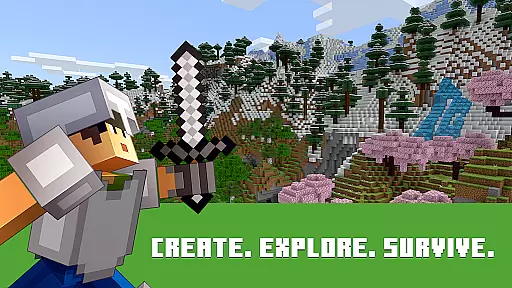
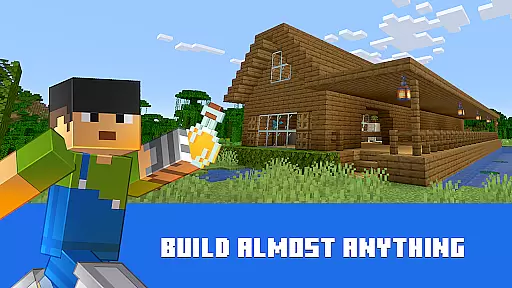
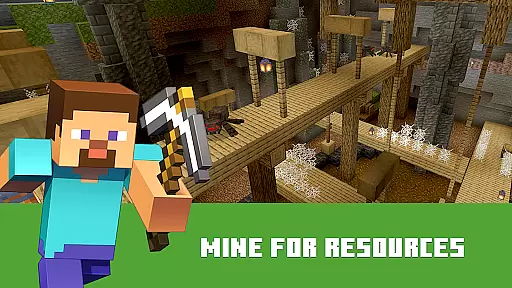
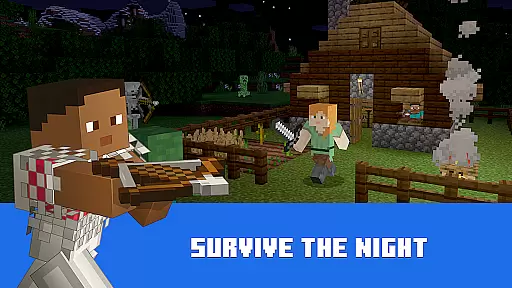
Minecraft: Dream it, Build it! stands as a premier sandbox block-building game that invites players into an expansive open world teeming with possibilities. This 3D building and crafting environment allows users to gather resources, survive the night, and construct their own adventures one block at a time. Whether you're interested in creating a simple house or an entire city, Minecraft offers the tools necessary for your imagination to come to life.
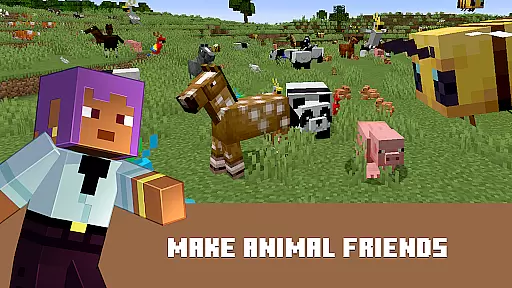
Players can explore diverse biomes, mine deep into the earth, face mysterious enemies, or experiment with limitless creativity. The game supports both Creative and Survival modes, catering to different play styles. With seamless cross-platform and multiplayer gameplay on Minecraft: Bedrock Edition, adventurers can embark on solo journeys or collaborate with friends, discovering an infinite, randomly generated world filled with blocks to mine, biomes to explore, and mobs to befriend (or battle).
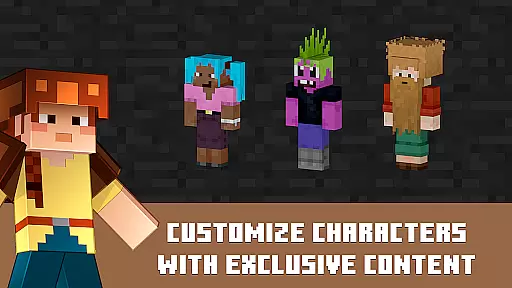
Minecraft boasts a rich array of features designed to enhance the player's experience. One standout feature is the Minecraft Marketplace, where creators offer add-ons, thrilling worlds, and stylish cosmetics. Players can also utilize slash commands to tweak game settings, such as changing the weather, summoning mobs, or altering the time of day, providing unparalleled customization options.
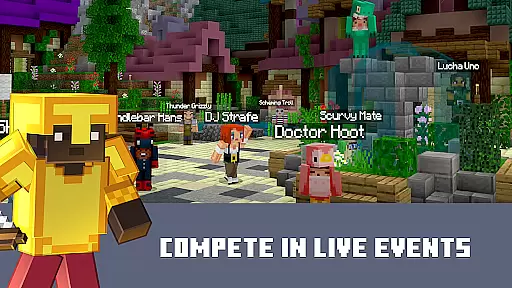
The multiplayer aspect of Minecraft is another highlight, allowing players to join massive servers and engage with thousands of other builders. With Realms and Realms Plus, users can enjoy private servers hosted by Minecraft, enabling cross-platform play with up to 10 friends anytime, anywhere. Additionally, MMO servers connect players worldwide, facilitating custom world exploration, large-scale events, and competitive mini-games. These features collectively ensure that Minecraft remains a dynamic and engaging platform for creativity and community interaction.
Arcade games have long been cherished for their ability to transport players back to simpler times, evoking feelings of nostalgia and wonder. Minecraft: Dream it, Build it! captures this essence perfectly by offering a sandbox environment where creativity knows no bounds. The game's blocky aesthetic and open-ended gameplay harken back to classic arcade experiences while providing a modern twist that appeals to today's gamers.
Players can immerse themselves in an expansive world reminiscent of retro gaming, but with the depth and complexity that only a contemporary title can offer. From constructing elaborate structures to surviving against various creatures, Minecraft taps into the core elements that made arcade games memorable. It combines these nostalgic triggers with innovative mechanics such as crafting, farming, and exploration, ensuring that both older fans and new players find something engaging within its pixelated landscapes.
The true beauty of Minecraft lies in its capacity to let users relive the joy of discovery that was once the hallmark of arcade gaming. Whether playing solo or teaming up with friends via seamless cross-platform multiplayer, participants are encouraged to experiment and push the limits of their imagination. This blend of old-school charm and cutting-edge features creates an authentic arcade experience that resonates with audiences across generations.
In any game, especially those rooted in the arcade genre, control responsiveness is paramount to delivering an enjoyable and immersive experience. Minecraft: Dream it, Build it! excels in this area by providing intuitive controls that react instantly to player inputs. Whether you're mining resources, building structures, or battling enemies, every action feels precise and deliberate, enhancing the overall gameplay flow.
The developers have meticulously crafted the user interface to ensure that even complex tasks like crafting and managing inventory are straightforward and hassle-free. This attention to detail extends to the touch controls on mobile devices, which mimic the tactile feedback of traditional arcade buttons and joysticks. As a result, players can seamlessly transition between different activities without being hindered by cumbersome mechanics or unresponsive commands.
Furthermore, Minecraft supports a variety of input methods, including controllers, which further enhances its appeal to arcade enthusiasts. By prioritizing control responsiveness, the game ensures that players remain fully engaged and invested in their virtual adventures. This commitment to fluid and reliable interactions not only elevates the gaming experience but also reinforces Minecraftu2019s status as a premier choice for fans of arcade-style entertainment.
Unlimited creative potential
Engaging survival mechanics
Vibrant multiplayer community
Regular content updates
Cross-platform compatibility
Steep learning curve
Resource-intensive performance
Paid DLCs and add-ons
Occasional bugs
Complex setup for multiplayer

Nostalgia.GBC is a high quality GBC emulator.
 4.50
4.50
Eat & evolve your shark in the ultimate shark survival game!
4.50
Nostalgia.GBA Pro is a high quality GBA emulator.
4.40
Divine powers at your fingertips! An innovative and frantic shoot-'em-up!
4.0
Epic offline war strategy game - build your city, train your army, conquer
4.20
Ready… Set… DASH! Play now!
4.70
Venture into the galaxy to fight against the invasion of space invaders.
4.60
Play all your favorite Playstation games in your android device!!
4.50
Thoughtful strategy and tactical thinking are required to win each battle!
4.30
Create your restaurant story & make food on a crazy kitchen in this cooking game
4.70
Master the hills in this extreme downhill racing game!
4.60
Flip the bottle! Do tricks and don't let the bottle fall!
4.50
Shoot the web, jump and teleport! Be a stickman hero and destroy your enemies!
4.50
Dig yourself a way to gold, diamonds and success with this addictive mining game
3.90
Neogeo MVS/AES Emulator
3.30
Monster Run its a game for relax.
4.5
Spaceship racing on a rocky planet — pure action and challenge.
4.4
A retro-flavoured infinite scroller Glyph toy for the Nothing Phone (3)
4.2
Infinite Arcade
4.1


User Reviews