
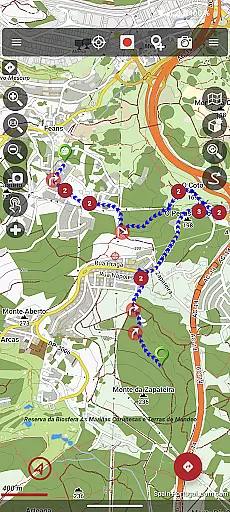
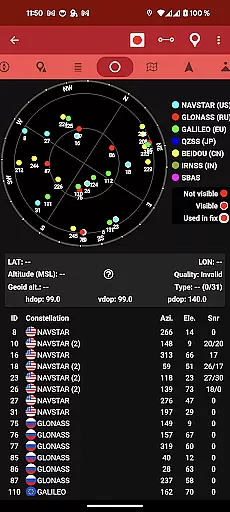
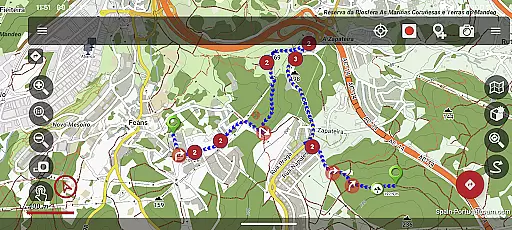
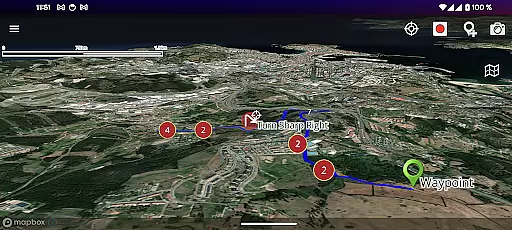
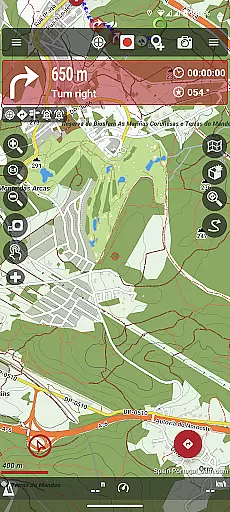
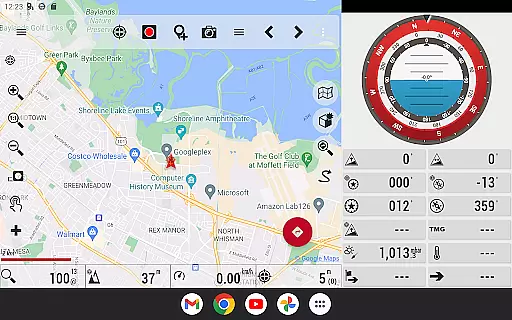
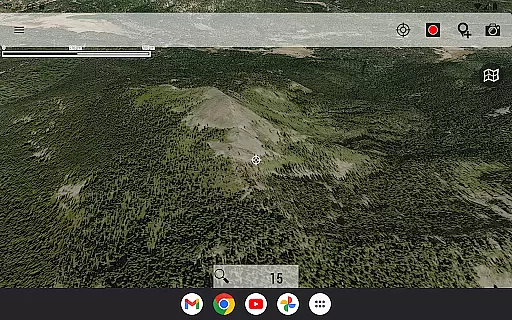
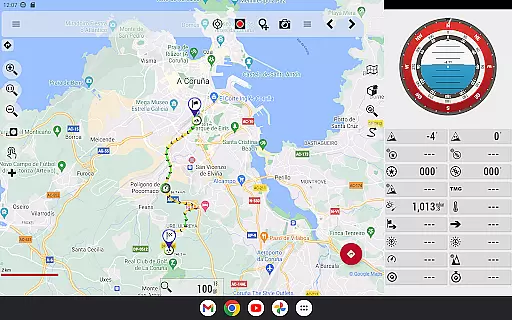
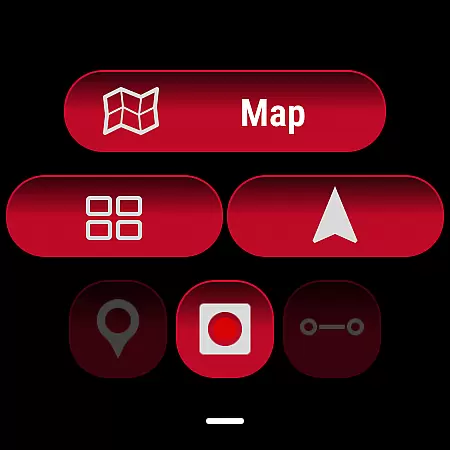
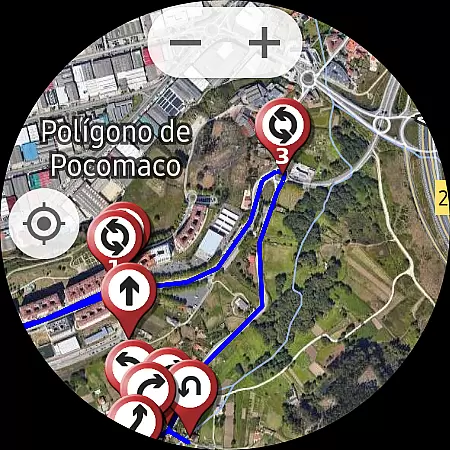
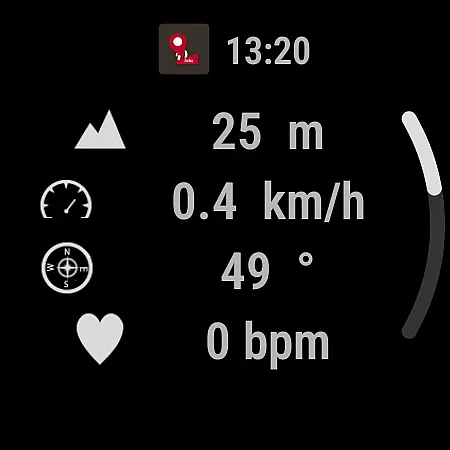
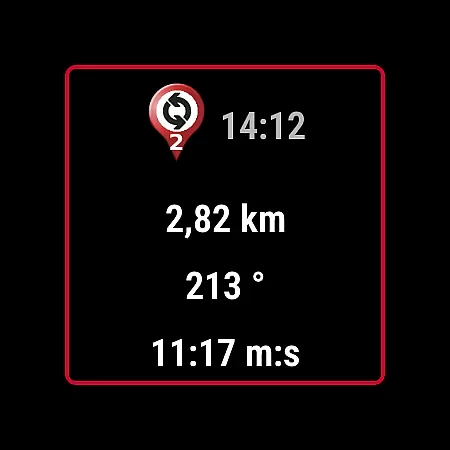
OruxMaps GP is a versatile mapping application designed for outdoor enthusiasts. It supports both online and offline map viewing, allowing users to access various map formats including GeoPDF, GeoTIFF, .ozf2, .img (Garmin), .mbtiles, and more. The app serves as a WMS and WMTS online map viewer, with the capability to download maps for offline use.
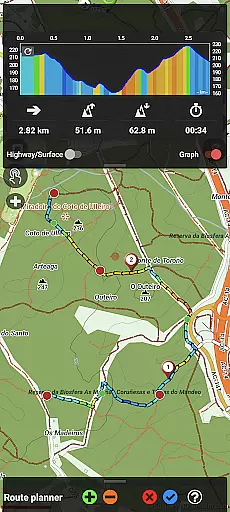
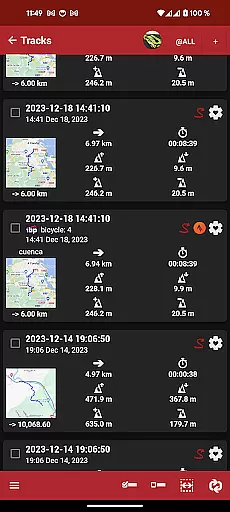
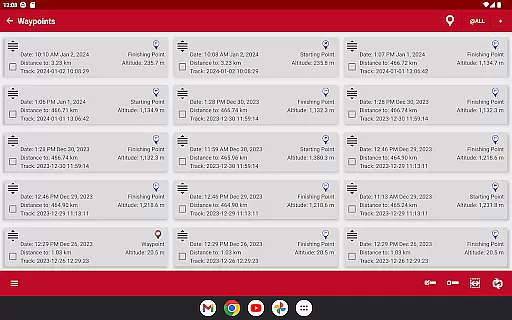
Beyond basic map functionality, OruxMaps GP offers advanced features such as integration with external devices like GPS units, heart rate monitors, bike sensors, and AIS systems for nautical sports. Users can view routes and tracks in multiple formats, share their location with friends, and receive alerts for waypoints and geofence zones. The app also includes tools for editing tracks, correcting altitudes, and searching for new routes.
This application is particularly useful for hikers, cyclists, and sailors who require detailed maps and real-time tracking in areas with limited internet connectivity. By providing comprehensive mapping solutions and device integrations, OruxMaps GP enhances outdoor experiences while ensuring safety through its alert systems and precise navigation tools.
OruxMaps GP stands out with its extensive support for different map formats and its ability to function both online and offline. Users can access maps from various sources, including the USGS store and other providers, and even download premium maps from Mapbox and Google with a subscription. This flexibility ensures that users have access to the most up-to-date and relevant maps for their activities.
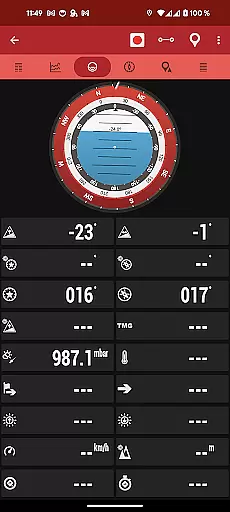
The app's compatibility with numerous external devices sets it apart from other mapping applications. Whether you're using a Garmin GPS, Bluetooth Smart 4.0 devices, or ANT+ sensors, OruxMaps GP seamlessly integrates these tools to provide real-time data on speed, heart rate, and more. Additionally, the app supports AIS systems for nautical sports, enhancing safety and situational awareness on the water.
Other notable features include route following with customizable alarms, geofencing capabilities, waypoint creation with multimedia attachments, and basic geocaching support. With built-in track editing tools and altitude correction using DEM files or online services, users can refine their routes and ensure accuracy. These robust features make OruxMaps GP an indispensable tool for serious outdoor adventurers.
OruxMaps GP ensures booking authenticity by providing users with accurate and reliable map data for their outdoor activities. This app supports multiple map formats, including GeoPDF, GeoTIFF, and .mbtiles, ensuring that users have access to genuine and verified mapping resources.
The application allows users to download online maps for offline use, giving them the ability to access critical information without an internet connection. By supporting WMS and WMTS protocols, OruxMaps GP guarantees that all map sources are authentic and directly obtained from reputable providers.
Users can trust the integrity of the maps provided by OruxMaps GP, as it includes advanced features like Mapbox and Google online maps, which require a subscription. These premium options further enhance the reliability of bookings and navigational planning.
Price transparency in OruxMaps GP is evident through its clear communication about the costs associated with using premium map services. The app offers optional subscriptions to access featured maps from Mapbox and Google, ensuring users are fully aware of any financial commitments before proceeding.
While the app itself does not involve direct monetary transactions for map viewing, it provides comprehensive details on what features are included with each subscription level. Users can make informed decisions based on their needs and budget constraints.
Additionally, OruxMaps GP maintains transparency by clarifying that registration is not mandatory and explaining how personal data is handled when users opt to create an account. This openness fosters trust and allows users to engage with the app confidently, knowing there are no hidden fees or obligations.
User-friendly interface
Extensive map format support
Advanced device integration
Offline functionality
Customizable alerts
Premium maps require subscription
Complex setup for beginners
Limited offline map sources
Occasional GPS inaccuracies
High battery consumption

View delays, closures, and weather-related conditions on Missouri state roads.
 3.30
3.30
Plan where to stand and shave minutes off your trip!
4.80
Get all MTA services, Subway, Bus, LIRR, Metro-North and More all in one place.
4.60
Find the best prices, pay for the cheapest gas, and save on every fill up
3.30
Meet Allyz®, your ultimate travel companion
4.70
Easily rent a car at over 9,500 locations with the Enterprise car rental app.
4.60
Streamline your U.S. entry
4.90
Vacationing on CARNIVAL? Maximize your fun on board with the ultimate cruise app
4.60
The United app puts valuable travel information in the palm of your hand.
4.70
Replace your car trips with the world’s largest shared electric vehicle company.
4.90
Book now to save with exclusive travel deals on hotels, flights, cars & packages
4.70
Book neighborhood dog boarding, dog walking, pet sitting, and doggy day care.
4.60
Take JetBlue everywhere you go! Book, manage and check in for your trips & more.
4.60
Travel light with our easy-to-use mobile app, the perfect flying companion.
4.40
Now you can book homes, experiences, and services—all in our redesigned app.
4.40
View US public land boundary maps on your device.
3.70
Everything you need for your trip in one place with the Volaris app.
3.60
The official app of Allegiant Travel & Allegiant Airlines
3.30
View current Idaho road conditions, road cameras, and timelapse videos.
4.4
Honest Expedia app review based on real user experiences—customer service problems, booking issues, One Key rewards, and comparisons.



User Reviews