
Use Home by ShowingTime to easily manage showings, tours, feedback and more
 3.60
3.60
This Fire TV Remote control's your Fire TV Device and Insignia Fire TV Remote
3.70
AI-powered home design, interior design, home decor, and room design solutions
4.50
Rent on-the-go with TurboTenant’s app made just for renters
4.50
Convert your Phone to HiSense Smart TV Remote Control
4.70
AI floor creator to design your dream house, plan rooms & style your home
4.00
Control Fire TV & mirror your phone screen instantly over Wi-Fi.
3.30
Find your next home, house, apartment, condo, casa, flat, rental, studio, or bed
4.70
Control your thermostat, comfort, and home monitoring from your phone
4.30
Houses for Sale & Homes for Rent: Buy Homes, Rent Apartments & Sell Real Estate
4.80
Find homes for sale and apartments for rent in the best neighborhood.
4.70
Turn old phones into security cameras, baby monitors, pet cams, and more.
4.70
Map-based search app for apartments and homes for rent.
4.60
The only mappable smart lights for custom decoration.
4.50
The Merkury Smart app makes it easy to control your smart devices.
4.50
Control your Daikin, Amana & Goodman heating & cooling systems from anywhere
4.40
Set up your devices, customize settings, and monitor your home—from anywhere
4.40
Turn your phone into a wifi cam with smart features and umlimited reach.
4.20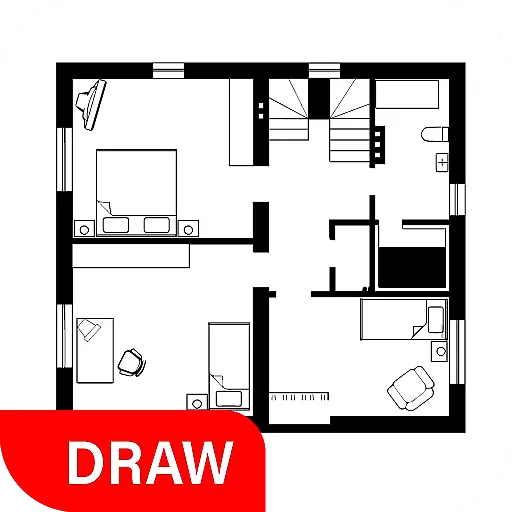
Draw house plans, floor plans 3d & house design with house plan drawing 3d app
3.60


