
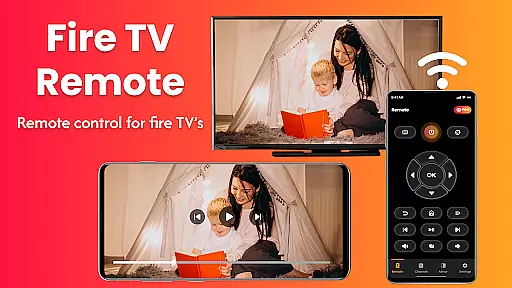
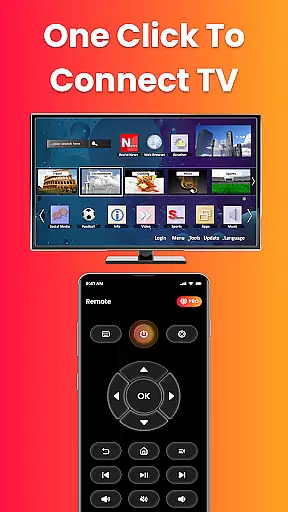
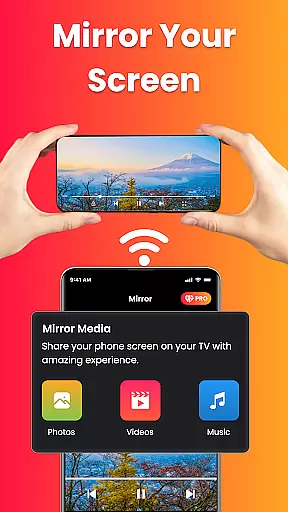
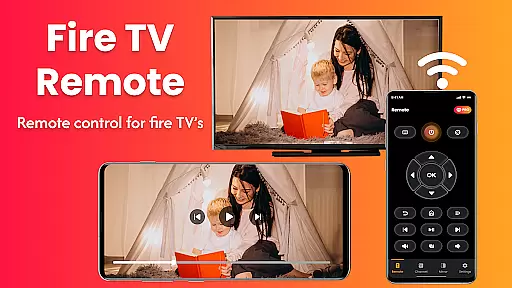
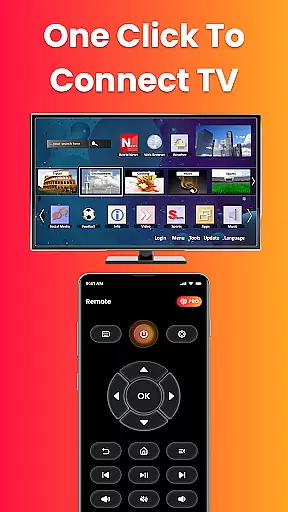
Fire Remote TV Control is a dedicated application that transforms your Android phone into a comprehensive remote control for Fire TV and Fire Stick devices. This app offers full navigation, playback controls, volume management, and screen mirroring capabilities without the need for pairing codes or complex setups. Designed exclusively for Fire TV users, it ensures fast and reliable performance.
The app supports all versions of Fire TV Stick, Fire TV Stick 4K / 4K Max, Fire TV Cube, and Fire TV Edition smart TVs. Whether you've misplaced your physical remote or simply desire more efficient control, this app provides an instant solution. It also allows users to mirror their phone's screen to the big screen with ease, making it perfect for presentations, photo sharing, or enjoying mobile content on a larger display.
With its intuitive interface and lightweight design, Fire Remote TV Control enhances the streaming experience by offering features like an on-screen keyboard for quick searches and playback controls. Its seamless Wi-Fi connectivity and lack of setup hassles make it an essential tool for any Fire TV user looking to simplify their remote control needs.
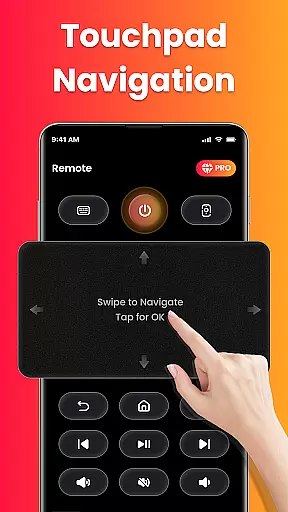
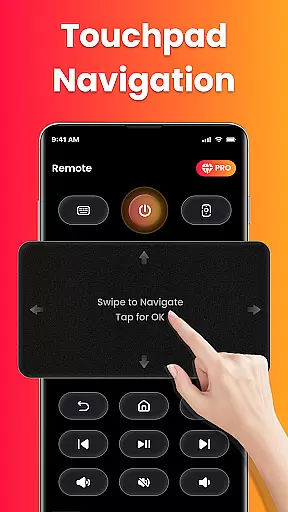
Fire Remote TV Control boasts a range of powerful features tailored specifically for Fire TV and Fire Stick users. The app includes a full directional pad for menu navigation, touch controls, and playback functions such as play, pause, rewind, fast forward, and stop. Additionally, it offers volume management with mute/unmute capabilities and an on-screen keyboard for efficient typing and searching.
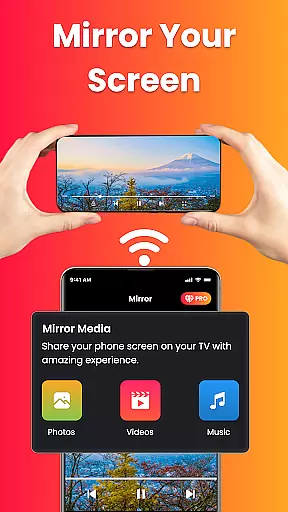
One standout feature is the screen mirroring functionality, which allows users to cast their phone's screen directly to their Fire TV with just one tap. This makes it easy to share photos, stream videos, browse apps, or even present work-related content wirelessly. The app connects instantly over Wi-Fi without requiring any pairing codes, ensuring a hassle-free experience.
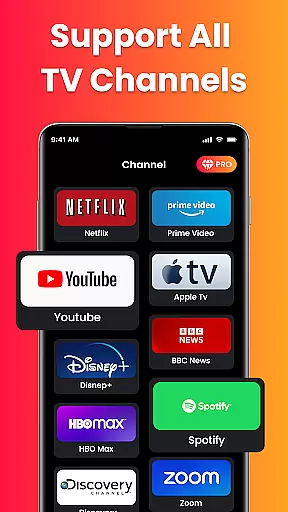
Designed specifically for Fire TV devices, this app does not support other streaming platforms like Roku or Chromecast. Its focus on the Fire TV ecosystem guarantees optimized performance and reliability. With no login, registration, or complicated setup required, Fire Remote TV Control provides a clean and intuitive interface that is both fast and battery-efficient, setting it apart from generic remote apps.
In the context of smart home management, ensuring the authenticity and reliability of connected devices is crucial. Fire Remote TV Control excels in this area by offering a seamless connection experience specifically tailored for Fire TV devices.
The app verifies compatibility with various Fire TV models including Fire TV Stick, Fire TV Stick 4K, Fire TV Cube, and Fire TV Edition smart TVs. This verification process ensures users can trust that their specific Fire TV device will work reliably with the remote app.
By maintaining strict compatibility standards and providing clear device support information, the application establishes itself as a dependable tool for Fire TV owners. Users can be confident that their listed devices are officially supported, eliminating concerns about connectivity issues.
This commitment to authenticity extends to the app's functionality as well. All features, from basic remote controls to advanced screen mirroring, are designed to work flawlessly with supported Fire TV devices, providing peace of mind for users who want reliable performance without compatibility surprises.
Effective home management tools should provide comprehensive control over smart devices while offering additional features that enhance user convenience. Fire Remote TV Control delivers on both fronts by combining essential remote functions with innovative management capabilities.
Beyond basic navigation and playback controls, the app includes advanced features like volume management, mute/unmute functions, and an on-screen keyboard for efficient searching. These tools enable users to manage their Fire TV experience more effectively than with a traditional physical remote.
The inclusion of screen mirroring functionality sets this app apart from standard remote applications. By allowing users to cast their phone's screen directly to their Fire TV, it creates new possibilities for content sharing and presentation. Whether displaying photos, streaming mobile videos, or conducting wireless presentations, these features expand the utility of home entertainment systems.
Furthermore, the app's instant Wi-Fi connection feature demonstrates its focus on practical home management. By eliminating pairing codes and complex setup procedures, it streamlines device management while maintaining security through local network connections. This approach combines convenience with essential smart home management principles.
User-friendly interface
Instant Wi-Fi connection
Comprehensive remote functions
Efficient screen mirroring
Lightweight and fast performance
Limited to Fire TV devices
No support for other streaming platforms
Requires same Wi-Fi network
Third-party app disclaimer
No advanced customization options

Home Ideas | Renovation Advice | Local Pros. Go From Dream to Home with Houzz.
 4.70
4.70
Control your Daikin, Amana & Goodman heating & cooling systems from anywhere
4.40
Parcel Pending Resident App
4.50
Convert your Phone to HiSense Smart TV Remote Control
4.70
Schlage Lock Company LLC
4.00
USHUD.com helps you find the best homes for sale in your area
4.00
Innovative and budget-friendly housing options
4.60
Control your thermostat, comfort, and home monitoring from your phone
4.30
Samsung remote app helps control all Samsung Smartthings TVs. Fast and Stable!
4.10
Connect with reliable pros for maintenance services, plumbing, and home design!
4.80
Night Owl Protect helps you secure, protect, and connect your world!
4.60
Looking for the perfect apartment finder app? Find beautiful rental homes here!
4.60
AI-powered home design, interior design, home decor, and room design solutions
4.50
3D House Design and AI Room Planner - from floor plans to full interior design.
4.40
Set up your devices, customize settings, and monitor your home—from anywhere
4.40
AI floor creator to design your dream house, plan rooms & style your home
4.00
This Fire TV Remote control's your Fire TV Device and Insignia Fire TV Remote
3.70
Draw your floor plan smartly. Make house design blueprint with home planner app
3.60
Universal TV Remote for TV, control all Smart TVs with your mobile phone.
4.3


User Reviews