
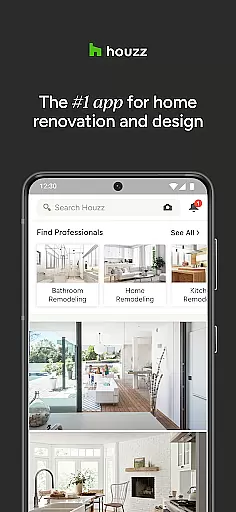
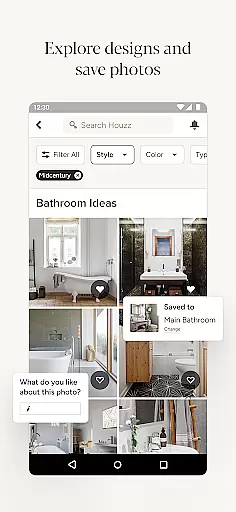

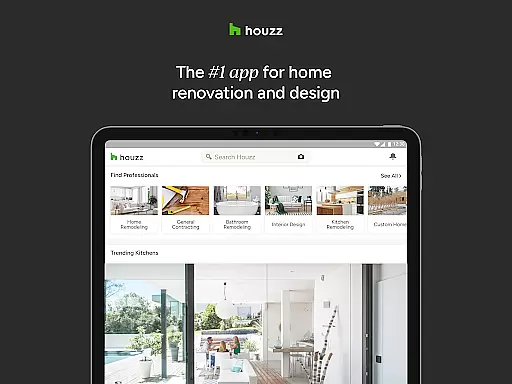
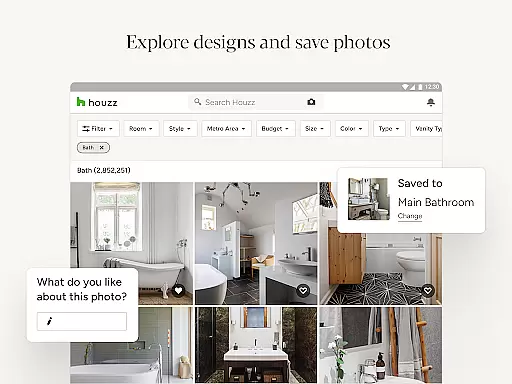

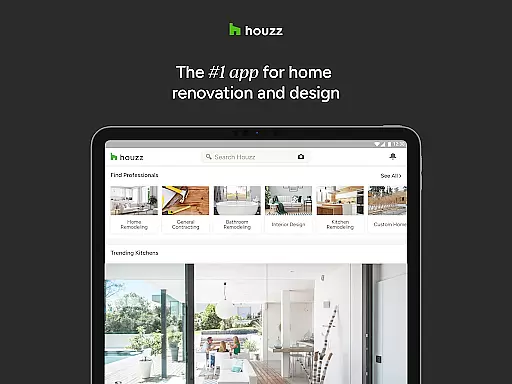
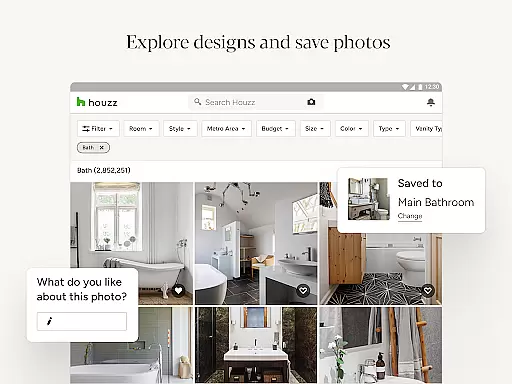

Houzz is a comprehensive home design and renovation app that caters to homeowners, designers, and professionals alike. With over 25 million high-resolution photos, users can explore various interior and exterior styles across different rooms. The app's intuitive interface allows you to save and share your favorite designs while providing innovative tools like Sketch for annotations.
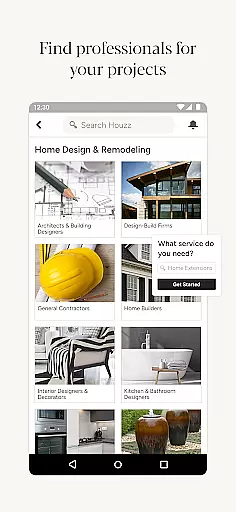
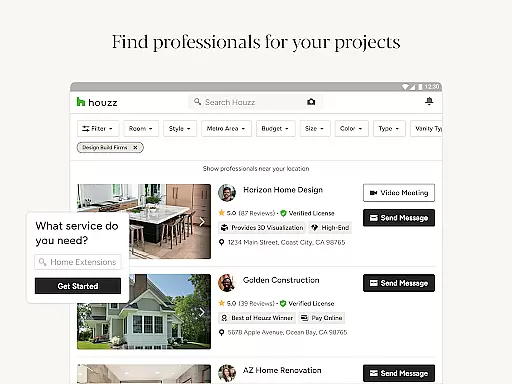
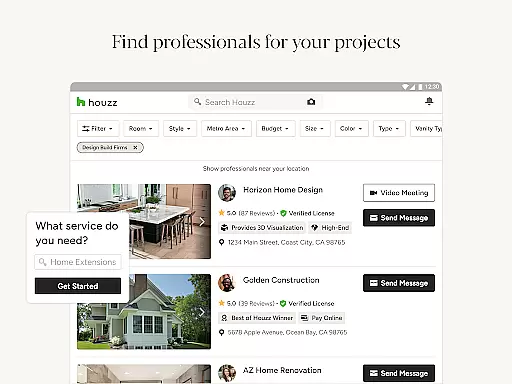
Beyond inspiration, Houzz offers practical solutions by letting users shop from millions of products directly through the platform. Its unique Visual Match technology helps identify similar items in photos, streamlining the purchasing process. Additionally, connecting with more than 3 million professionals ensures expert guidance throughout any remodeling project, making Houzz an indispensable resource for all things related to home improvement.
Houzz stands out due to its extensive collection of design ideas and practical features tailored for both DIY enthusiasts and industry experts. Users can browse through millions of professionally curated images categorized by style, location, or specific rooms such as kitchens or bathrooms. This vast repository not only sparks creativity but also aids in visualizing potential changes within one’s own space.
A key feature is the ability to shop seamlessly; Houzz hosts over 5 million products ranging from furniture to lighting fixtures. Verified reviews add credibility, ensuring informed decisions. Moreover, the View in My Room 3D function leverages augmented reality to preview how selected pieces would look in your home environment. For those undertaking significant renovations, access to a network of trusted professionals simplifies hiring processes significantly.
When it comes to home renovation and design, having access to authentic and reliable property listings is crucial. Houzz ensures the genuineness of its content by partnering with over 3 million verified home professionals, including architects, interior designers, and contractors. This network provides users with trustworthy insights and images for their projects.
The platform's extensive collection of more than 25 million high-resolution photos offers real-world examples of interiors and exteriors. Each photo is associated with actual projects, ensuring that users are viewing legitimate designs and ideas for their own homes. This vast repository helps homeowners make informed decisions based on genuine outcomes.
Houzz further enhances listing credibility through its Visual Match technology. This feature allows users to discover products directly from verified home design photos, providing assurance that what they see is available for purchase. By leveraging advanced recognition algorithms, Houzz connects visual inspiration with tangible items, streamlining the shopping experience.
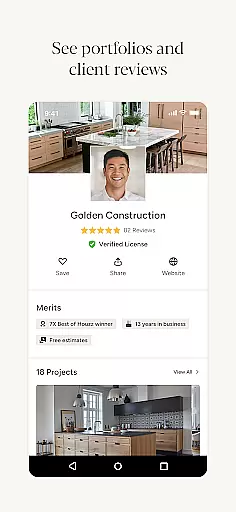
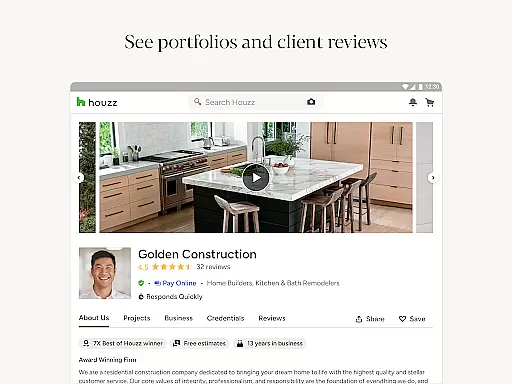
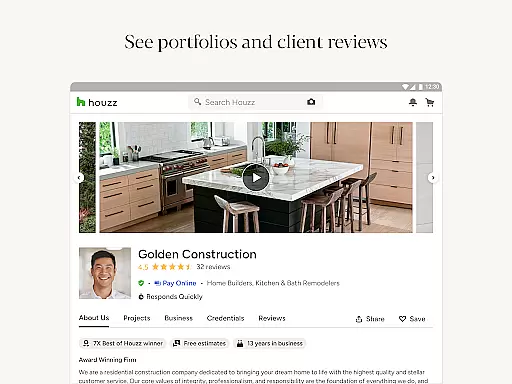
Moreover, user engagement plays a significant role in maintaining listing authenticity. Homeowners can save, share, and discuss photos with a community of peers and experts. Verified reviews and ratings for products and professionals add another layer of trust, making Houzz a reliable resource for all home-related endeavors.
Houzz goes beyond just offering design inspiration by providing comprehensive home management features that cater to various aspects of home improvement. One standout feature is the ability to shop from over 5 million products and materials, ranging from vanities and cabinets to lighting and furniture. This extensive selection empowers users to find exactly what they need for their interior and exterior projects.
To aid in decision-making, Houzz incorporates verified product reviews and exclusive sales where users can save up to 75% off. The platform also utilizes innovative technologies like View in My Room 3D, allowing users to visualize how a product would look in their space using their device's camera. This interactive tool bridges the gap between online shopping and real-world application, enhancing user confidence in their purchases.
Collaboration is another cornerstone of Houzzu2019s home management capabilities. Users can connect with over 3 million home improvement professionals, facilitating seamless project execution. Whether looking for an architect or a general contractor, Houzz simplifies the process of finding and hiring qualified experts, ensuring successful project completion.
In addition to practical tools, Houzz enriches users' knowledge through editorial content. Biweekly newsletters and original videos provide engaging articles and how-tos covering everything from full remodeling guides to decorating tricks. This educational aspect equips homeowners with valuable insights, empowering them to manage their home environments effectively.
User-friendly interface
Extensive photo library
Innovative shopping tools
Augmented reality previews
Professional connections
Some features require premium
Product prices vary widely
Geographic limitations exist
Occasional technical glitches
Learning curve for new users

Draw house plans, floor plans 3d & house design with house plan drawing 3d app
 3.60
3.60
Turn your phone into a wifi cam with smart features and umlimited reach.
4.20
Universal TV Remote for TV, control all Smart TVs with your mobile phone.
4.3
Resident Center, powered by Buildium, is designed with simplicity in mind.
4.50
Smart AI plant care schedules, Real plant experts, support & Thriving community!
4.20
Book your local plumber 24/7, track your service order & get exclusive coupons
4.00
Control your Vivint Smart Home with the next generation Vivint App.
4.30
MLS-powered real estate app to find homes for sale & apartments for rent
4.70
Make your phone a surveillance camera remote with a home camera app for Android!
4.40
Download today to join the community to help bring lost pets home faster.
4.70
Find homes for sale and apartments for rent in the best neighborhood.
4.70
Apartment finder for apartments for rent. Compare prices, amenities & rentals.
4.50
SmartRent - Opening Doors To A Smarter World
4.40
WiZ smart light system
4.40
Fully control your Philips TV with this all-in-one remote control app.
4.20
Find contractors for all home renovation projects. Remodeling, repair, and more.
4.20
USHUD.com helps you find the best homes for sale in your area
4.00
Design house plans in 2D & 3D, style furniture, and preview renovation layouts
3.70
An easier way to make payments and maintenance requests from anywhere.
3.50


User Reviews