
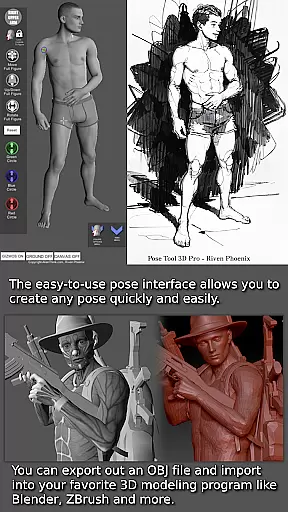
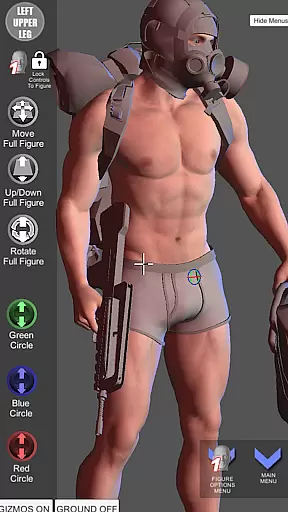

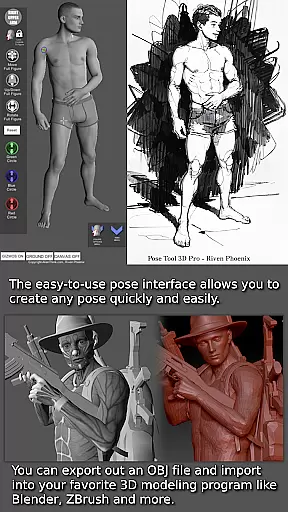
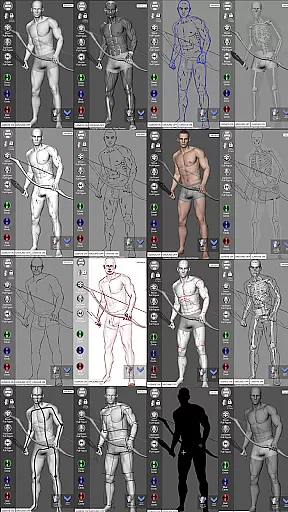
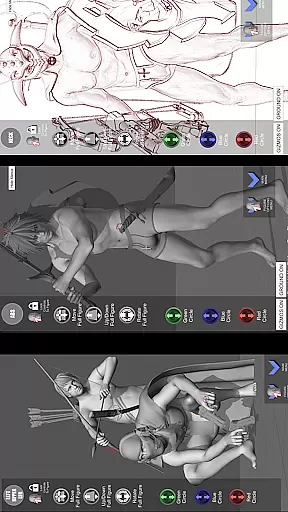


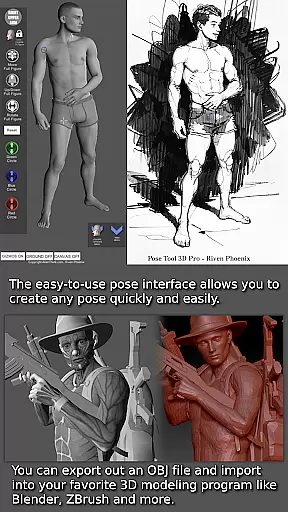
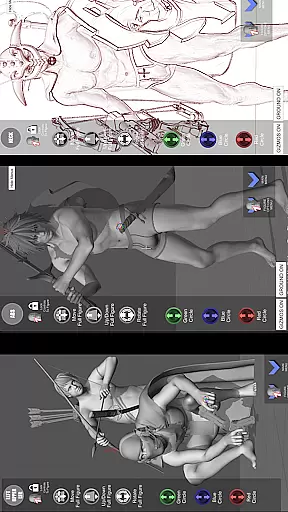
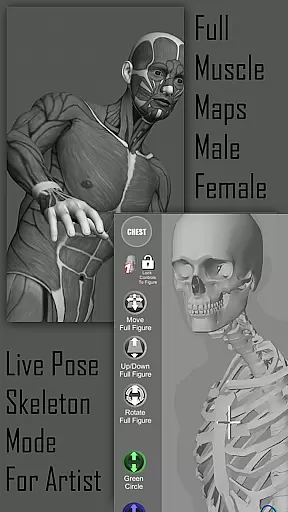
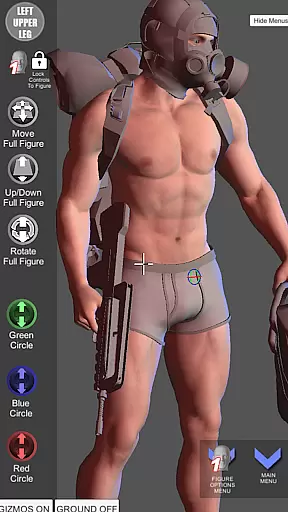
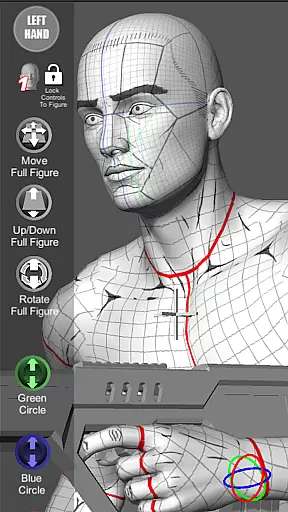

Pose Tool 3D is a revolutionary posing application designed for artists across various creative fields. This app provides users with an easy-to-use interface to create any pose quickly, featuring both male and female 3D models without constraints. The tool supports multiple art forms including manga, illustration, character design, animation, and storyboarding.
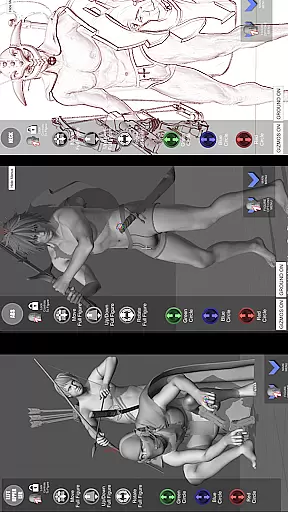
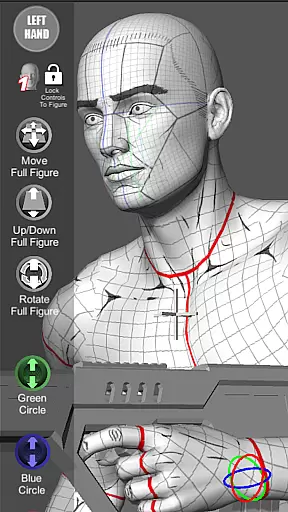
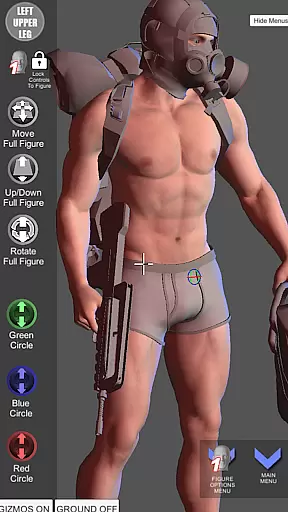
With advanced capabilities such as muscle maps, diverse drawing modes, and the ability to attach objects and weapons to figures, Pose Tool 3D enhances artistic expression and realism. Its touch controls and menu features offer extensive customization options, making it an invaluable resource for visualizing human anatomy and creating dynamic compositions.
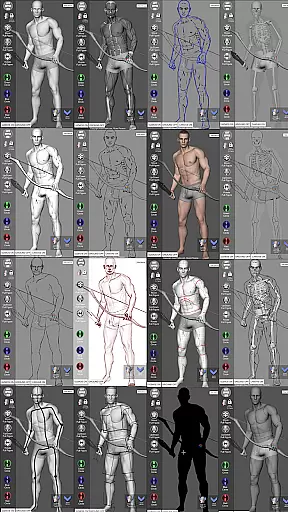
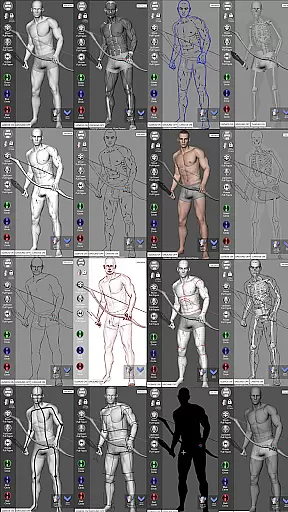
The app boasts an array of powerful features tailored for artists. Users can manipulate a 3D figure through intuitive touch controls, allowing for precise adjustments and dramatic shots. With over 20 unique drawing modes, including Pencil Sketch and Comic Sketch, artists can explore different styles and techniques.
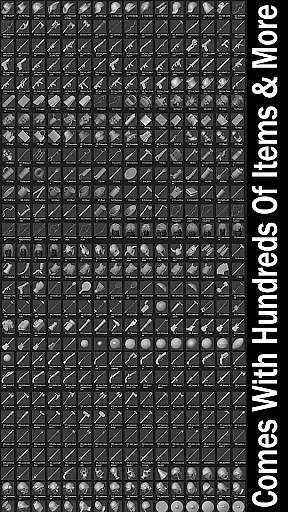
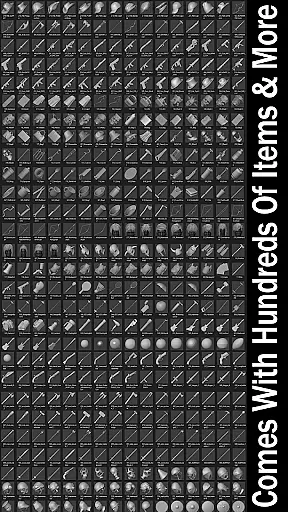
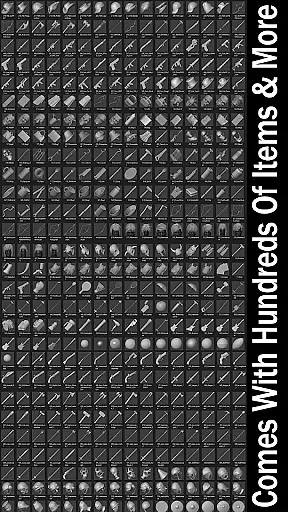
Pose Tool 3D also includes an inventory system with hundreds of items, a gesture system mode, and multiple body types for both male and female figures. These features, combined with functionalities like the 3-point lighting system and camera FOV for perspective, provide artists with professional-grade tools to enhance their creative process and produce high-quality artwork.
Pose Tool 3D offers an extensive and diverse library tailored for comic creators. With over a dozen unique male and female figures, artists can explore various body types including average, heavy, old, skinny, and muscular models.
The app goes beyond just human figures by providing hundreds of inventory items such as everyday objects and weapons. These additions allow artists to create more immersive scenes and dynamic compositions in their comic projects.
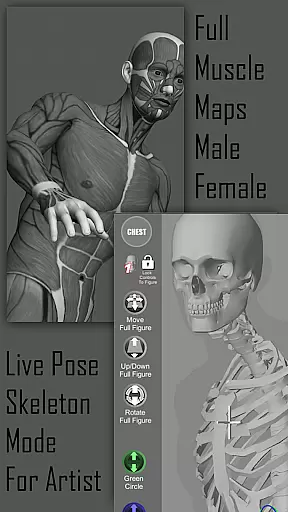
Artists can switch between multiple modes like Mannequin Mode, Skeleton Mode, and Comic Sketch Mode, which cater specifically to comic art styles. This versatility ensures that users can experiment with different visual approaches while maintaining creative control.
With regular updates and new features, Pose Tool 3D ensures that its library remains fresh and continues to expand, meeting the evolving needs of comic artists and creators.
When creating comics, ensuring the authenticity and proper licensing of reference materials is crucial. Pose Tool 3D addresses this by offering original 3D models that are fully licensed for artistic use.
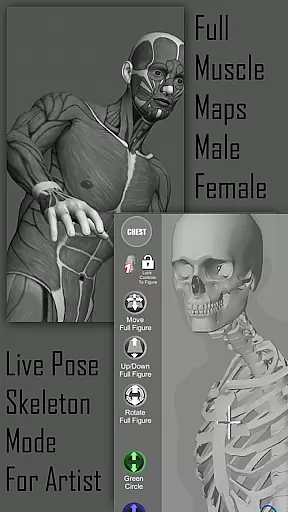
All the figures and objects within the app are crafted with attention to anatomical accuracy and design authenticity. The inclusion of muscle maps provides deeper insights into human anatomy, making sure artists have reliable references for their work.
The app's developer, AlienThink, is known for its commitment to quality and authenticity. By using Pose Tool 3D, artists can be confident they are working with legitimate resources that respect intellectual property rights.
This focus on authentic content makes Pose Tool 3D a trustworthy companion for professional comic artists who require dependable references for their creative projects.
User-friendly interface
Versatile posing options
Extensive drawing modes
Realistic muscle maps
Rich inventory system
Steep learning curve
Occasional performance lags
Limited free resources
No collaborative features
Subscription fees apply

Scan comics instantly! Find comic value, price, and key collector details fast.
 4.50
4.50
More fun from BOM! Hurry up and do the following self-test, if you meet more than one item, come and experience the brand new world of comics!
3.40
Read your favorite mangas for free
4.50
Browse and read all your comics and mangas from YACReaderLibrary
4.20
The most popular comic book reader.
4.80
Experience the largest selection of DC comics anywhere with DC UNIVERSE INFINITE
3.40
100k comics, manga & webcomics, including Batman, Invincible, Hellboy & more
4.60
SQUARE ENIX's official Manga app!
4.40
Get the latest manga chapters daily, released simultaneously with Japan.
3.10
Find free mangas in Spanish
4.70
Comics and stories from Japan
4.60
The ultimate app for comic lovers
4.50
Crunchyroll Manga—unlimited, uninterrupted reading with offline access & more!
4.50
The most popular comic book reader.
4.40
The fastest and most convenient comic book reader - comics of all formats
4.40
Kodansha official Manga app
4.30
Daily updates & FREE chapters
4.00
Instantly create comic-style art with AI.
3.90
Read officially manga titles from Japan including Attack on Titan
3.80


User Reviews