
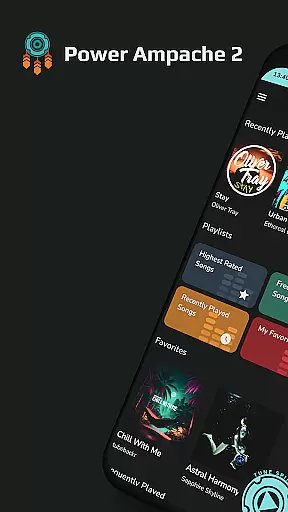
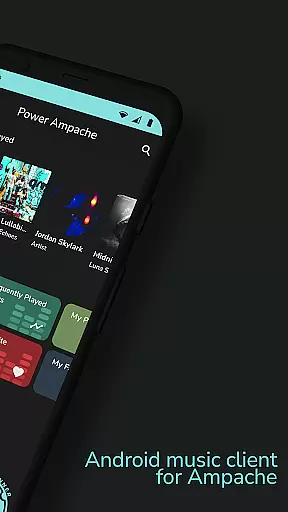
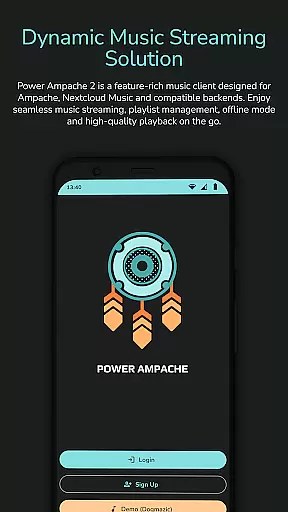
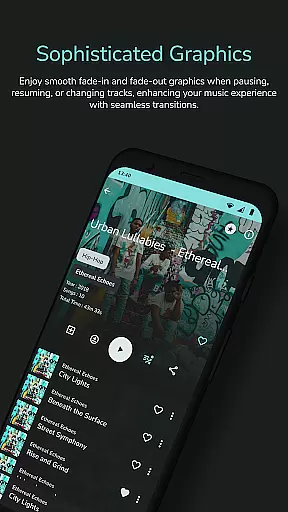
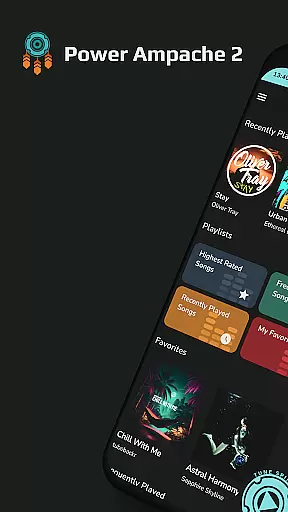
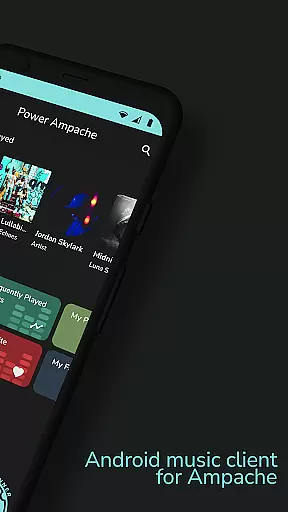
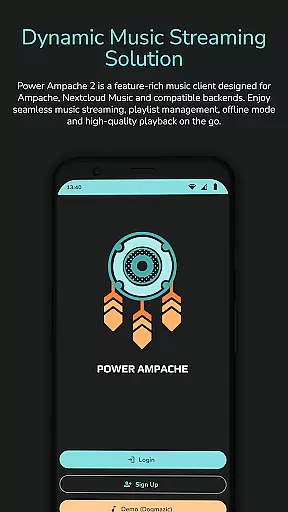
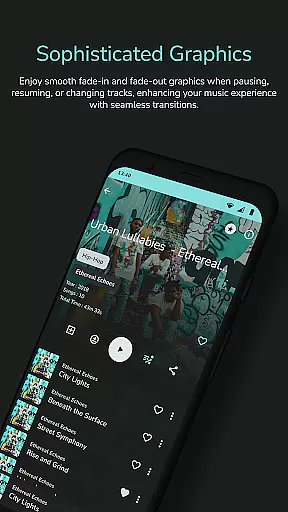
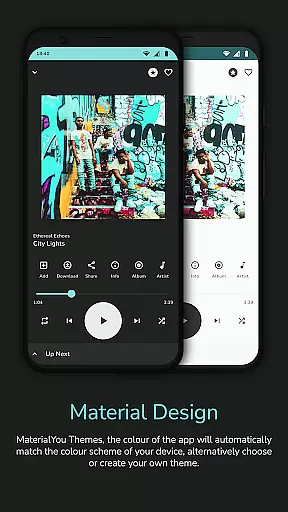
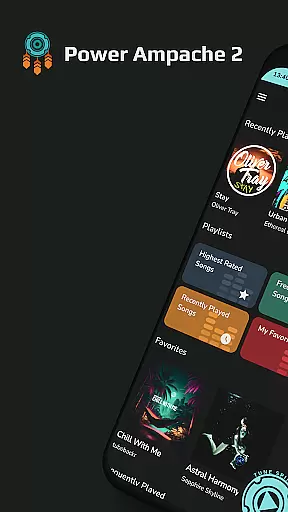
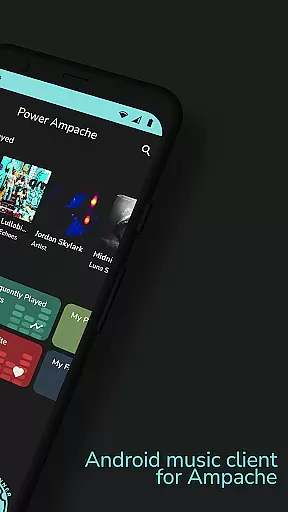
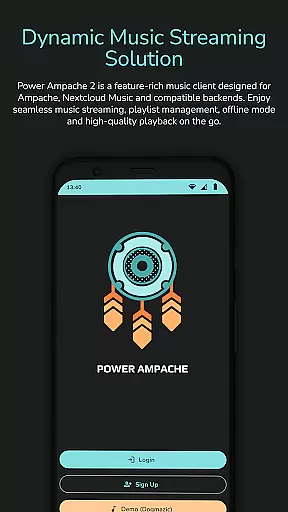
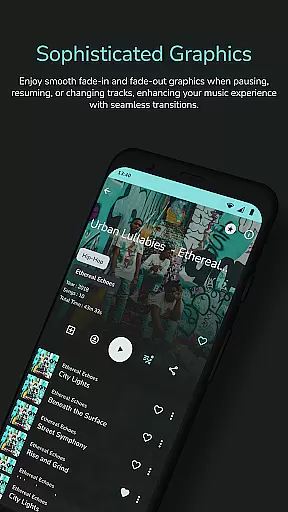
Power Ampache 2 is a versatile music client tailored for Ampache, Nextcloud Music, and other compatible backends. It combines all the essential features of mainstream music players with advanced functionalities like multi-account support, offline mode, and an ad-free interface. The app allows users to download and export music files, access lyrics, and enjoy a tracking-free experience.
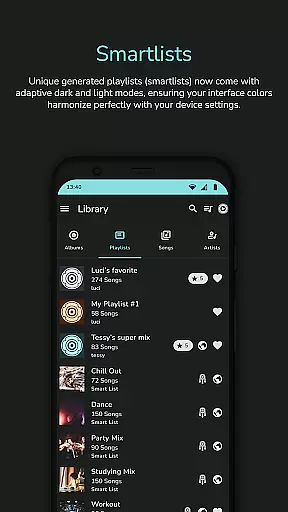
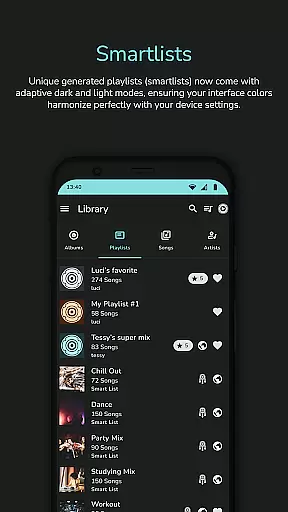
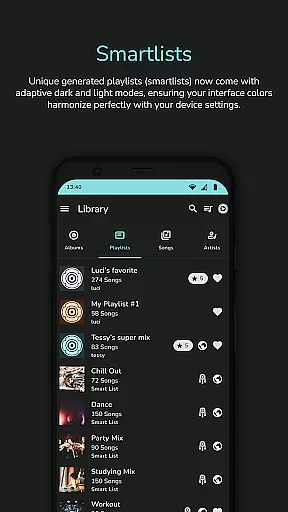
With unique smartlists, playlist creation and sharing, and adaptive interface colors, Power Ampache 2 offers a comprehensive music management solution. Its modern design includes media key support, Bluetooth functionality, and lock screen controls, ensuring a seamless user experience across devices. Whether you're streaming from Ampache servers or managing local files, this app provides speed, efficiency, and enhanced privacy.
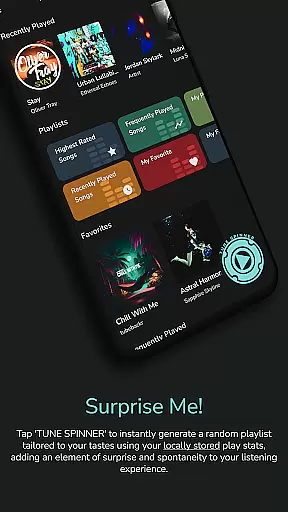
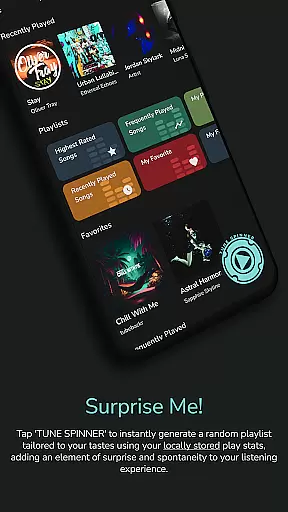
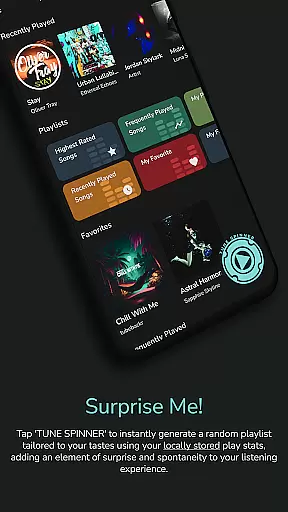
Power Ampache 2 stands out with its robust feature set designed for audiophiles and casual listeners alike. The app supports high-quality FLAC audio playback and offers advanced search capabilities for quickly locating songs, albums, or playlists. Its "Spin it!" button generates custom playlists, while smartlists provide dynamic listening options based on user preferences.
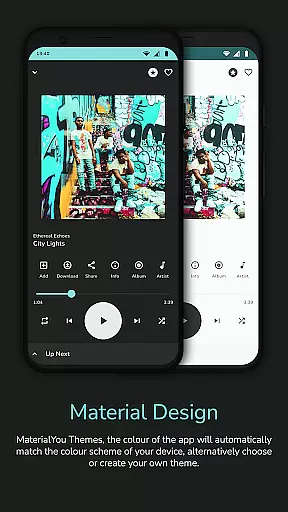
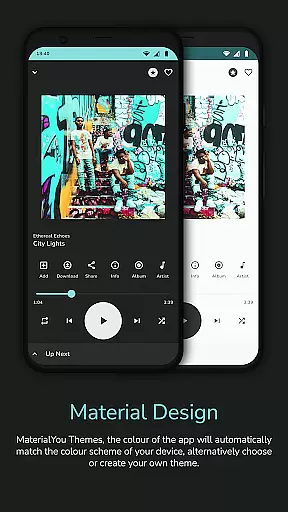
The app's offline mode ensures uninterrupted music access without an internet connection, and its adaptive Material3 design adjusts to system themes for a polished look. Additional highlights include drag-and-drop playlist editing (coming soon), Android TV compatibility (in progress), and widgets for quick access. With open-source transparency, Power Ampache 2 prioritizes user privacy by avoiding trackers and unnecessary permissions.
Power Ampache 2 offers a vast music library by connecting to Ampache, Nextcloud Music, and compatible backends. This ensures users have access to a wide range of songs, albums, and playlists while maintaining the authenticity of copyrighted material.
The app supports multi-account features which means users can connect to different music servers and enjoy an even more extensive collection of music. This feature is especially beneficial for those who want to explore various music libraries without any restrictions.
With the ability to download music files for offline use, Power Ampache 2 not only provides convenience but also ensures that all content is legally obtained and used in compliance with copyright laws. Users can enjoy their favorite tracks without worrying about legal issues or the presence of unauthorized content.
One of the standout features of Power Ampache 2 is its commitment to audio quality. The app boasts support for high-quality audio formats, ensuring that listeners experience music as the artists intended, with clarity and depth that lower quality formats cannot provide.
Despite being feature-rich, Power Ampache 2 maintains a lightweight structure that delivers lightning-fast performance. This allows for quick access to high-quality tracks (with FLAC support coming soon), enabling users to create playlists and queues efficiently without compromising on sound quality.
In addition to supporting superior audio formats, Power Ampache 2 also includes advanced functionalities such as 'Spin it!' button-generated playlists and powerful offline mode. These ensure that whether online or off, users have control over how they listen, with consistently excellent audio output tailored to their preferences.
User-friendly interface
Advanced offline capabilities
Ad-free experience
Open-source transparency
Multi-account support
Some features still in development
Limited widget availability
No FLAC support yet
Complex setup for beginners
Fewer visual customizations

Over 100 million tracks available for high quality streaming and download
 4.60
4.60
Listen to live FM radio stations, sports, music and news on global radios online
4.70
Simple & Intuitive Metronome
4.70
Music, News & Sports Radio Tuner App. Tune in Live FM & AM Radio Stations.
4.80
Help you quickly get started with Shokz headphones
4.40
The original SP-1200 experience on your iPad
4.20
Sheet music reader, piano & music note player. Play music score & learn to read.
3.90
Offline Tunes, Unlimited Vibes
3.90
Melody Beat: Great for travel, workouts, offline vibes, play your tunes anytime.
4.10
Make songs with AI! Any genre, custom lyric, song generator for music creation!
4.80
Listen radio AM / FM Stations. Live AM / FM Radio App Station. Radio Com.
4.70
Performance-Synthesizer & Multi-Track-Sequencer, polyphonic + multi timbral!
4.70
Recording studio w/ 10k beats, pro vocal FX and a network of 20M rappers & fans!
4.60
Save hundreds of dollars for a physical strobe tuner and instead use this app.
4.50
Manage your Sonos system directly from your home-screen!
4.40
Your HD audio recorder on the go for music, meetings, ambience, animal sounds…
4.30
Offline and always ad-free - stream in the highest quality available.
4.10
The Minimalistic Premium Music Player. Handmade with passion for music
2.20
Remove ads permanently from Music Visualizer
4.0


User Reviews