
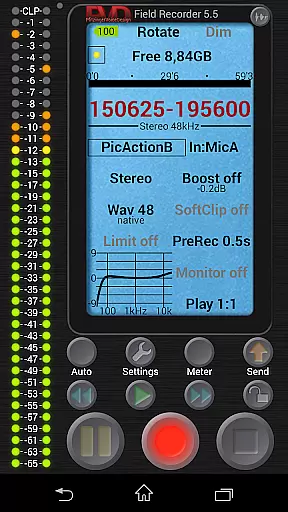
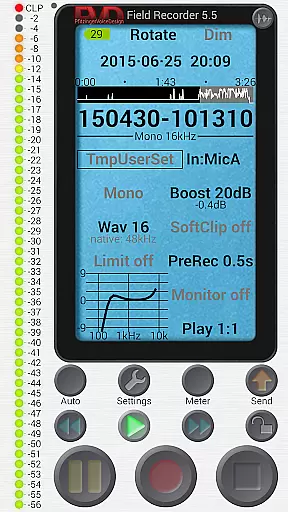
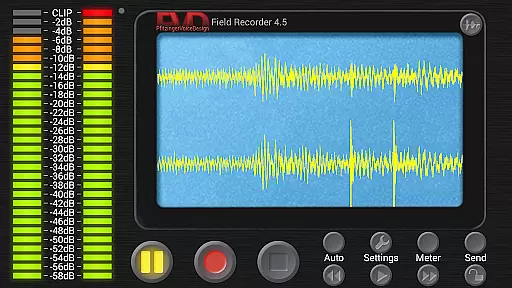
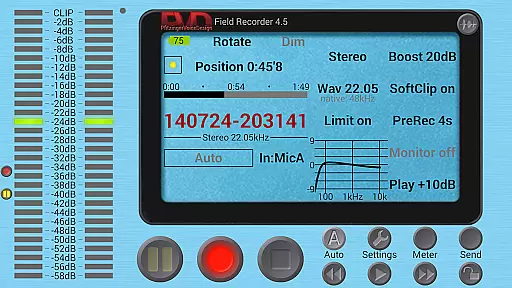
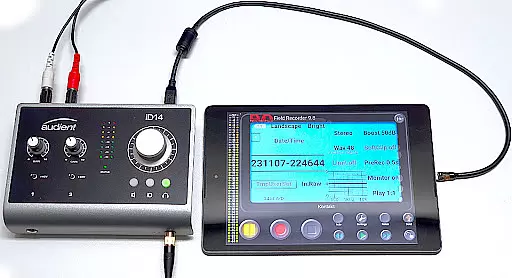
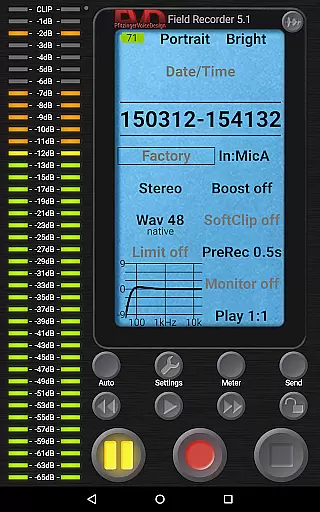
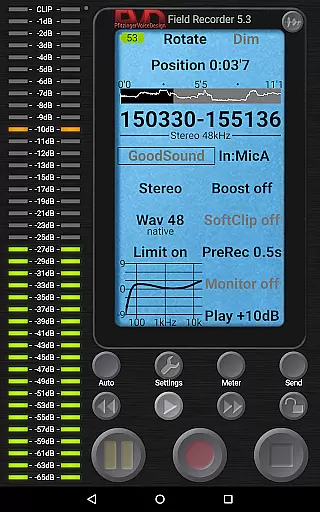
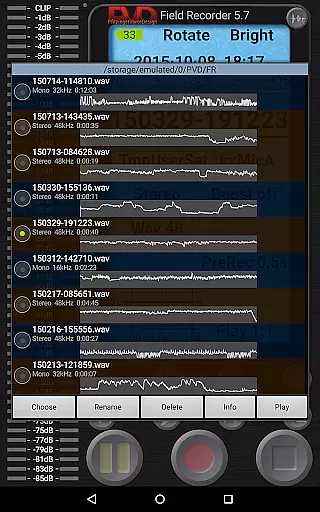
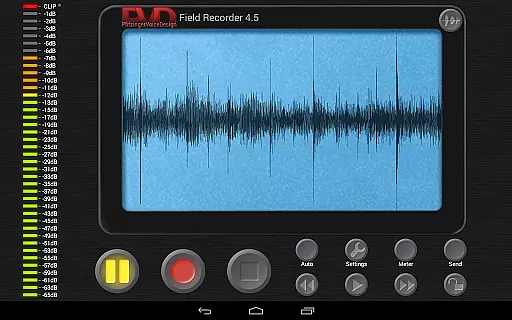
Field Recorder transforms your mobile device into a versatile audio recording tool, offering professional-grade features in a lightweight package. With support for both built-in and external microphones, as well as USB sound cards, it provides exceptional flexibility for various recording needs.
The app excels in delivering high-quality audio through adjustable parameters and presets, making it suitable for musicians, journalists, and audio enthusiasts. Whether you're capturing live concerts, interviews, or ambient sounds, Field Recorder ensures optimal performance and convenience.
Users can instantly share recordings across multiple platforms and benefit from advanced editing capabilities like equalizers, limiters, and noise shaping. This makes the app particularly valuable for professionals who require reliable and adaptable audio solutions on the go.
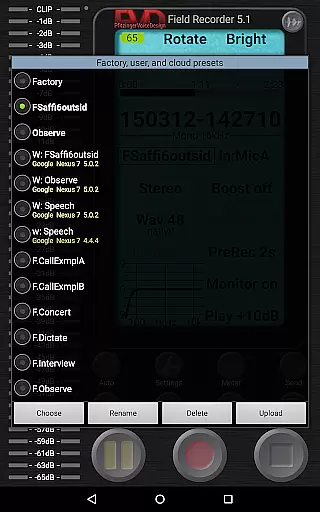
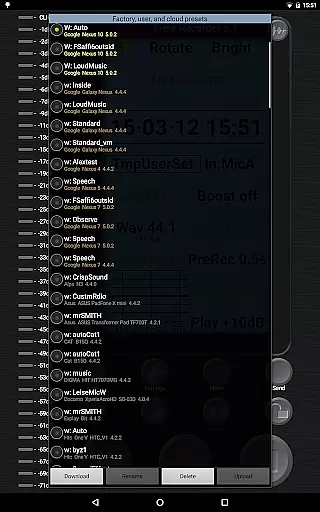
Field Recorder stands out with its comprehensive feature set tailored for audio professionals. The app offers precise control over recording parameters, allowing users to save custom presets for different scenarios such as concerts, dictation, or phone calls.
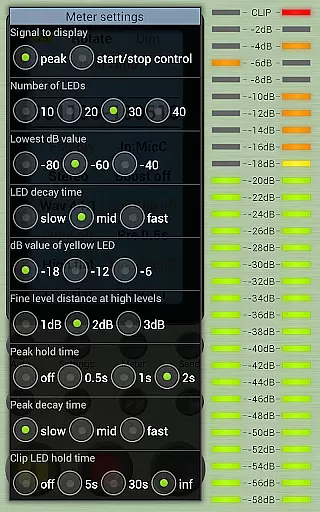
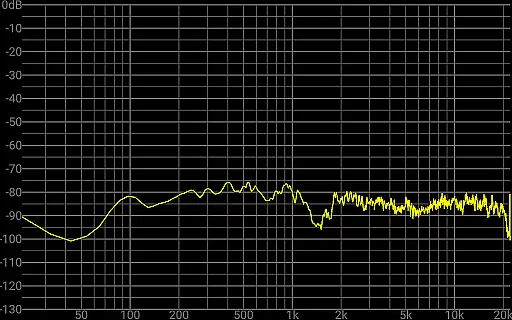
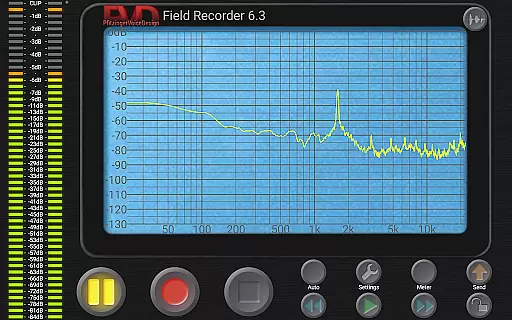
Advanced audio processing tools include parametric equalizers, low-cut filters, and stereo balance correction. These features address common recording challenges and ensure consistent quality across all devices. The built-in spectrum analyzer and sonogram display provide real-time monitoring during recording sessions.
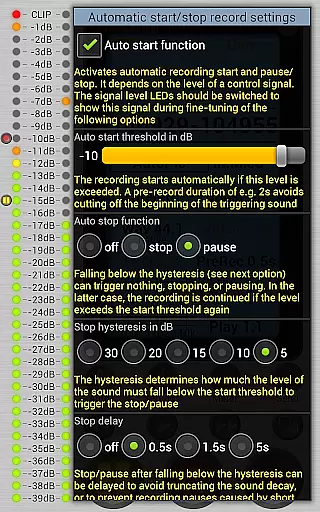
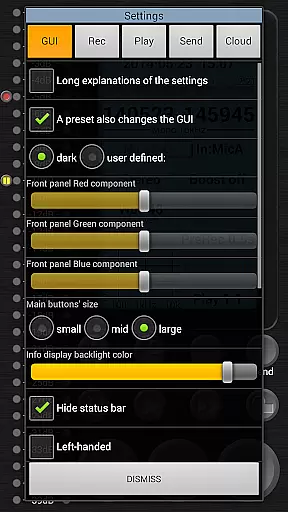
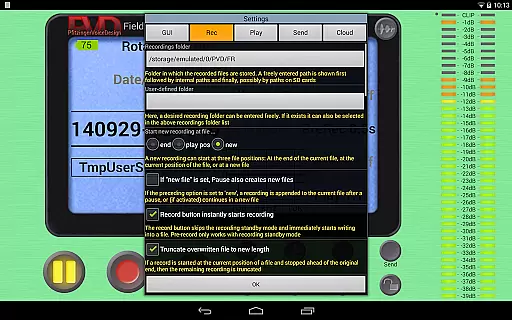
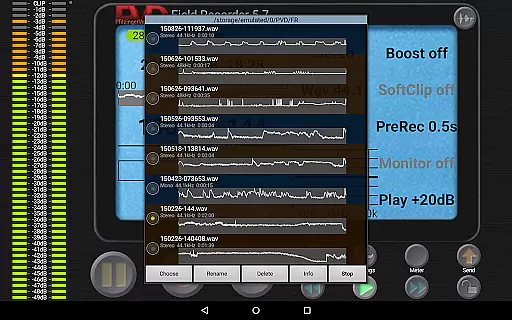
Unique functionalities like automatic start/stop based on volume thresholds, background noise detection, and seamless WAV file management make this app indispensable for serious audio work. The intuitive interface also supports customizable GUI elements and professional playback options.
Field Recorder offers an extensive suite of features that make it a versatile tool for audio recording across various scenarios. While it doesn't provide a traditional music library, its ability to save presets and switch between them quickly allows users to create a personalized library of recording settings tailored to specific needs.
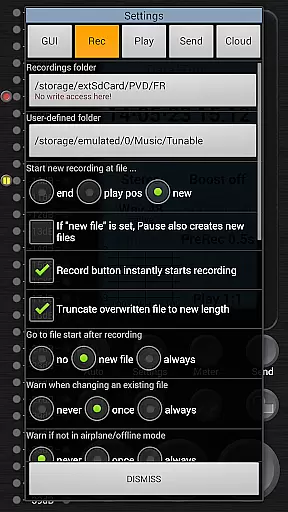
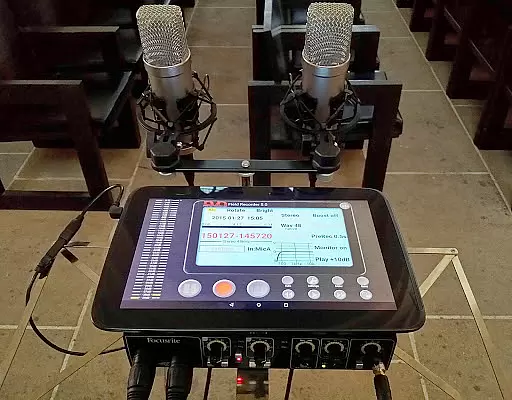
The app supports high-quality audio recordings using built-in microphones, external microphones, or USB sound cards. This flexibility ensures that the recordings maintain their authenticity and quality, which is crucial for users who require accurate sound reproduction in their work.
With options to convert recordings into multiple formats such as MP3, AAC, or FLAC through helper apps, Field Recorder ensures compatibility with different platforms and uses. This feature enhances the user's ability to share and utilize their recordings without worrying about format restrictions.
Overall, Field Recorder empowers users to capture high-fidelity audio while providing tools to manage and optimize these recordings efficiently. Its robust functionality makes it an indispensable tool for anyone involved in professional audio production.
Field Recorder stands out in the realm of audio applications due to its exceptional focus on audio quality options. The app allows users to adjust audio parameters in more ways than any other recorder, ensuring that every recording meets the highest standards of clarity and fidelity.
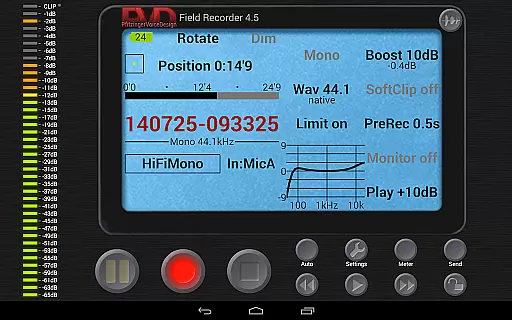
Users can record in formats ranging from efficient mono/16kHz/16-bit to professional stereo/192kHz/24-bit WAV files. This range provides unparalleled flexibility, catering to both casual users and professionals who demand top-tier audio quality for their projects.
In addition to its impressive recording capabilities, Field Recorder includes advanced audio processing features like low-cut filters, parametric and shelving equalizers, and stereo balance correction. These tools help mitigate common recording issues, enhancing the overall listening experience.
Ultimately, Field Recorder delivers a comprehensive solution for anyone seeking superior audio quality. Its meticulous attention to detail and commitment to providing customizable options make it an essential app for audiophiles and professionals alike.
High-quality audio recording
Extensive parameter adjustments
Real-time audio monitoring
Customizable user interface
Versatile sharing options
Complex for beginners
Requires additional apps
Advanced features costly
Interface not intuitive
Heavy on battery

The Music Journey in Your Hands
 4.30
4.30
Background pads for your band
3.80
DJ Music Mixer - DJ Remix: remix songs, make beat music & record mix of DJ.
4.40
Guzheng Master supports many playing techniques as an acoustic Guzheng
4.50
Unleash your creativity! Turn simple prompts into full fledged songs.
4.70
Smart piano keyboard, Classical to Pop, Real-time multiplayer connection!
4.20
Slow music down without changing pitch.
3.70
The iconic iOS metronome app is now on Android.
3.70
Melody Beat: Great for travel, workouts, offline vibes, play your tunes anytime.
4.10
Make songs with AI! Any genre, custom lyric, song generator for music creation!
4.80
Gorgeous UI, Powerful music Search and Equalizer, the great choice for you!
4.70
Record, Mix & Master with all n-Track effects, 64-bit audio and Stem Separation.
4.70
Let your Android device with the sound effects you want
4.50
Advanced 10-Band Audio Graphic Equalizer Sound Booster Pro
4.30
Enjoy singing any song, no matter how high or low it is
4.30
A sleek, no-frills player designed for true music lovers.
4.20
Next generation modular control surface
4.10
The Skullcandy App Experience
3.20
MilkDrop for Android TV
3.00


User Reviews