
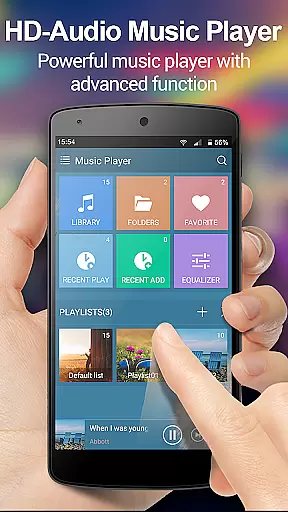
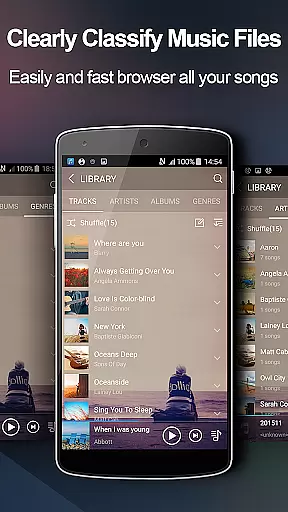
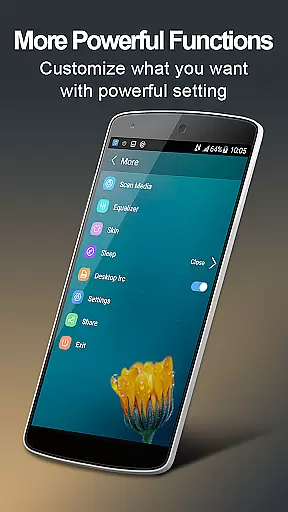
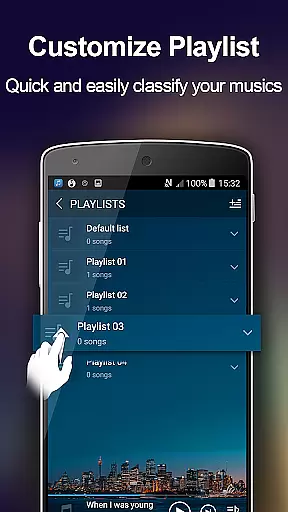
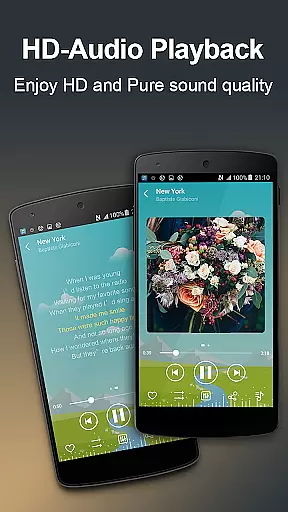
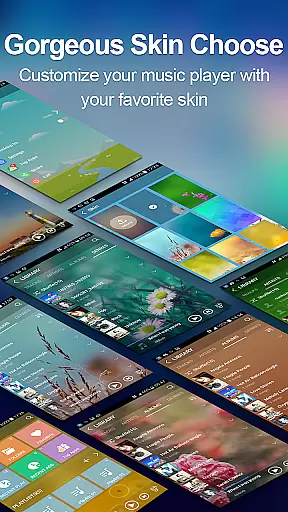
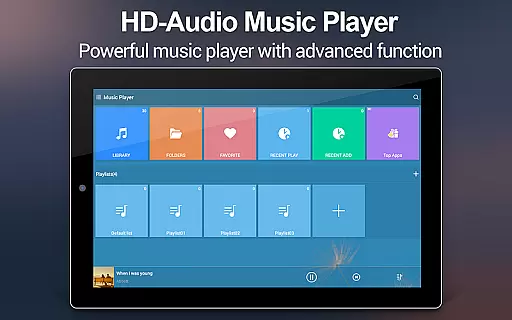
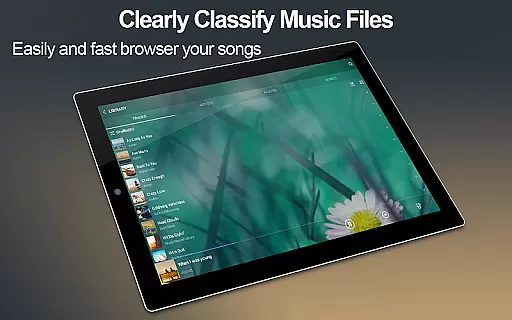
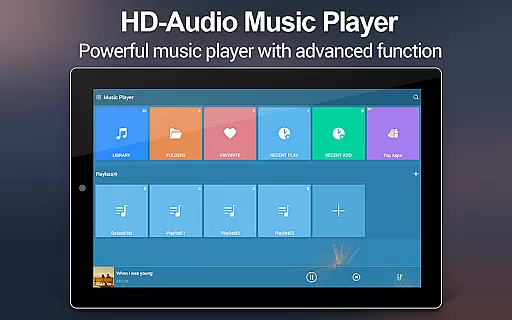
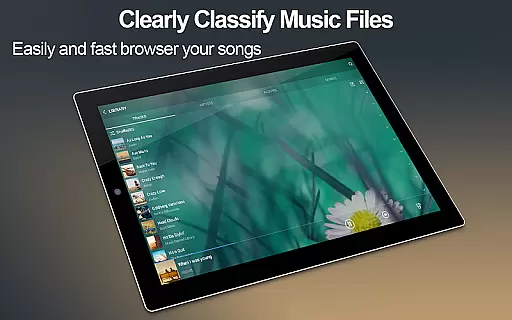
Music Player + is a feature-rich audio management app designed for Android users who demand both functionality and aesthetics. This app not only allows you to browse and play music by various categories such as albums, artists, genres, playlists, and folders but also offers advanced equalizer settings that redefine your listening experience. With support for all music file formats and customizable background skins, it provides a personalized interface that makes managing your music library intuitive and visually appealing.
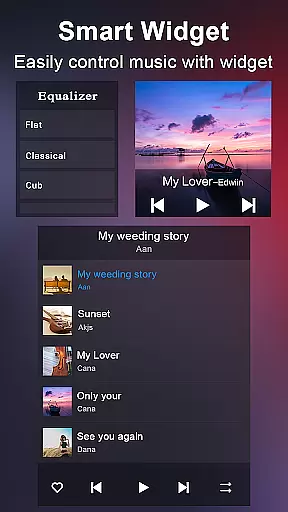
The app stands out with its user-friendly widgets, automatic lyric matching, and unique features like the Shake It function. Whether you're at home or on the go, Music Player + ensures seamless music playback through notification controls and headset support. Its powerful search capability and customizable playlists make it an indispensable tool for organizing extensive music collections.
Ideal for audiophiles and casual listeners alike, Music Player + transforms the way you interact with your music library. The combination of practical features and stunning design creates an unparalleled audio experience that enhances every moment of your day.
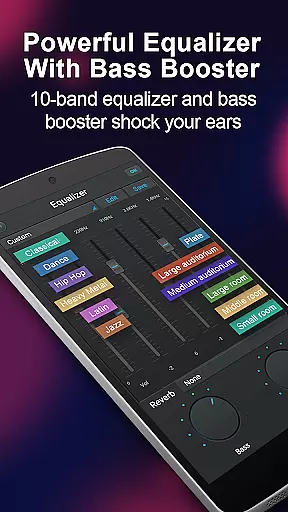
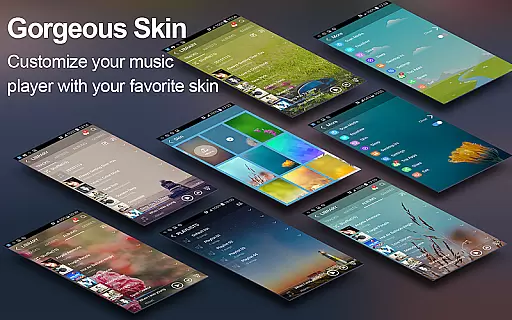
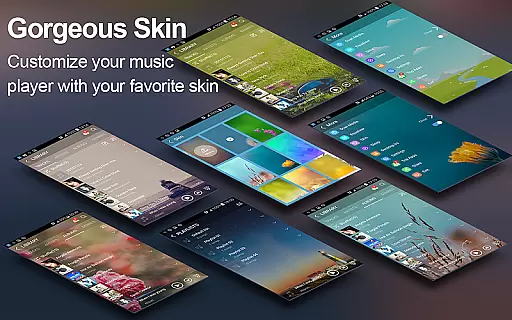
Music Player + boasts an impressive array of features that cater to diverse user needs. The app's five-band equalizer with eight preset options allows you to fine-tune audio output according to your preferences. This level of customization extends to the visual aspect, where users can choose from over 20 background skins or upload their own images to create a truly unique interface.
One of the standout features is the automatic lyric scanning and matching system. This intelligent function saves time by instantly pairing songs with their corresponding lyrics files. The inclusion of three different-sized home screen widgets (4x1, 2x2, 4x1) provides quick access to essential controls without cluttering your home screen.
The app's innovative Shake It feature demonstrates its commitment to user convenience. By simply shaking your device, you can skip tracks effortlessly. Additional practical elements include comprehensive music library search capabilities, custom playlist creation tools, and robust headset/bluetooth controls that ensure uninterrupted playback regardless of your location or activity.
Music Player + offers an extensive music library that supports all audio file formats, making it easy for users to manage and play their music seamlessly. The app's powerful search functionality ensures that every track is quickly accessible, enhancing the overall user experience.
The application focuses on copyright authenticity by allowing users to organize music based on albums, artists, genres, and playlists. This meticulous organization not only respects the integrity of the original content but also makes navigation intuitive and efficient.
With features like automatic lyric scanning and matching, Music Player + ensures that users receive accurate and authorized content. This feature enriches the listening experience by providing real-time lyrics that are perfectly synced with the music.
Furthermore, the app provides over 20 customizable background skins, giving users the ability to personalize their interface while maintaining the authenticity of their music library. These aesthetic options do not compromise the app's primary function, which is to deliver a vast and genuine music collection.
One of the standout features of Music Player + is its five-band equalizer, which allows users to manually adjust audio settings or choose from eight preset options. This flexibility ensures that listeners can tailor their sound experience to match different music genres, significantly enhancing audio quality.
The unique equalizer technology in Music Player + delivers a sound experience unlike any other standard player. Users can fine-tune bass, treble, and other frequencies to achieve studio-level audio playback, making each track sound richer and more dynamic.
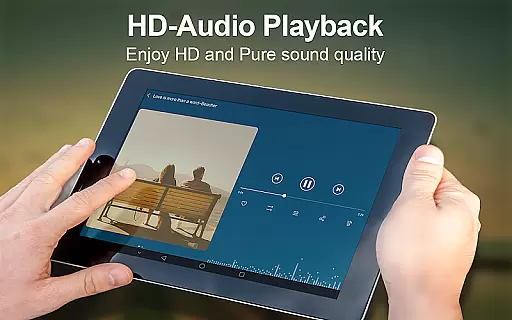
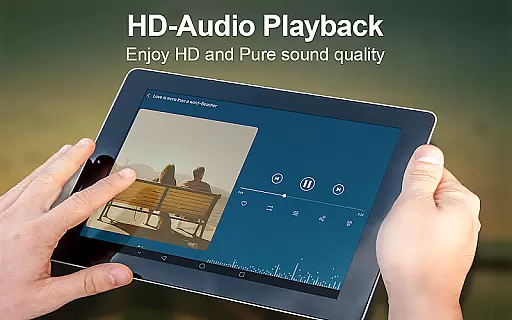
In addition to superior equalization, the app supports high-quality audio formats, ensuring that the sound output remains clear and crisp. Whether you're using basic earphones or high-end speakers, Music Player + optimizes audio performance across all devices.
Moreover, the notification status feature displays album artwork and playback controls, allowing users to manage their listening experience without compromising audio quality. This seamless integration of functionality and performance highlights the app's commitment to delivering top-notch sound options.
User-friendly interface
Extensive equalizer options
Versatile widget selection
Automatic lyric matching
Customizable backgrounds
No cloud integration
Limited social sharing
Occasional bugs reported
Advanced features require learning
Large app size

DJ Music Mixer Pro is a real DJ controllers and DJ Music Studio to remix DJ.
 4.40
4.40
VB-AUDIO Software / VBAN-Receptor allows listening to any VBAN Streams
4.10
JBL PartyBox APP works with 110/310/710/120/320/520/Encore/Encore 2/Encore Ess 2
4.80
Permanently backup Now Playing. Maps, filters & listening stats.
4.00
The ultimate media player for Android devices
3.90
Bass Booster Pro takes auto-equalizing to the next level!
4.30
A complete sound package for the sound engineer or enthusiast
4.60
Learn the notes on the guitar fretboard fast with this easy and fun app
4.60
Melody Beat: Great for travel, workouts, offline vibes, play your tunes anytime.
4.10
Make songs with AI! Any genre, custom lyric, song generator for music creation!
4.80
Your song collections with lyrics and chords on Android smartphones and tablets.
4.80
Ultimate Sonos Controller
4.70
The best music and audio player, with beautiful UI, music search and equalizer.
4.60
Let your Android device with the sound effects you want
4.50
Manage your Sonos system directly from your home-screen!
4.40
The alternative folder based music player.
4.20
A sleek, no-frills player designed for true music lovers.
4.20
Powerful beat maker & DJ mixer to remix tracks, make music, & perform DJ mix
3.70
The Minimalistic Premium Music Player. Handmade with passion for music
2.20


User Reviews