
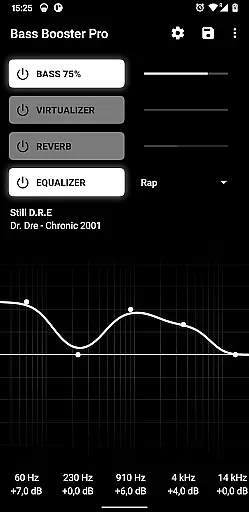
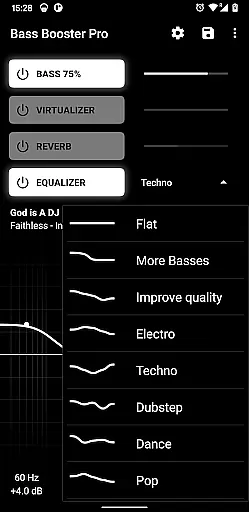
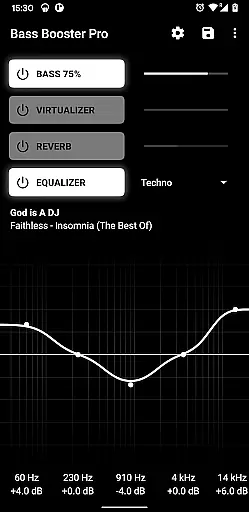
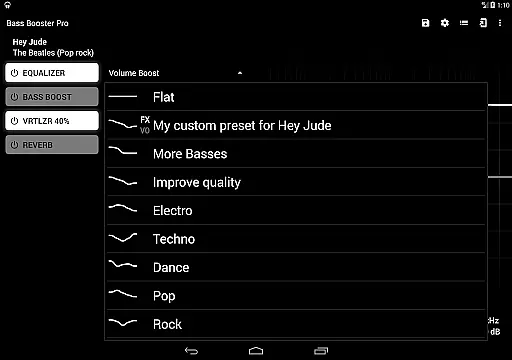
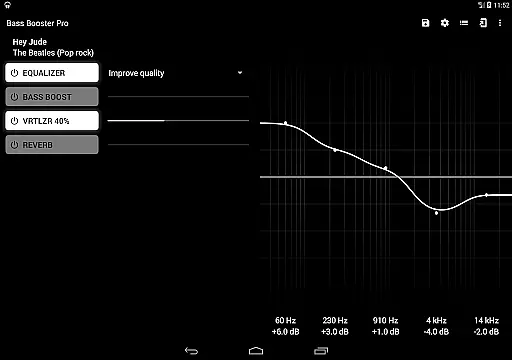
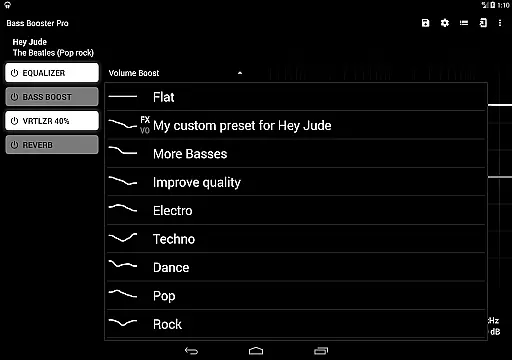
Bass Booster Pro offers an extensive music enhancement experience by providing users with 20 built-in presets that cover a wide range of music genres. These include popular styles such as Pop, Rock, Metal, and specialized categories like Dubstep and Reggae.
Each preset is carefully crafted to ensure the sound output remains true to the original music while enhancing specific audio elements. This guarantees both the quality and authenticity of the listening experience, which is crucial for music enthusiasts who value genuine sound reproduction.
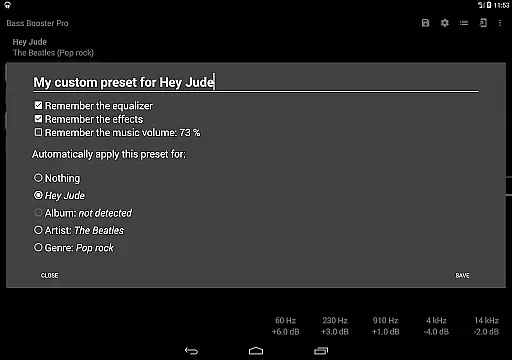
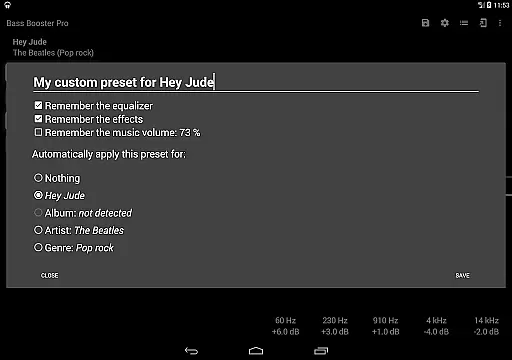
The app's unlimited custom presets feature allows users to create personalized settings tailored to their unique preferences or specific tracks. This flexibility ensures that users can enjoy a diverse array of music without compromising on quality or authenticity.
By supporting a variety of compatible media players, Bass Booster Pro ensures that its enhancements work seamlessly across different platforms, maintaining the integrity of the music library regardless of the source.
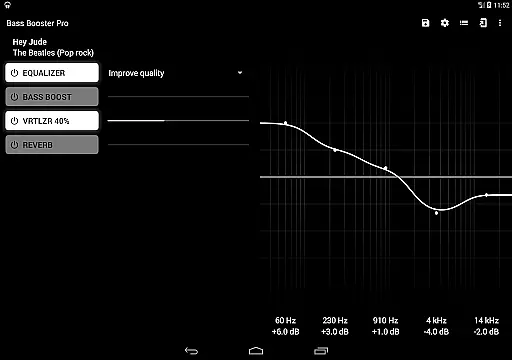
One of the standout features of Bass Booster Pro is its ability to significantly improve audio quality through advanced sound processing technologies. The app includes a virtualizer, reverb effects (in beta), and a music visualizer, all designed to elevate the auditory experience.
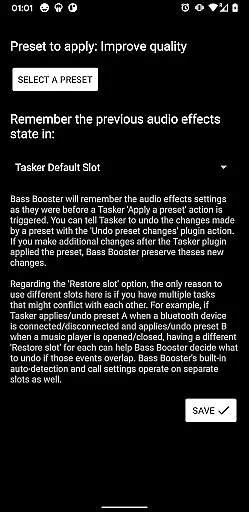
Users can take advantage of the widget functionality and homescreen shortcuts to quickly adjust settings without opening the app. This convenience factor enhances user engagement and allows for real-time audio adjustments based on current listening conditions.
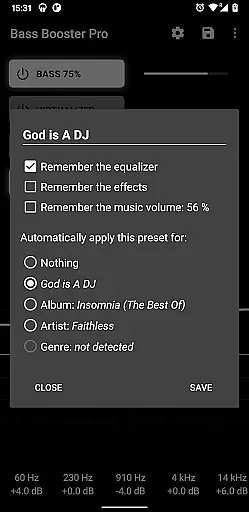
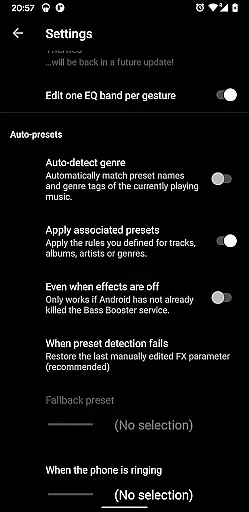
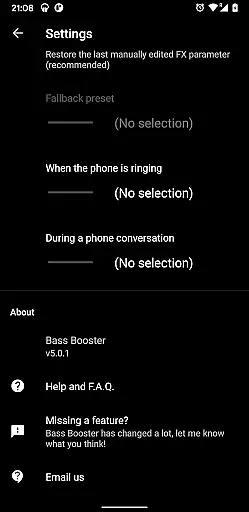
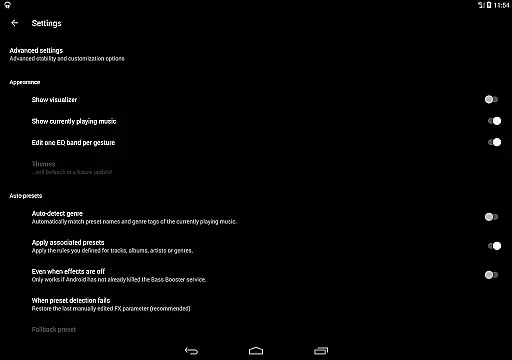
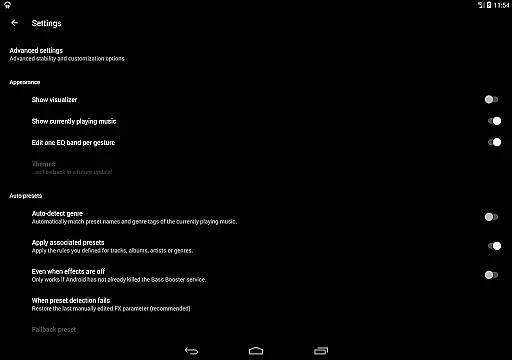
The automatic preset detection system intelligently selects the appropriate audio enhancements based on the genre or even specific songs, albums, or artists. This ensures optimal audio quality tailored to the content being played, offering a more immersive and high-fidelity listening session.
Additionally, compatibility with various media players means users can enjoy enhanced audio quality across their entire music library, ensuring a consistently superior sound experience regardless of their choice of playback software.

Gorgeous UI, Powerful music Search and Equalizer, the great choice for you!
 4.70
4.70
DJ Music Mixer - DJ Remix: remix songs, make beat music & record mix of DJ.
4.40
AI Music Maker: Generate And Compose AI Tunes & AI Songs & AI Music & AI Melody!
4.60
Voice recorder - Audio recorder. Best recorder for recording
4.90
Smart piano keyboard, Classical to Pop, Real-time multiplayer connection!
4.20
The Minimalistic Premium Music Player. Handmade with passion for music
2.20
Powerful 10-Band equalizer pro with sound booster improves Android audio quality
4.30
Full featured mp3 and audio player with Chromecast and Android Auto support.
4.40
Customize Your Favorite Songs and Videos with booster.
4.70
Taal player that lets you sing any Indian & Western song with Tabla & Tanpura
4.60
Offline Music Player&MP3 Player with themes, equalizer, lyrics, music play mode
4.60
DJ Music Mixer Pro is a real DJ controllers and DJ Music Studio to remix DJ.
4.40
Advanced 10-Band Audio Graphic Equalizer Sound Booster Pro
4.30
Network/Cloud Streaming, Visualization, Graphic Equalizer and Sound Effects.
4.20
Next generation modular control surface
4.10
Sheet music reader, piano & music note player. Play music score & learn to read.
3.90
Background pads for your band
3.80
Slow music down without changing pitch.
3.70
The Cubase remote control app
3.60


User Reviews