
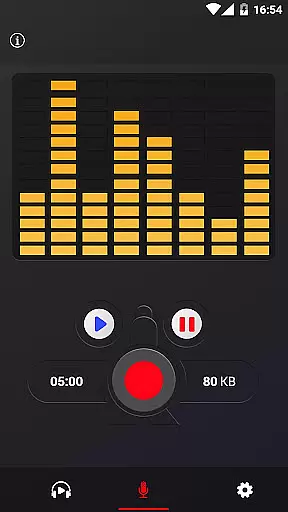
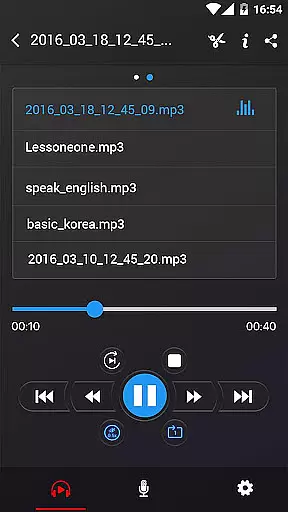
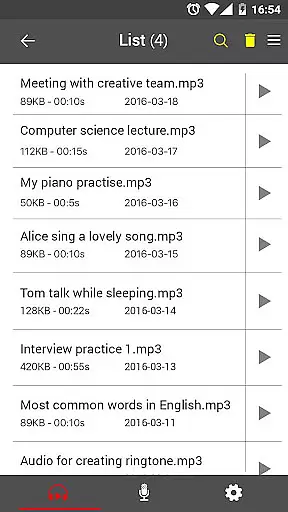
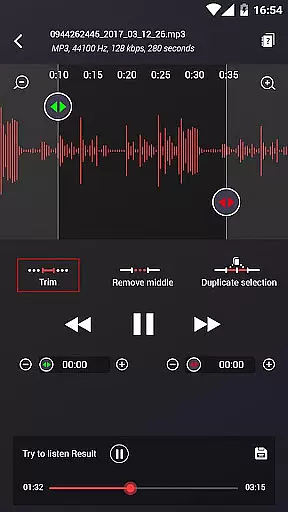
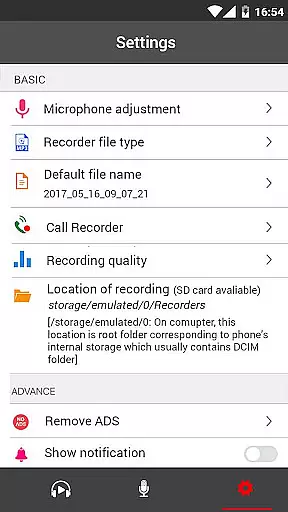
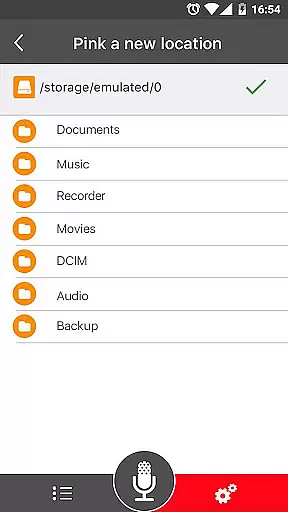
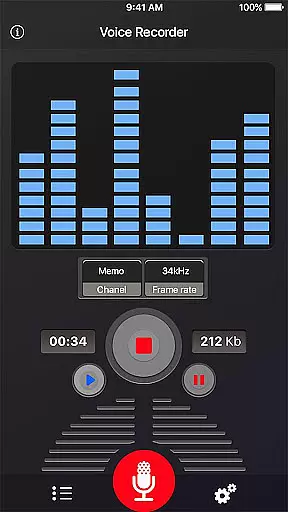
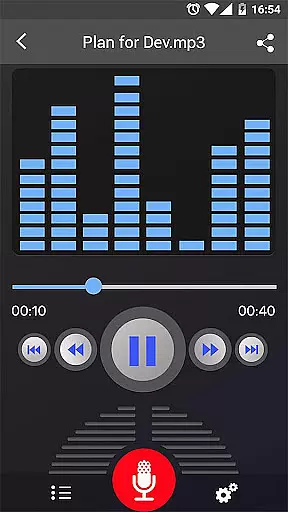
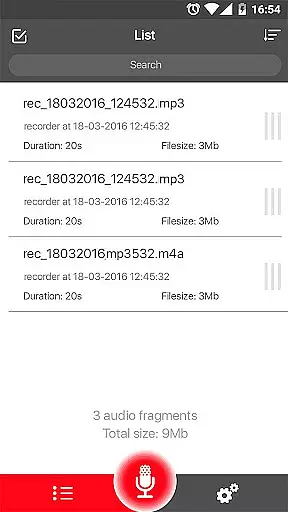
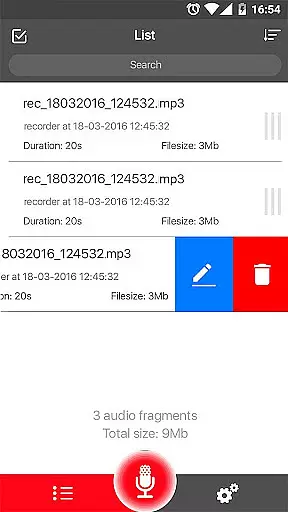
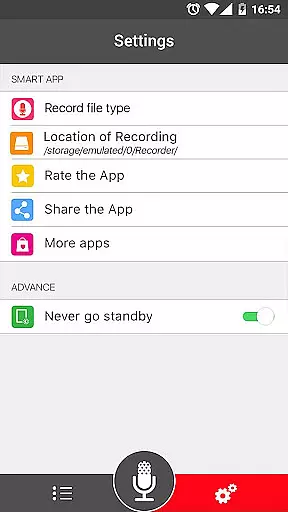

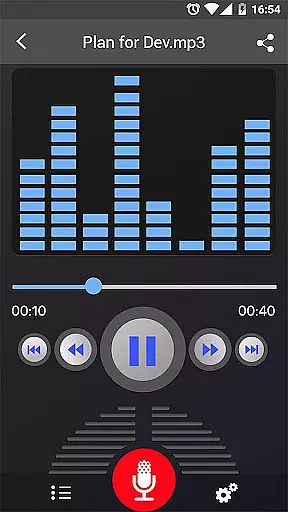
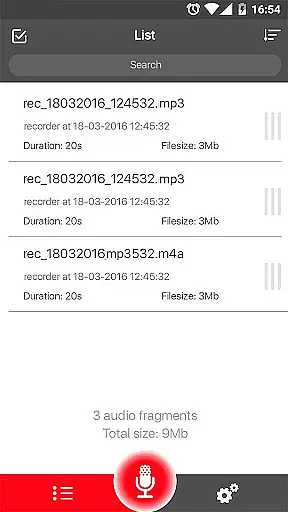
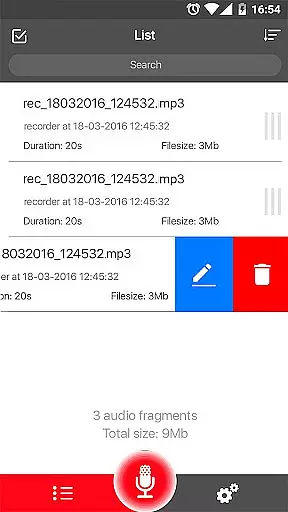
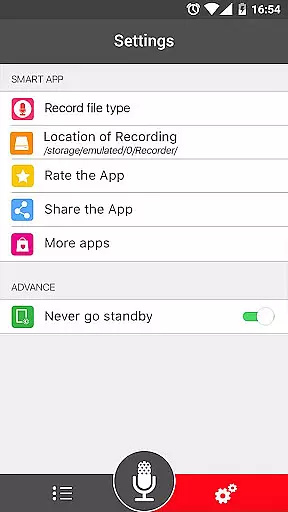
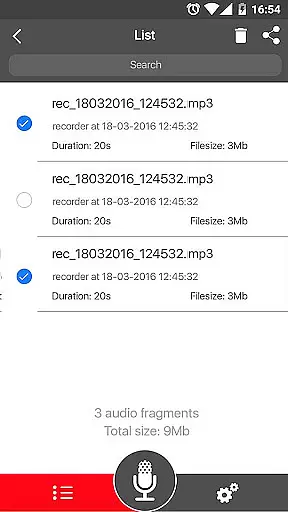
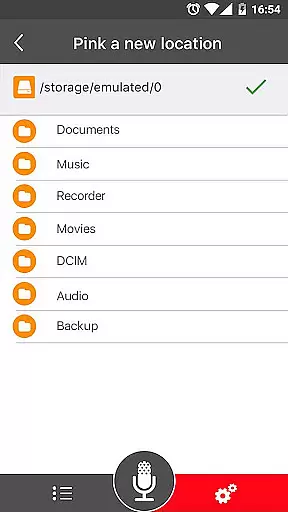
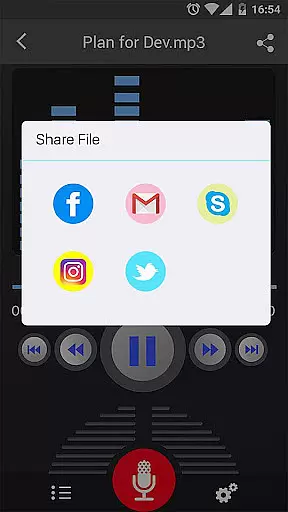
Voice Recorder is a top-tier audio recording application designed for users who require high-quality sound capture. This free app offers an intuitive interface and reliable performance, making it perfect for recording meetings, lectures, interviews, and more. With no time limits and support for various audio formats, it ensures you never miss an important moment.
The app stands out with its advanced features like MP3 encoding, adjustable sample rates, and background recording. Whether you're a student wanting to save lectures or a professional needing to document meetings, Voice Recorder provides the tools necessary to capture and manage your audio files efficiently.
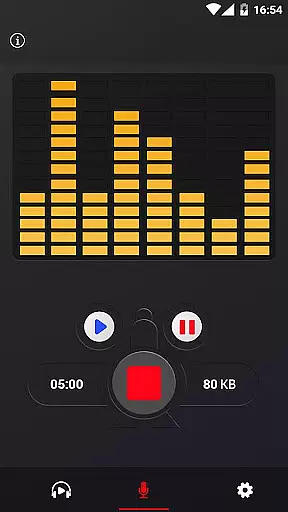
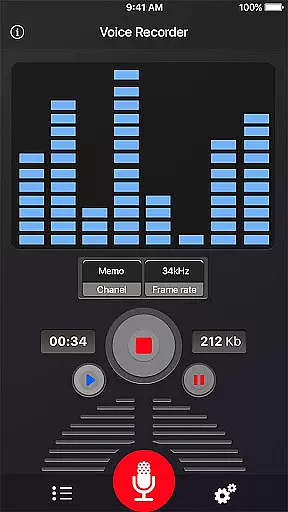
Voice Recorder boasts an impressive array of features that cater to both casual and professional users. The app supports high-quality recording in MP3 and OGG formats, ensuring your audio files maintain excellent clarity. Its live audio spectrum analyzer and microphone gain calibration tool allow for precise control over your recordings.
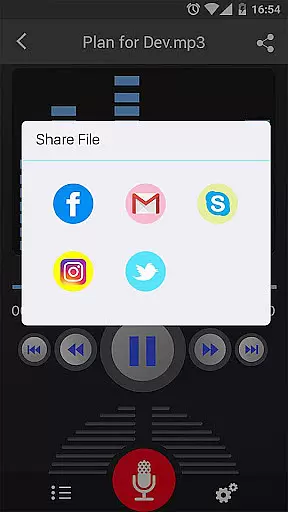
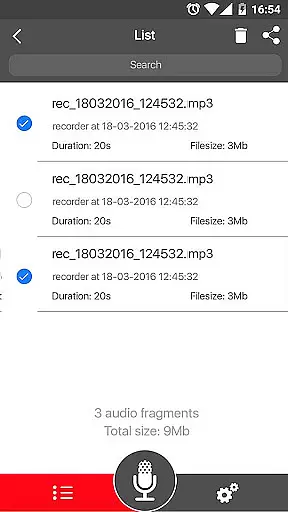
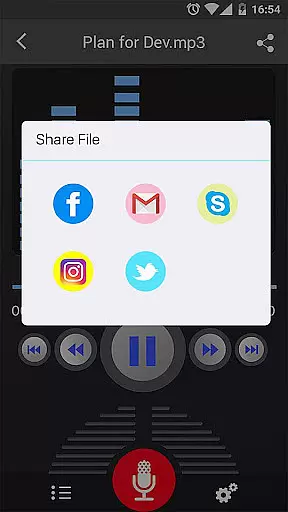
Additionally, the app offers comprehensive file management options. You can play, pause, stop, delete, and share your recordings effortlessly. The ability to save, pause, resume, and cancel recordings gives you complete control over the recording process. Sharing options include email, SMS, MMS, social media platforms, and cloud services, enhancing accessibility and convenience.
Voice Recorder offers a comprehensive set of features that cater to both casual and professional audio recording needs. Despite not having an integrated music library, the app excels in creating high-quality audio content that users can own and manage.
The application supports recording in multiple formats including MP3 and OGG, ensuring broad compatibility and flexibility for various use cases. This versatility allows users to build their personal audio libraries with ease.
While the app doesn't directly deal with copyrighted materials, it provides tools for creating original content. The adjustable MP3 encoding with sample rates from 8-44 kHz ensures that recordings maintain professional quality standards.
All recordings are created as original works, eliminating copyright concerns. Users can reliably record meetings, lectures, and interviews, building their personal archives while maintaining complete ownership of their recorded content.
Audio quality is at the core of Voice Recorder's functionality, offering users multiple options to ensure their recordings meet professional standards. The app supports high-quality recording with adjustable MP3 encoding, allowing users to select sample rates between 8-44 kHz.
The inclusion of a microphone gain calibration tool demonstrates the app's commitment to delivering precise audio capture. This feature enables users to optimize their recording levels for different environments and sound sources.
With support for background recording and display-off functionality, the app maintains consistent quality even during extended sessions. The live audio spectrum analyzer further enhances the recording experience by providing real-time feedback on audio levels.
Users can save their recordings in industry-standard formats like MP3 and OGG, ensuring compatibility across devices and platforms. These format options, combined with the ability to pause and resume recordings, provide maximum flexibility in capturing audio content.
User-friendly interface
High-quality recordings
No time limits
Background recording
Comprehensive sharing options
Limited format support
No call recording
Basic UI design
Occasional bugs
Ads present

A synth that really lets you shape your sounds!
 4.50
4.50
Gorgeous UI, Powerful music Search and Equalizer, the great choice for you!
4.70
Ultimate Sonos Controller
4.70
Guzheng Master supports many playing techniques as an acoustic Guzheng
4.50
Bass Booster & Volume Equalizer Pro improves your music and video sound quality
4.60
The alternative folder based music player.
4.20
Offline Music Player & MP3 Player.Powerful equalizer, Lyrics, Themes, Tag Editor
4.80
The Minimalistic Premium Music Player. Handmade with passion for music
2.20
The iconic iOS metronome app is now on Android.
3.70
Make songs with AI! Any genre, custom lyric, song generator for music creation!
4.80
SqueezePlayer turns your Android phone or tablet into a SqueezeBox on its own!
4.60
Over 100 million tracks available for high quality streaming and download
4.60
Learn the notes on the guitar fretboard fast with this easy and fun app
4.60
10-Band Audio Equalizer, Sound / Bass Booster for Spotify Users & Music Players
4.40
PowerAudio is a powerful offline music player.
4.20
Sing, record, and create music together — enhanced by smart voice tools.
4.00
Learn to play the piano using falling notes!
3.80
The Skullcandy App Experience
3.20
MilkDrop for Android TV
3.00


User Reviews