
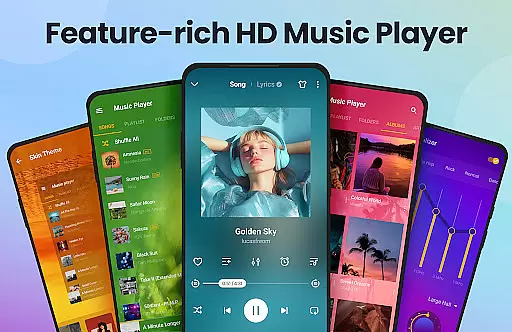
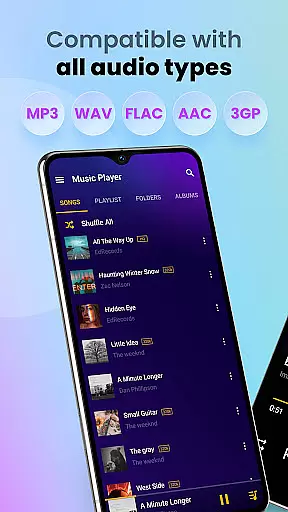
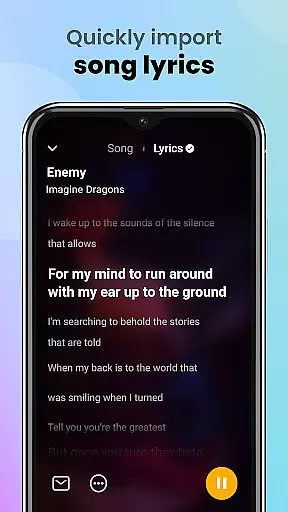
Music Player & MP3 Player is a premier audio playback application for Android devices, offering an exceptional listening experience. This app supports all major audio formats including MP3, MIDI, WAV, FLAC, AAC, and APE, ensuring comprehensive compatibility. With its built-in equalizer featuring bass boost and reverb effects, users can customize their sound profiles to match their preferences.
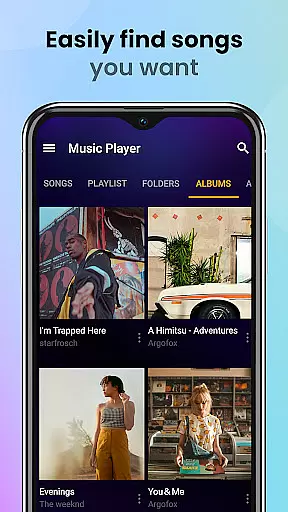
The user interface is both stylish and intuitive, allowing seamless navigation through your music library. You can browse tracks by songs, artists, albums, folders, or playlists. The app also includes practical features like offline playback, sleep timer, and lock screen controls, making it an ideal choice for music enthusiasts who value both form and function.
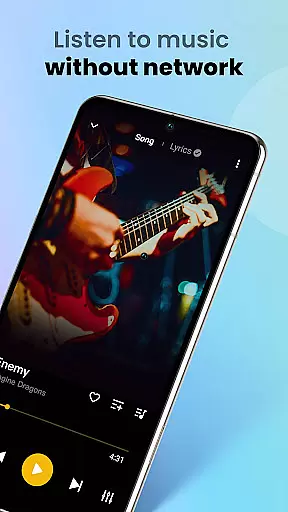
Whether you're commuting, working out, or relaxing at home, Music Player & MP3 Player provides a high-quality, uninterrupted music experience without the need for Wi-Fi connectivity.
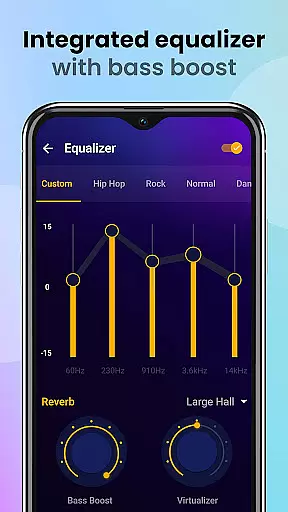
One of the standout features of Music Player & MP3 Player is its powerful equalizer, which comes with bass boost and reverb effects. This allows users to fine-tune their audio output, enhancing the depth and clarity of their music. The equalizer presets cater to various genres, ensuring optimal sound quality across different types of audio content.
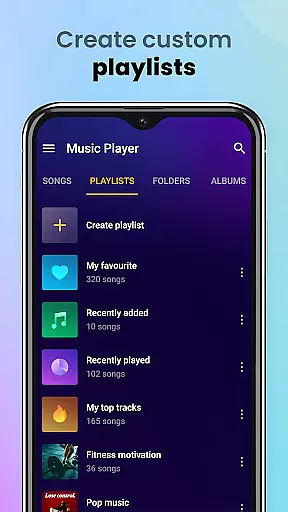
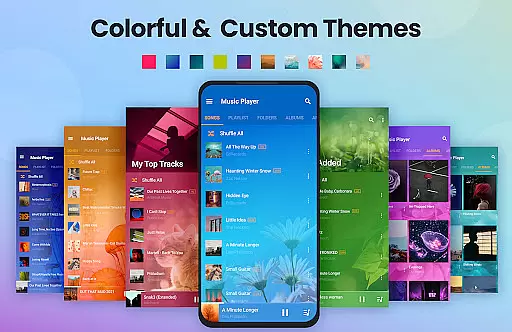
In addition to its robust playback capabilities, the app offers extensive library management tools. Users can automatically scan and organize their entire music collection, create custom playlists, and even set songs as ringtones. The app's sleek design includes customizable themes and color schemes, providing a personalized touch to the overall user experience.
Practical functionalities such as widget support, sleep timer, and notification bar controls further enhance usability. These features make it easy to manage playback and ensure that the app integrates smoothly into daily routines, whether you're using it for workouts or winding down before bed.
Music Player & MP3 Player offers an extensive music library that supports all major audio formats including MP3, MIDI, WAV, FLAC, AAC, and APE. This ensures that users can enjoy a wide variety of music without worrying about compatibility issues.
The application focuses on playing local files, meaning users have full control over their music sources and copyrights. By emphasizing local playback, it respects user ownership and the legality of their music collection while providing high-quality audio playback.
With the capability to automatically scan and organize all audio files on an Android device, this app makes managing a large music library effortless. Users can browse their collection by songs, artists, albums, folders, or playlists, enhancing accessibility and organization.
Delivering high-quality audio is a core feature of Music Player & MP3 Player. The app includes a powerful equalizer with bass boost and reverb effects, allowing users to customize their listening experience according to their preferences.
Users can enjoy music in superior quality, even without a Wi-Fi connection. The offline mode ensures uninterrupted playback, making it perfect for travel or areas with limited connectivity.
In addition to its equalizer, the app provides various playback modes such as shuffle, order, and loop. These options give users greater flexibility in how they listen to their music, ensuring a personalized and enjoyable audio experience every time.
User-friendly interface
High-quality audio playback
Extensive format support
Customizable equalizer settings
Offline playback capability
No built-in music downloader
Limited social sharing options
Occasional UI lag
Ads in free version
Advanced features require purchase

Over 100 million tracks available for high quality streaming and download
 4.60
4.60
Control your MIDI USB or Bluetooth devices in app and avoid some trampling
3.30
A High-Precision Audio Spectrum Analysis App
4.20
The only true audiophile music player with Hi-Fi audio rendering and DSP engine
3.90
Voice recorder - Audio recorder. Best recorder for recording
4.90
Learn and play 2M+ music tabs & chords on guitar, ukulele, bass, and more
4.30
Powerful 10-Band equalizer pro with sound booster improves Android audio quality
4.30
Offline Tunes, Unlimited Vibes
3.90
Melody Beat: Great for travel, workouts, offline vibes, play your tunes anytime.
4.10
Pay Once, no monthly payment
4.60
A synth that really lets you shape your sounds!
4.50
Visualize the guitar fretboard, master scales & play through changes like a pro!
4.50
Guzheng Master supports many playing techniques as an acoustic Guzheng
4.50
Play KORG’s revolutionary touch-based instrument on a variety of devices.
4.40
Time Guru will strengthen your internal sense of musical time via random muting.
4.30
Enjoy singing any song, no matter how high or low it is
4.30
Time Trainer: accurate metronome w tools to help you develop your internal time!
4.20
Network/Cloud Streaming, Visualization, Graphic Equalizer and Sound Effects.
4.20
Smart piano keyboard, Classical to Pop, Real-time multiplayer connection!
4.20


User Reviews