Equalizer, Bass Booster and Volume Booster (Eq & Bass) improve sound quality
 4.30
4.30
DJ Music Mixer - DJ Remix: remix songs, make beat music & record mix of DJ.
4.40
Simple & Intuitive Metronome
4.70
Brian Eno and Peter Chilvers’ acclaimed music app Bloom, radically reinvented.
4.80
Super Sound Editor, Song Maker & Mixer, Vocal Remover, Voice Recorder & Changer!
4.60
Unleash your creativity! Turn simple prompts into full fledged songs.
4.70
Offline Music Player&MP3 Player with themes, equalizer, lyrics, music play mode
4.60
Versatile MP3 recorder with auto-backup to Dropbox and Google Drive
4.10
Listen to offline music and sounds from all categories
4.70
Save hundreds of dollars for a physical strobe tuner and instead use this app.
4.50
Formerly known as Spotistats! View your top tracks, artists, albums and more!
4.40
Manage your Sonos system directly from your home-screen!
4.40
Bass Booster Pro takes auto-equalizing to the next level!
4.30
Network/Cloud Streaming, Visualization, Graphic Equalizer and Sound Effects.
4.20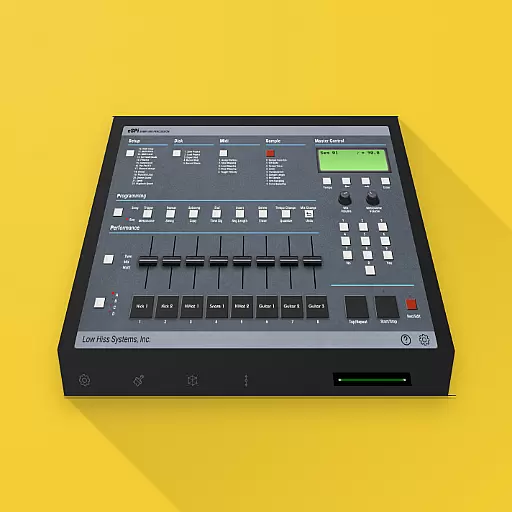
The original SP-1200 experience on your iPad
4.20
PowerAudio is a powerful offline music player.
4.20
Sing, record, and create music together — enhanced by smart voice tools.
4.00
Sheet music reader, piano & music note player. Play music score & learn to read.
3.90
Simple mp3 and mp4 player with advanced features.
3.40


