
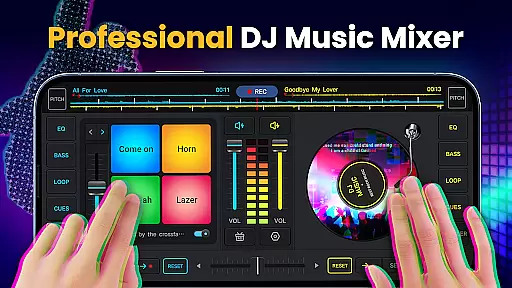
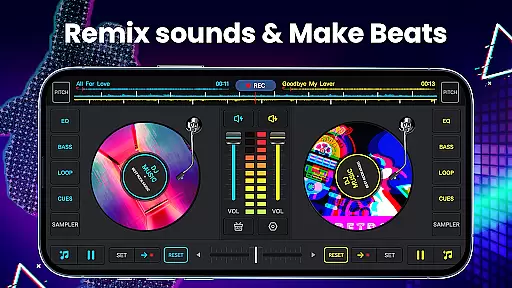
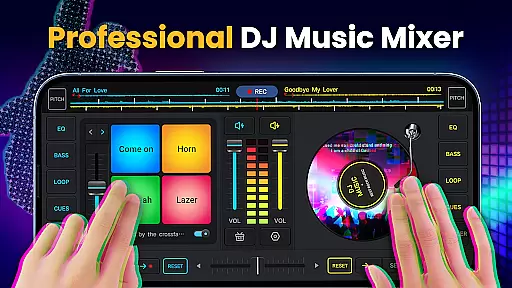
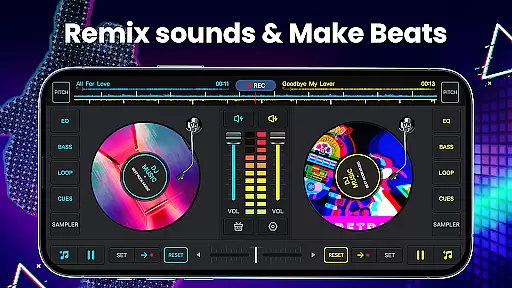
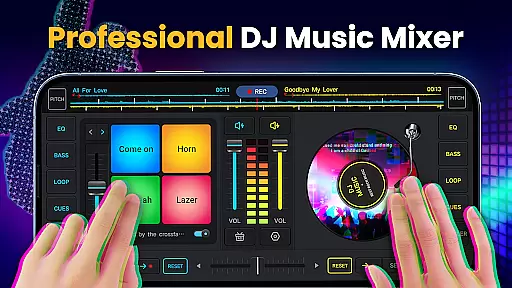
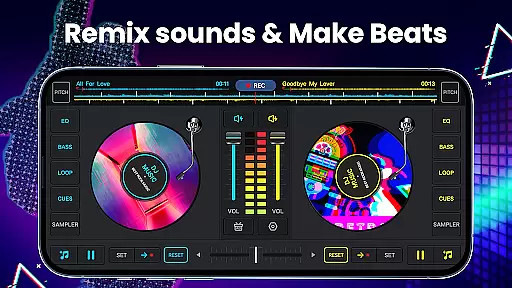
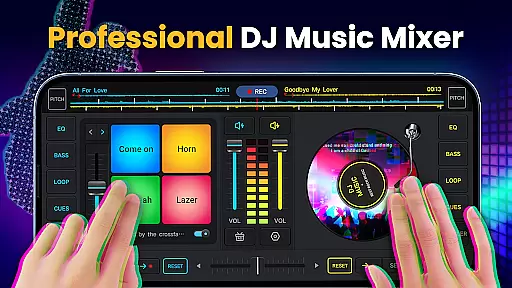
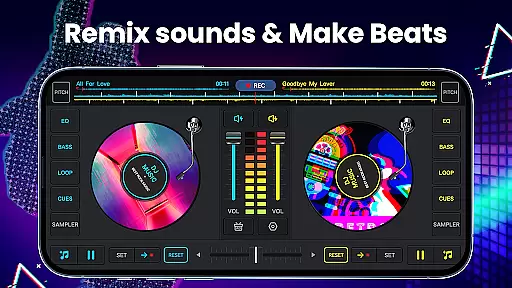
DJ Music Mixer - DJ Mix Studio is a feature-rich virtual DJ application designed for both professional and amateur music enthusiasts. This app allows users to create custom mixes, remix songs, and record high-quality audio using advanced mixing tools.
The app provides an intuitive interface with essential DJ features like crossfader, equalizer, bass booster, and sound effects. It supports various audio formats and offers seamless integration with device libraries, making it easy to access and mix tracks from different sources.
Whether you're preparing for a live performance or creating beats for personal enjoyment, DJ Music Mixer offers the necessary tools to produce professional-grade mixes. Its user-friendly design and comprehensive feature set make it suitable for parties, studio sessions, or casual music creation.
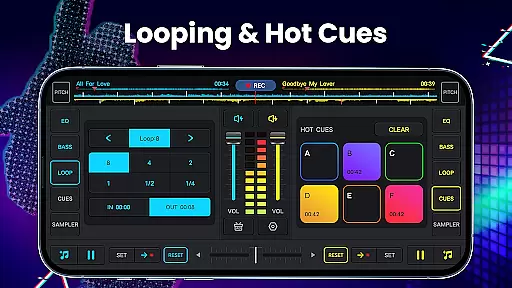
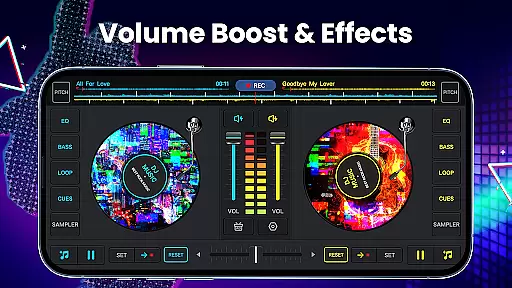
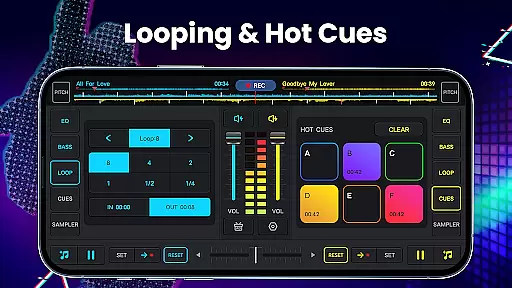
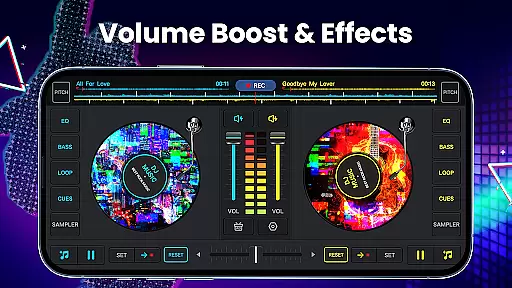
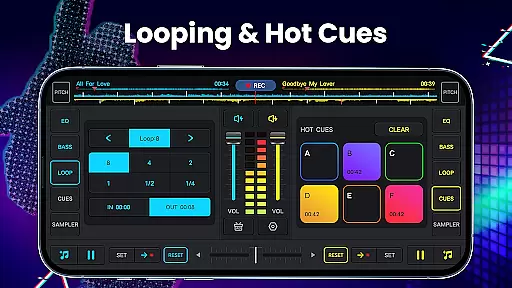
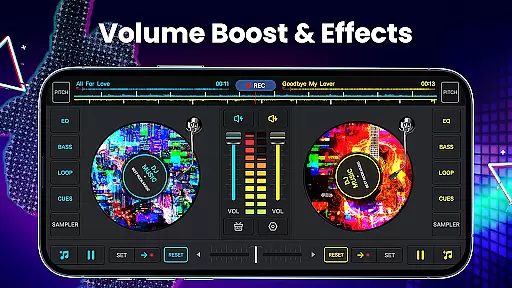
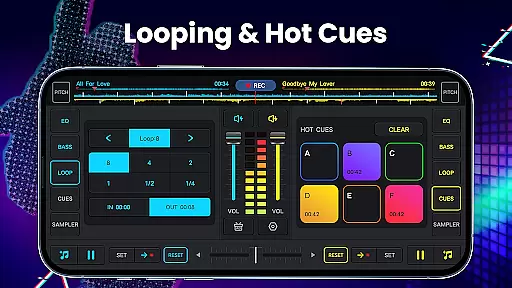
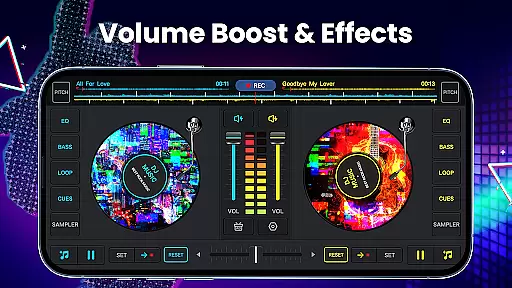
DJ Music Mixer stands out with its comprehensive set of professional-grade features. The app includes two virtual turntables with a real crossfader, allowing for smooth transitions between tracks. Users can set up to six hot cues per deck and utilize looping options ranging from 1/64 to 128 beats.
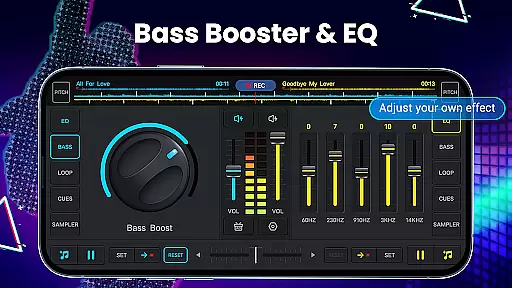
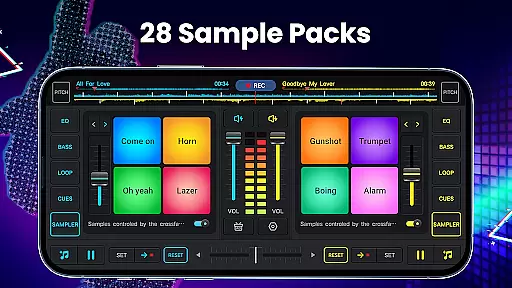
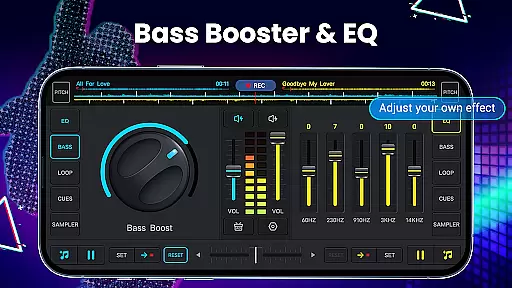
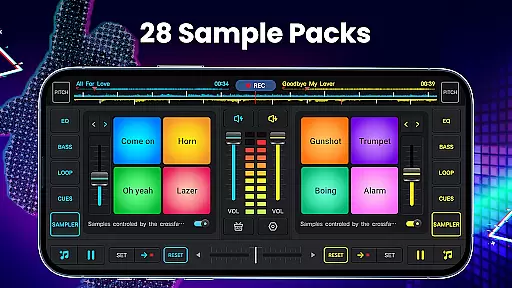
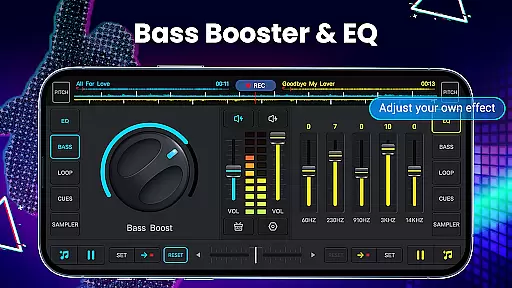
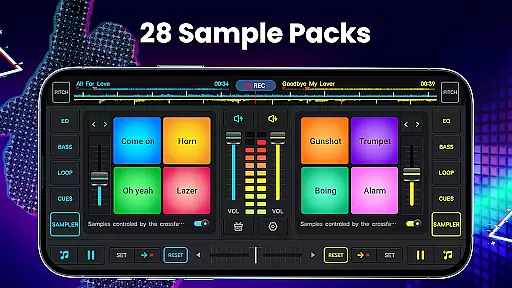
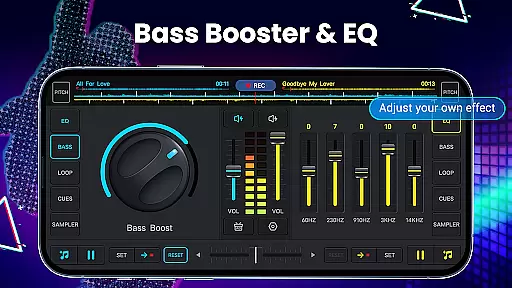
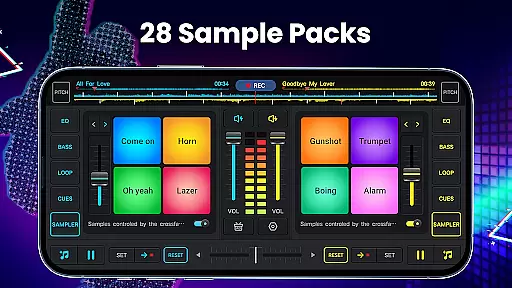
The mixer comes equipped with a five-band equalizer and bass boost functionality, giving users precise control over their sound. Additionally, the app offers 28 free sample packs containing various sound effects like gunshots, booms, and scratches, enhancing creative possibilities.
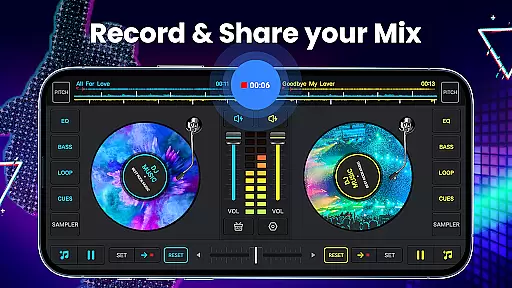
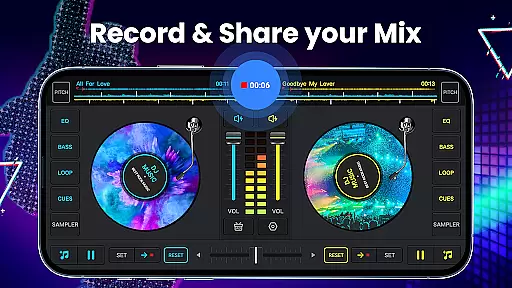
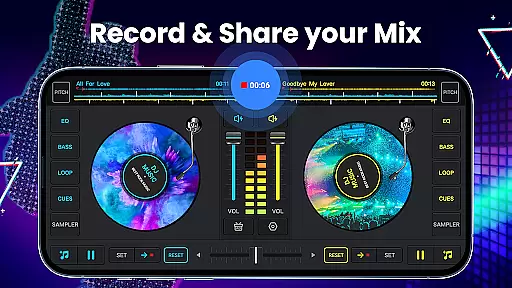
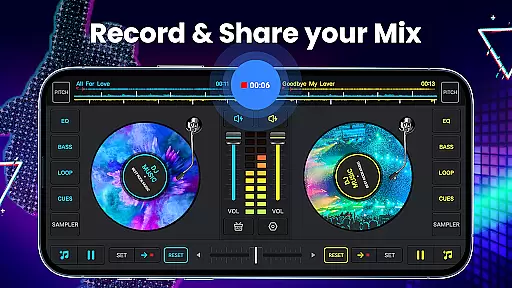
Advanced audio recording capabilities enable users to capture their mixes in high-quality MP3 format. The app supports both microphone and internal audio recording on Android 10 devices, ensuring uninterrupted recording sessions. These features combined make DJ Music Mixer a powerful tool for both beginners and experienced DJs.
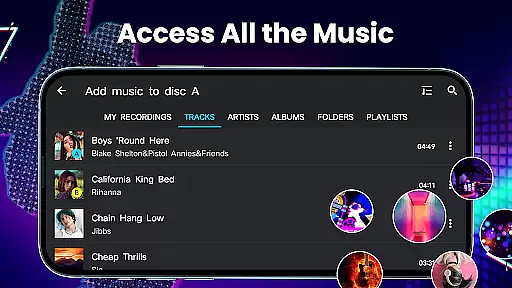
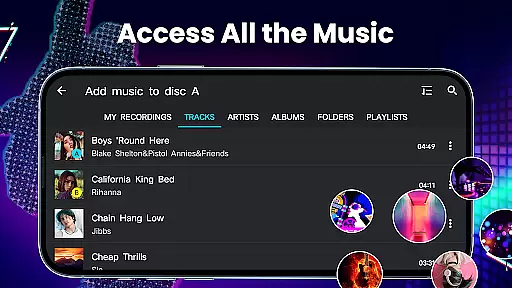
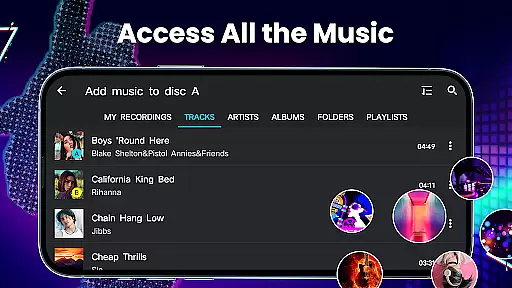
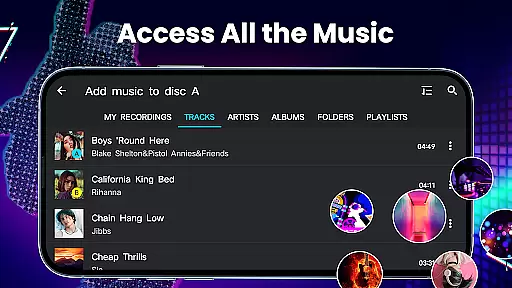
DJ Music Mixer - DJ Mix Studio offers an extensive music library that allows users to access all the music stored on their devices from TRACKS, ARTISTS, ALBUMS, and FOLDERS. This ensures a vast selection of tracks for mixing and creating new beats, catering to different genres and preferences.
The app emphasizes copyright authenticity by enabling users to work with their legally acquired music. By using personal audio files, it ensures compliance with copyright laws while offering creative freedom to mix and remix songs as desired.
With features like adding music to a playlist library for easy importing, users can efficiently organize their collections. This functionality not only enhances accessibility but also streamlines the workflow when creating complex mixes or experimenting with new sounds.
Overall, DJ Music Mixer provides a robust platform where both amateur and professional DJs can explore their creativity without concerns about copyright infringement, thanks to its reliance on user-provided content.
One of the standout features of DJ Music Mixer - DJ Mix Studio is its high-quality audio mix recorder. Users can record their mixes and scratch routines in .mp3 format, ensuring that the output retains excellent sound quality suitable for various playback systems.
The app includes advanced audio features such as a five-band equalizer and bass boost, allowing precise control over the audio spectrum. These tools help optimize beat detection and enhance the overall listening experience by delivering clear and dynamic sound.
Additionally, adjustable mix volume and pitch settings provide further refinement options. Whether you're adjusting tempo or fine-tuning specific frequencies, these capabilities ensure your final mix meets professional standards.
By combining high-quality recording functions with comprehensive audio editing tools, DJ Music Mixer empowers users to produce polished tracks ready for performance or distribution, maintaining top-notch audio fidelity throughout the process.
User-friendly interface
Wide range of effects
High-quality recording
Comprehensive mixing tools
Free to download
Limited advanced features
Occasional bugs
Ads in free version
Steep learning curve
Heavy on resources

Turn your phone into a musical instrument from the future!
 3.90
3.90
Pay Once, no monthly payment
4.60
The Music Journey in Your Hands
4.30
The Cubase remote control app
3.60
The best music and audio player, with beautiful UI, music search and equalizer.
4.60
Bass Booster & Volume Equalizer Pro improves your music and video sound quality
4.60
No wifi music app. Mp3 offline. Tuner radio, young radio music. Music downloader
4.20
Get alarms that fit your lifestyle and wake up to the sounds you love.
4.80
Melody Beat: Great for travel, workouts, offline vibes, play your tunes anytime.
4.10
24,000 free audio books and no ads!
4.90
Offline Music Player & MP3 Player.Powerful equalizer, Lyrics, Themes, Tag Editor
4.80
Learn the notes on the guitar fretboard fast with this easy and fun app
4.60
Fun & Easy Voice Changer – Record, Edit & Add Hilarious Effects!
4.50
Master Salsa Rhythm quickly and with a lot of fun!
4.30
The alternative folder based music player.
4.20
A sleek, no-frills player designed for true music lovers.
4.20
The original SP-1200 experience on your iPad
4.20
Offline Tunes, Unlimited Vibes
3.90
Learn to play the piano using falling notes!
3.80


User Reviews