
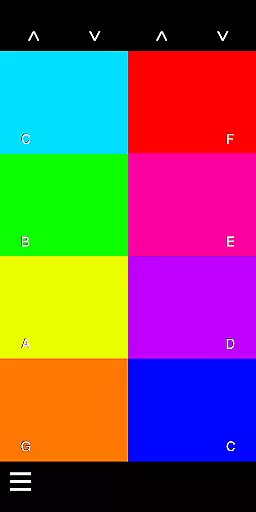
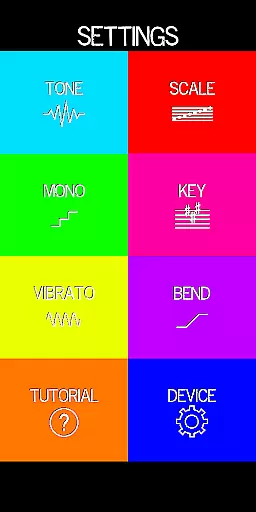
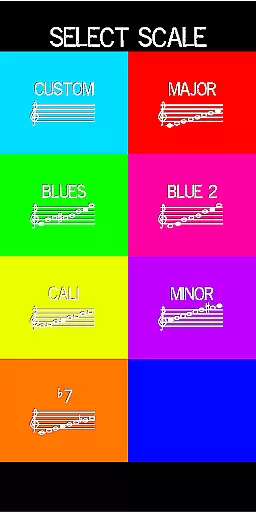
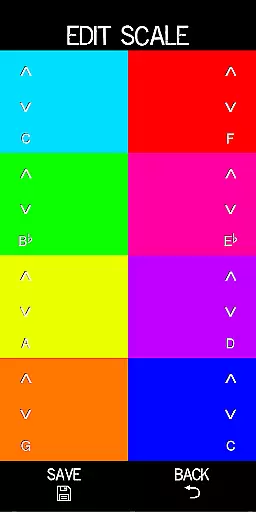
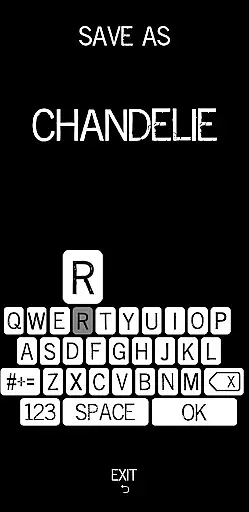
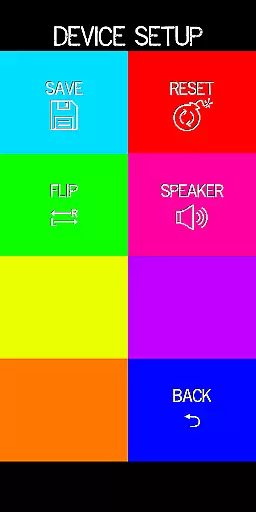
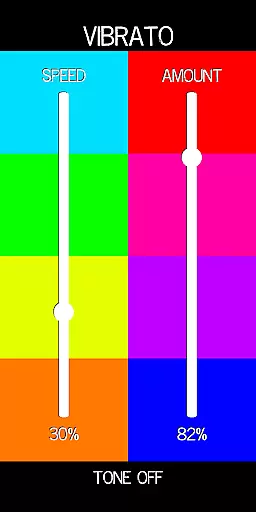
Pocket Talkbox is a unique music application that allows users to emulate the iconic talkbox sound popularized by legendary artists like Daft Punk and Stevie Wonder. This pro version offers advanced features including six distinct tones, customizable scale presets, pitch bend, and vibrato effects. Users can modify keys up to two octaves higher or lower, providing extensive creative control.
The app works by playing a tune or tone through the device's speaker, which is then directed into the user's mouth. The shape of the mouth, rather than vocalization, creates the desired audio effect. This innovative approach enables musicians and enthusiasts to experiment with authentic talkbox sounds without requiring specialized hardware.
Whether you're a professional musician or simply enjoy creating unique audio effects, Pocket Talkbox provides an accessible platform for musical exploration. Its intuitive interface and comprehensive feature set make it suitable for both beginners and experienced users looking to expand their sonic repertoire.
This app stands out with its rich feature set designed specifically for music enthusiasts. The inclusion of six distinct tones provides a wide range of sound options, while customizable scale presets allow users to tailor their musical experience according to personal preferences. The pitch bend and vibrato functions add depth and expression to performances, enhancing the overall authenticity of the talkbox effect.
One of the most notable features is the ability to change keys up to two octaves higher or lower. This flexibility enables users to match their preferred vocal range or experiment with different musical styles. The app also includes detailed tutorials and support resources available at vbiliti.com, ensuring users can maximize their experience with the application.
These features collectively create a powerful tool for musicians seeking to incorporate professional-grade talkbox effects into their work. The combination of accessibility, customization options, and educational resources makes Pocket Talkbox a valuable addition to any musician's digital toolkit.
Pocket Talkbox offers a unique musical experience by providing six distinct tones that users can experiment with. These tones form the core of its music library, allowing musicians to explore various sounds reminiscent of famous artists like Daft Punk and Stevie Wonder. The app's carefully curated selection ensures a diverse range of audio options.
Regarding copyright authenticity, Pocket Talkbox guarantees that all included tones and effects are original creations. This means users can confidently create music without worrying about potential copyright issues. The developers have ensured that each sound is uniquely generated for this application.
The app's value extends beyond just its music library size. It provides advanced features such as customizable scale presets, pitch bend, and vibrato controls. These professional-grade tools enable musicians to modify and personalize their sound library according to their specific creative needs.
Furthermore, the ability to change keys up to two octaves higher or lower significantly expands the creative possibilities within the provided music library. This feature set, combined with the app's authentic sound collection, makes Pocket Talkbox a valuable tool for both amateur and professional musicians seeking innovative audio experiences.
The audio quality in Pocket Talkbox is designed to meet professional standards while maintaining accessibility for casual users. The app delivers clear and crisp sound through its speaker output, which is crucial for achieving the desired talkbox effect. Users can expect consistent audio performance across different devices.
Advanced audio settings include precise control over pitch bend and vibrato, allowing musicians to fine-tune their sound with exceptional accuracy. These options ensure that the final output maintains high-quality audio characteristics regardless of the modifications applied during the creative process.
One notable feature is the app's ability to maintain audio integrity even when changing keys across two octaves. This flexibility doesn't compromise sound quality, thanks to sophisticated audio processing algorithms working behind the scenes. The result is a seamless transition between different musical notes and scales.
For optimal results, users are encouraged to follow the app's guidelines on proper usage, such as directing the speaker into their mouth while maintaining appropriate distance. When used correctly, these techniques combined with the app's robust audio quality options can produce professional-grade talkbox effects comparable to those heard in popular music recordings.
User-friendly interface
Wide range of tones
Customizable presets
Pitch control options
Comprehensive tutorials
Requires practice to master
Limited free features
Device compatibility issues
No real-time collaboration
Occasional audio glitches

Fun & Easy Voice Changer – Record, Edit & Add Hilarious Effects!
 4.50
4.50
Make music anywhere. Turn your device into an instrument.
4.2
DJ Music Mixer Pro is a real DJ controllers and DJ Music Studio to remix DJ.
4.40
Most Advanced AI Song Generator and Music Creator. Rap, Pop, Rock, Gospel & more
4.70
Save hundreds of dollars for a physical strobe tuner and instead use this app.
4.50
Unleash your creativity! Turn simple prompts into full fledged songs.
4.70
Simple mp3 and mp4 player with advanced features.
3.40
Learn the notes on the guitar fretboard fast with this easy and fun app
4.60
Manage your Sonos system directly from your home-screen!
4.40
Responsive piano with great sounds, graphics, and songs
4.80
Your song collections with lyrics and chords on Android smartphones and tablets.
4.80
Performance-Synthesizer & Multi-Track-Sequencer, polyphonic + multi timbral!
4.70
Let your Android device with the sound effects you want
4.50
Ringtone Maker is free app create ringtone from music files or your recording.
4.40
Offline and always ad-free - stream in the highest quality available.
4.10
USB audio recording and playback finally possible on Android 3.1 or higher!
3.90
Offline Tunes, Unlimited Vibes
3.90
The Skullcandy App Experience
3.20
Simply convert wav to mp3. Clear. Reliable. Safe.
4.0


User Reviews