
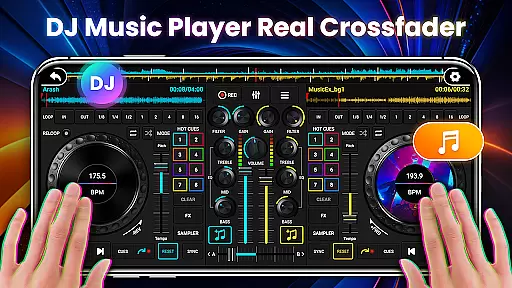
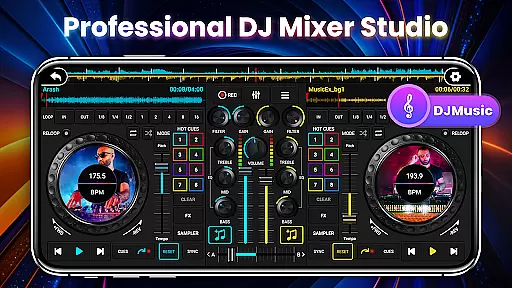
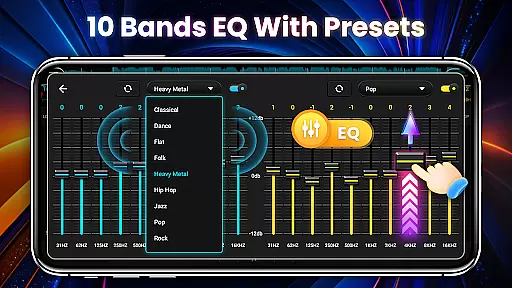
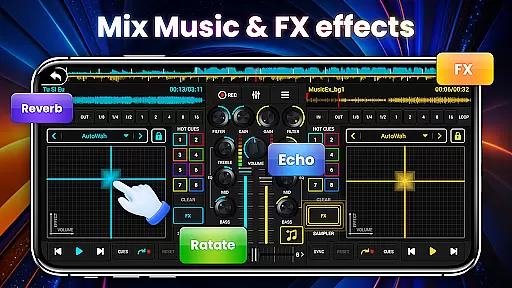
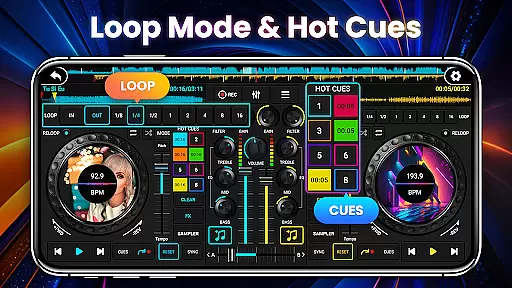
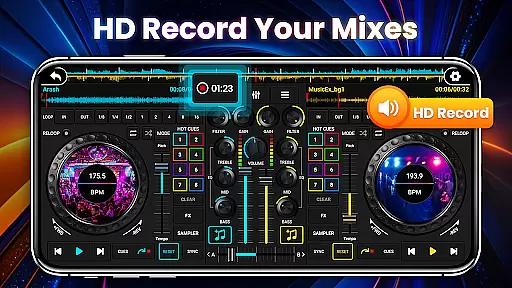
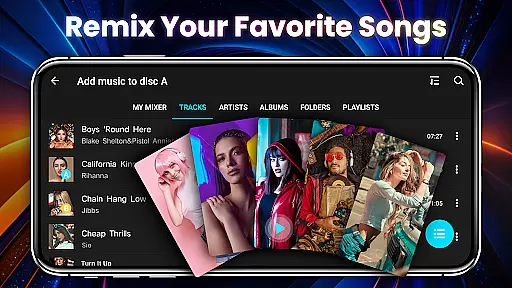
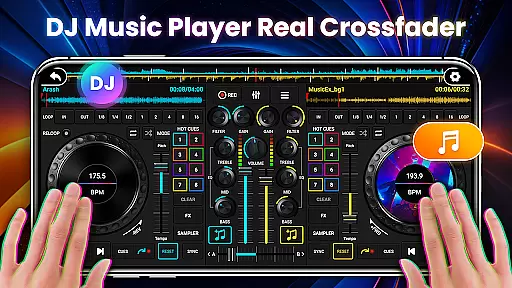
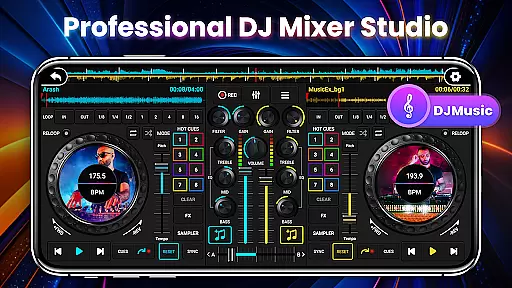
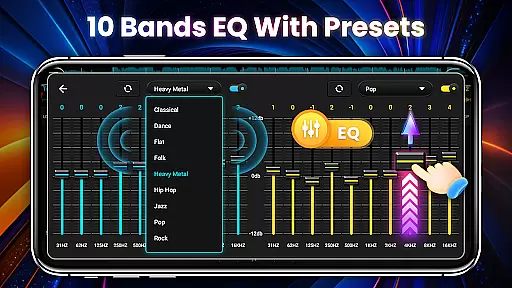
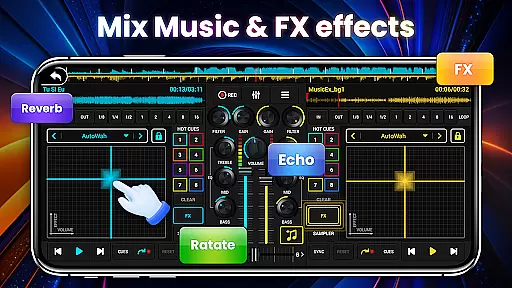
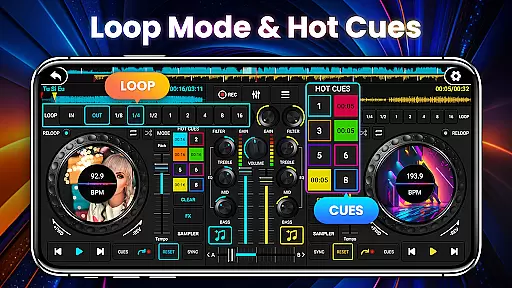
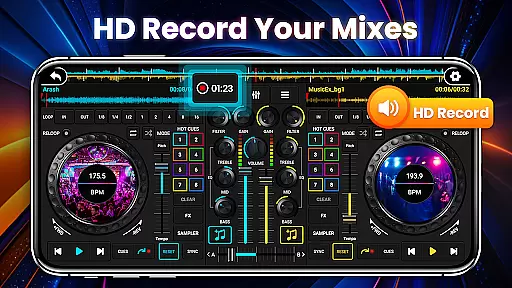
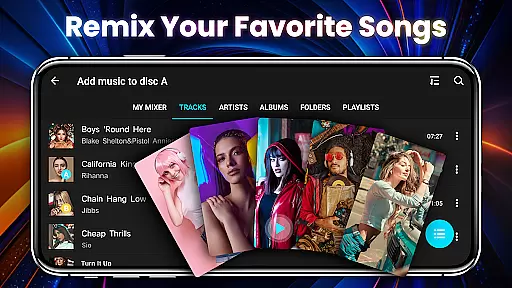
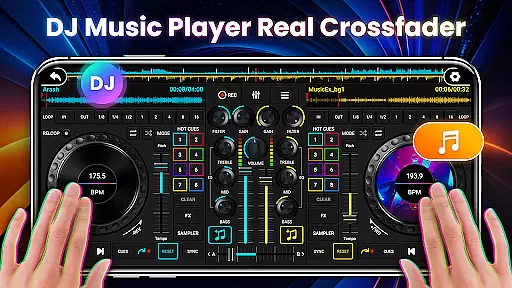
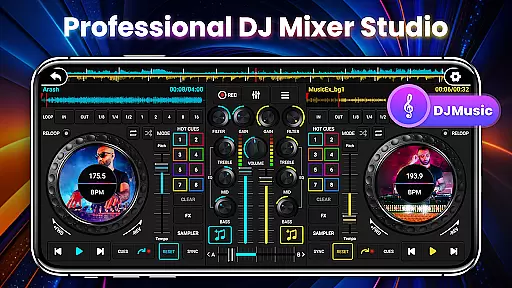
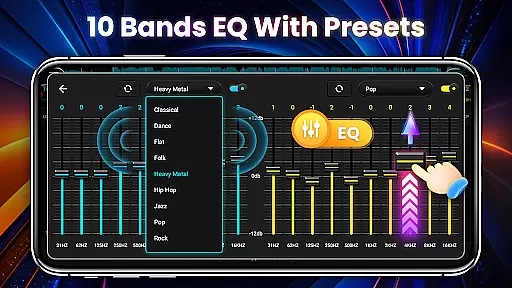
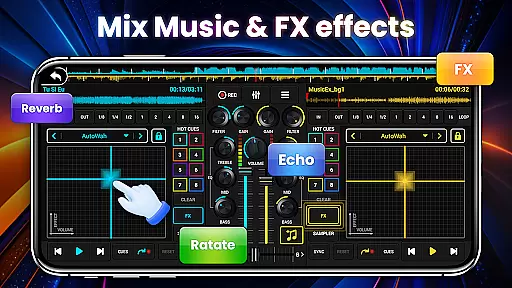
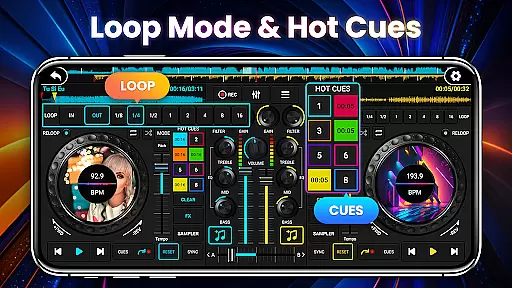
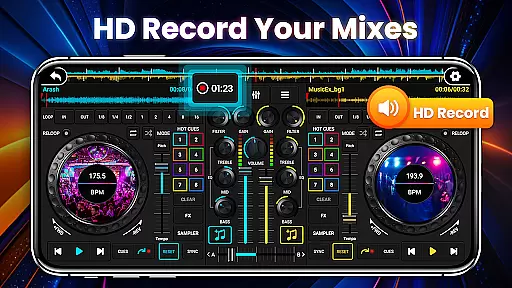
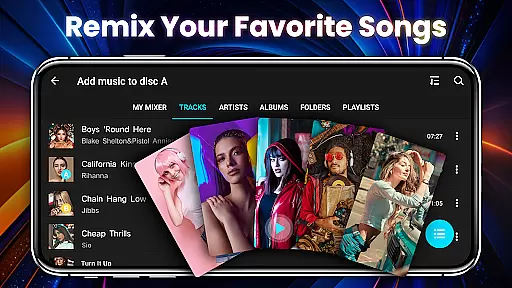
DJ Mixer Studio Pro is a professional-grade virtual DJ music studio designed for both aspiring and experienced DJs. This AD-Free application offers an immersive experience with its realistic DJ console interface, allowing users to manipulate controls such as sliding bars, rotating knobs, and scrubbing discs back and forth. The app provides advanced features including a 3-band EQ mixer, FX effects, 10-band equalizer, and bass booster, enabling users to simultaneously play and remix songs on two decks.
The app stands out with its comprehensive set of professional tools like ten-segment EQ precise adjustment, BPM synchronization, high and low pass filters, and various loop modes. With up to 8 hotspots, 27 free sample packages, and seven FX effects processors, it caters to all professional DJing needs. Whether you're looking to refine your DJ skills or create stunning music mixes, DJ Mixer Studio Pro delivers a seamless and engaging experience across Android devices.
DJ Mixer Studio Pro boasts an array of sophisticated features tailored for professional DJs. The app includes three quick EQ adjustment buttons and a ten-segment equalizer for precise sound tuning. It offers seven FX effects processors such as AutoWah, Echo, Damp, Reverb, Chorus, Phaser, and Rotate, providing extensive creative control over audio tracks. Additionally, the app supports eight loop modes ranging from 1/8 to 16 beats, allowing for intricate track manipulation.
The user-friendly interface simulates a real DJ console, ensuring an intuitive and realistic operating experience. Adapted for mobile use, the app features color-coded buttons and simple operation methods suitable for all ages. Users can quickly access local songs, sort them, and play them according to preference. The app also includes beginner tutorials, one-click recording for capturing inspirational moments, and smooth transitions between tracks using BPM synchronization and crossfader functions.
In the realm of DJ Mixer Studio Pro, users are granted access to an extensive music library that caters to all their mixing needs. This vast collection is not just about quantity; it's also about quality and legality. The application ensures that every track available for mixing is properly licensed, giving users peace of mind when they create their mixes.
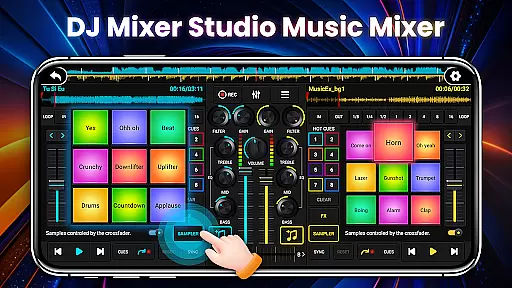
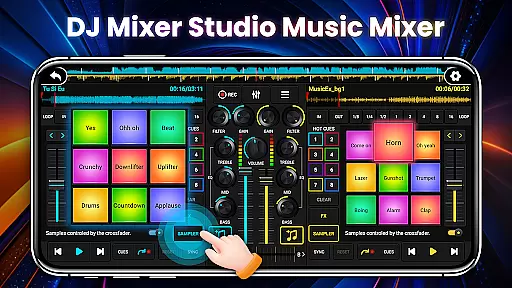
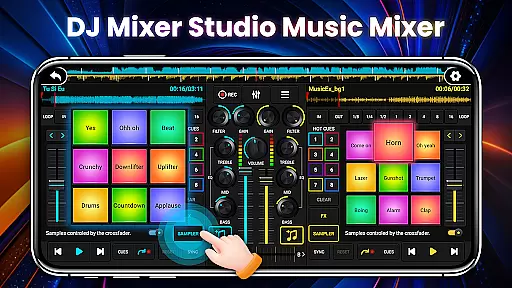
The app provides up to 27 completely free sample packages filled with stunning sound effects ready to be inserted into songs. These samples are carefully curated and represent a diverse range of genres, allowing DJs to experiment with different sounds while remaining confident in the authenticity of their music sources.
Furthermore, DJ Mixer Studio Pro allows quick reading and sorting of local songs on your phone, which means you can seamlessly integrate your personal collection with the app's own vast library. This feature ensures that whether you're using pre-loaded tracks or your own music files, copyright compliance is maintained throughout your creative process.
Audio quality is paramount when it comes to professional music mixing, and DJ Mixer Studio Pro excels in providing top-notch audio options. With features like a 10-band equalizer and bass booster, users have precise control over the sound output, ensuring that each mix not only sounds good but feels powerful too.
The app includes seven FX effects processors such as AutoWah, Echo, Damp, Reverb, Chorus, Phaser, and Rotate. These tools allow for intricate sound manipulation, enabling both amateur and professional DJs to enhance their tracks with studio-quality effects that elevate the listening experience.
Beyond just offering high-quality audio processing capabilities, DJ Mixer Studio Pro ensures tone locking during BPM adjustments so that changes in rhythm do not affect the original pitch of the music. This attention to detail guarantees that transitions between tracks remain smooth and natural, preserving the integrity of each song while crafting a harmonious blend.
User-friendly interface
Comprehensive DJ tools
Realistic console simulation
AD-Free experience
Professional-grade features
Complex for beginners
High system requirements
Limited free samples
No iOS version
Premium price point

 4.70
4.70
Walkout Song DJ is the most intuitive app to manage your sports music.
4.70
Enhance the sound quality of your devices, listen to what you want
4.50
Your song collections with lyrics and chords on Android smartphones and tablets.
4.80
More downloads than any other metronome. Includes drum machine & tempo trainer.
4.80
Ultimate Sonos Controller
4.70
Guzheng Master supports many playing techniques as an acoustic Guzheng
4.50
Simple mp3 and mp4 player with advanced features.
3.40
Slow music down without changing pitch.
3.70
24,000 free audio books and no ads!
4.90
Record, Mix & Master with all n-Track effects, 64-bit audio and Stem Separation.
4.70
Over 100 million tracks available for high quality streaming and download
4.60
The best music and audio player, with beautiful UI, music search and equalizer.
4.60
Offline Music Player&MP3 Player with themes, equalizer, lyrics, music play mode
4.60
The original SP-1200 experience on your iPad
4.20
Offline and always ad-free - stream in the highest quality available.
4.10
Turn your Android phone into a professional audio analyser with up to 120 bands.
4.00
Background pads for your band
3.80
The iconic iOS metronome app is now on Android.
3.70


User Reviews