
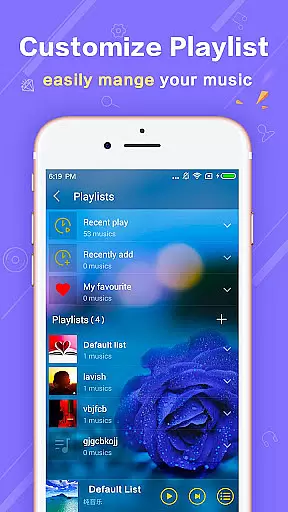
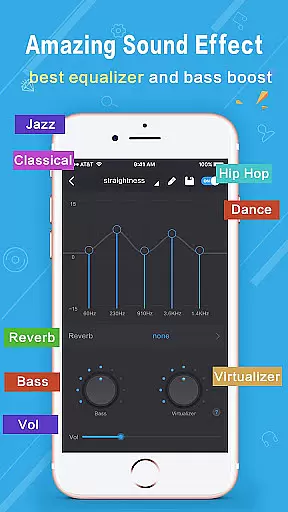
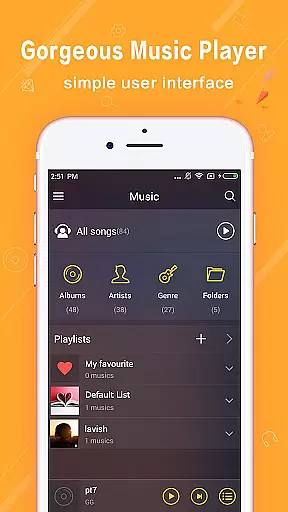
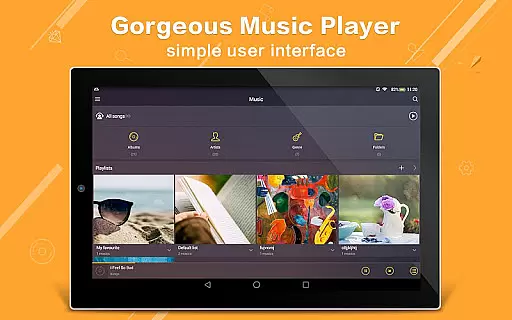
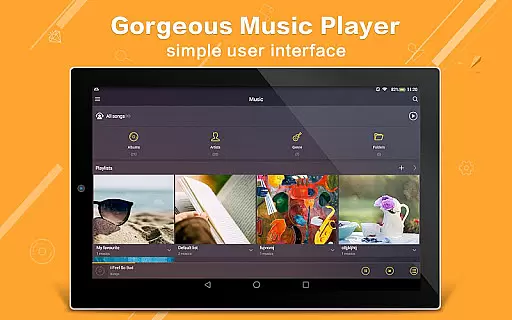
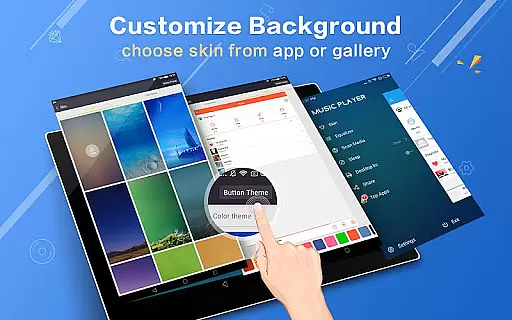
Music Player Plus is a feature-rich audio player designed to enhance your music listening experience. This app supports all popular music file formats and offers an intuitive interface for organizing your music library by albums, artists, songs, playlists, or folders. The powerful equalizer with over 22 preset styles allows you to customize sound profiles, while the replaceable background skins let you personalize the player's appearance.
The app provides advanced functionalities such as lyric support, widgets for home screen control, and notification status integration. With its easy search feature, you can quickly locate any music file on your device. Whether you're a casual listener or an audiophile, Music Player Plus delivers professional-grade tools in a user-friendly package.
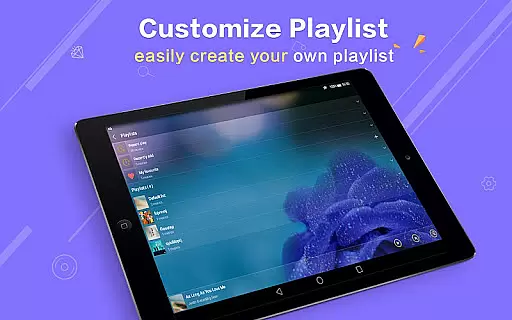
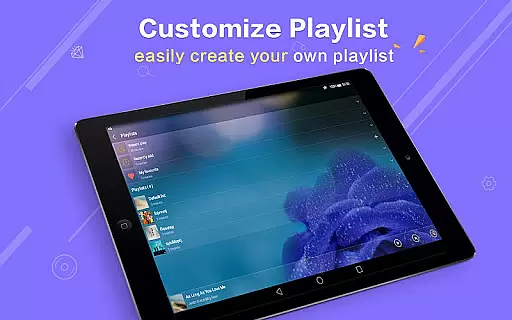
Ideal for music enthusiasts who want complete control over their listening experience, this app is perfect for creating custom playlists, adjusting audio settings, and enjoying a visually appealing player interface. The ability to use photos as backgrounds and the shake-to-change-song feature make it both functional and fun to use.
Music Player Plus stands out with its comprehensive feature set tailored for music lovers. The app's powerful equalizer offers more than 22 preset tone styles, including Classic, Jazz, Pop, and Rock, allowing users to fine-tune their audio experience. Additionally, the manual adjustment option lets you create a custom sound profile that perfectly matches your preferences.
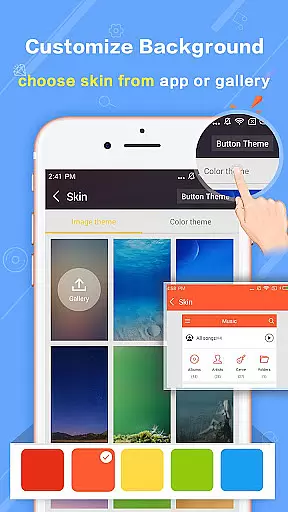
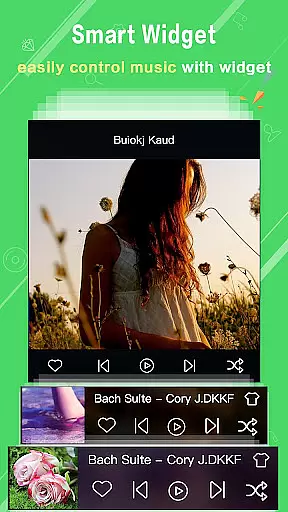
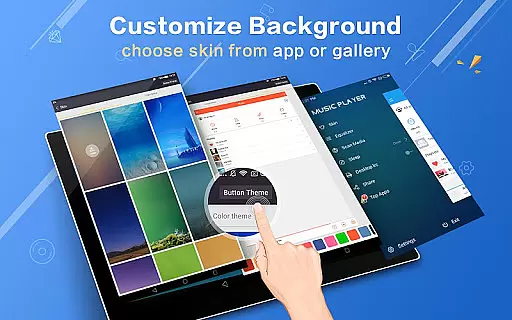
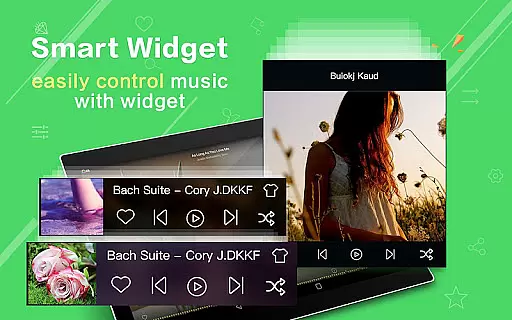
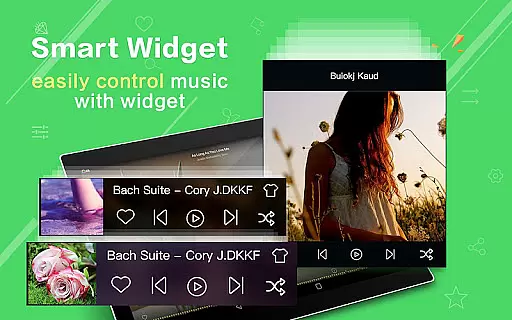
One of the app's key innovations is its flexible customization options. Users can choose from 22 built-in background skins or set personal gallery photos as the player's background. The widget functionality (4x1, 2x2, 4x1) enables quick access to playback controls directly from the home screen. Moreover, features like automatic lyric matching, album artwork display in notifications, and shake-to-skip functionality demonstrate the app's attention to detail.
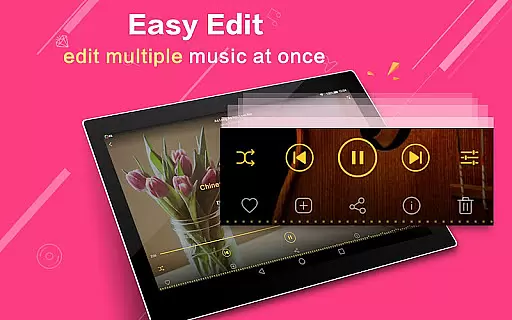
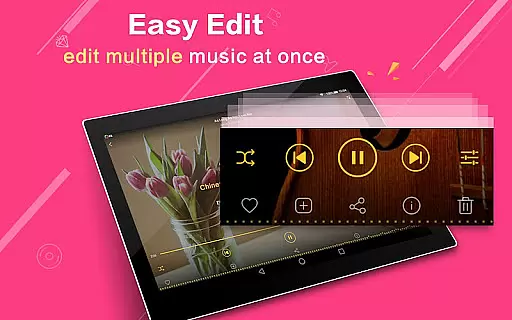
Practical features such as multi-select operations for music files, headset support, and Bluetooth controls make daily music management effortless. The app also allows users to re-edit album and artist names, ensuring accurate organization of music libraries. These thoughtful additions, combined with its ad-free experience, make Music Player Plus a top choice for discerning listeners.
Music Player Plus offers an extensive music library that supports all the most popular music file formats, ensuring users have access to a wide variety of audio content. The application's ability to browse and play music by albums, artists, songs, playlists, folders, and genres underlines its comprehensive approach to music organization.
The app stands out with its powerful equalizer featuring more than 22 preset music tone styles, including options like Normal, Classic, Dance, Folk, Heavy, Hip Hop, Jazz, Pop, and Rock. This diversity not only caters to different musical tastes but also enhances the listening experience by allowing users to customize their sound environment according to personal preferences.
Regarding copyright authenticity, Music Player Plus respects intellectual property rights by enabling users to manage and play their legally acquired music files. It provides tools for easy search and music file multi-select operations, making it simple for users to organize and enjoy their personal collections without concerns about copyright infringement.
One of the standout features of Music Player Plus is its unique equalizer, which allows users to control the music style with precision. With over 22 preset tone styles and the option for custom adjustments, listeners can tailor their audio experience to match their exact preferences, ensuring superior sound quality.
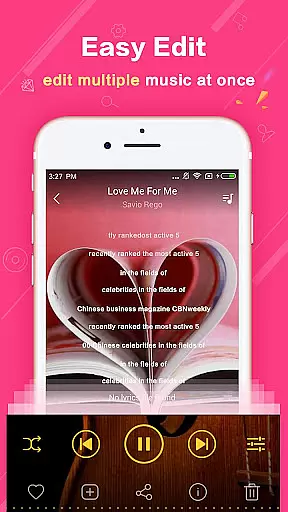
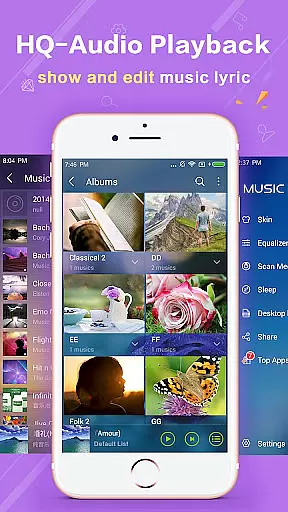
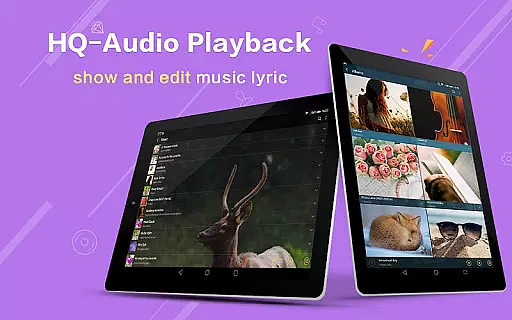
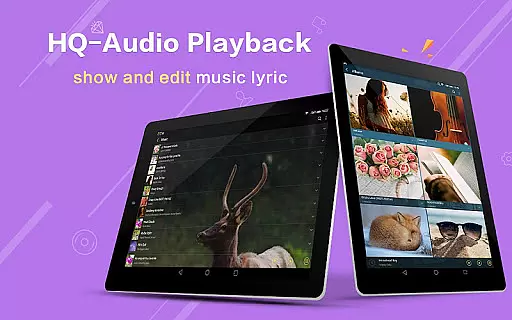
In addition to customizable equalizer settings, the app supports high-quality audio playback. Users can enjoy clear, rich sound that brings out the best in their music, whether they're listening to classical symphonies or modern pop tracks. The emphasis on audio quality extends to the support for lyric files, which are automatically scanned and matched, providing an immersive experience.
Furthermore, Music Player Plus enhances user engagement with replaceable background skins and widgets, offering both aesthetic appeal and functional benefits. These features, combined with practical options like headset and Bluetooth controls, ensure that users can enjoy a high-quality, personalized listening experience across various devices and scenarios.
User-friendly interface
Powerful equalizer
Customizable skins
Lyric support
Ad-free experience
No cloud integration
Limited sharing options
Heavy on storage
Occasional bugs
Complex for beginners

Turn your phone into a musical instrument from the future!
 3.90
3.90
Over 100 million tracks available for high quality streaming and download
4.60
Pay Once, no monthly payment
4.60
Visualize the guitar fretboard, master scales & play through changes like a pro!
4.50
Help you quickly get started with Shokz headphones
4.40
Sheet music reader, piano & music note player. Play music score & learn to read.
3.90
Versatile MP3 recorder with auto-backup to Dropbox and Google Drive
4.10
MilkDrop for Android TV
3.00
One-tap booster for max volume - enjoy powerful sound with this audio booster
4.50
Tune in to the greatest hits on UK Radio | The home of Capital, Smooth & Heart.
4.90
Make songs with AI! Any genre, custom lyric, song generator for music creation!
4.80
Responsive piano with great sounds, graphics, and songs
4.80
Fun & Easy Voice Changer – Record, Edit & Add Hilarious Effects!
4.50
Save hundreds of dollars for a physical strobe tuner and instead use this app.
4.50
Let your Android device with the sound effects you want
4.50
Manage your Sonos system directly from your home-screen!
4.40
The alternative folder based music player.
4.20
Turn your Android phone into a professional audio analyser with up to 120 bands.
4.00
The Skullcandy App Experience
3.20


User Reviews