
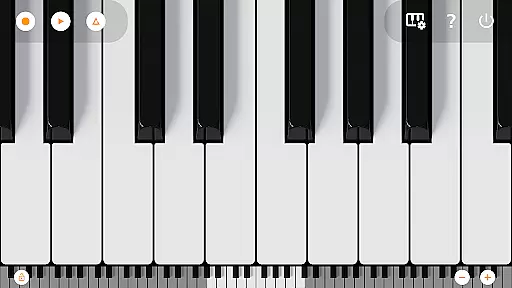
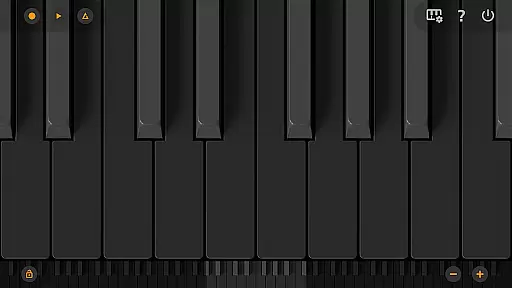
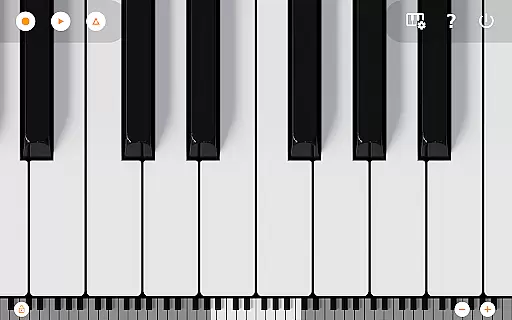
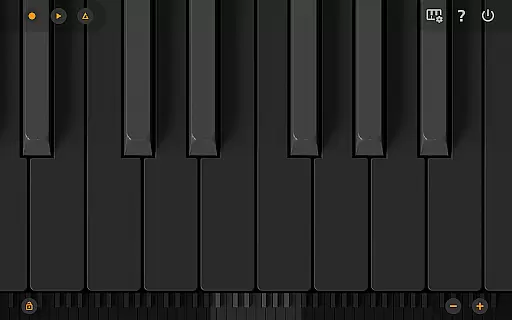
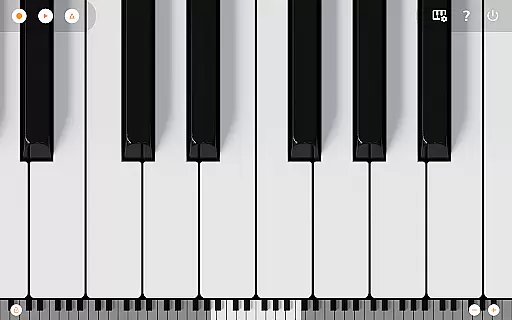
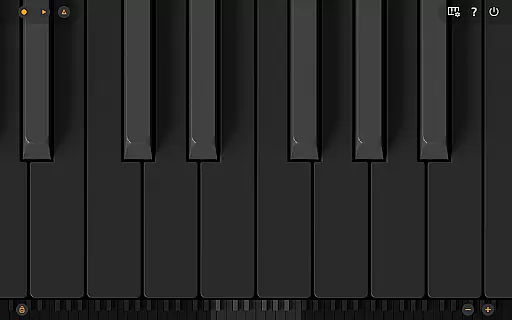
Mini Piano Pro is a premium piano application designed for Android devices, offering an exceptional playing experience with minimal install size. The app features a full 88-key zoomable and scrollable keyboard, providing users with a realistic piano experience right at their fingertips. With various display modes including Dark Mode, it ensures optimal visibility and user comfort.
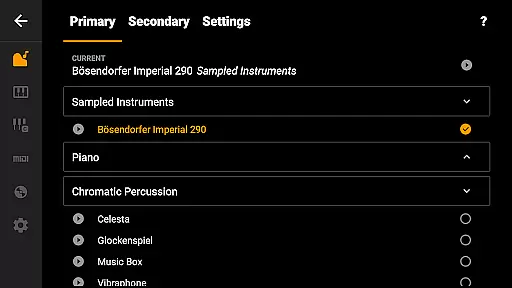
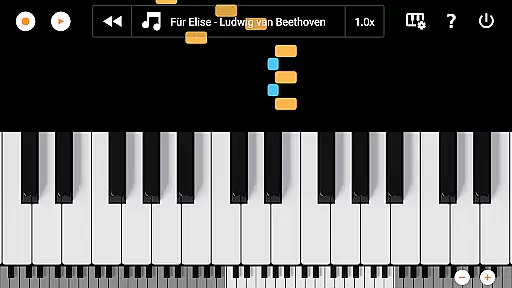
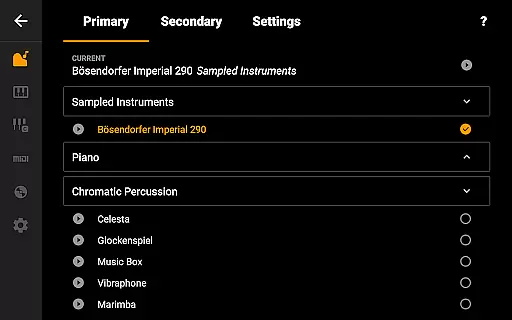
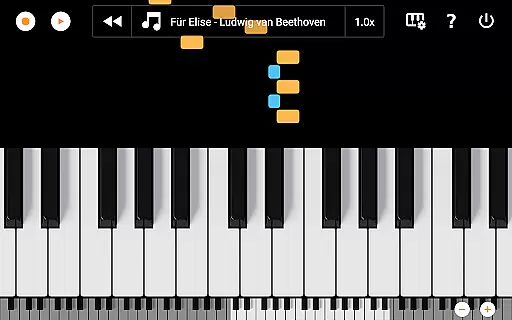
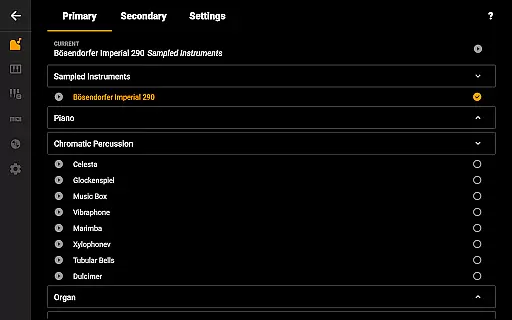
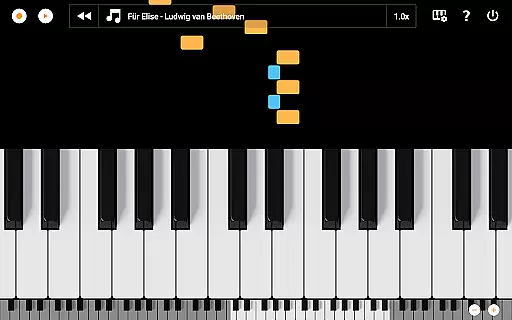
The app includes a beautifully sampled piano sound that mimics the real instrument, along with 128 other MIDI instruments covering a wide range of musical styles. Its minimalistic design focuses on functionality, allowing users to record their compositions as MIDI files and export them in MP3, AAC, or WAV formats. Additionally, the song mode with falling blocks helps users learn new songs effectively. Optimized for phones, tablets, and Chromebooks, Mini Piano Pro delivers powerful performance without internet permissions or ads.
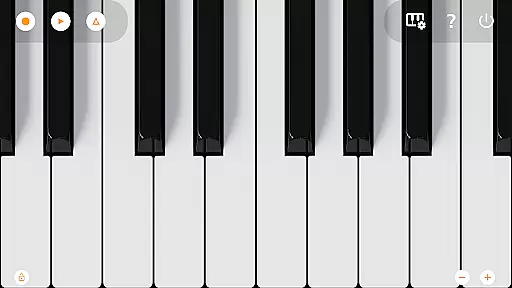
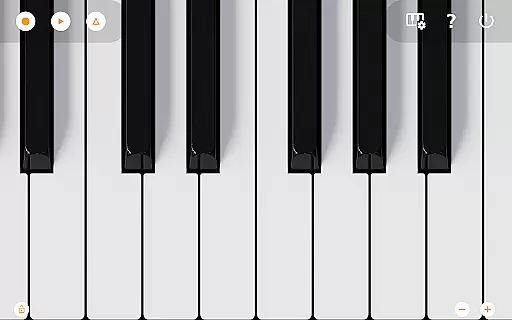
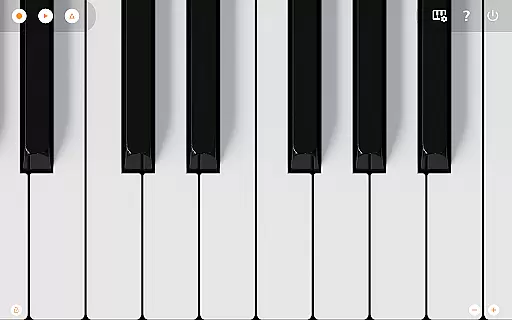
Mini Piano Pro stands out with its comprehensive feature set tailored for music enthusiasts. The app offers an 88-key keyboard that mirrors a real piano, complete with multitouch support for using all fingers simultaneously. Users can easily zoom in and out to adjust the keyboard to their screen size, enhancing playability.
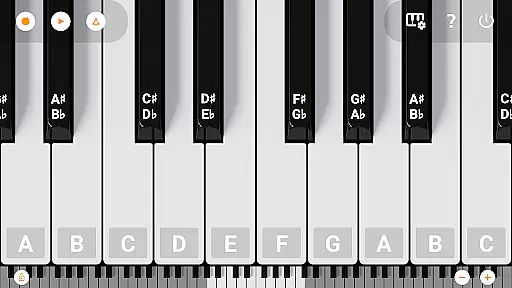
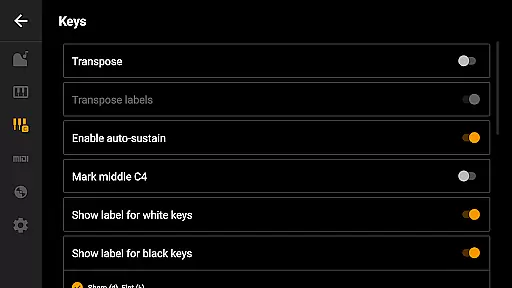
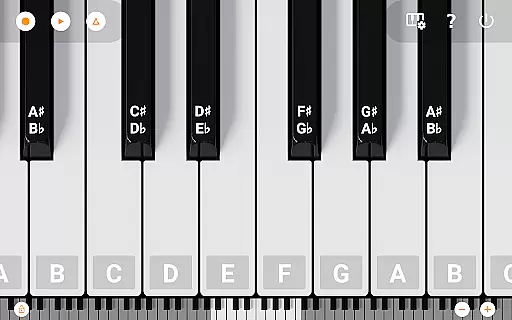
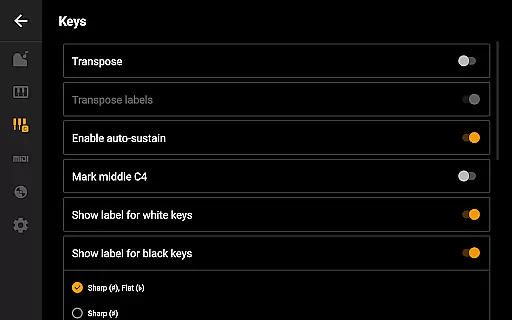
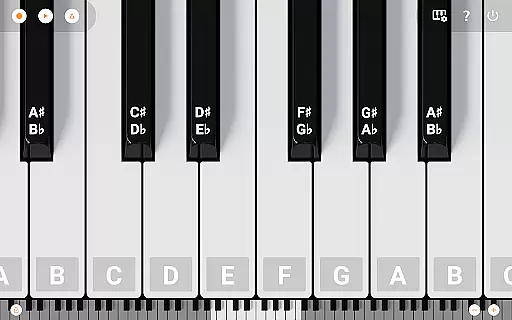
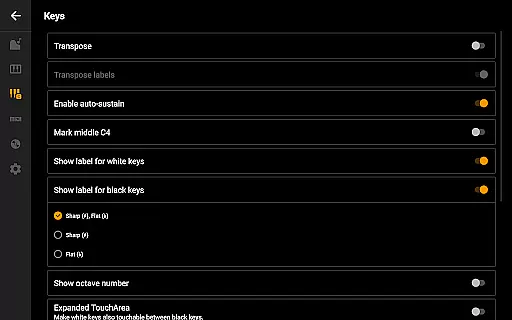
One of the standout features is the inclusion of 128 MIDI sounds alongside the primary piano sound, which is meticulously sampled for authenticity. The app supports Dark Mode with a fully darkened keyboard, ensuring comfortable use in low-light conditions. It also allows users to label notes with their names and octaves, use a metronome for tempo control, and transpose the keyboard by note or Hz. Furthermore, MIDI in and out support enables integration with external keyboards or PCs, making it versatile for different musical setups.
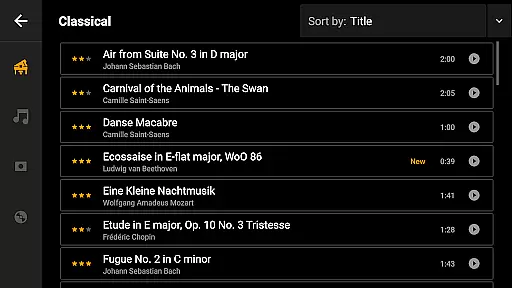
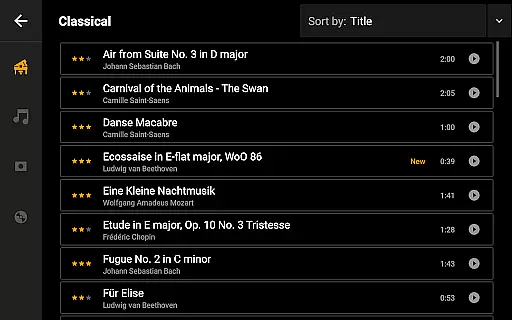
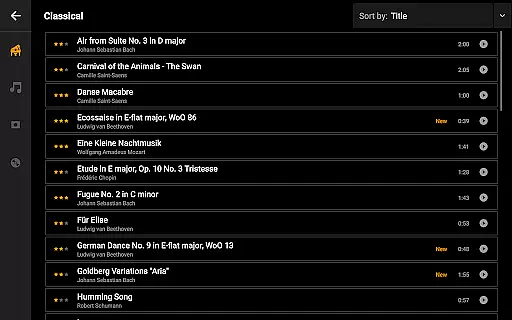
Mini Piano Pro offers an extensive music library that caters to a wide array of musical preferences. With 128 MIDI sounds included, the app covers various instrument types, ensuring that users have access to a rich and diverse selection of audio resources.
The app features a beautifully sampled piano sound that closely mimics the tonality of a real piano. This attention to detail in sound sampling underlines the app's commitment to copyright authenticity, providing users with an immersive and legitimate musical experience.
By including a broad spectrum of instruments, Mini Piano Pro not only enhances creative expression but also assures users of the legitimacy of its offerings. The developers have taken care to include only those sounds that are properly licensed, thus maintaining a high standard of copyright compliance.
Whether you're a beginner or a seasoned musician, the comprehensive library provides ample opportunity for exploration and learning. The app's dedication to delivering authentic sounds means that users can trust the quality and legality of the music they create and share.
Audio quality is paramount in music production, and Mini Piano Pro excels in delivering pristine sound output. The app supports exporting recordings to high-quality formats such as MP3, AAC, or WAV, catering to audiophiles who demand the best in audio fidelity.
With its great sampled piano sound and support for multiple audio formats, users can produce professional-grade music directly from their Android devices. The ability to export files in various formats ensures compatibility with different playback devices and platforms.
Furthermore, the app's optimization for phone, tablet, and Chromebook guarantees consistent audio performance across all supported devices. This cross-device reliability allows musicians to work on their projects seamlessly, without worrying about degradation in sound quality.
For those who require precise control over their audio output, Mini Piano Pro offers advanced settings like tuning by Hz and note transposition. These features empower users to fine-tune their musical creations according to exacting standards, resulting in polished and refined audio productions.
Realistic piano sound
Extensive instrument library
User-friendly interface
No ads or internet permission
Cross-device compatibility
Limited advanced editing tools
No built-in tutorials
Basic UI design
Occasional lag on older devices
Few customization options

Offline and always ad-free - stream in the highest quality available.
 4.10
4.10
DJ Music Mixer - DJ Remix: remix songs, make beat music & record mix of DJ.
4.40
The ultimate media player for Android devices
3.90
Bass Booster Pro takes auto-equalizing to the next level!
4.30
Guzheng Master supports many playing techniques as an acoustic Guzheng
4.50
24,000 free audio books and no ads!
4.90
AI Music Maker: Generate And Compose AI Tunes & AI Songs & AI Music & AI Melody!
4.60
Learn the notes on the guitar fretboard fast with this easy and fun app
4.60
One-tap booster for max volume - enjoy powerful sound with this audio booster
4.50
Voice recorder - Audio recorder. Best recorder for recording
4.90
Brian Eno and Peter Chilvers’ acclaimed music app Bloom, radically reinvented.
4.80
Taal player that lets you sing any Indian & Western song with Tabla & Tanpura
4.60
The best music and audio player, with beautiful UI, music search and equalizer.
4.60
A complete sound package for the sound engineer or enthusiast
4.60
Visualize the guitar fretboard, master scales & play through changes like a pro!
4.50
Master Salsa Rhythm quickly and with a lot of fun!
4.30
Next generation modular control surface
4.10
The only true audiophile music player with Hi-Fi audio rendering and DSP engine
3.90
The Cubase remote control app
3.60


User Reviews