
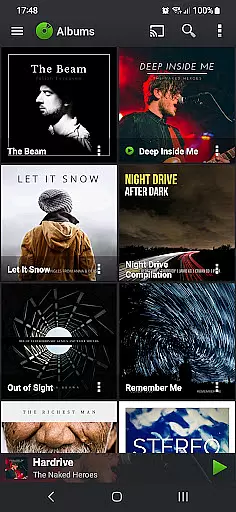
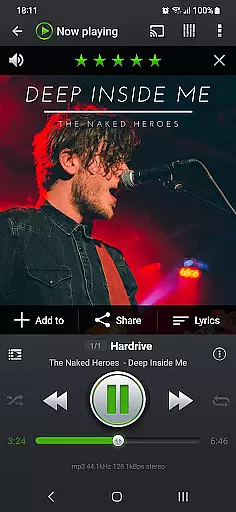
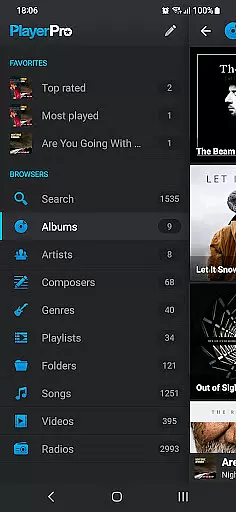
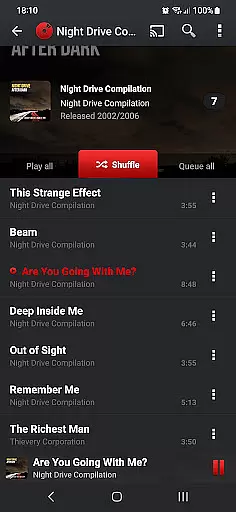
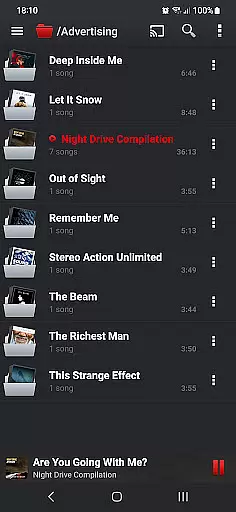
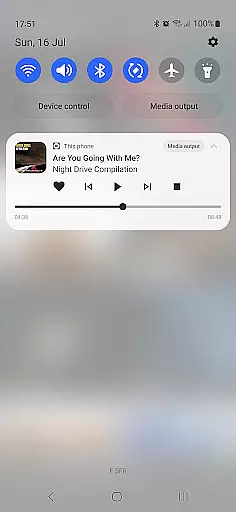
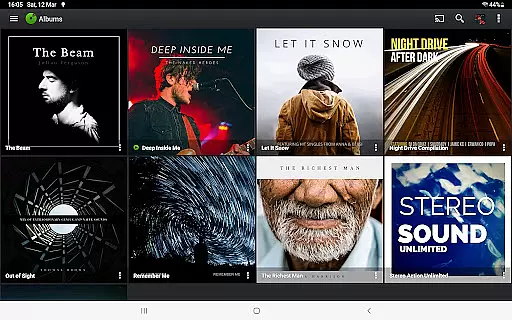
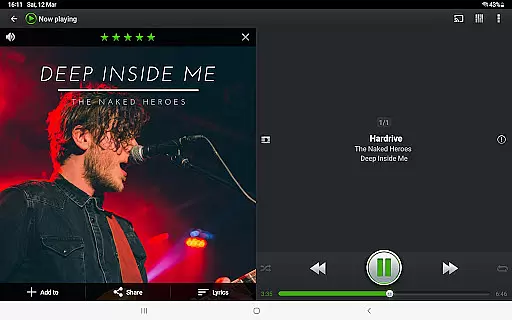
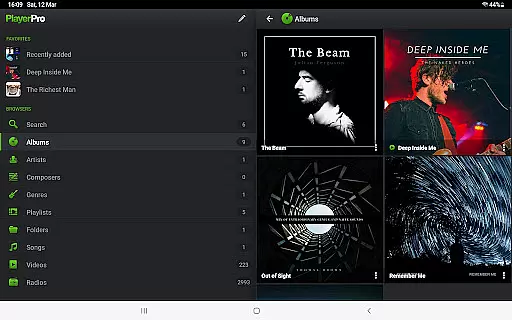
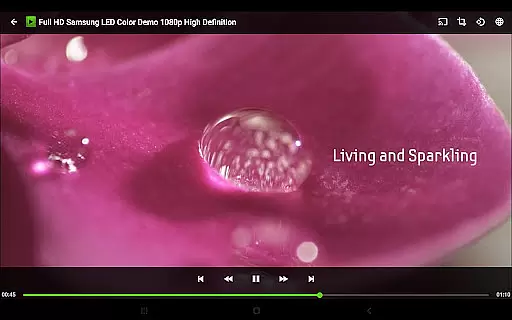
PlayerPro Music Player (Pro) is a premium music and video player for Android devices, offering an advanced audio experience with powerful customization options. The app features a sleek interface that allows users to browse and play media in multiple ways - by albums, artists, playlists, folders, or songs. With support for Android Auto and Chromecast streaming, it ensures seamless playback across devices.
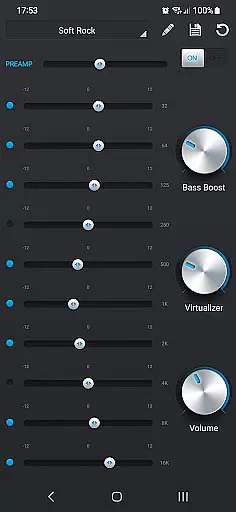
One of the standout capabilities is its robust audio configuration tools. Users can edit ID3 tags, apply 5-band equalizers with presets, and enhance sound with bass boost and reverb effects. Additionally, the availability of free plugins like DSP Pack extends functionality to high-res audio playback and advanced sound controls. This makes PlayerPro ideal for audiophiles seeking both performance and personalization in their music player.
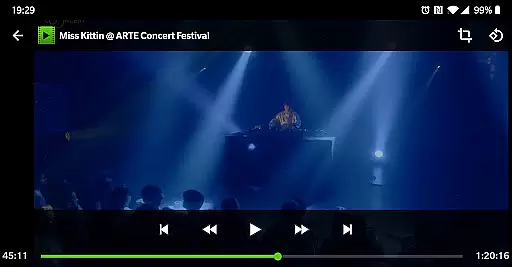
PlayerPro Music Player (Pro) stands out with its extensive feature set tailored for music enthusiasts. The app supports browsing through various categories such as albums, artists, genres, and even composers, while also enabling video playback and worldwide radio streaming. Its customization potential is immense, allowing users to choose between grid or list views, import album artwork, and install skins to modify the interface.
Advanced functionalities include professional-grade DSP effects via a free plugin, smart playlists based on metadata, and comprehensive ID3 tag editing. It also integrates modern technologies like Google Drive backup, voice search, and Android Auto support. These features collectively deliver a highly versatile media player that caters to both casual listeners and tech-savvy users who demand precision and control over their audio experience.
PlayerPro Music Player (Pro) offers an extensive music library that supports all major audio formats including Mp3, Mp4, Ogg Vorbis, Flac, Wav, Aif, Dsf, Wma, Opus, and Speex. This ensures users can access and play a vast range of music files without compatibility issues.
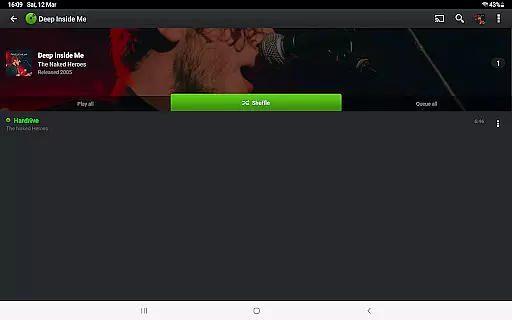
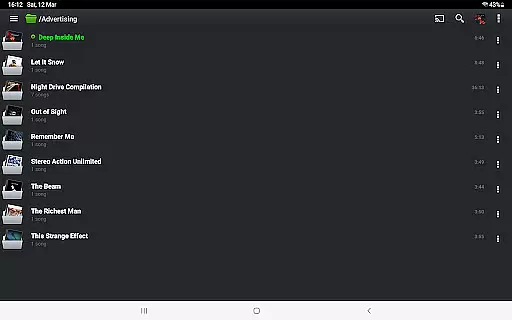
The app allows browsing and playing music in multiple ways such as by albums, artists, genres, playlists, folders, or songs. This flexibility enhances user experience by catering to various preferences for organizing and accessing music.
In terms of copyright authenticity, PlayerPro respects ID3 tags and embedded artwork within music files, ensuring accurate representation of original album artwork, artist pictures, and genre illustrations. Users can also edit ID3 tags in single or batch mode, supporting up to 15 different tag fields.
By providing these comprehensive features, PlayerPro not only guarantees a vast music library but also maintains the integrity and authenticity of music content, offering users a reliable and enriched music experience.
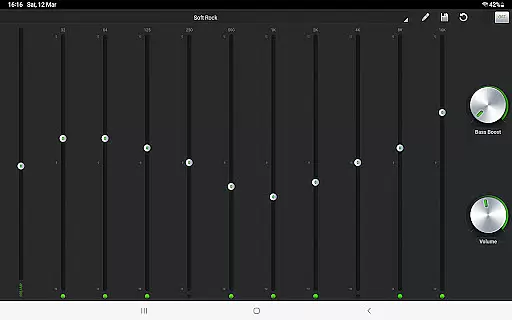
One of the standout features of PlayerPro Music Player (Pro) is its powerful audio configuration options that significantly enhance audio quality. The app includes a default 5-band graphic equalizer with 15 presets, allowing users to customize their listening experience according to their preferences.
For audiophiles seeking even more control, PlayerPro offers a free DSP plugin that supports high-resolution audio up to 32-bit, 384kHz. This plugin includes a 10-band graphic equalizer, Pre-Amp control, bass boost, stereo widening, and left-right volume control, ensuring superior sound quality.
Additional professional audio effects include gapless playback, auto/manual crossfade, replay gain, and an audio limiter. These features collectively contribute to a refined audio output, making every listening session immersive and enjoyable.
Overall, PlayerPro's advanced audio quality options cater to both casual listeners and audio enthusiasts, delivering a versatile and high-fidelity music experience on Android devices.
Highly customizable interface
Powerful audio configuration tools
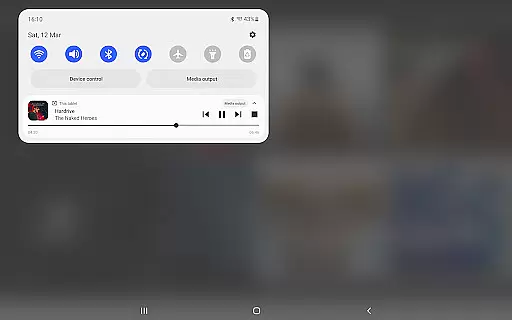
Supports Android Auto and Chromecast
Free DSP plugin for enhanced sound
Comprehensive ID3 tag editing
Paid version only
Complex for beginners
Occasional compatibility issues
Heavy on system resources
Limited free plugin availability

Simply convert wav to mp3. Clear. Reliable. Safe.
 4.4
4.4
A High-Precision Audio Spectrum Analysis App
4.20
Permanently backup Now Playing. Maps, filters & listening stats.
4.00
Network/Cloud Streaming, Visualization, Graphic Equalizer and Sound Effects.
4.20
Ultimate Sonos Controller
4.70
USB audio recording and playback finally possible on Android 3.1 or higher!
3.90
The alternative folder based music player.
4.20
AI Music Maker: Generate And Compose AI Tunes & AI Songs & AI Music & AI Melody!
4.60
Voice recorder - Audio recorder. Best recorder for recording
4.90 4.70
4.70
Performance-Synthesizer & Multi-Track-Sequencer, polyphonic + multi timbral!
4.70
Over 100 million tracks available for high quality streaming and download
4.60
Pay Once, no monthly payment
4.60
A complete sound package for the sound engineer or enthusiast
4.60
Play KORG’s revolutionary touch-based instrument on a variety of devices.
4.40
Your HD audio recorder on the go for music, meetings, ambience, animal sounds…
4.30
Advanced 10-Band Audio Graphic Equalizer Sound Booster Pro
4.30
A sleek, no-frills player designed for true music lovers.
4.20
Turn your Android phone into a professional audio analyser with up to 120 bands.
4.00


User Reviews