

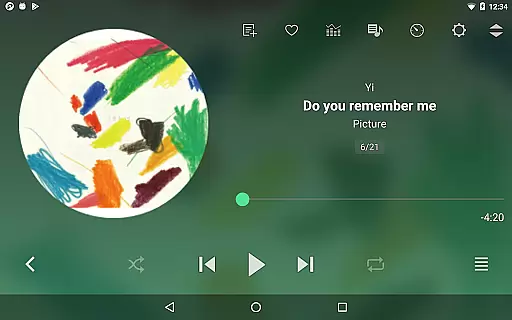
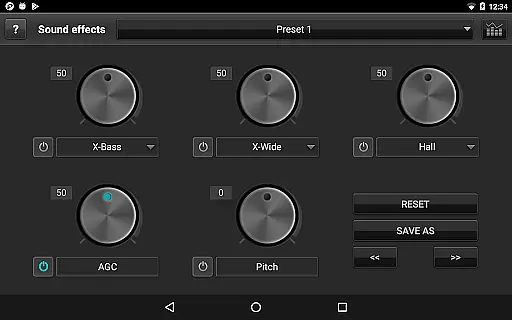
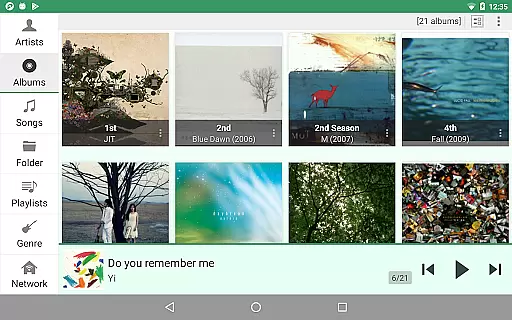
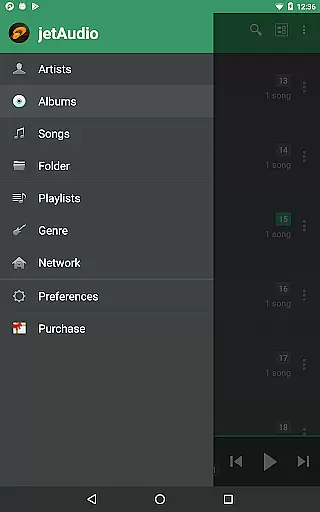
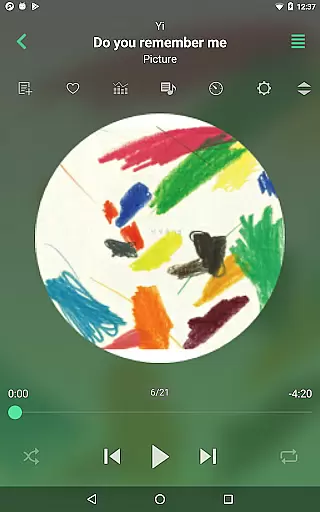
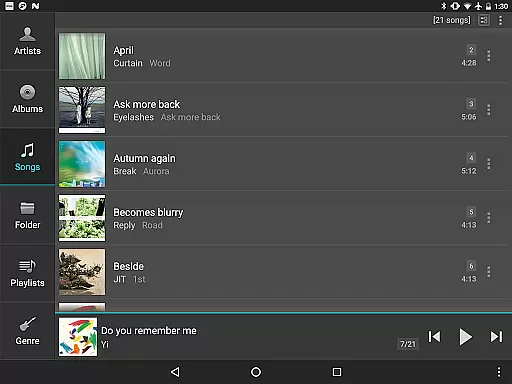
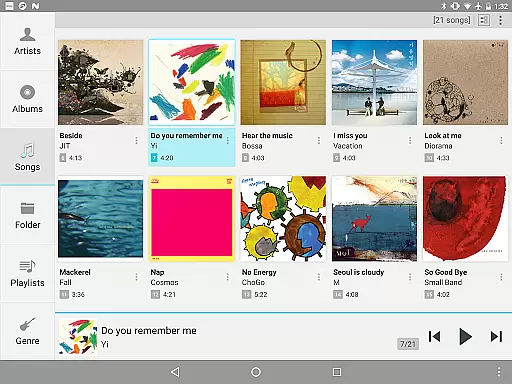
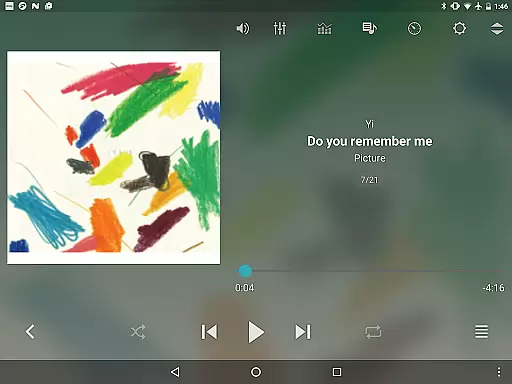
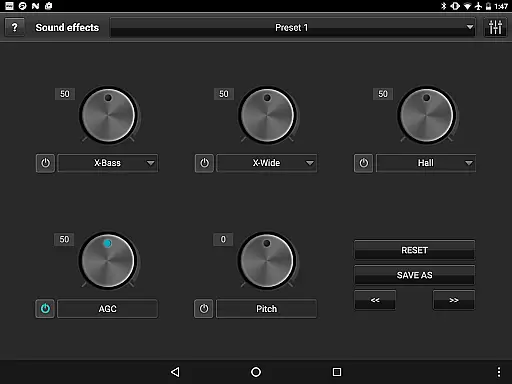

jetAudio+ Hi-Res Music Player is a premier audio solution for Android users, offering an extensive range of features for high-quality music playback. This app supports virtually all digital music formats and provides superior sound quality with effects like Wide, Reverb, and X-Bass. jetAudio stands out with its 32 equalizer presets and advanced playback functions including speed control and crossfading.
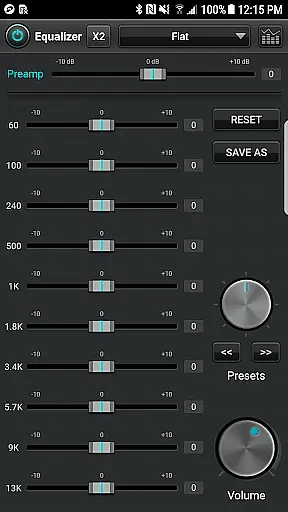
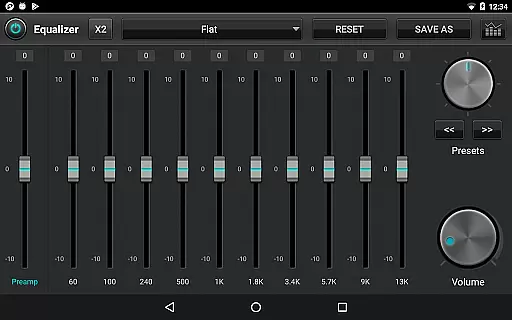
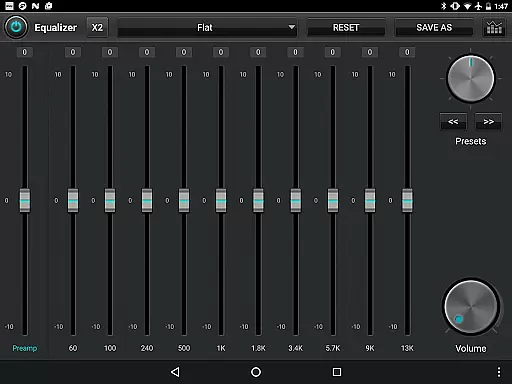
For audiophiles seeking customization, the Plus version offers a 20-band graphic equalizer and other enhancements such as pitch shifting and precise playback speed control. The app also supports streaming from local network shared folders and cloud services like Google Drive and Dropbox, making it versatile for various listening preferences.
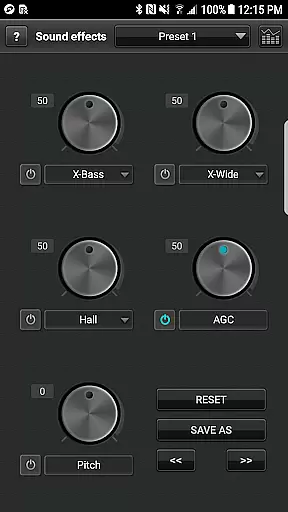
Whether you're at home or on the go, jetAudio+ ensures an uninterrupted music experience with features like AGC to prevent volume fluctuations between tracks. Its user-friendly interface includes multiple lock screens and app widgets, providing both functionality and personalization for an enriched listening journey.
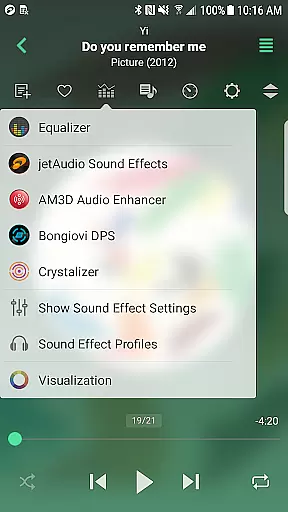
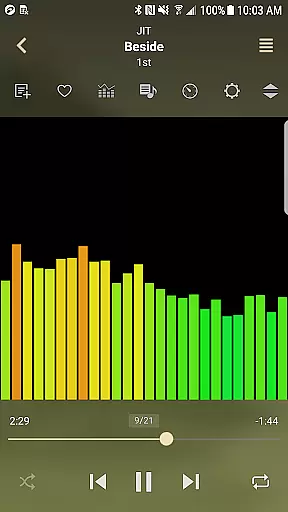
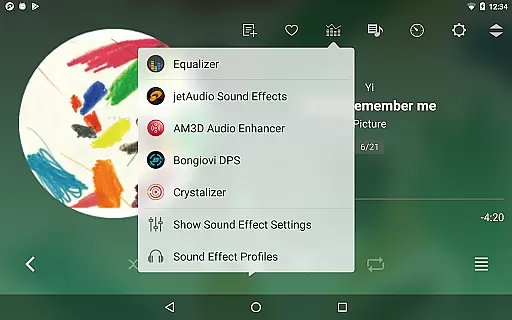
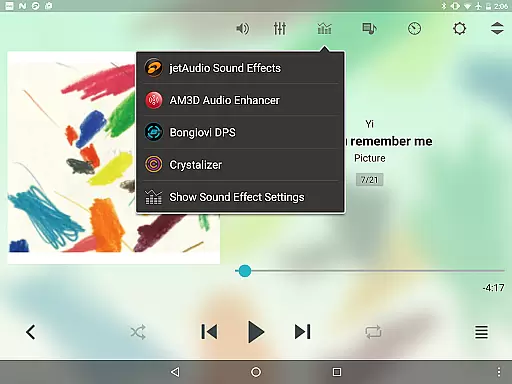
One of the standout features of jetAudio+ Hi-Res Music Player is its ability to handle a wide array of digital music files with exceptional sound quality. It incorporates advanced sound effects such as Crystalizer and AM3D Audio Enhancer, which elevate the auditory experience. The inclusion of visualizations adds another layer of engagement for users who appreciate a more immersive interaction with their music.
The app's Plus version unlocks a suite of powerful tools including a 20-band graphic equalizer, tag editor for various formats, and pitch shifter. These functionalities allow users to fine-tune their listening experience according to personal preferences. Additionally, features like MIDI playback using the jetAudio WaveTable MIDI synthesizer engine cater to musicians and enthusiasts looking for precision in sound reproduction.
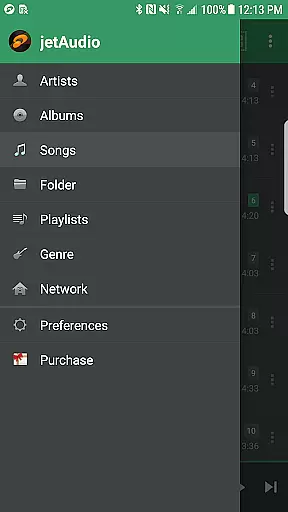
With support for streaming from local networks and cloud storage services, jetAudio+ offers flexibility in accessing your music library. Its compatibility with Bluetooth AVRCP 1.3 enables seamless integration with wireless devices, while multi-select functions facilitate efficient playlist management. Overall, these robust features make jetAudio+ a comprehensive tool for discerning listeners.
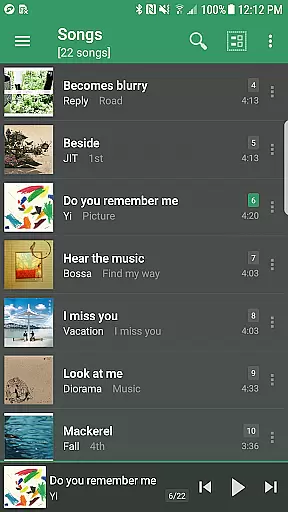
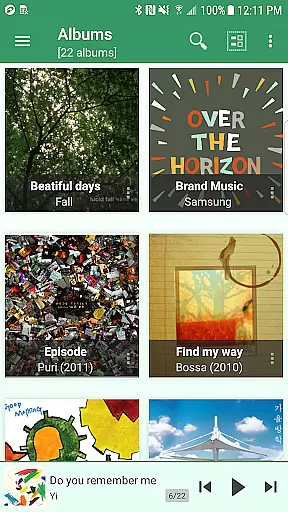
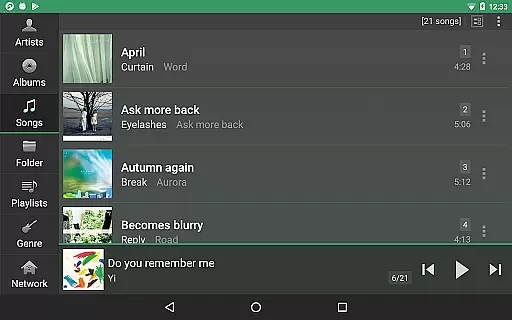
jetAudio+ Hi-Res Music Player offers an extensive music library that supports a wide array of digital music file formats, including but not limited to WAV, MP3, OGG, FLAC, and more. This compatibility ensures users can access their existing music collections without the need for format conversion.
The application emphasizes copyright authenticity by providing users with the ability to play files from legitimate sources, including cloud services like Google Drive and Dropbox. By supporting these platforms, jetAudio+ encourages users to manage and enjoy legally acquired music libraries.
Moreover, the inclusion of a Tag Editor for various formats such as MP3 and FLAC allows users to maintain accurate metadata for their music files. This feature enhances the authenticity of the music library by ensuring proper tagging, which is crucial for organizing legally purchased content.
With its vast support for different audio formats and emphasis on correct metadata handling, jetAudio+ provides a robust platform for managing large, authentic music libraries while respecting copyright laws.
One of the standout features of jetAudio+ Hi-Res Music Player is its superior audio quality options, which allow users to experience their music in high fidelity. The app includes advanced sound effects such as Wide, Reverb, and X-Bass, which enhance the listening experience by adding depth and richness to the audio playback.
In addition to these effects, jetAudio+ offers a 20-band graphic equalizer available in the Plus version, enabling precise sound customization. Users can adjust the equalizer presets to match their preferences or create custom settings for different music genres, ensuring optimal audio performance tailored to individual tastes.
The app also incorporates sophisticated audio technologies from partners like AM3D Audio Enhancer and Bongiovi DPS, further elevating the sound quality. These partnerships ensure that users receive professionally enhanced audio experiences across all types of music played through the app.
By combining versatile equalizer controls with premium audio enhancement technologies, jetAudio+ delivers exceptional sound quality options that cater to audiophiles seeking the best possible listening experience on their Android devices.
High-quality sound
Wide format support
Advanced equalizer
Customizable options
Cloud streaming
Paid version required
Some features locked
Ads in free version
Complex interface
Occasional bugs

Make music anywhere. Turn your device into an instrument.
 4.3
4.3
The Music Journey in Your Hands
4.30
Control your MIDI USB or Bluetooth devices in app and avoid some trampling
3.30
Bass Booster & Volume Equalizer Pro improves your music and video sound quality
4.60
The alternative folder based music player.
4.20
Enjoy singing any song, no matter how high or low it is
4.30
No wifi music app. Mp3 offline. Tuner radio, young radio music. Music downloader
4.20
Master Salsa Rhythm quickly and with a lot of fun!
4.30
Sing, record, and create music together — enhanced by smart voice tools.
4.00
More downloads than any other metronome. Includes drum machine & tempo trainer.
4.80
Over 100 million tracks available for high quality streaming and download
4.60
Super Sound Editor, Song Maker & Mixer, Vocal Remover, Voice Recorder & Changer!
4.60
Offline Music Player&MP3 Player with themes, equalizer, lyrics, music play mode
4.60
Learn the notes on the guitar fretboard fast with this easy and fun app
4.60
A synth that really lets you shape your sounds!
4.50
Time Guru will strengthen your internal sense of musical time via random muting.
4.30
Offline Tunes, Unlimited Vibes
3.90
Simple mp3 and mp4 player with advanced features.
3.40
Simply convert wav to mp3. Clear. Reliable. Safe.
4.5


User Reviews