
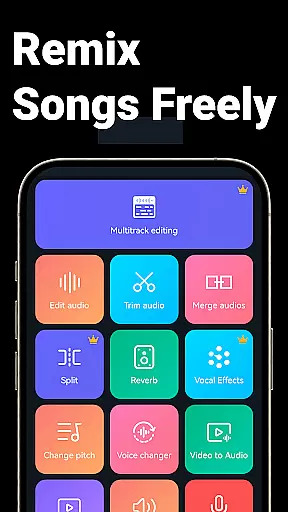
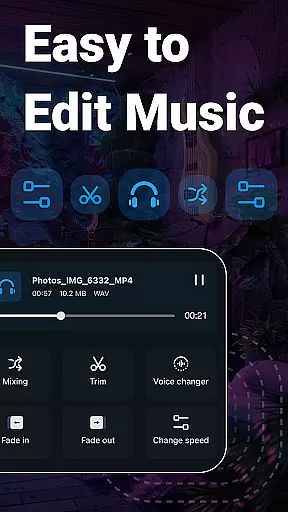
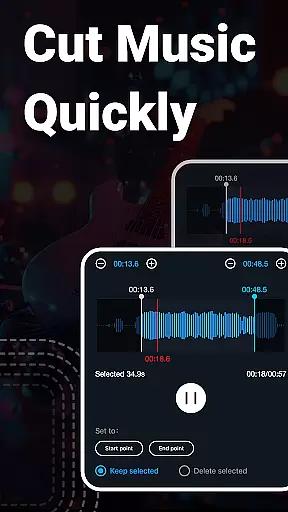
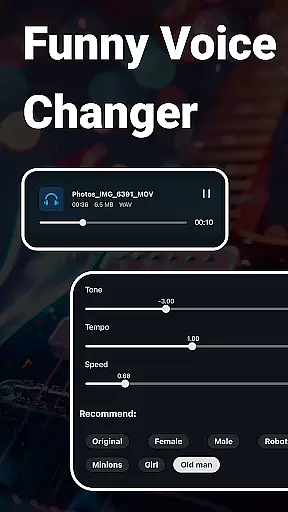
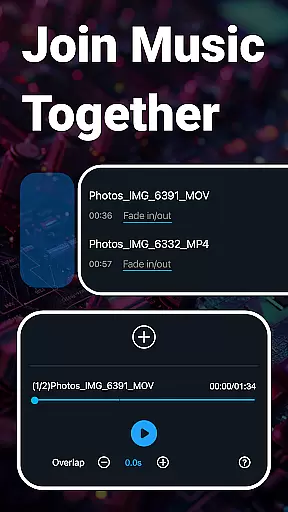
When it comes to music editing applications, the size and authenticity of the music library are crucial factors. Music Audio Editor, MP3 Cutter offers an extensive collection of over 2000 royalty-free tracks that users can download and utilize without worrying about copyright infringement. This vast library ensures that creators have a wide array of sounds at their disposal for various projects.
The app's dedication to providing only legitimate and copyright-cleared content means that users can confidently use these tracks in their work. Whether you're creating a podcast, video, or any multimedia project, having access to a rich repository of licensed music is essential for maintaining legal compliance and professional quality.
Moreover, the diversity within this music library caters to different tastes and project requirements. From classical compositions to modern beats, the range available allows users to find the perfect audio complement for their creative endeavors. With regular updates and new additions, the app keeps its library fresh and relevant.
Audio quality is paramount when editing sound files, and Music Audio Editor, MP3 Cutter excels in offering versatile audio quality options. The application supports multiple high-quality audio formats such as MP3, AAC, WAV, FLAC, M4A, and AMR. This flexibility enables users to choose the best format that suits their specific needs while maintaining optimal sound fidelity.
In addition to supporting various formats, the app also provides advanced settings for adjusting sample rates and bitrates. Users can fine-tune these parameters to balance between file size and audio clarity, ensuring that their final output meets professional standards. These features are particularly beneficial for audiophiles and professionals who demand the highest level of detail in their audio work.
Furthermore, the ability to convert mono tracks into multi-channel audio enhances the listening experience by adding depth and dimension to the sound. Such capabilities empower users to produce more dynamic and immersive audio content, elevating their projects above standard productions. Overall, the robust set of audio quality options makes Music Audio Editor, MP3 Cutter a top choice for discerning audio editors.

 4.70
4.70
Enhance the sound quality of your devices, listen to what you want
4.50
The only true audiophile music player with Hi-Fi audio rendering and DSP engine
3.90
Next generation modular control surface
4.10
Ultimate Sonos Controller
4.70
Voice recorder - Audio recorder. Best recorder for recording
4.90
The official Sonos app
4.10
Play KORG’s revolutionary touch-based instrument on a variety of devices.
4.40
Responsive piano with great sounds, graphics, and songs
4.80
Most Advanced AI Song Generator and Music Creator. Rap, Pop, Rock, Gospel & more
4.70
The best music and audio player, with beautiful UI, music search and equalizer.
4.60
Your HD audio recorder on the go for music, meetings, ambience, animal sounds…
4.30
Offline and always ad-free - stream in the highest quality available.
4.10
Turn your phone into a musical instrument from the future!
3.90
USB audio recording and playback finally possible on Android 3.1 or higher!
3.90
Powerful beat maker & DJ mixer to remix tracks, make music, & perform DJ mix
3.70
The Skullcandy App Experience
3.20
The Minimalistic Premium Music Player. Handmade with passion for music
2.20
Music Streaming suite for Ampache, Nextcloud Music and compatible backends.
4.4


User Reviews