
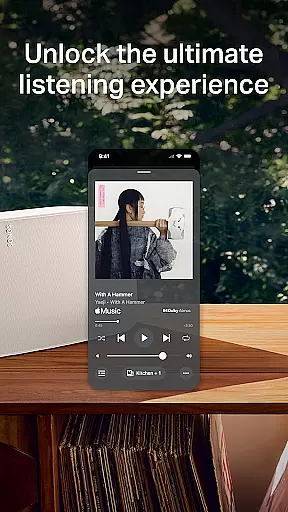
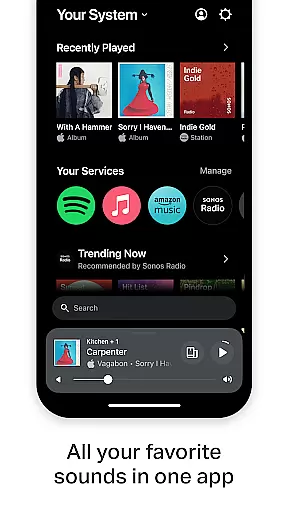
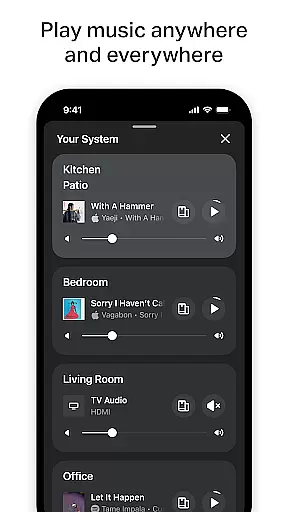
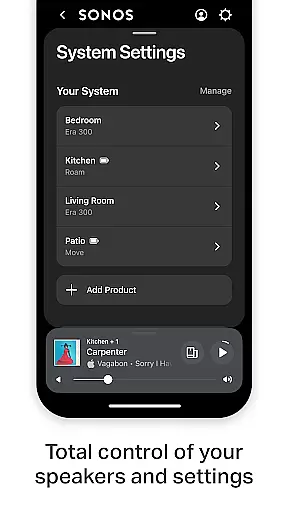
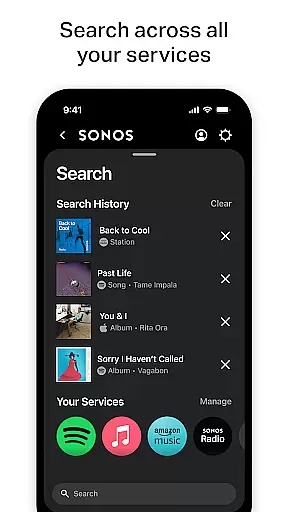
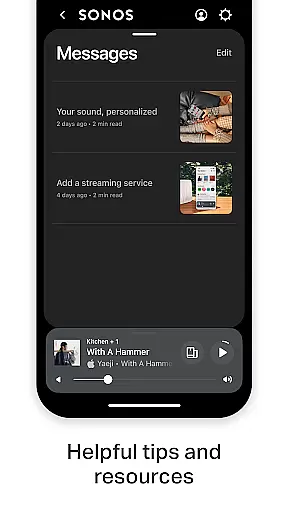
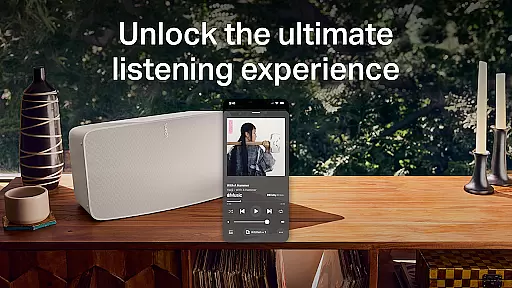
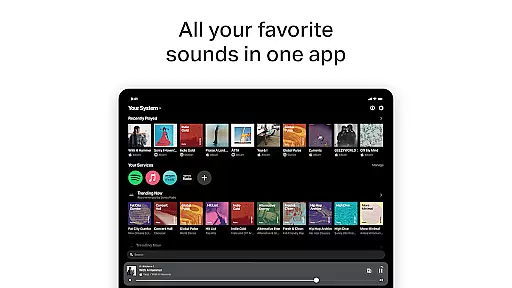
Sonos is a premier music streaming application that consolidates all your audio content and settings into one intuitive interface. Designed for seamless control of Sonos products, it offers effortless access to various music services such as Spotify, Apple Music, and Amazon Music. The app enables users to enjoy personalized listening experiences by saving favorite artists and playlists while providing whole-home audio control.
With features like Trueplay™ tuning and easy setup processes, Sonos ensures optimal sound quality tailored to your space. Whether you want different songs in each room or synchronized playback throughout your home, this app delivers complete control over your listening environment. Its user-friendly design makes it simple to set up new devices and manage existing ones, enhancing the overall enjoyment of your Sonos ecosystem.
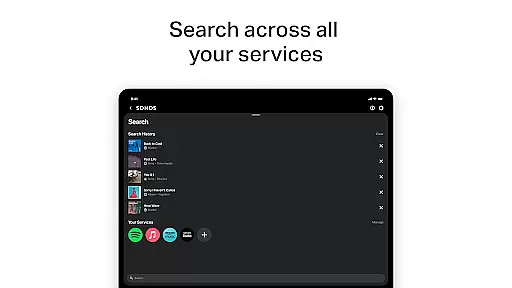
The Sonos app boasts an array of sophisticated features designed to elevate your audio experience. One standout capability is its unified streaming service integration, allowing users to browse, search, and play content from multiple platforms within a single interface. This includes popular services like Spotify, Apple Music, and Pandora, ensuring comprehensive access to your preferred tracks without switching between apps.
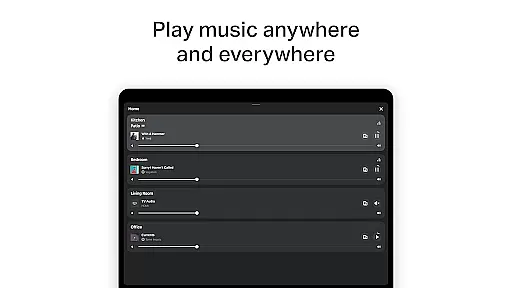
Another remarkable feature is Whole-Home Control, which lets you customize audio output across different rooms. You can play distinct songs in separate areas or synchronize the same track everywhere, offering unparalleled flexibility. Additionally, Personalized Listening options enable users to curate their ultimate music library by saving favorite artists, albums, and playlists. Advanced settings adjustments through Trueplay™ further enhance speaker performance based on room acoustics, making sure every note sounds perfect.
When it comes to digital music platforms, the size and authenticity of the music library are crucial factors for users. Sonos app excels in this aspect by offering access to a vast array of music services including Spotify, Apple Music, Amazon Music, and more. This extensive library ensures that users have millions of tracks at their disposal, catering to every musical taste and preference.
The importance of copyright authenticity cannot be overstated. Sonos guarantees that all music available through its platform is fully licensed and legal. This commitment to copyright compliance not only supports artists and creators but also provides peace of mind to users who want to enjoy their music without concerns about legality.
Sonos app's integration with multiple streaming services means that users can browse, search, and play content from various providers within a single interface. This streamlined approach simplifies the user experience, eliminating the need to switch between different apps or services.
Ultimately, the combination of a vast, diverse music library and stringent adherence to copyright laws enhances the overall value proposition of the Sonos app. Users can create personalized playlists, save favorite artists and albums, and enjoy uninterrupted, high-quality sound throughout their homes.
Audio quality is a paramount consideration for any music enthusiast, and the Sonos app delivers exceptional sound fidelity across its range of supported devices. By prioritizing high-quality audio formats and optimizing playback settings, Sonos ensures that listeners experience music as the artists intended, with rich detail and clarity.
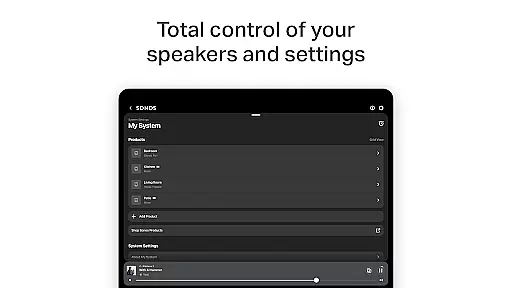
The app allows users to fine-tune audio settings to suit their specific needs and preferences. With features like Trueplayu2122, which adjusts the sound output based on the acoustic properties of a room, Sonos products deliver an immersive listening experience tailored to each unique environment. This level of customization empowers users to achieve optimal sound quality regardless of their home layout.
In addition to superior audio performance, Sonos offers flexible connectivity options. Whether setting up a stereo pair or creating a surround sound system, the app makes it easy to configure speakers for enhanced audio depth and spatial awareness. These configurations elevate the auditory experience, making it ideal for both casual listening and critical music appreciation.
By focusing on delivering pristine audio quality and customizable options, Sonos app not only meets but exceeds the expectations of discerning audiophiles. The ability to adjust settings and optimize sound output according to individual preferences underscores Sonos' dedication to providing unparalleled audio experiences.
Seamless multi-room audio
Intuitive user interface
Wide range of supported services
Personalized listening options
Easy device setup process
Limited voice command availability
Higher cost compared to alternatives
Requires compatible hardware
Occasional connectivity issues
No offline mode for some features

The Music Journey in Your Hands
 4.30
4.30
Performance-Synthesizer & Multi-Track-Sequencer, polyphonic + multi timbral!
4.70
VB-AUDIO Software / VBAN-Receptor allows listening to any VBAN Streams
4.10
Walkout Song DJ is the most intuitive app to manage your sports music.
4.70
AI Music Maker: Generate And Compose AI Tunes & AI Songs & AI Music & AI Melody!
4.60
Music, News & Sports Radio Tuner App. Tune in Live FM & AM Radio Stations.
4.80
Offline Music Player & MP3 Player.Powerful equalizer, Lyrics, Themes, Tag Editor
4.80
Full featured mp3 and audio player with Chromecast and Android Auto support.
4.40
Uninterrupted Tunes, Unmatched Vibes
3.90
Tune in to the greatest hits on UK Radio | The home of Capital, Smooth & Heart.
4.90
Full-featured, High-Quality Groovebox Workstation, perfect for Live Performance!
4.80
SqueezePlayer turns your Android phone or tablet into a SqueezeBox on its own!
4.60
Over 100 million tracks available for high quality streaming and download
4.60
Recording studio w/ 10k beats, pro vocal FX and a network of 20M rappers & fans!
4.60
Time Guru will strengthen your internal sense of musical time via random muting.
4.30
A sleek, no-frills player designed for true music lovers.
4.20
Versatile MP3 recorder with auto-backup to Dropbox and Google Drive
4.10
The iconic iOS metronome app is now on Android.
3.70
The Cubase remote control app
3.60


User Reviews