
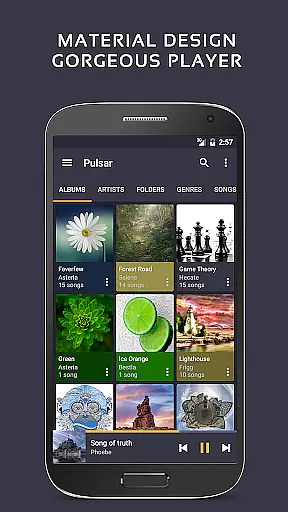
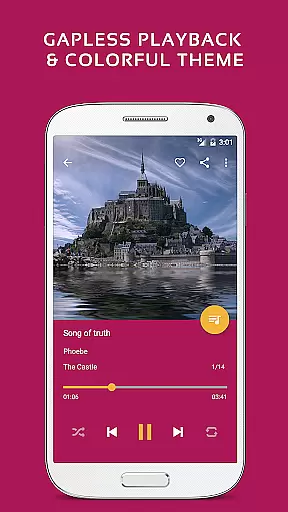
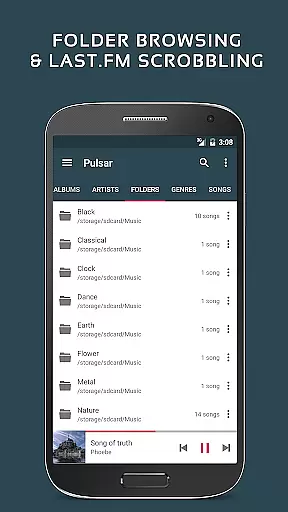
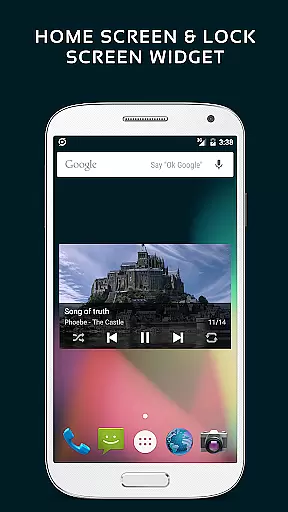
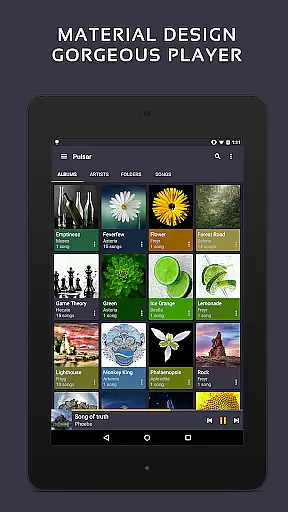
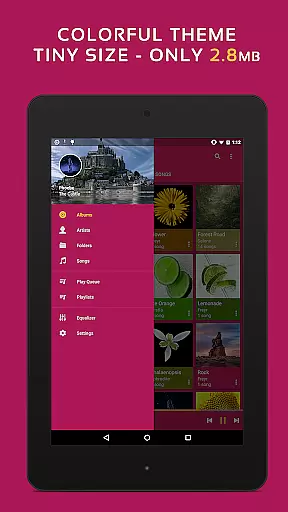
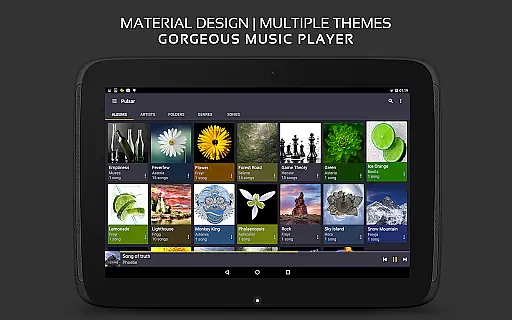
Pulsar Music Player Pro stands as a premium offline audio player tailored for Android users who appreciate high-quality music playback without interruptions from advertisements. The app embraces material design principles, offering a visually appealing interface with smooth animations. It is engineered to meet diverse musical needs, featuring gapless playback, lyrics display, crossfade, and play speed adjustment among its core capabilities.
Designed for audiophiles and casual listeners alike, Pulsar supports an extensive range of audio formats including mp3, aac, flac, ogg, and wav. Its comprehensive feature set extends to tag editing, last.fm scrobbling, Chromecast integration, voice command support, and Android Auto compatibility. With functionalities like equalizer settings, music visualizer, audio balance control, ReplayGain, and a sleep timer, Pulsar ensures an enriched listening experience across various scenarios.
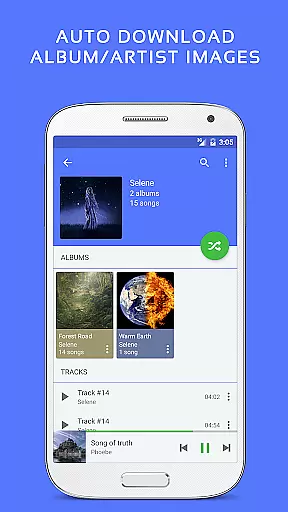
Pulsar Music Player Pro distinguishes itself through a rich array of features designed to enhance user interaction and audio playback quality. The app's interface is meticulously crafted with material design elements, providing an intuitive platform to manage and play music by album, artist, folder, and genre. Smart playlists curate tracks based on most played, recently played, and newly added categories, while automatic syncing retrieves missing album or artist images seamlessly.
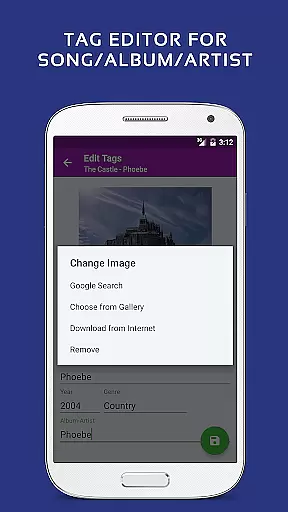
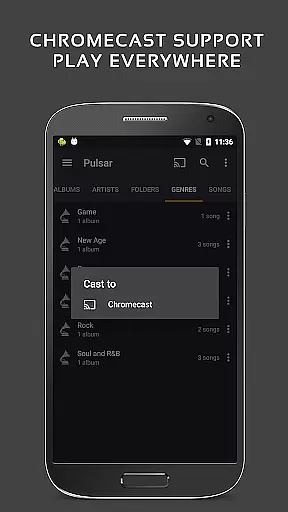
Advanced functionalities such as gapless playback, crossfade support, and ReplayGain volume normalization cater to audiophiles seeking pristine sound quality. The built-in metadata tag editor supports various formats, allowing users to customize their music library efficiently. Additionally, the app offers a music visualizer, Chromecast support, Google voice commands, and Android Auto compatibility, ensuring a versatile and integrated music experience. Theme customization and a 5-band equalizer with pre-built presets further personalize the auditory journey.
Pulsar Music Player Pro offers an extensive music library that supports a wide range of audio file formats including MP3, AAC, FLAC, OGG, and WAV. This ensures that users can enjoy their music collection without compatibility concerns.
The application respects copyright laws and guidelines, providing features such as built-in metadata tag editing for MP3 and other supported formats. Users can manage and organize their music with proper attribution to artists and albums, ensuring content authenticity.
With the capability to automatically sync missing album or artist images, Pulsar enhances the listening experience by presenting media in a visually appealing way while maintaining legal integrity.
Moreover, Pulsar's dedication to copyright compliance is further demonstrated through its support for Last.fm scrobbling, allowing users to track their listening habits on a platform known for respecting artist rights.
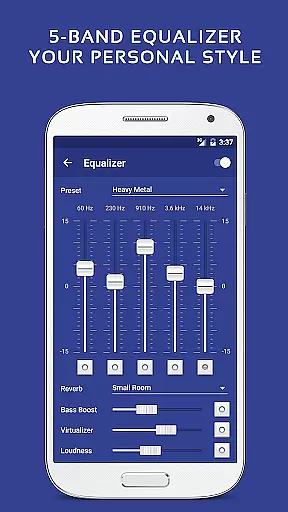
Pulsar Music Player Pro stands out with its superior audio quality options, which include a 5-band equalizer controller and 9 pre-built equalizer presets. These features allow users to customize their sound experience according to personal preferences or specific audio requirements.
In addition to the standard equalizer settings, Pulsar offers advanced sound effects like bass boost and reverb. Such enhancements provide an immersive audio experience that can transform the way users enjoy their music.
The player also supports ReplayGain volume normalization, ensuring consistent playback levels across different tracks. This feature is particularly beneficial when listening to compilations or diverse music libraries where track volumes may vary significantly.
Furthermore, Pulsar includes gapless playback support and crossfade capabilities, delivering seamless transitions between tracks. Whether it's for enjoying live albums or DJ mixes, these options contribute to a high-fidelity listening session.
User-friendly interface
Extensive format support
Customizable themes
Advanced equalizer
No advertisements
Paid version only
Occasional bugs
Limited iOS support
Heavy on resources
Complex for beginners

Your HD audio recorder on the go for music, meetings, ambience, animal sounds…
 4.30
4.30
Pay Once, no monthly payment
4.60
Full-featured, High-Quality Groovebox Workstation, perfect for Live Performance!
4.80
Time Trainer: accurate metronome w tools to help you develop your internal time!
4.20
USB audio recording and playback finally possible on Android 3.1 or higher!
3.90
Bass Booster & Volume Equalizer Pro improves your music and video sound quality
4.60
Powerful 10-Band equalizer pro with sound booster improves Android audio quality
4.30
Play your music offline without limits
4.80
Melody Beat: Great for travel, workouts, offline vibes, play your tunes anytime.
4.10
Your song collections with lyrics and chords on Android smartphones and tablets.
4.80
Music, News & Sports Radio Tuner App. Tune in Live FM & AM Radio Stations.
4.80
Most Advanced AI Song Generator and Music Creator. Rap, Pop, Rock, Gospel & more
4.70
Ringtone Maker is free app create ringtone from music files or your recording.
4.40
The Music Journey in Your Hands
4.30
Offline and always ad-free - stream in the highest quality available.
4.10
Sheet music reader, piano & music note player. Play music score & learn to read.
3.90
Offline Tunes, Unlimited Vibes
3.90
Learn to play the piano using falling notes!
3.80
The Minimalistic Premium Music Player. Handmade with passion for music
2.20


User Reviews