
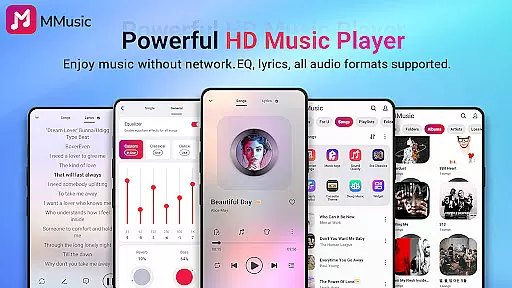
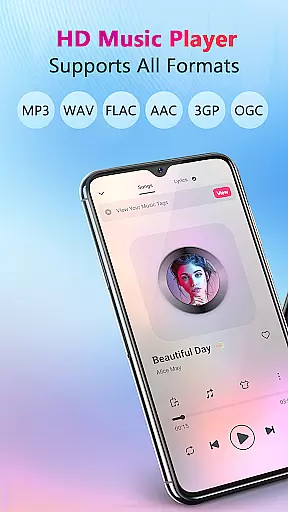
MMusic is a versatile offline music player for Android, offering high-definition sound quality and full format compatibility. This professional-grade app supports MP3, FLAC, WAV, MIDI, AAC, APE, and more, ensuring every song sounds its best. The built-in equalizer with presets for various music genres enhances your listening experience, while the bass boost and reverb effects add depth to your music.
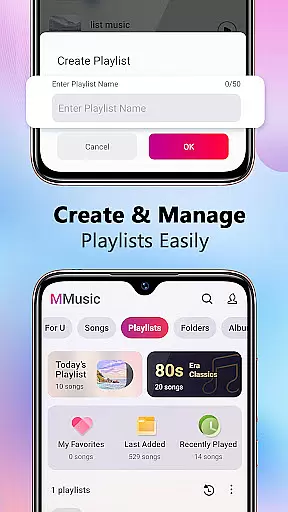
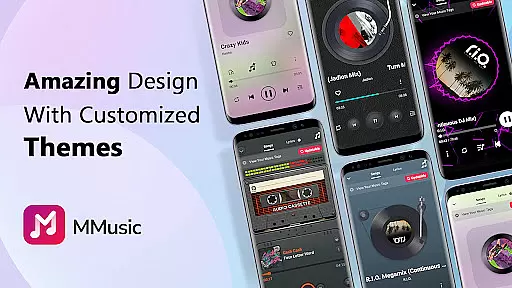
The app features an intuitive user interface with retro tape and vinyl record styles, alongside modern minimalist designs. With intelligent music management, MMusic automatically scans and classifies audio files, making it easy to create and manage playlists. Whether you're at home or on the go, this app provides an immersive music experience without requiring Wi-Fi, allowing you to enjoy your favorite tracks anytime, anywhere.
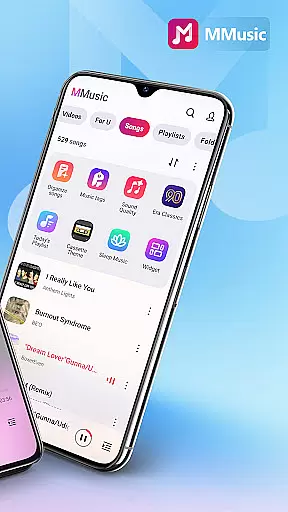
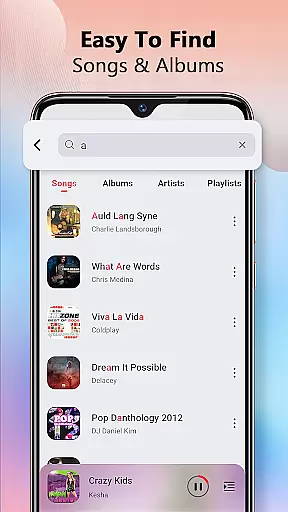
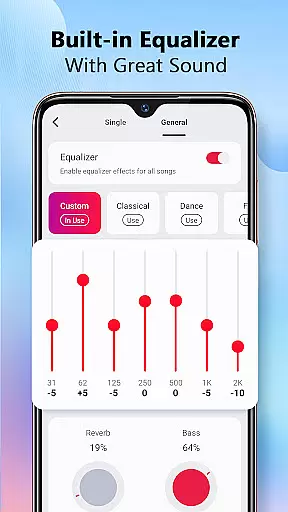
MMusic stands out with its powerful equalizer that offers multiple presets like classical, dance, folk, and rock. Users can customize their sound with bass boosting, reverb effects, and a music virtualizer. The app's intelligent sorting function automatically organizes music by artists, albums, folders, and playlists, streamlining music library management.
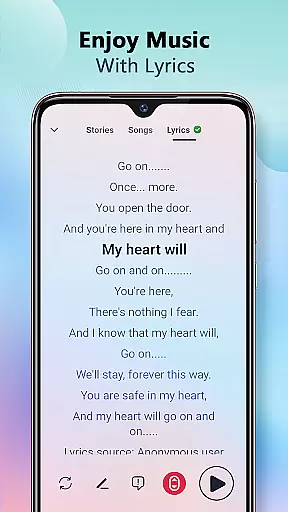
In addition to its exceptional sound quality, MMusic supports offline playback of all mainstream audio formats. The app displays synchronized lyrics, enhancing sing-along experiences. Its stylish interface includes themes such as retro tape and vinyl record modes. Other notable features include smart auto-playlists, shuffle options, loop modes, background playback support, and compatibility with both Bluetooth and wired headphones.
MMusic offers an extensive music library that supports all mainstream audio formats including MP3, FLAC, WAV, MIDI, AAC, APE, and more. This compatibility ensures that every song is presented in the best possible state, providing users with an unlimited music experience.
The app's deep scan feature automatically refreshes and categorizes your music library, making sure that all your files are up-to-date and easily accessible. Whether you're browsing by playlists, albums, or artists, MMusic provides a seamless experience for managing and playing your music.
With its offline capabilities, MMusic allows you to enjoy your personalized music library without any need for internet connectivity. This not only guarantees uninterrupted playback but also ensures that your music listening experience remains private and secure.
Equipped with advanced audio technology, MMusic elevates the music experience to new heights. Every track is delivered in high-definition sound quality, ensuring an immersive listening experience like never before.
The built-in equalizer comes with amazing presets tailored for different genres such as classical, dance, folk, and rock. With just one click, users can enhance their music with bass boosting, various reverb effects, and a virtualizer, all customized to individual preferences.
Whether using Bluetooth or wired headphones, MMusic maintains exceptional audio fidelity. The app also supports background playback, allowing users to enjoy their favorite tracks with consistent quality, regardless of what they're doing on their device.
Full format support
High-definition sound
Intuitive UI design
Powerful equalizer
Offline playback
Limited social features
No cloud sync
Heavy on storage
Occasional bugs
Ads in free version

Turn your phone into a musical instrument from the future!
 3.90
3.90
Equalizer, Bass Booster and Volume Booster (Eq & Bass) improve sound quality
4.30
DJ Music Mixer Pro is a real DJ controllers and DJ Music Studio to remix DJ.
4.40
Enjoy singing any song, no matter how high or low it is
4.30
No wifi music app. Mp3 offline. Tuner radio, young radio music. Music downloader
4.20
Music, News & Sports Radio Tuner App. Tune in Live FM & AM Radio Stations.
4.80
Learn and play 2M+ music tabs & chords on guitar, ukulele, bass, and more
4.30
Master Salsa Rhythm quickly and with a lot of fun!
4.30
Reverse your voice & songs instantly! Fun singing challenge with cool effects.
4.60
Listen to live FM radio stations, sports, music and news on global radios online
4.70
Walkout Song DJ is the most intuitive app to manage your sports music.
4.70
Save hundreds of dollars for a physical strobe tuner and instead use this app.
4.50
DJ Music Mixer - DJ Remix: remix songs, make beat music & record mix of DJ.
4.40
Time Guru will strengthen your internal sense of musical time via random muting.
4.30
The Music Journey in Your Hands
4.30
Advanced 10-Band Audio Graphic Equalizer Sound Booster Pro
4.30
Network/Cloud Streaming, Visualization, Graphic Equalizer and Sound Effects.
4.20
Versatile MP3 recorder with auto-backup to Dropbox and Google Drive
4.10
Permanently backup Now Playing. Maps, filters & listening stats.
4.00


User Reviews