
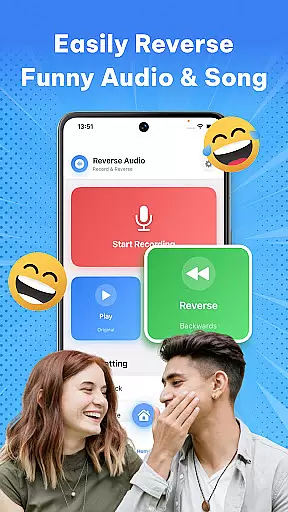
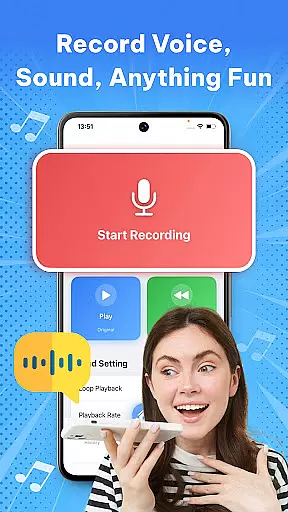

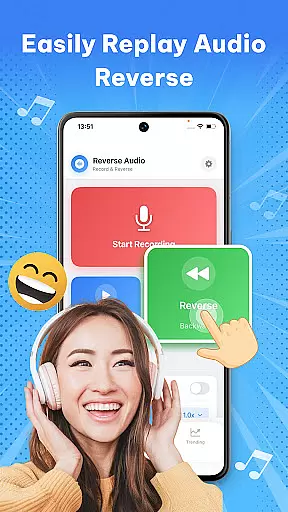
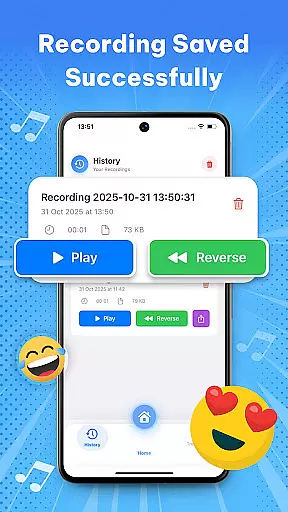
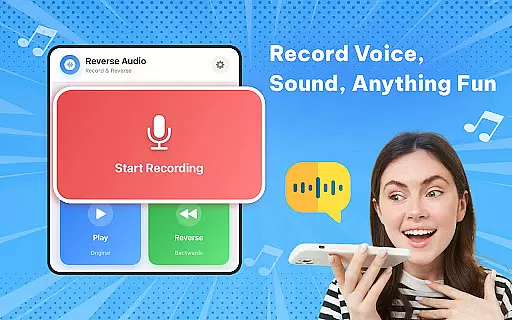

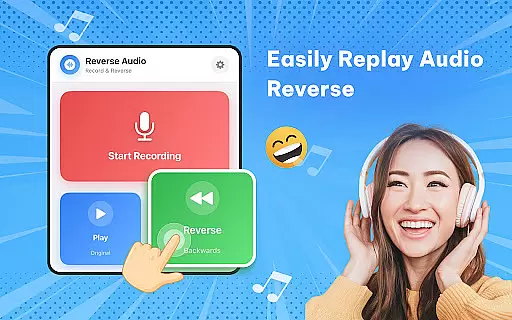
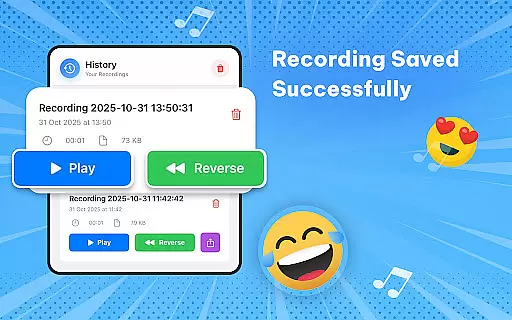
Reverse Audio: Sing Challenge is a creative audio tool that allows users to record, reverse, and manipulate sound clips. This app transforms ordinary audio into extraordinary creations by flipping voices, songs, or any recorded sound backward. With its intuitive interface, users can experiment with reversed audio for fun challenges, viral social media content, or unique sound design.
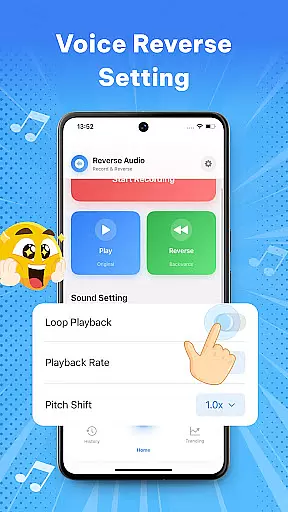
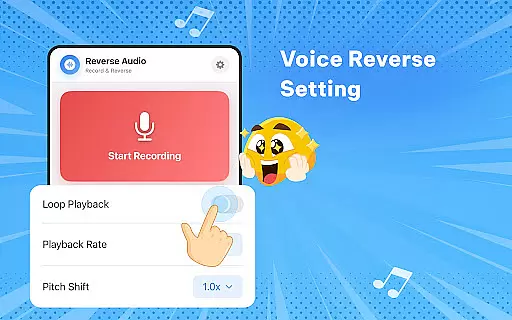
The app offers advanced features such as playback speed and pitch adjustments, making it ideal for creators, singers, and prank enthusiasts. Whether you're looking to enhance your videos with reverse sound effects, practice vocal techniques, or simply entertain friends with funny audio flips, Reverse Audio provides all the necessary tools in a high-quality, offline-capable package.
Perfect for creative experimentation, this app unlocks new possibilities for audio creativity. From professional musicians to casual users, anyone can explore how reversing audio can lead to surprising and entertaining results.
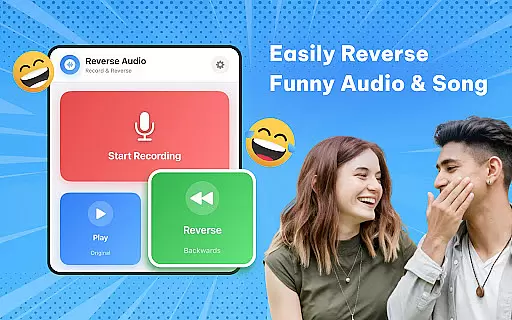
Reverse Audio stands out with its diverse feature set tailored for audio creativity. The app allows instant reversal of any voice or sound recording, enabling users to flip audio tracks within seconds. Its "Reverse Singing Challenge" lets users record their singing, reverse it, and then attempt to mimic the flipped version, offering a unique way to improve vocal skills while having fun.
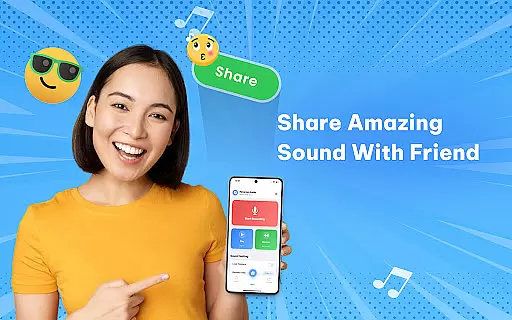
Beyond basic reversal, the app includes advanced editing options like adjustable playback speed and pitch modification. These features allow users to create weird, spooky, or hilarious audio effects. Additionally, the app supports direct sharing to social media platforms, making it easy to distribute creative content quickly.
Performance-wise, Reverse Audio ensures high-quality sound processing with smooth, responsive controls. It works seamlessly offline, empowering users to create anytime, anywhere without interruptions. The app's versatility makes it suitable for various use cases, from professional video editing to casual entertainment among friends and family.
When it comes to music and audio applications like Reverse Audio: Sing Challenge, the size and variety of the music library are crucial for user engagement. This app allows users to record, reverse, and manipulate any sound or voice, providing a unique experience that can mimic the effects of a vast music library.
The application ensures that all audio processed maintains high quality, which indirectly speaks to its commitment to copyright authenticity. By allowing users to work with their recordings, it avoids copyright infringement while still offering creative freedom.
Users benefit from this setup by having the liberty to experiment with sounds without worrying about copyright issues. The ability to modify pitch, speed, and add various effects provides an endless array of possibilities.
This innovative approach not only enhances user creativity but also aligns with legal standards, ensuring a safe and enjoyable environment for audio experimentation.
Audio quality is paramount in music and audio applications, and Reverse Audio: Sing Challenge excels in delivering crystal-clear sound processing. The app offers robust features that ensure every reversed clip retains its clarity and fidelity, regardless of modifications made to speed or pitch.
With options to adjust playback speed and pitch, users can fine-tune their creations to meet specific needs or preferences. These capabilities provide a professional touch to amateur recordings, making them suitable for social media challenges and creative projects.
The app's offline functionality guarantees consistent performance without compromising audio quality. Users can create and share high-quality reversed audio clips anytime, anywhere, enhancing convenience and accessibility.
Ultimately, Reverse Audio: Sing Challenge empowers users to produce polished, high-quality audio content effortlessly, fostering creativity and fun in equal measure.
User-friendly interface
High-quality audio processing
Versatile sound manipulation
Offline functionality
Social media integration
Limited advanced tools
No multi-track support
Basic UI design
Few customization options
Occasional glitches

 4.70
4.70
The Cubase remote control app
3.60
Visualize the guitar fretboard, master scales & play through changes like a pro!
4.50
Advanced 10-Band Audio Graphic Equalizer Sound Booster Pro
4.30
Record, Mix & Master with all n-Track effects, 64-bit audio and Stem Separation.
4.70
Super Sound Editor, Song Maker & Mixer, Vocal Remover, Voice Recorder & Changer!
4.60
Learn the notes on the guitar fretboard fast with this easy and fun app
4.60
The iconic iOS metronome app is now on Android.
3.70
Play your music offline without limits
4.80
More downloads than any other metronome. Includes drum machine & tempo trainer.
4.80
Performance-Synthesizer & Multi-Track-Sequencer, polyphonic + multi timbral!
4.70
Most Advanced AI Song Generator and Music Creator. Rap, Pop, Rock, Gospel & more
4.70
Bass Booster & Volume Equalizer Pro improves your music and video sound quality
4.60
Enhance the sound quality of your devices, listen to what you want
4.50
Learn and play 2M+ music tabs & chords on guitar, ukulele, bass, and more
4.30
Powerful 10-Band equalizer pro with sound booster improves Android audio quality
4.30
A High-Precision Audio Spectrum Analysis App
4.20
VB-AUDIO Software / VBAN-Receptor allows listening to any VBAN Streams
4.10
Slow music down without changing pitch.
3.70


User Reviews