
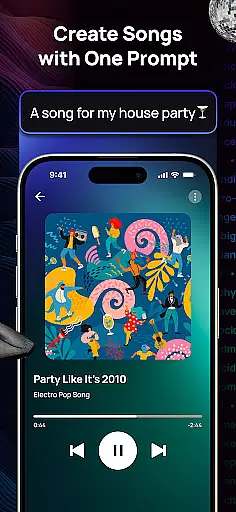
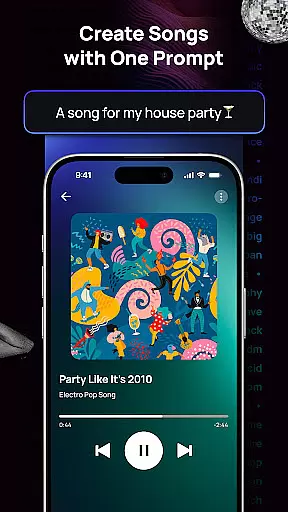
Donna AI Song & Music Maker represents a breakthrough in music creation, serving as both an advanced AI song generator and a versatile music production tool. Designed for musicians, content creators, and hobbyists alike, this app leverages cutting-edge AI technology to transform simple inputs such as text descriptions, lyrics, or even images into fully composed, high-quality tracks. Whether you're crafting background scores, experimenting with new genres, or producing professional-grade songs, Donna offers limitless creative possibilities.
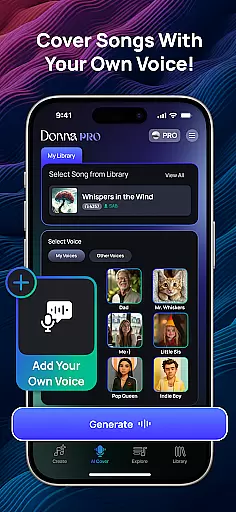
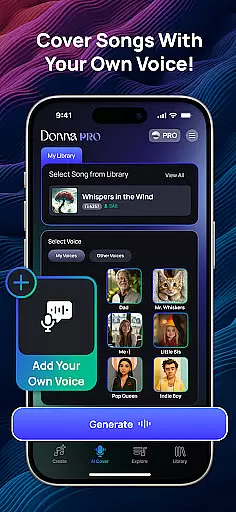
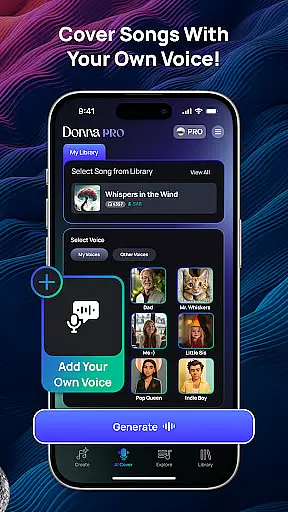
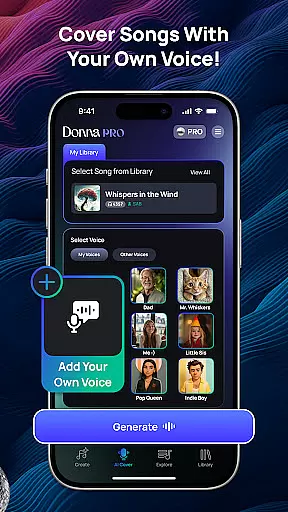
The app stands out with its ability to cater to various musical styles, from pop ballads to energetic rap anthems. With features like AI Cover, users can upload their voice and generate personalized cover versions of songs. Additionally, the app provides flexible listening modes, including Live Concert and Studio quality audio outputs, ensuring that every track meets your exact preferences. Its intuitive interface makes it accessible for beginners while offering enough depth for seasoned professionals.
Donna's practical applications extend beyond personal use. Content creators can utilize the app to produce royalty-free soundtracks for videos, podcasts, or other multimedia projects. The built-in audio separation tools further enhance post-production workflows by allowing users to isolate vocals, drums, bass, and instrumentals. This combination of innovative features and real-world utility positions Donna AI as an indispensable tool for modern music enthusiasts.
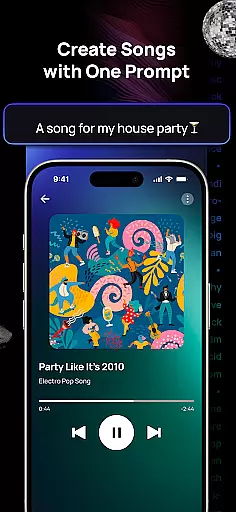
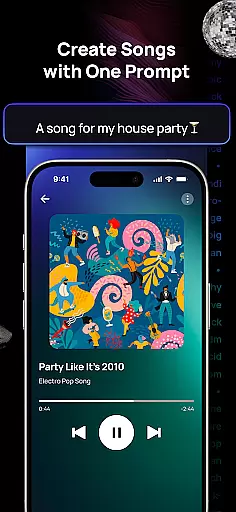
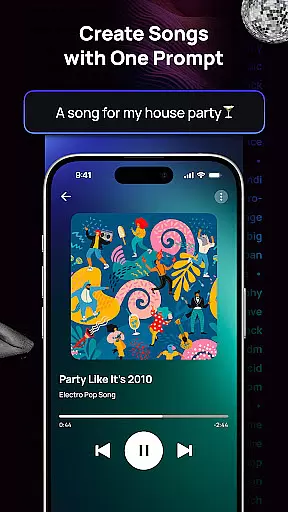
Donna AI Song & Music Maker boasts an impressive array of features designed to streamline and elevate the music creation process. At its core, the app functions as a powerful AI music generator capable of turning basic inputs into polished compositions. Users can type a description or paste lyrics, and the AI will automatically generate melodies, harmonies, and arrangements tailored to the input. For those seeking visual inspiration, uploading an image prompts the AI to create thematic music that matches the mood and tone of the picture.
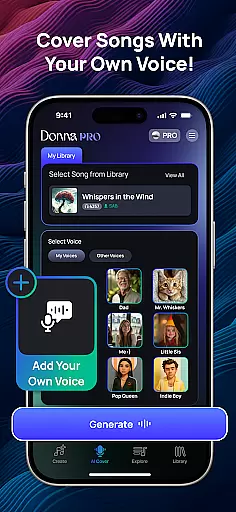
One of the standout features is AI Cover, which allows users to upload their voice recordings and blend them seamlessly with professionally generated backing tracks. This functionality opens up exciting opportunities for aspiring singers and vocalists. Furthermore, Donna includes robust editing capabilities, such as extending song durations and separating audio tracks into distinct components (vocals, drums, bass, etc.). These tools are invaluable for remixing, mastering, or repurposing existing material.
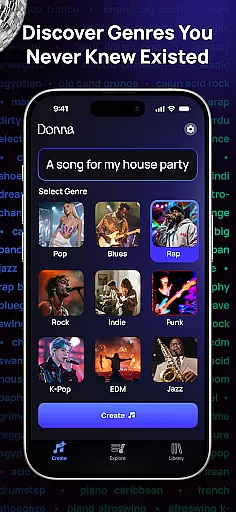
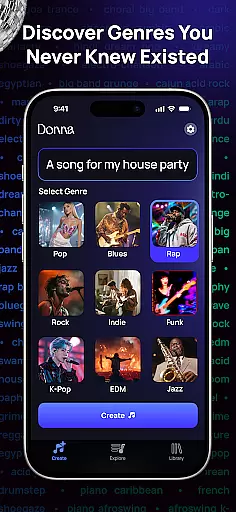
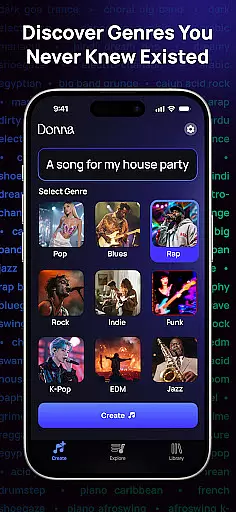
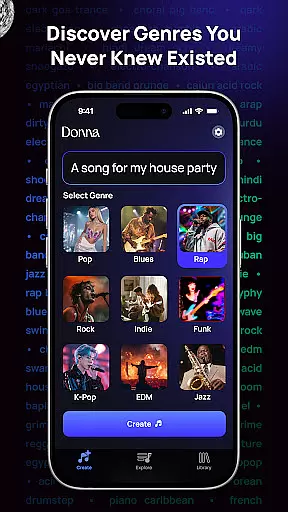
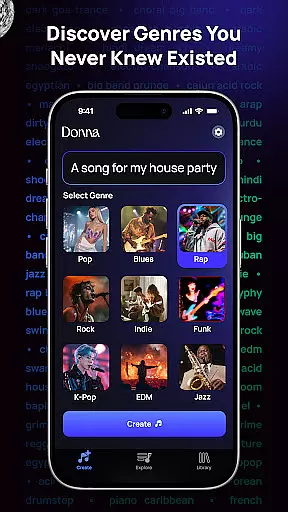
The app also excels in customization and accessibility. It supports hundreds of genres and moods, enabling users to explore diverse musical landscapes effortlessly. The dual-mode playback system (Live Concert vs. Studio) caters to different listening preferences, while options for male or female vocals add another layer of personalization. Combined with its royalty-free output policy, these features make Donna AI Song & Music Maker a comprehensive solution for anyone looking to create, share, and monetize original music without limitations.
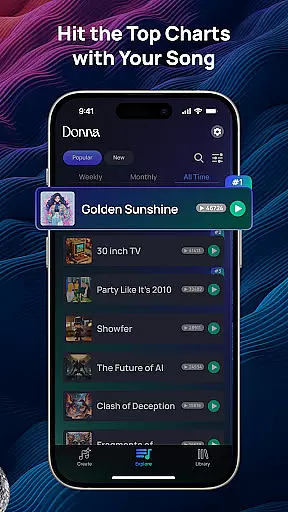
Donna AI Song & Music Maker boasts an extensive music library that caters to a wide array of genres and moods, ensuring that users have access to a diverse selection of tracks for their creative projects. The app leverages advanced AI music generator technology to provide hundreds of musical styles ranging from pop and rock to classical and AI rap, thus accommodating the varied tastes of both amateur enthusiasts and professional creators.
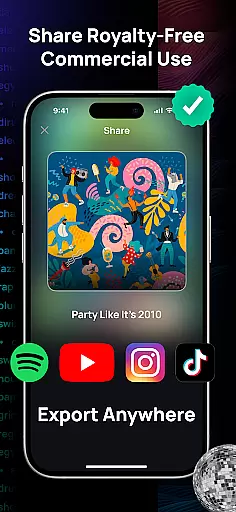
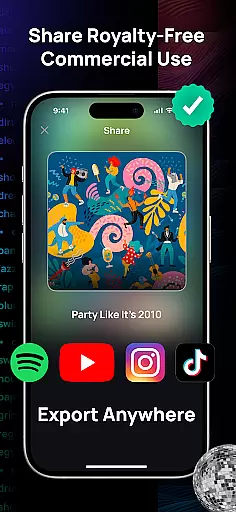
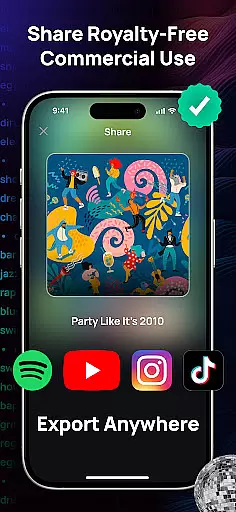
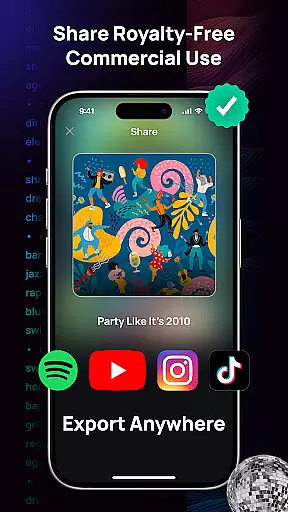
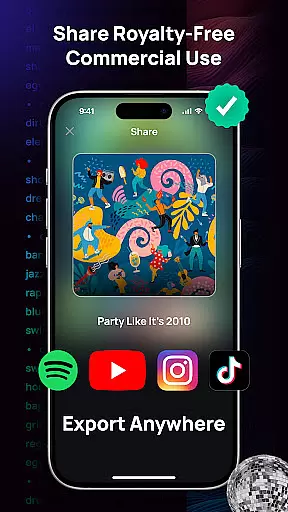
Copyright authenticity is a cornerstone of Donna's service offering. Every piece of music created with this AI song generator is guaranteed to be royalty-free, providing peace of mind to users who wish to use their AI-generated compositions for personal or commercial purposes without legal concerns. This feature is particularly beneficial for content creators, filmmakers, and advertisers who require original music that won't infringe on copyrights.
The app also allows for the personalization of songs by uploading one's voice, which the AI then integrates into professionally crafted music pieces. This seamless blend of user input with AI-generated tunes underscores the app's commitment to delivering authentic and personalized musical experiences while maintaining strict adherence to copyright laws.
Audio quality is paramount when producing music, and Donna AI Song & Music Maker excels in delivering pristine sound through its Studio quality audio mode. This mode ensures that every note and lyric composed by the AI music generator is rendered with crystal-clear clarity and depth, rivaling professional studio recordings. Such high-fidelity output empowers musicians and producers to create tracks that stand out for their sonic excellence.
In addition to Studio quality, users can opt for a Live Concert experience, simulating the vibrant energy of a live performance. This flexibility in audio settings allows creators to choose the most suitable environment for their musical vision, whether they seek the polished precision of studio recordings or the dynamic atmosphere of live shows. Both options are designed to enhance the listening experience and bring compositions to life.
Furthermore, Donna's powerful audio separation tool contributes to superior audio quality by enabling users to isolate vocals, drums, bass, and instrumentals. This functionality not only aids in refining individual elements of a track but also facilitates remixing and reimagining songs in novel ways. By giving users granular control over each component of their music, Donna AI Song Generator elevates the standard for audio quality options in AI-driven music production.
User-friendly interface
Versatile genre support
High-quality audio output
Innovative AI Cover feature
Comprehensive editing tools
Limited free usage
Occasional processing delays
Premium features require subscription
Steep learning curve for beginners
Internet connection required

SqueezePlayer turns your Android phone or tablet into a SqueezeBox on its own!
 4.60
4.60
The Cubase remote control app
3.60
Time Trainer: accurate metronome w tools to help you develop your internal time!
4.20
Recording studio w/ 10k beats, pro vocal FX and a network of 20M rappers & fans!
4.60
Music, News & Sports Radio Tuner App. Tune in Live FM & AM Radio Stations.
4.80
The original SP-1200 experience on your iPad
4.20
Ringtone Maker is free app create ringtone from music files or your recording.
4.40
Turn Every Moment into Music
3.60
Be a true music maker: create beats, mix and make music like a real DJ!
4.30
Offline Music Player & MP3 Player.Powerful equalizer, Lyrics, Themes, Tag Editor
4.80
JBL PartyBox APP works with 110/310/710/120/320/520/Encore/Encore 2/Encore Ess 2
4.80 4.70
4.70
Gorgeous UI, Powerful music Search and Equalizer, the great choice for you!
4.70
Ultimate Sonos Controller
4.70
Listen radio AM / FM Stations. Live AM / FM Radio App Station. Radio Com.
4.70
A synth that really lets you shape your sounds!
4.50
Formerly known as Spotistats! View your top tracks, artists, albums and more!
4.40
DJ Music Mixer - DJ Remix: remix songs, make beat music & record mix of DJ.
4.40
Full featured mp3 and audio player with Chromecast and Android Auto support.
4.40


User Reviews