Pay Once, no monthly payment
 4.60
4.60
Brian Eno and Peter Chilvers’ acclaimed music app Bloom, radically reinvented.
4.80
Advanced 10-Band Audio Graphic Equalizer Sound Booster Pro
4.30
Music Streaming suite for Ampache, Nextcloud Music and compatible backends.
4.5
USB audio recording and playback finally possible on Android 3.1 or higher!
3.90
Recording studio w/ 10k beats, pro vocal FX and a network of 20M rappers & fans!
4.60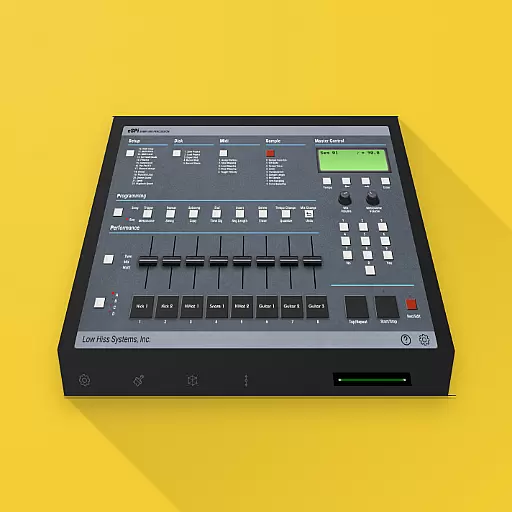
The original SP-1200 experience on your iPad
4.20
Master Salsa Rhythm quickly and with a lot of fun!
4.30
Responsive piano with great sounds, graphics, and songs
4.80
Play your hearts out on TouchTunes jukeboxes & connect with fellow music lovers.
4.80
AI Music Maker: Generate And Compose AI Tunes & AI Songs & AI Music & AI Melody!
4.60
The best music and audio player, with beautiful UI, music search and equalizer.
4.60
Time Guru will strengthen your internal sense of musical time via random muting.
4.30
The alternative folder based music player.
4.20
Smart piano keyboard, Classical to Pop, Real-time multiplayer connection!
4.20
VB-AUDIO Software / VBAN-Receptor allows listening to any VBAN Streams
4.10
Versatile MP3 recorder with auto-backup to Dropbox and Google Drive
4.10
Turn your phone into a musical instrument from the future!
3.90
The ultimate media player for Android devices
3.90


