
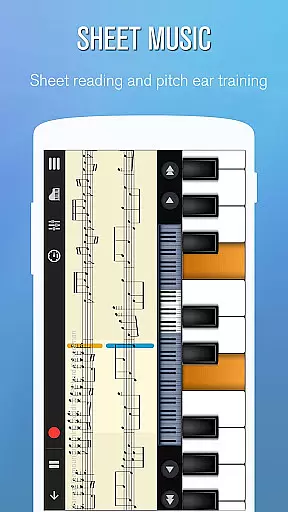
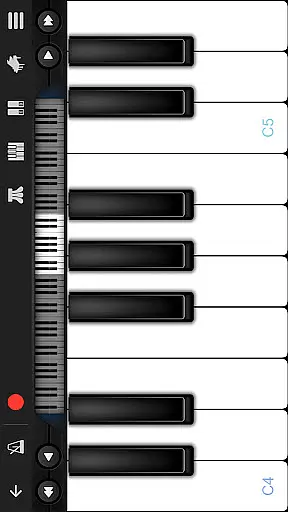
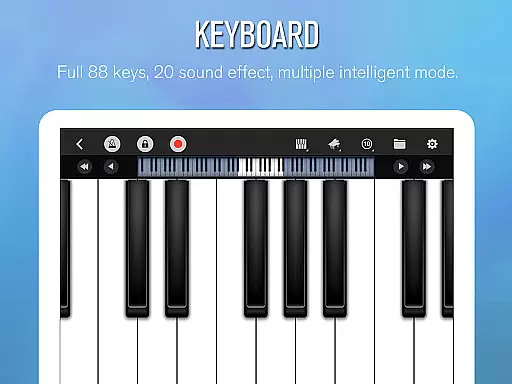
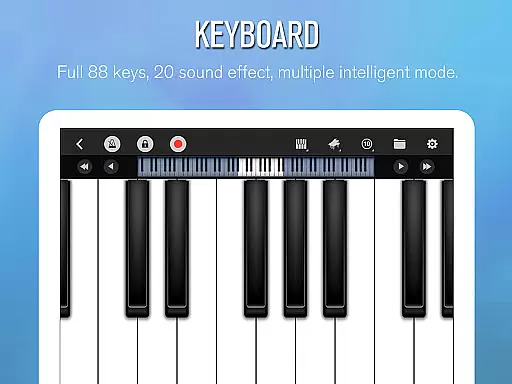
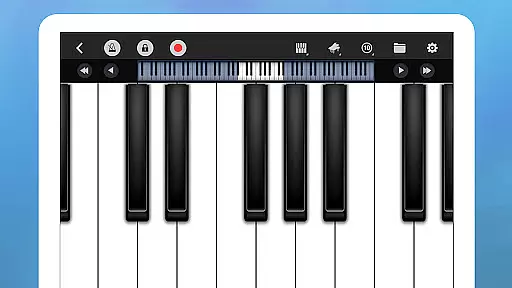
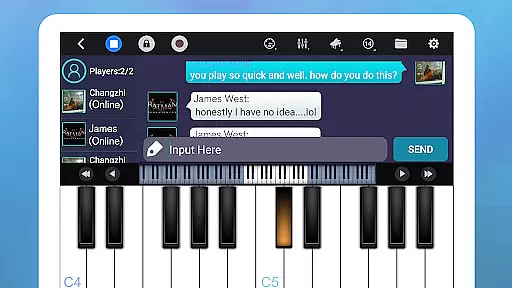
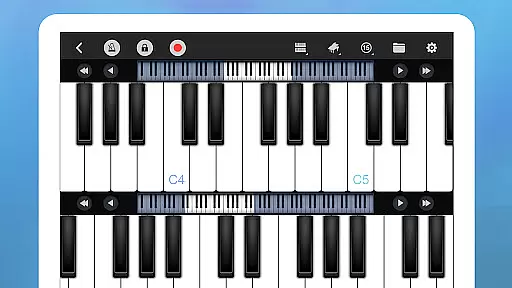
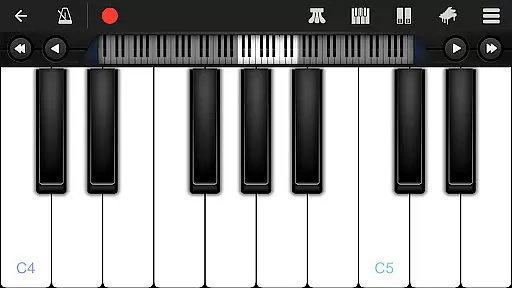
Perfect Piano is a feature-rich piano simulator designed for Android devices, offering an authentic piano experience with its built-in genuine piano timbre. The app provides multiple play modes and learning tools that cater to users of all skill levels, from beginners to advanced players. With support for USB MIDI keyboards and various sound effects, it delivers a versatile musical experience.
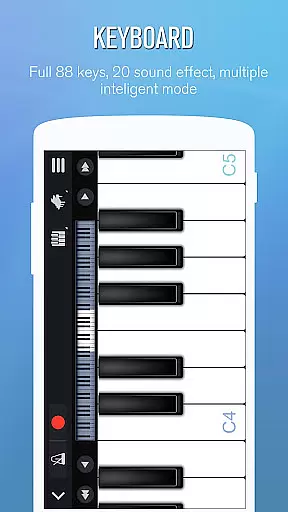
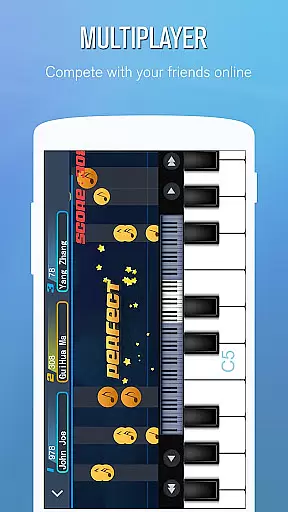
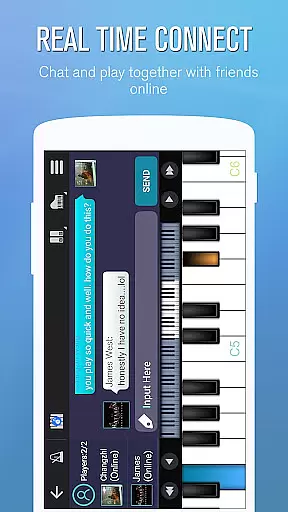
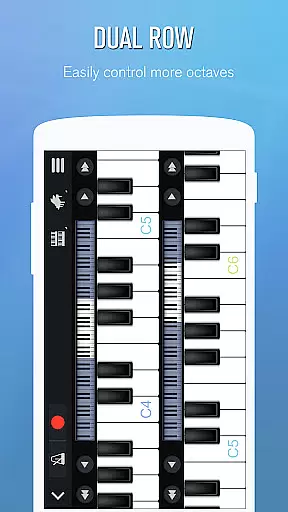
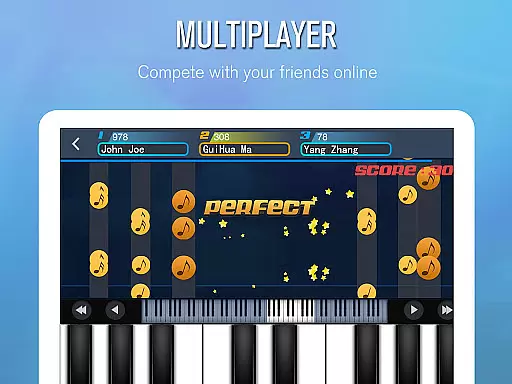
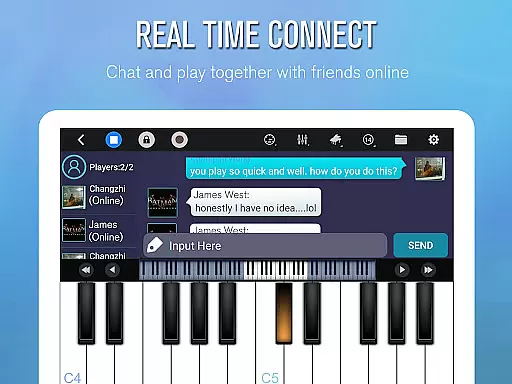
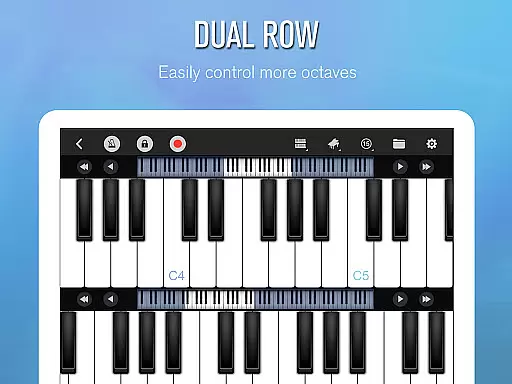
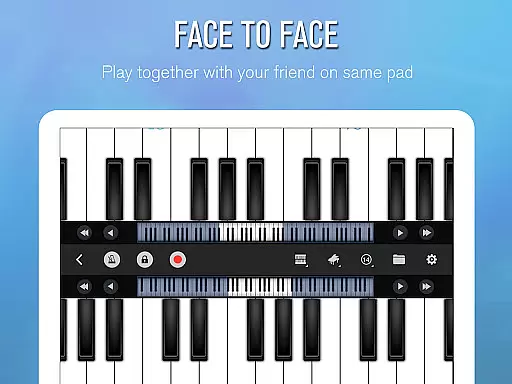
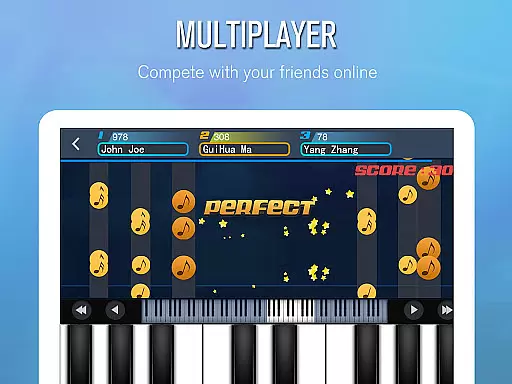
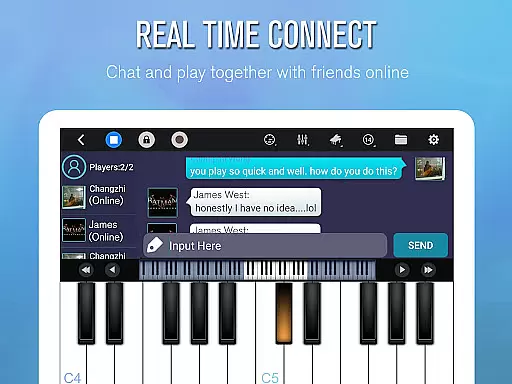
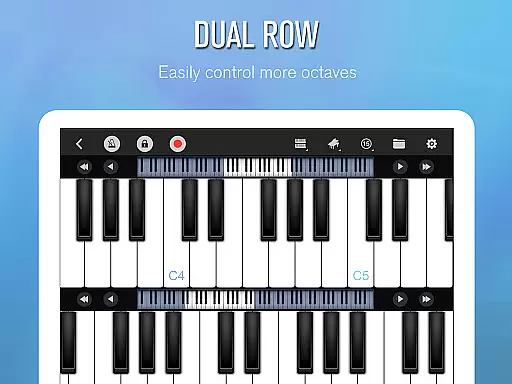
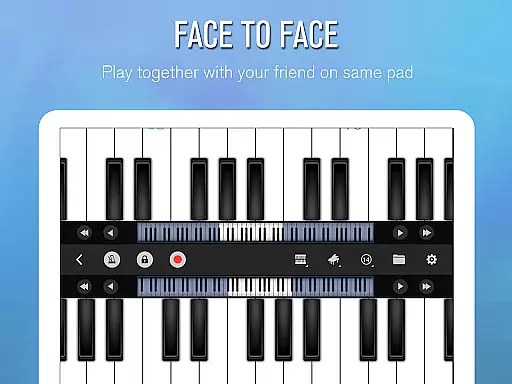
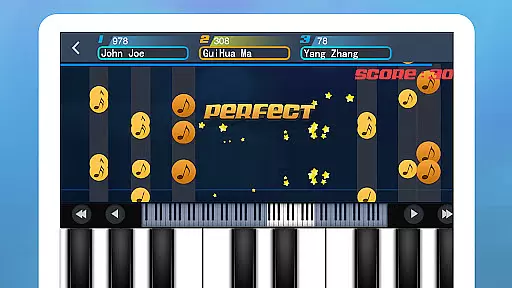
The application stands out with its intelligent keyboard functionality, including 88 keys, multiple play modes, and adjustable keyboard width. It also offers social features like multiplayer connections, real-time chat, and weekly challenges, allowing users to connect and compete globally. Perfect Piano is not just a simulator but a comprehensive music platform where users can learn, play, record, and share their musical journey.
Perfect Piano boasts an array of sophisticated features tailored for music enthusiasts. Its Intelligent Keyboard supports multitouch, force touch, and includes multiple sound effects such as Grand Piano and Pipe Organ. Users can enjoy MIDI and ACC audio recording, metronome functionality, and direct sharing options for recordings or ringtones.
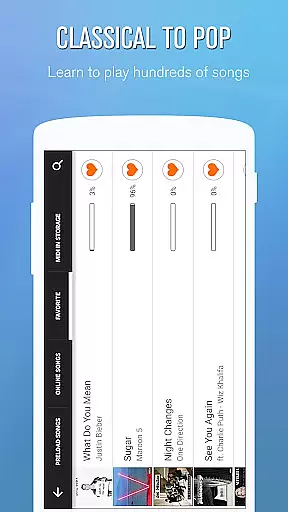
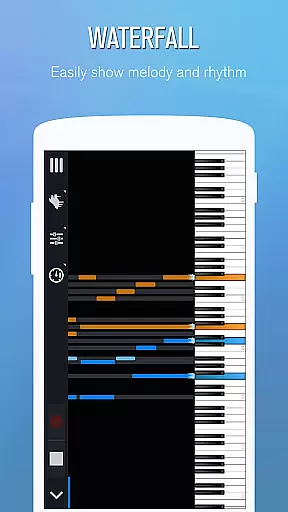
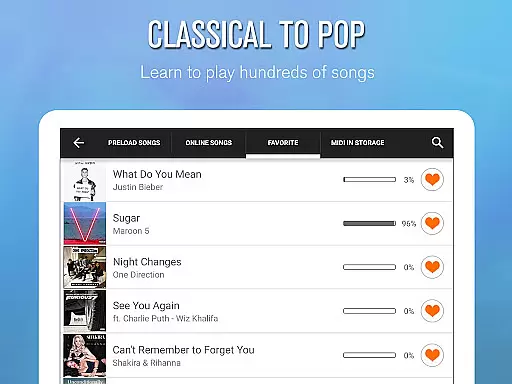
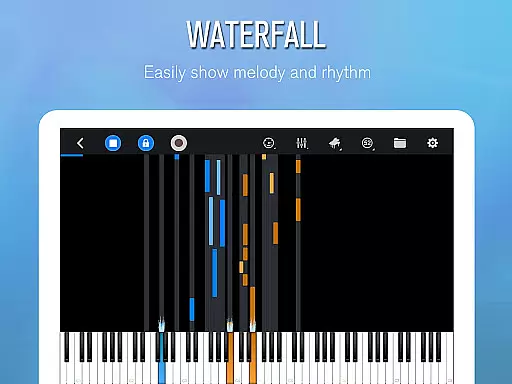
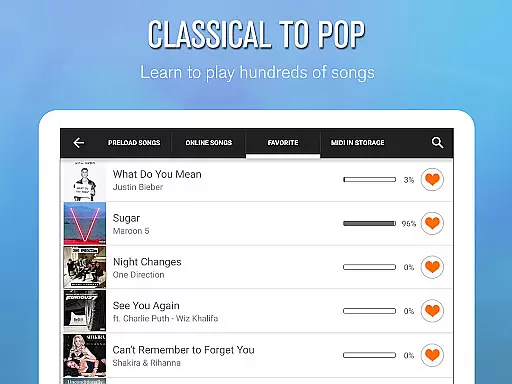
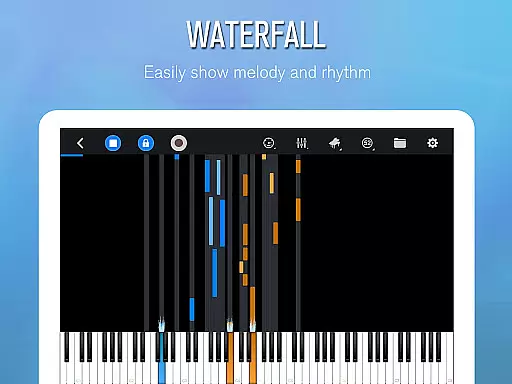
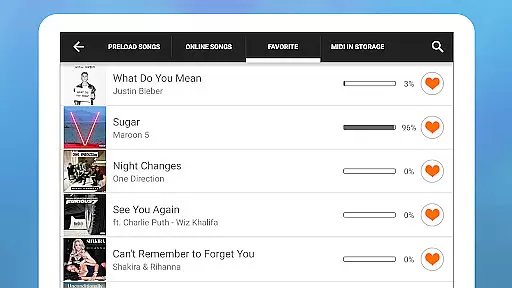
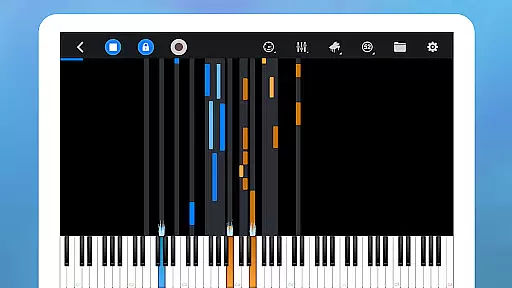
The Learn to Play section offers thousands of popular music scores with three guidance patterns and play modes, accommodating different learning styles. The Multiplayer Connection & Competition feature allows global interaction, enabling users to collaborate and compete. Additionally, the app supports USB MIDI keyboards and timbre plug-ins, enhancing its adaptability and creative potential for musicians.
Perfect Piano offers an extensive music library that caters to a wide range of musical tastes and preferences. With thousands of popular music scores available, users can explore various genres and styles, ensuring there's something for everyone.
The app places a strong emphasis on copyright authenticity, providing users with legally licensed content. This ensures that musicians and composers are properly credited and compensated for their work, giving users peace of mind while they learn and play their favorite tunes.
Additionally, Perfect Piano supports MIDI and MusicXML notation, allowing for greater flexibility in music creation and sharing. Users can import and export their compositions, collaborate with others, and even use the app as a tool for music education, thanks to its comprehensive library and authentic content.
Perfect Piano stands out in terms of audio quality options, offering multiple built-in sound effects that mimic real instruments. Users can choose from various timbres including Grand piano, Bright Piano, Music Box, Pipe Organ, Rhodes, and Synthesiser, each providing a unique auditory experience.
The support for Timbre plug-ins further enhances the audio quality by allowing users to download and install additional sounds such as bass, electric guitar, wooden guitar, flute, saxophone, electronic keyboard, violin, chord, xylophone, and harp. These free plug-ins expand the sonic possibilities within the app.
Moreover, Perfect Piano utilizes OpenSL ES low latency audio support, which is currently in beta. This technology ensures minimal delay between playing a note and hearing it, resulting in a more responsive and realistic performance. Whether practicing scales or performing complex pieces, users will appreciate the high-quality audio output that closely resembles an actual acoustic instrument.
User-friendly interface
Wide range of sound effects
Comprehensive learning tools
Multiplayer capabilities
Support for external MIDI devices
Advanced features require specific hardware
Some functions limited to newer Android versions
In-app purchases may apply
Occasional bugs reported
Learning curve for beginners

 4.70
4.70
SqueezePlayer turns your Android phone or tablet into a SqueezeBox on its own!
4.60
Pay Once, no monthly payment
4.60
Remove ads permanently from Music Visualizer
4.0
Save hundreds of dollars for a physical strobe tuner and instead use this app.
4.50
Guzheng Master supports many playing techniques as an acoustic Guzheng
4.50
The alternative folder based music player.
4.20
Listen radio AM / FM Stations. Live AM / FM Radio App Station. Radio Com.
4.70
One-tap booster for max volume - enjoy powerful sound with this audio booster
4.50
Gorgeous UI, Powerful music Search and Equalizer, the great choice for you!
4.70
Most Advanced AI Song Generator and Music Creator. Rap, Pop, Rock, Gospel & more
4.70
Walkout Song DJ is the most intuitive app to manage your sports music.
4.70
Unleash your creativity! Turn simple prompts into full fledged songs.
4.70
Offline Music Player&MP3 Player with themes, equalizer, lyrics, music play mode
4.60
10-Band Audio Equalizer, Sound / Bass Booster for Spotify Users & Music Players
4.40
Ringtone Maker is free app create ringtone from music files or your recording.
4.40
Bass Booster Pro takes auto-equalizing to the next level!
4.30
Enjoy singing any song, no matter how high or low it is
4.30
Control your MIDI USB or Bluetooth devices in app and avoid some trampling
3.30


User Reviews