
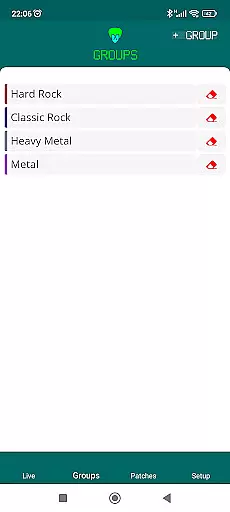
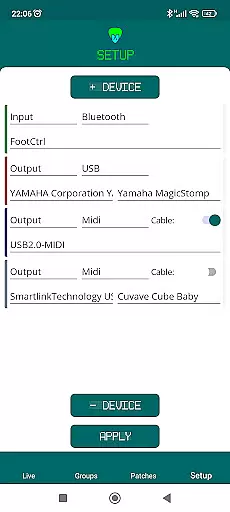
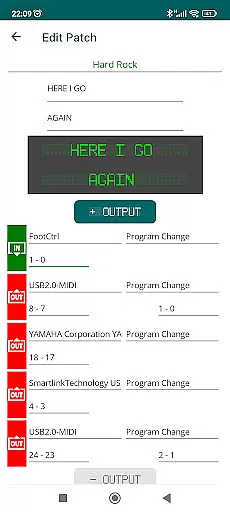
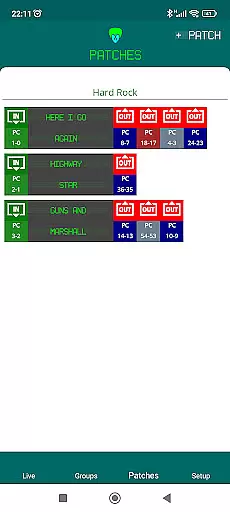
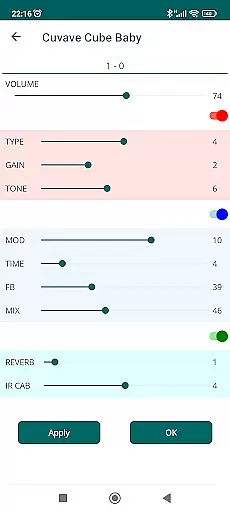
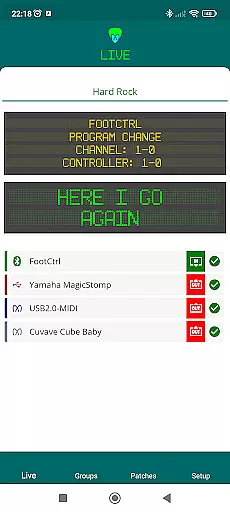
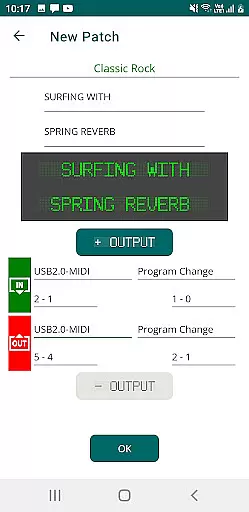
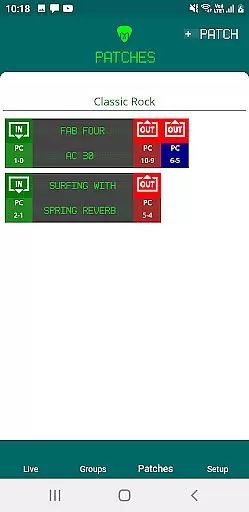
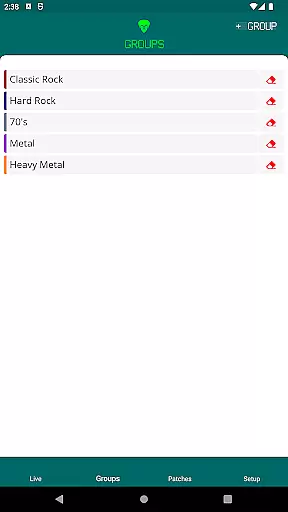
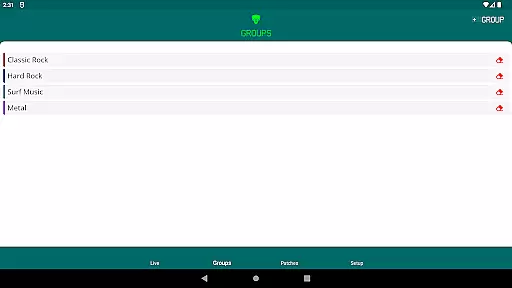
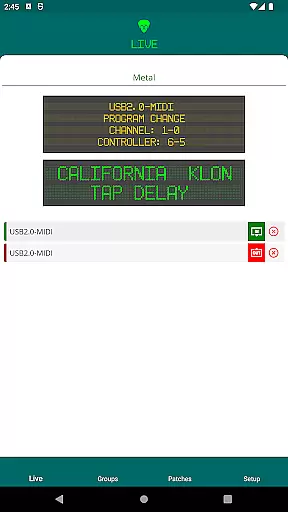
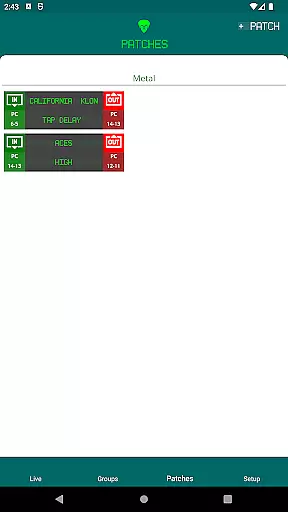
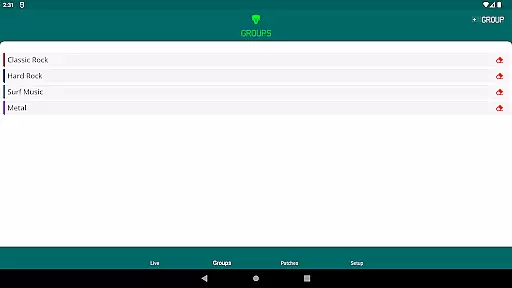
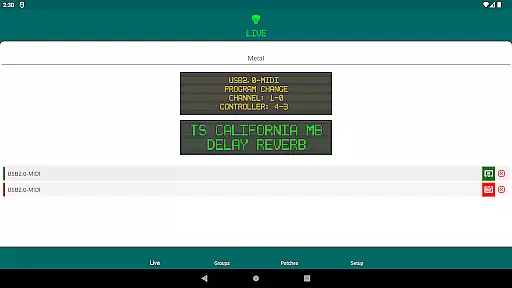
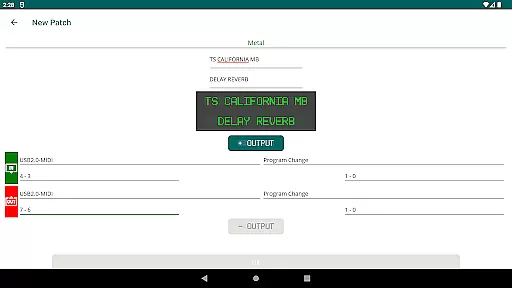
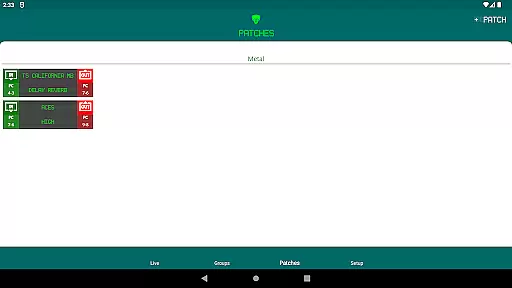
Midi Chief is a versatile MIDI controller app designed for musicians who need centralized control over their MIDI devices. The application supports both USB and Bluetooth MIDI connections, making it adaptable to various setups. To connect USB devices, users must utilize an OTG cable or hub connected to their smartphone's USB port. This feature-rich app allows musicians, including guitarists and keyboardists, to streamline their MIDI message transmissions from a single device.
The app's ability to manage multiple MIDI devices simultaneously sets it apart in the music production space. Whether you're performing live or working in a studio, Midi Chief provides the flexibility and convenience needed to enhance your musical workflow. By consolidating MIDI controls, this app ensures that musicians can focus more on creativity and less on technical configurations.
Midi Chief offers a comprehensive set of features tailored for musicians who require precise control over their MIDI devices. One standout feature is its support for both USB and Bluetooth MIDI connections, which broadens the range of compatible devices. Users can connect multiple MIDI instruments and controllers, allowing them to centralize their setup without needing additional hardware.
Another key aspect is the app's user-friendly interface, which simplifies the process of sending MIDI control messages. Musicians can easily configure settings to match their performance or recording needs. Additionally, the app's compatibility with various devices ensures that users can integrate Midi Chief into their existing equipment seamlessly. This makes it an invaluable tool for both live performances and studio sessions.
Midi Chief offers an extensive music library that caters to a wide range of musicians. The app supports various MIDI devices, allowing users to access and control a vast array of sounds and instruments.
Each sound and instrument within the library is meticulously licensed, ensuring copyright authenticity. This means musicians can use the app without worrying about legal issues related to the usage of sounds and samples.
The comprehensive library includes everything from classic piano tones to modern synthesizer sounds, providing musicians with the tools they need to create diverse musical pieces.
By centralizing these resources, Midi Chief simplifies the musician's workflow, making it easier to manage and utilize their preferred sounds efficiently.
One of the standout features of Midi Chief is its superior audio quality options. The app ensures high-fidelity sound output, which is crucial for professional musicians who demand the best audio experience.
Users can adjust audio settings to match their preferences and requirements. Whether it's tweaking the equalizer settings or selecting specific audio formats, Midi Chief provides the flexibility needed for optimal sound production.
In addition to standard audio outputs, the app supports advanced audio formats that preserve the nuances of musical compositions. This attention to detail enhances the overall listening experience for both creators and their audiences.
With Midi Chief, musicians can be confident that their performances are captured and reproduced with the highest level of clarity and precision.
Supports multiple devices
User-friendly interface
Centralized MIDI control
Flexible connectivity options
Enhances musical workflow
Requires OTG cable
Limited to Android
No iOS support
Bluetooth stability issues
Advanced features may overwhelm beginners

10-Band Audio Equalizer, Sound / Bass Booster for Spotify Users & Music Players
 4.40
4.40
Taal player that lets you sing any Indian & Western song with Tabla & Tanpura
4.60
DJ Music Mixer - DJ Remix: remix songs, make beat music & record mix of DJ.
4.40
24,000 free audio books and no ads!
4.90
Unleash your creativity! Turn simple prompts into full fledged songs.
4.70
Make songs with AI! Any genre, custom lyric, song generator for music creation!
4.80
Offline Tunes, Unlimited Vibes
3.90
Uninterrupted Tunes, Unmatched Vibes
3.90
Be a true music maker: create beats, mix and make music like a real DJ!
4.30
Full-featured, High-Quality Groovebox Workstation, perfect for Live Performance!
4.80
Responsive piano with great sounds, graphics, and songs
4.80
Super Sound Editor, Song Maker & Mixer, Vocal Remover, Voice Recorder & Changer!
4.60
Recording studio w/ 10k beats, pro vocal FX and a network of 20M rappers & fans!
4.60
Ringtone Maker is free app create ringtone from music files or your recording.
4.40
Your HD audio recorder on the go for music, meetings, ambience, animal sounds…
4.30
Bass Booster Pro takes auto-equalizing to the next level!
4.30
The official Sonos app
4.10
Powerful beat maker & DJ mixer to remix tracks, make music, & perform DJ mix
3.70
The iconic iOS metronome app is now on Android.
3.70


User Reviews