
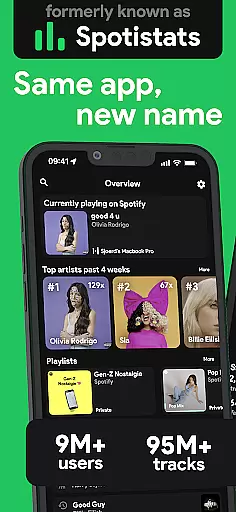
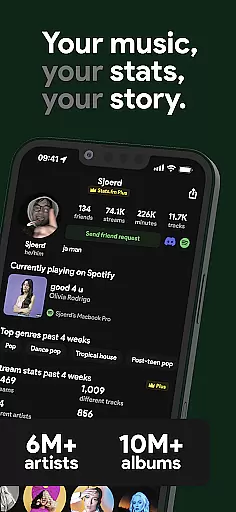
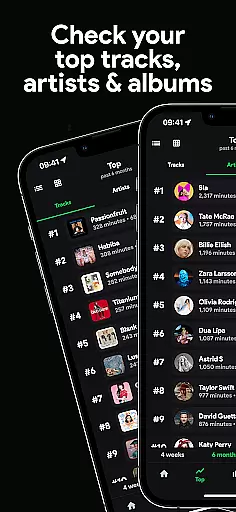
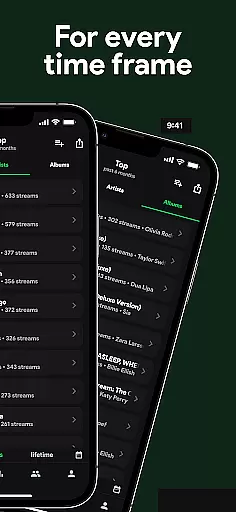
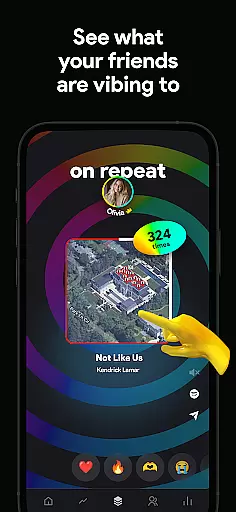
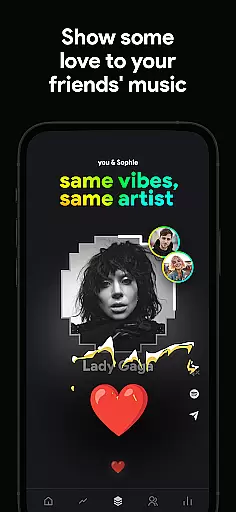
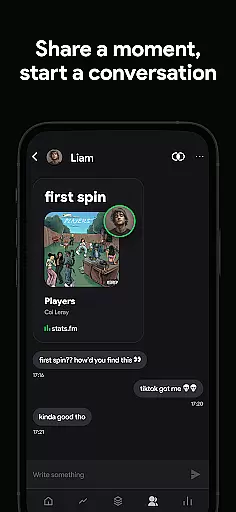
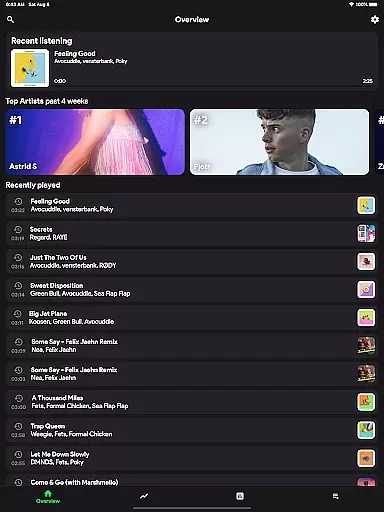
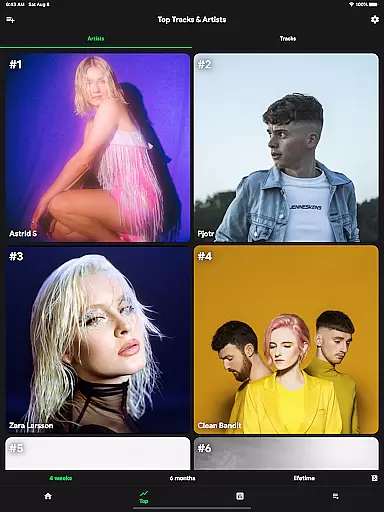
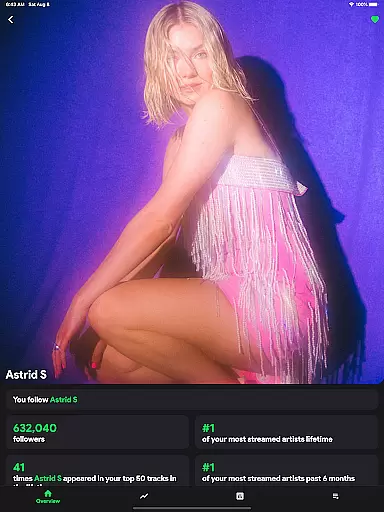
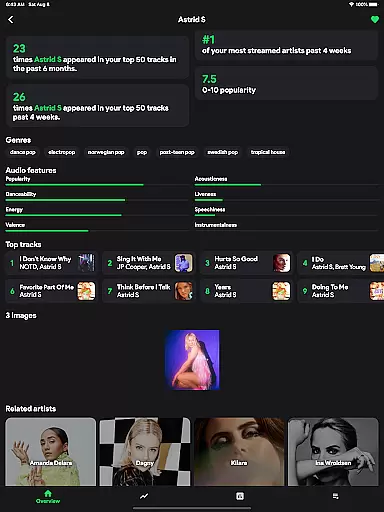
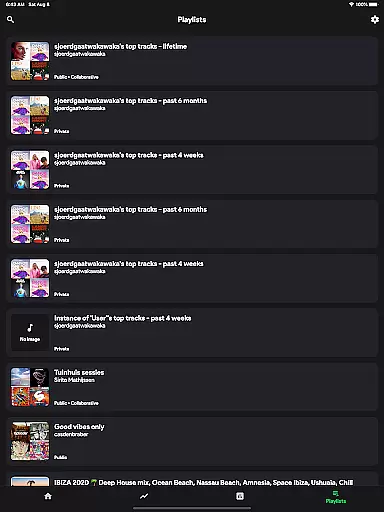
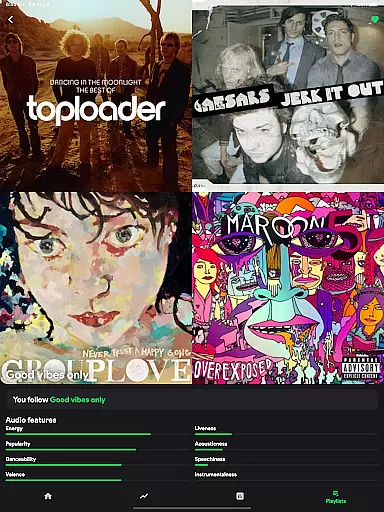
stats.fm for Spotify is a comprehensive music analytics app that provides users with detailed insights into their listening habits. With over 10 million users globally, the app offers statistics on 100 million tracks, 14 million albums, and 6 million artists. Users can access their top tracks, artists, albums, and genres, as well as analyze their listening patterns through various periods.
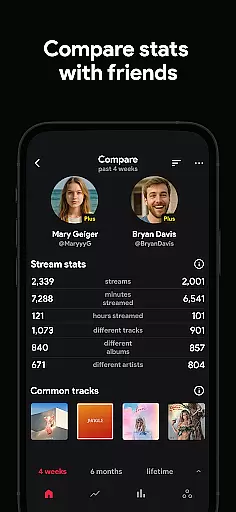
The app stands out by allowing users to view their streaming history in customizable timeframes, offering features like the listening clock, playcounts, and streaming duration. It also enables users to compare their music tastes with friends, adding a social dimension to music discovery. Whether you want to flex on your friends or gain personal insights, stats.fm delivers a rich, data-driven experience for Spotify users.
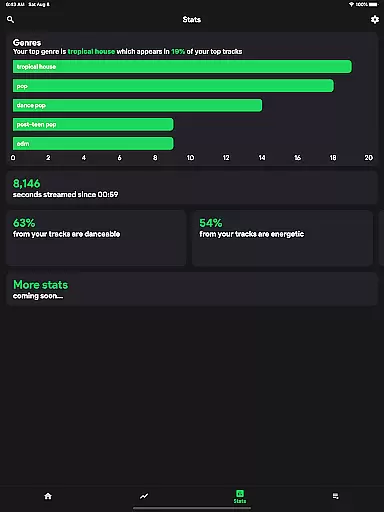
One of the standout features of stats.fm is its ability to provide real-time, detailed statistics about users' listening behavior. The app breaks down listening habits into digestible insights, such as top tracks, artists, and even genres. Additionally, it offers unique metrics like how lively or energetic your music preferences are, giving users a deeper understanding of their audio tastes.
Another key feature is the Plus subscription, which allows users to see exactly how many times they've listened to specific songs. This level of granularity is perfect for dedicated music fans who want to track their most-played tracks. Furthermore, the app supports social interactions by letting users search for friends, compare stats, and engage in friendly competition. With its intuitive interface and rich graphical representations, stats.fm transforms raw data into an engaging user experience.
With over 10 million users worldwide, stats.fm for Spotify offers an extensive music library that includes 100 million stats about tracks, 14 million albums, and 6 million artists. This vast collection ensures that users have access to a wide variety of music from different genres and eras.
The app provides detailed insights into your most listened songs and artists, allowing you to explore your musical preferences in depth. By leveraging data directly from Spotify, stats.fm guarantees the authenticity of its music library, ensuring that all content is properly licensed and attributed to the rightful creators.
Users can discover their listening behavior through various statistics and cool graphs, such as top tracks, top artists, and even top genres. This level of detail not only enhances user engagement but also supports artists by highlighting their popularity among listeners.
stats.fm for Spotify goes beyond just providing a large music library; it also focuses on delivering high-quality audio experiences. While exploring your favorite tracks, you can view how popular a song or artist is on Spotify, which often correlates with better audio mastering and production quality.
In addition to popularity metrics, the app allows users to see specific attributes of music such as how lively, energetic, danceable, or instrumental a track is. These details help listeners understand the nuances of audio quality and make informed choices about their music preferences.
For those who appreciate comprehensive statistics, stats.fm offers lifetime streaming history for songs, artists, and albums. This feature not only tracks play counts but also monitors how many minutes have been listened to, giving audiophiles precise control over their listening experience.
User-friendly interface
Comprehensive music stats
Social comparison features
Detailed streaming insights
Regular feature updates
Premium features require payment
Import process can be slow
Limited without Spotify account
Some features need learning curve
Third-party app risks

 4.70
4.70
Turn your phone into a musical instrument from the future!
3.90
Offline and always ad-free - stream in the highest quality available.
4.10
The Music Journey in Your Hands
4.30
Listen to live FM radio stations, sports, music and news on global radios online
4.70
Enjoy singing any song, no matter how high or low it is
4.30
A complete sound package for the sound engineer or enthusiast
4.60
The Minimalistic Premium Music Player. Handmade with passion for music
2.20
Customize Your Favorite Songs and Videos with booster.
4.70
Performance-Synthesizer & Multi-Track-Sequencer, polyphonic + multi timbral!
4.70
Enhance the sound quality of your devices, listen to what you want
4.50
Let your Android device with the sound effects you want
4.50
DJ Music Mixer - DJ Remix: remix songs, make beat music & record mix of DJ.
4.40
Help you quickly get started with Shokz headphones
4.40
The original SP-1200 experience on your iPad
4.20
Permanently backup Now Playing. Maps, filters & listening stats.
4.00
Learn to play the piano using falling notes!
3.80
MilkDrop for Android TV
3.00
Simply convert wav to mp3. Clear. Reliable. Safe.
4.4


User Reviews