
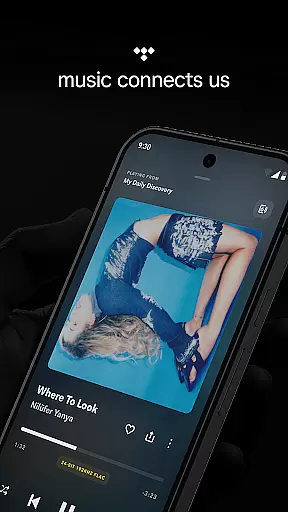
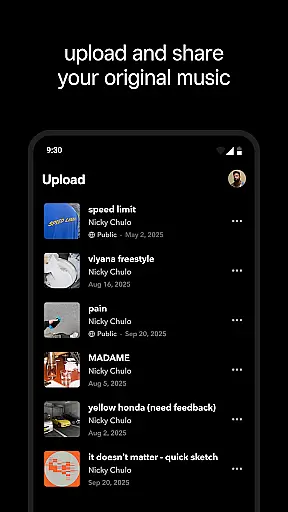
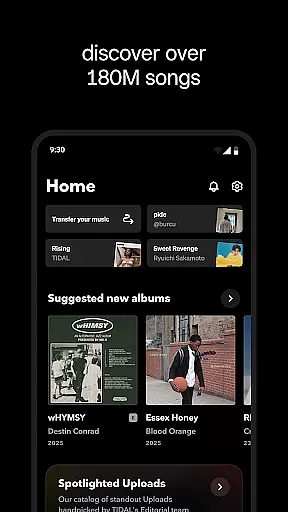
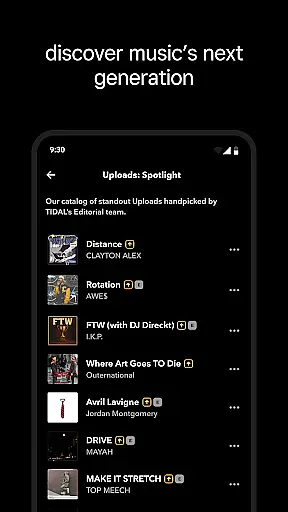
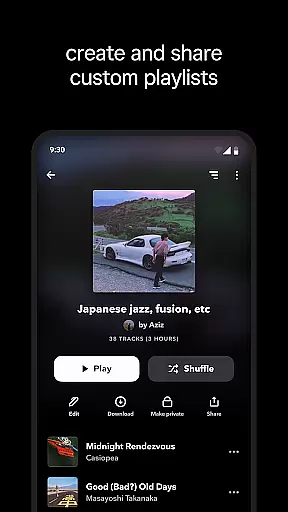
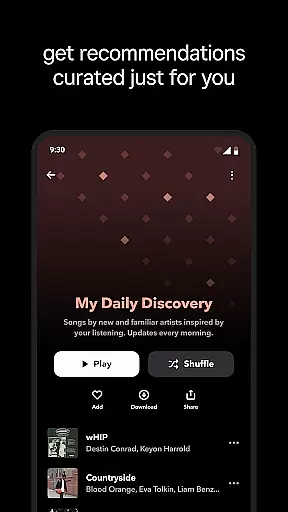
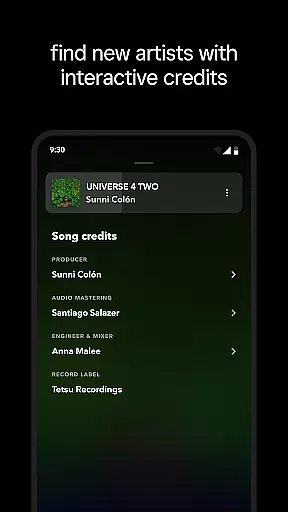
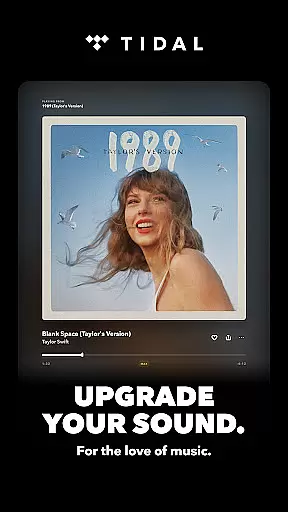
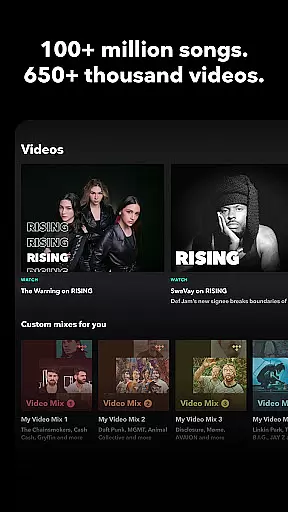
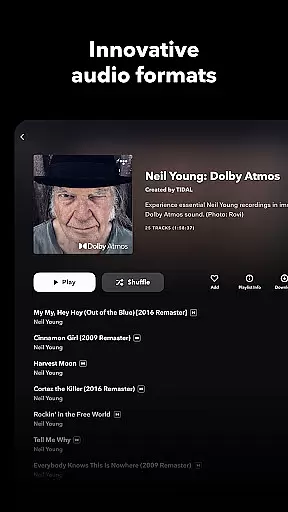
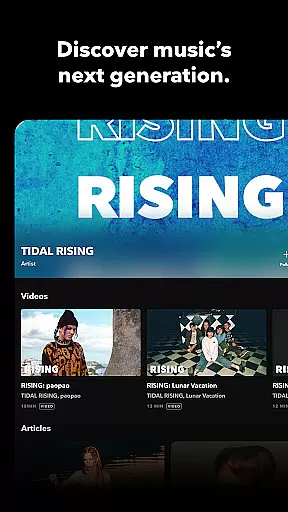
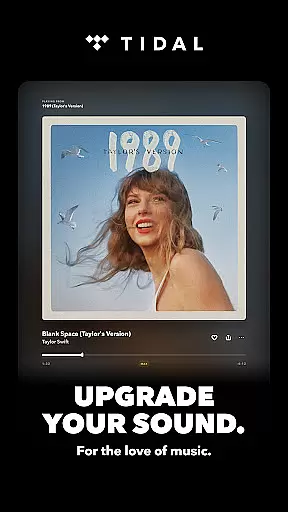
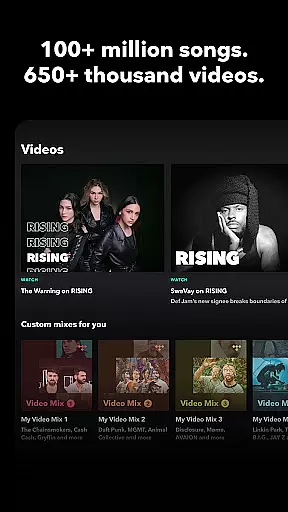
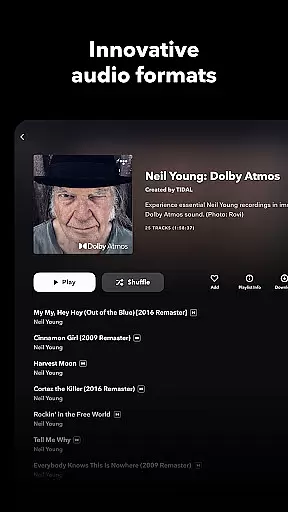
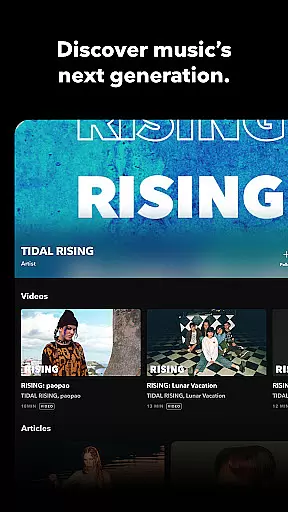
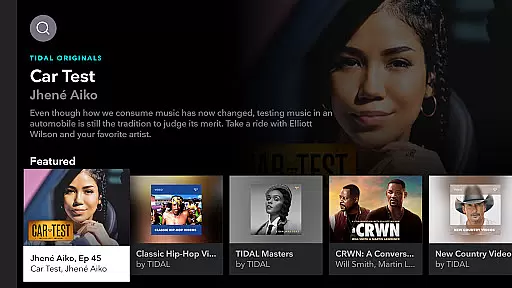
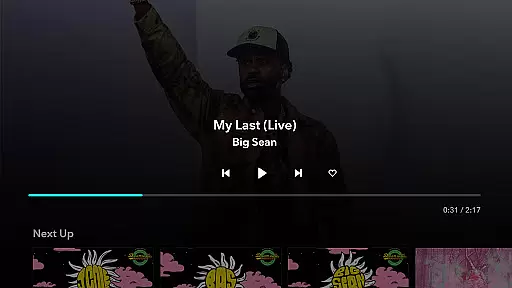
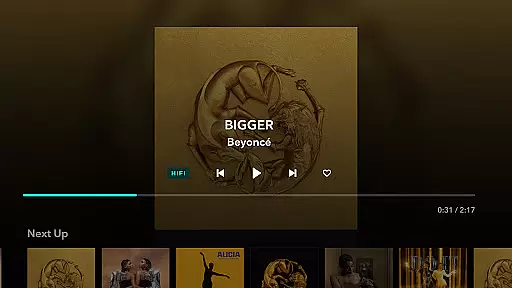
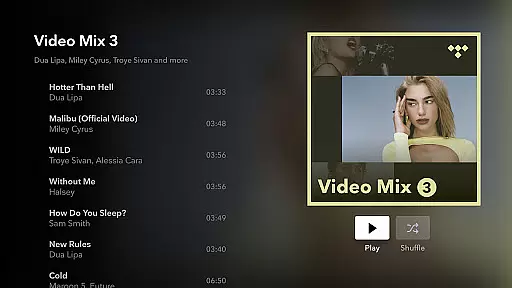
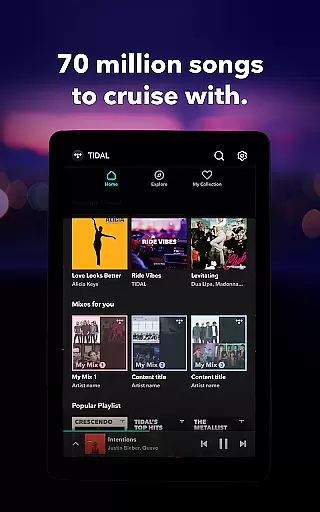

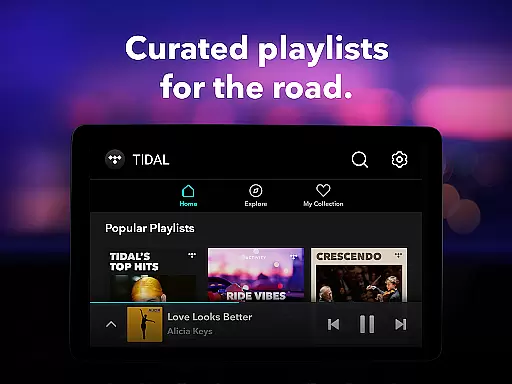
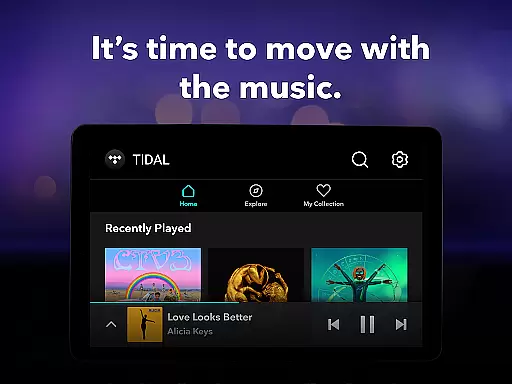
TIDAL Music is a premium music streaming service that offers an extensive library of tracks in high-fidelity sound quality. With millions of songs across various genres, TIDAL caters to diverse musical tastes and preferences. The app provides users with curated playlists and personalized recommendations, ensuring a tailored listening experience.
One of the standout features of TIDAL is its offline music functionality. Users can download their favorite albums and playlists for uninterrupted playback without an internet connection. This makes it perfect for commuters or travelers who want to enjoy their music on the go. Additionally, TIDAL's high-resolution audio ensures that listeners experience every detail of their favorite tracks, making it a top choice for audiophiles.
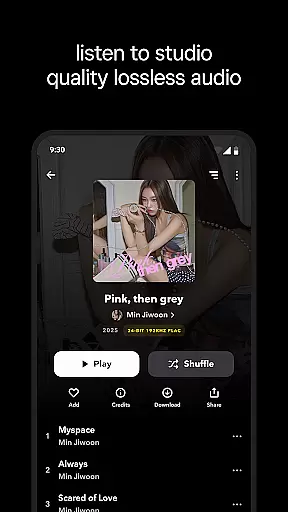
TIDAL Music distinguishes itself through its commitment to high-quality audio streaming. The app supports lossless sound quality up to 24-bit, 192 kHz, and Dolby Atmos, providing an immersive listening experience. This feature is particularly appealing to users who appreciate studio-quality sound and want to enjoy their music in the highest possible fidelity.
Beyond its impressive audio capabilities, TIDAL also offers a range of subscription plans to suit different user needs. From individual plans to family and student options, there's a plan for everyone. Each subscription includes access to millions of songs, ad-free listening, unlimited skips, and personalized mixes based on user preferences. Furthermore, TIDAL Connect allows users to stream music in lossless quality on supported devices, enhancing the overall user experience.
TIDAL Music offers an extensive library of millions of songs and albums across multiple genres, ensuring users have access to a vast array of music choices. This massive selection not only includes popular tracks but also rare finds, catering to diverse musical tastes.
The platform places a strong emphasis on copyright authenticity, guaranteeing that all music is legally licensed and sourced from legitimate channels. This commitment ensures artists are properly credited and compensated, fostering a sustainable music ecosystem.
Users benefit from the assurance that their favorite tracks are available in high-quality formats, with lossless sound quality up to 24-bit, 192 kHz, and Dolby Atmos. This dedication to quality enhances the listening experience, making TIDAL a preferred choice for audiophiles.
TIDAL stands out for its high-fidelity audio streaming, providing an immersive and rich listening experience. The service offers HiRes lossless sound quality, ensuring every note and beat is captured with precision and clarity.
With multiple audio quality options, users can choose between standard, high, or premium fidelity based on their preferences and equipment capabilities. This flexibility allows listeners to tailor their experience to match their audio setup, whether using high-end headphones or standard speakers.
In addition to superior audio quality, TIDAL supports Dolby Atmos, creating a multidimensional soundscape that envelops the listener. This feature elevates the enjoyment of music, offering a concert-like experience in the comfort of one's home or on the go.
High-fidelity audio
Extensive music library
Offline listening mode
Personalized recommendations
Multiple subscription options
Higher cost than competitors
Limited availability in some regions
No free tier beyond trial period
Occasional connectivity issues
Interface may feel cluttered

The Skullcandy App Experience
 3.20
3.20
More downloads than any other metronome. Includes drum machine & tempo trainer.
4.80
Advanced 10-Band Audio Graphic Equalizer Sound Booster Pro
4.30
The best music and audio player, with beautiful UI, music search and equalizer.
4.60
Voice recorder - Audio recorder. Best recorder for recording
4.90
No wifi music app. Mp3 offline. Tuner radio, young radio music. Music downloader
4.20
Let your Android device with the sound effects you want
4.50
Uninterrupted Tunes, Unmatched Vibes
3.90
Be a true music maker: create beats, mix and make music like a real DJ!
4.30
Play your hearts out on TouchTunes jukeboxes & connect with fellow music lovers.
4.80
Make songs with AI! Any genre, custom lyric, song generator for music creation!
4.80
Performance-Synthesizer & Multi-Track-Sequencer, polyphonic + multi timbral!
4.70
Most Advanced AI Song Generator and Music Creator. Rap, Pop, Rock, Gospel & more
4.70
Record, Mix & Master with all n-Track effects, 64-bit audio and Stem Separation.
4.70
Super Sound Editor, Song Maker & Mixer, Vocal Remover, Voice Recorder & Changer!
4.60
Guzheng Master supports many playing techniques as an acoustic Guzheng
4.50
Play KORG’s revolutionary touch-based instrument on a variety of devices.
4.40
Network/Cloud Streaming, Visualization, Graphic Equalizer and Sound Effects.
4.20
The Minimalistic Premium Music Player. Handmade with passion for music
2.20


User Reviews