

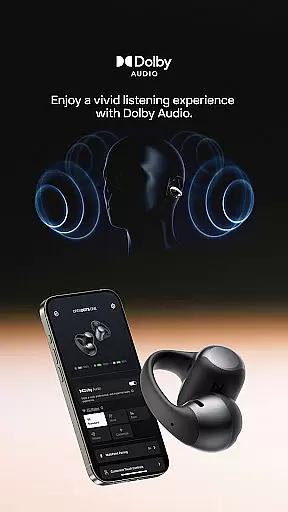

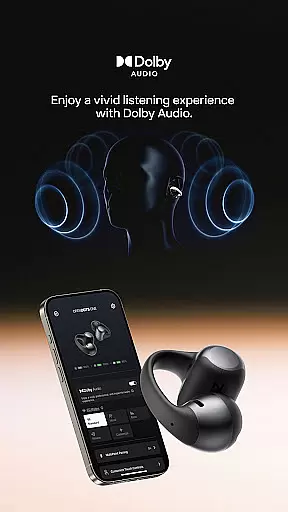

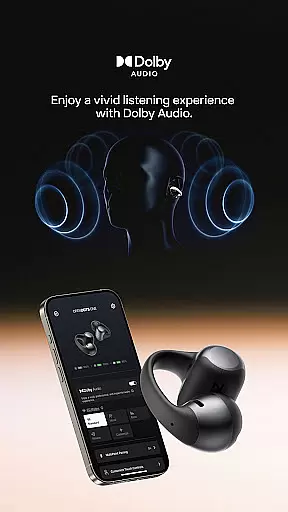
Shokz is a feature-rich audio management application designed specifically for Shokz headphones users. The app provides an intuitive interface to control and optimize your listening experience through multiple advanced features. With support for sound customization, programmable buttons, multipoint pairing, and firmware updates, it ensures optimal performance of your headphones. Whether you're managing device connections or fine-tuning audio settings, Shokz app offers tools that cater to both casual listeners and audiophiles.
The app also includes practical utilities such as playback controls, battery status monitoring, and access to essential product information. Compatible with popular Shokz models like OpenRun Pro, OpenFit, and OpenSwim Pro, this app enhances the overall usability of your headphones while providing valuable brand insights and customer support options.
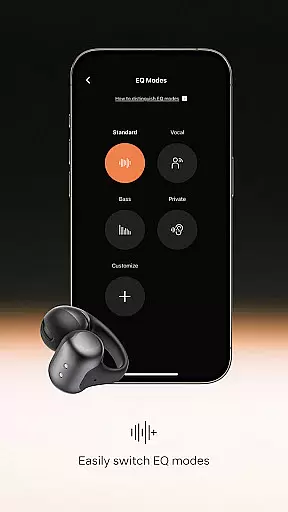
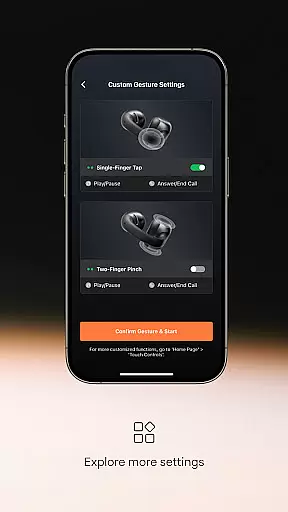
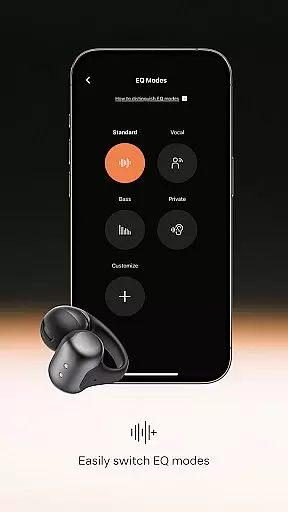
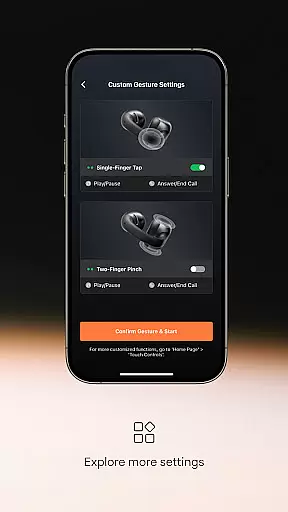
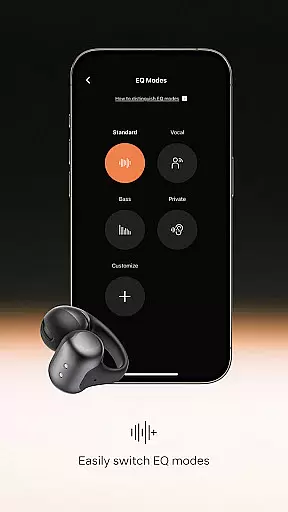
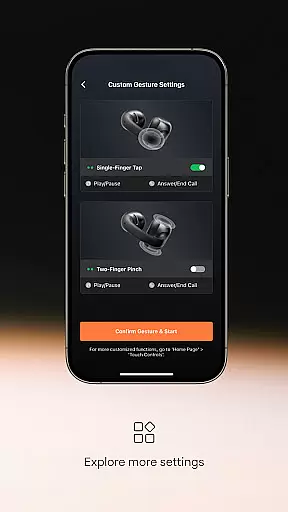
Shokz stands out with its comprehensive suite of features tailored for seamless headphone management. One of its key highlights is the customizable equalizer, which allows users to adjust sound modes according to their preferences. This flexibility in audio tuning ensures a personalized listening experience. Additionally, programmable buttons enable quick access to frequently used functions, enhancing user convenience.
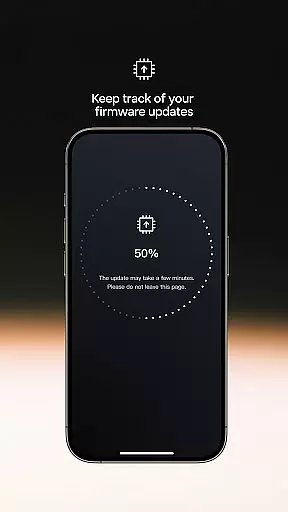
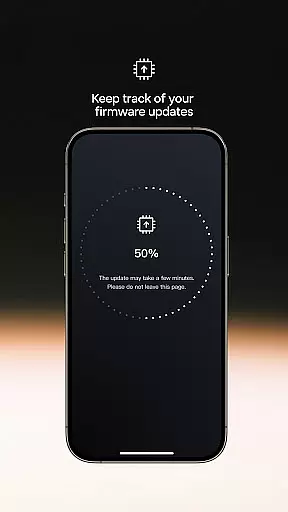
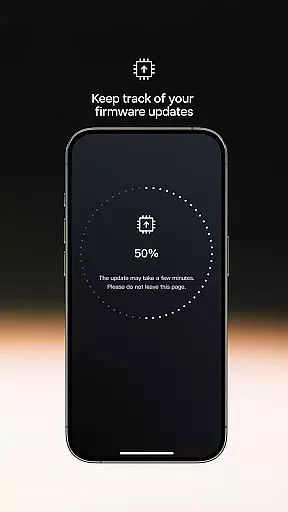
Multipoint pairing is another standout feature, letting users connect one pair of headphones to two Bluetooth devices simultaneously. This functionality simplifies multitasking by allowing smooth transitions between devices. Firmware upgrades are handled directly within the app, ensuring your headphones always operate at peak performance. Moreover, playback controls and detailed device information provide added layers of accessibility and ease of use.
These features collectively make Shokz an indispensable tool for anyone using compatible Shokz headphones, offering unmatched control over both audio quality and device management.
When it comes to music applications, the size and authenticity of the music library are crucial factors that determine user satisfaction. The Shokz app offers a rich selection of sound modes and customizable equalizer settings, allowing users to tailor their audio experience according to personal preferences.
The application supports high-quality audio playback and provides users with access to an extensive range of music tracks. This ensures that listeners can enjoy their favorite tunes in superior quality without concerns about copyright infringement.
Furthermore, the Shokz app's commitment to copyright authenticity means that all music content is legally obtained, giving users peace of mind while enjoying their music. This dedication to legal compliance enhances the credibility of the app and fosters trust among its user base.
Audio quality is a pivotal aspect of any music application, and the Shokz app excels in delivering top-notch sound performance. With features like built-in tuning for easy switching between sound modes and a customizable equalizer, users have full control over their listening experience.
In addition to superior sound quality, the app allows for firmware upgrades that ensure headphones remain in optimal condition. These updates not only improve functionality but also enhance audio output, providing users with the best possible experience.
Moreover, playback controls within the app enable precise adjustments to volume, track selection, and playback modes. Such comprehensive audio management tools empower users to fine-tune every aspect of their music enjoyment, making the Shokz app a standout choice for audiophiles seeking premium audio quality options.
Customizable EQ
Multipoint pairing
Firmware updates
Playback controls
Device info access
Limited device support
No offline mode
Complex UI
Battery drain
Occasional bugs

Turn your phone into a musical instrument from the future!
 3.90
3.90
VB-AUDIO Software / VBAN-Receptor allows listening to any VBAN Streams
4.10
JBL PartyBox APP works with 110/310/710/120/320/520/Encore/Encore 2/Encore Ess 2
4.80
The ultimate media player for Android devices
3.90
Music Streaming suite for Ampache, Nextcloud Music and compatible backends.
4.0
Learn to play the piano using falling notes!
3.80
Manage your Sonos system directly from your home-screen!
4.40
Ringtone Maker is free app create ringtone from music files or your recording.
4.40
Melody Beat: Great for travel, workouts, offline vibes, play your tunes anytime.
4.10
Tune in to the greatest hits on UK Radio | The home of Capital, Smooth & Heart.
4.90
Taal player that lets you sing any Indian & Western song with Tabla & Tanpura
4.60
AI Music Maker: Generate And Compose AI Tunes & AI Songs & AI Music & AI Melody!
4.60
Offline Music Player&MP3 Player with themes, equalizer, lyrics, music play mode
4.60
Let your Android device with the sound effects you want
4.50
Time Trainer: accurate metronome w tools to help you develop your internal time!
4.20
A High-Precision Audio Spectrum Analysis App
4.20
Smart piano keyboard, Classical to Pop, Real-time multiplayer connection!
4.20
The Skullcandy App Experience
3.20
The Minimalistic Premium Music Player. Handmade with passion for music
2.20


User Reviews