
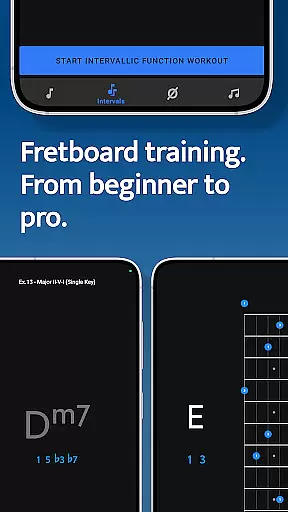
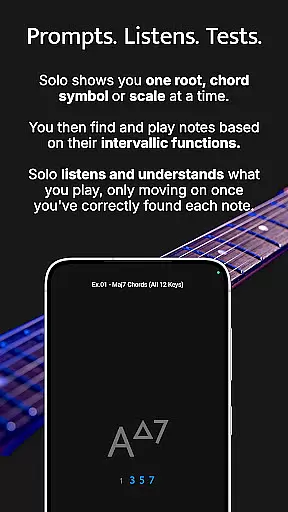


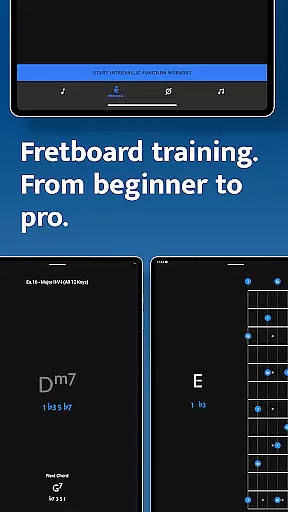

Solo is a comprehensive fretboard visualization app designed for guitarists and bassists seeking to master their instruments. Developed by renowned musicians Tom Quayle and David Beebee, this app focuses on four key areas of fretboard mastery: note names, interval shapes, chord changes, and scales. By engaging users with interactive exercises, Solo ensures that players learn the foundational aspects of music theory while building confidence in their playing.
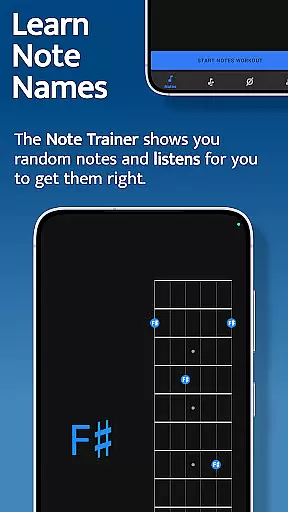
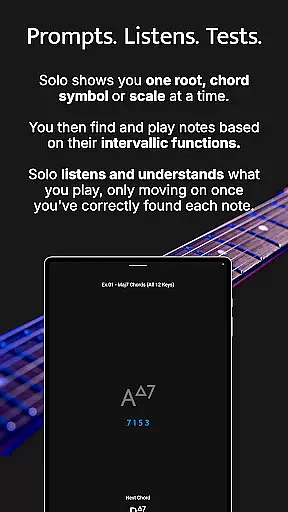
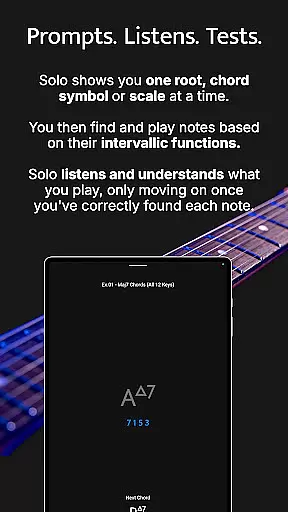
The app's unique approach involves asking users to find specific notes or intervals based on given functions, listening to their input through the device's microphone, and providing feedback until each task is completed correctly. This methodical process helps users internalize fretboard knowledge effectively. Whether you're a beginner learning basic notes or an advanced player mastering complex melodic structures, Solo offers tailored practice sessions to suit all skill levels.
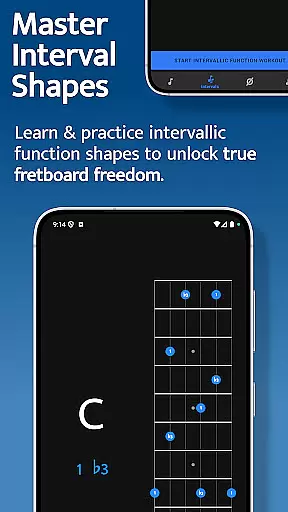
With its diverse range of training modules, Solo transforms traditional practice routines into dynamic learning experiences. Users can customize their practice sessions, select from various tunings and instruments, and even transpose exercises to fit their needs. The app's emphasis on intervallic functions enables musicians to break free from scale boxes and develop true fretboard freedom, making it an invaluable tool for anyone serious about improving their musical skills.
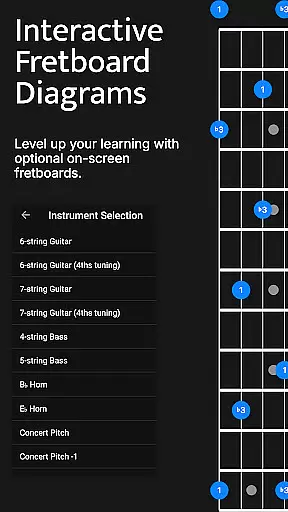
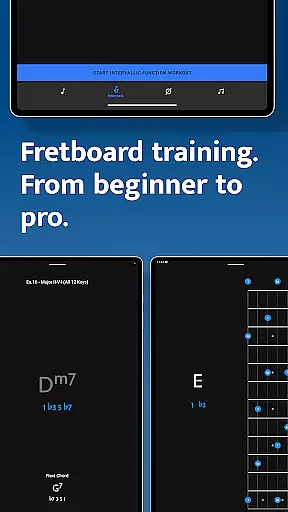
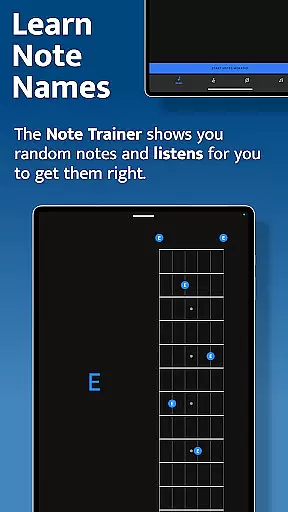
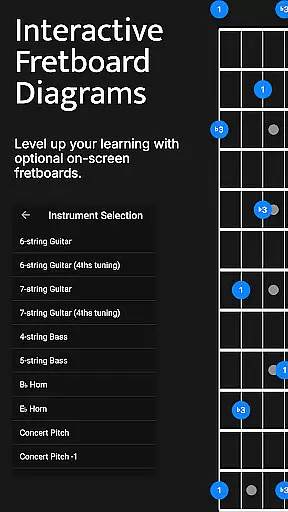
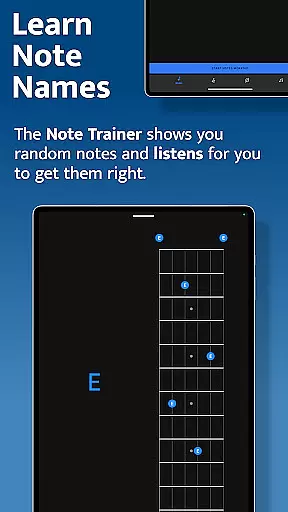
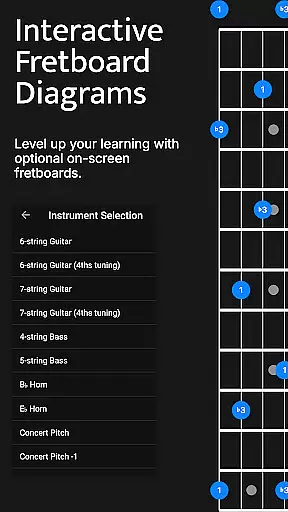
Solo stands out with its four specialized trainers, each targeting a crucial aspect of fretboard visualization. The Note Trainer helps beginners and intermediate players memorize note names across different string configurations, including 6-string guitars, 7-string guitars, and 4-string or 5-string basses. It provides interactive diagrams and optional practice suggestions, allowing users to challenge themselves and refine their knowledge systematically.
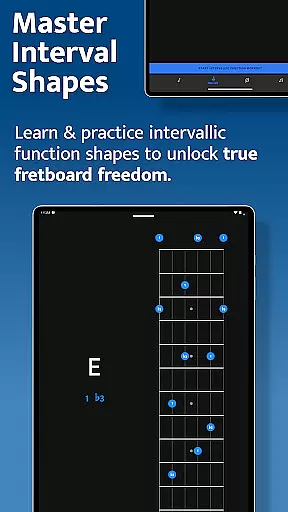
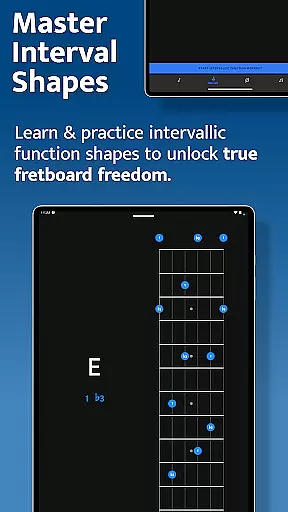
The Interval Trainer takes learning to the next level by focusing on interval shapes and functions. Users can choose custom interval groups or select intervals corresponding to specific chords or scales. This trainer randomizes the chosen intervals and asks users to locate them relative to a fixed or random root note. The interactive fretboards display all possible interval shapes, helping players visualize and memorize these patterns across the neck.
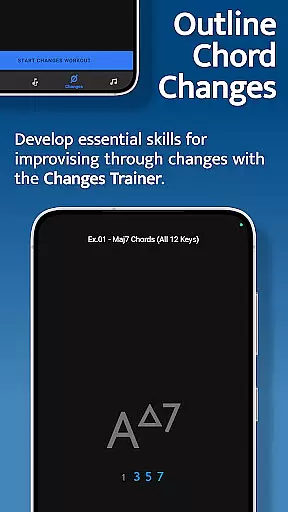
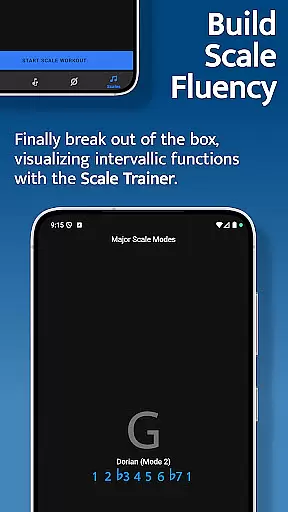
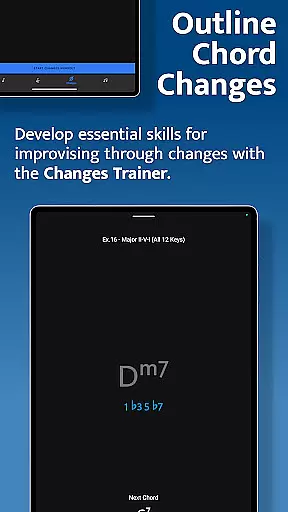
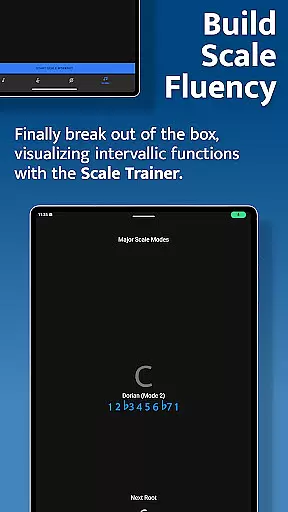
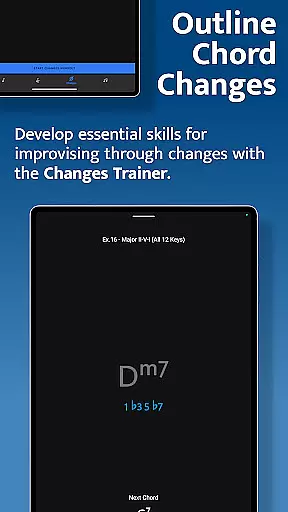
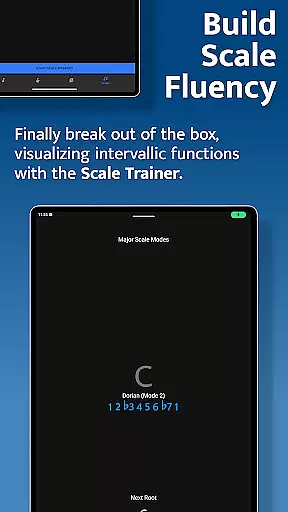
For those interested in improvisation, the Changes Trainer offers over 100 common chord progressions and single-chord exercises. With 50 intervallic function levels, users can progress from simple chord tones to intricate melodic structures. The app intelligently maps out correct intervals over each chord, listens for accurate playback, and supports transposition and voice leading techniques. Additionally, the Scale Trainer includes over 50 scales and modes, enabling users to practice finding scales using intervallic functions and melodic sequences. These features collectively empower musicians to elevate their playing and achieve greater fretboard fluency.
When it comes to music education applications, the depth and breadth of the music library are crucial for providing a comprehensive learning experience. Solo - Fretboard Visualization offers an extensive collection of scales, chords, and interval functions that cater to guitarists and bassists of all levels.
The application includes over 50 scales and modes within its Scale Trainer, alongside the ability to practice intervallic functions across more than 100 common chord progressions in the Changes Trainer. This vast array ensures that users have access to a wide-ranging library that supports diverse musical exploration and learning.
Copyright authenticity is also a priority, ensuring that all the content provided is legitimate and respects intellectual property rights. Users can trust that they are engaging with accurate and legally sound educational material, which is essential for serious learners and professional musicians alike.
By offering such a rich and authentic music library, Solo empowers musicians to expand their fretboard knowledge with confidence, knowing they are using a trusted and authoritative resource.
Audio quality is paramount when training one's ear and practicing musical techniques. Solo - Fretboard Visualization takes this into account by providing high-quality audio output options that allow users to hear the nuances of different scales, intervals, and chords as they practice.
The app listens to the notes played by the user and provides feedback accordingly. This interactive feature requires superior audio processing to accurately recognize and respond to each note, ensuring that learners receive precise guidance on their playing accuracy.
Moreover, the option to adjust audio settings according to personal preference or equipment capability enhances the learning experience. Whether through headphones or studio monitors, clear and crisp audio feedback helps maintain the integrity of practice sessions.
With these audio quality options, Solo ensures that musicians develop their skills under optimal conditions, fostering an environment where auditory details are neither lost nor compromised during practice.
User-friendly interface
Comprehensive training modules
Interactive learning tools
Customizable practice options
Real-time audio feedback
Requires microphone access
Limited free content
Advanced features may overwhelm beginners
Occasional audio recognition issues
Subscription model for full access

The Skullcandy App Experience
 3.20
3.20
Control your MIDI USB or Bluetooth devices in app and avoid some trampling
3.30
Performance-Synthesizer & Multi-Track-Sequencer, polyphonic + multi timbral!
4.70
Time Trainer: accurate metronome w tools to help you develop your internal time!
4.20
The ultimate media player for Android devices
3.90
The Minimalistic Premium Music Player. Handmade with passion for music
2.20
Responsive piano with great sounds, graphics, and songs
4.80
Reverse your voice & songs instantly! Fun singing challenge with cool effects.
4.60
Get alarms that fit your lifestyle and wake up to the sounds you love.
4.80
Play your hearts out on TouchTunes jukeboxes & connect with fellow music lovers.
4.80
Your song collections with lyrics and chords on Android smartphones and tablets.
4.80
Most Advanced AI Song Generator and Music Creator. Rap, Pop, Rock, Gospel & more
4.70
Listen radio AM / FM Stations. Live AM / FM Radio App Station. Radio Com.
4.70
SqueezePlayer turns your Android phone or tablet into a SqueezeBox on its own!
4.60
Super Sound Editor, Song Maker & Mixer, Vocal Remover, Voice Recorder & Changer!
4.60
Let your Android device with the sound effects you want
4.50
The Music Journey in Your Hands
4.30
Smart piano keyboard, Classical to Pop, Real-time multiplayer connection!
4.20
MilkDrop for Android TV
3.00


User Reviews