
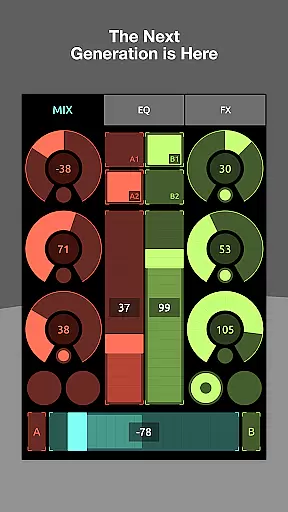
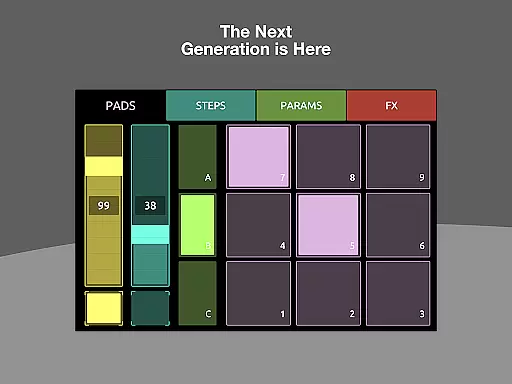
TouchOSC is a cutting-edge music and audio control application that allows users to create complex control layouts with precision. Designed for musicians, producers, and audio engineers, this app offers a powerful GPU-powered editor available on all platforms. The application supports MIDI, OSC, and various other protocols over multiple simultaneous connections, making it an essential tool for controlling digital audio workstations and live performance setups.
The app's standout feature is its ability to synchronize editing across multiple devices on the network. This enables users to make detailed edits on their desktop while previewing changes in real-time on connected touch-screen devices. With support for both wireless and wired MIDI connections, including MIDI over USB, TouchOSC provides unmatched flexibility in controlling audio equipment. Whether you're performing live or working in the studio, TouchOSC delivers the speed, features, and usability required by professionals.
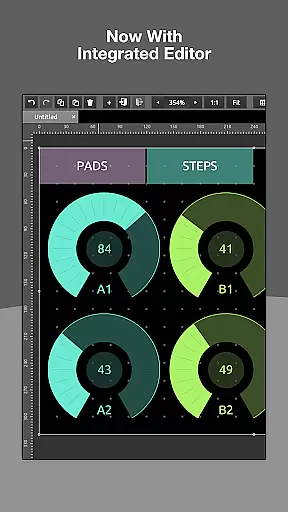
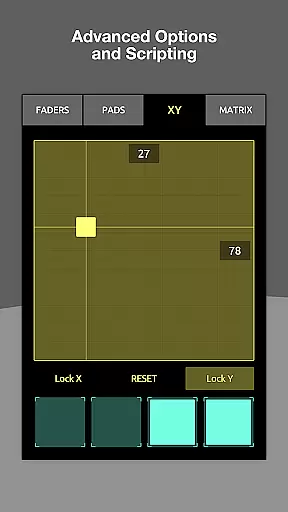
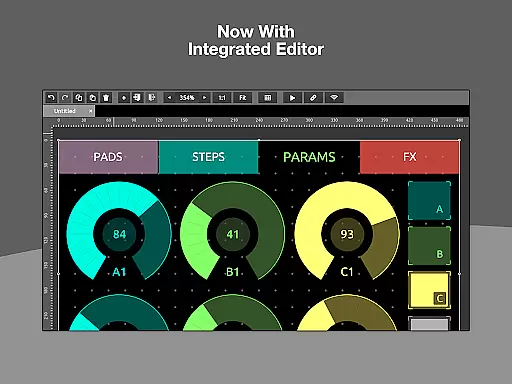
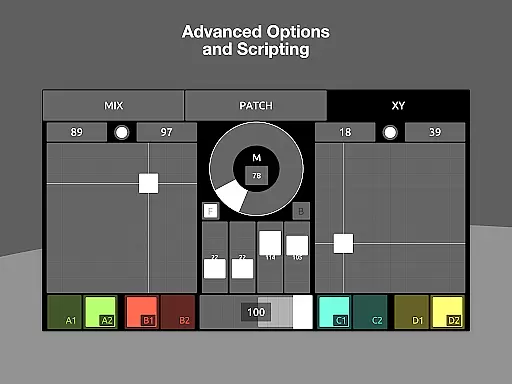
TouchOSC boasts an array of advanced features designed to enhance music and audio control. At its core is a fast and powerful integrated editor that lets users design intricate control layouts with ease. The editor supports drag-and-drop functionality and offers precise alignment tools, enabling the creation of professional-grade interfaces. The app also includes a lightweight scripting engine that provides deep access to controller functions, allowing for extensive customization and interactivity.
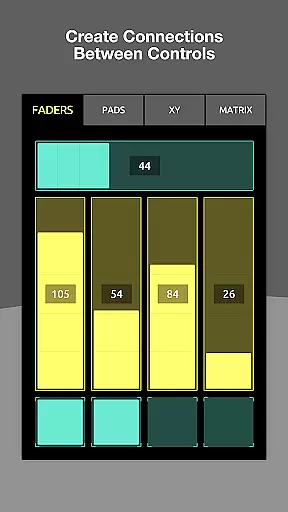
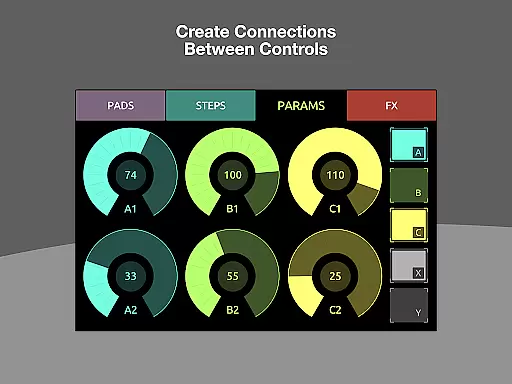
In addition to its robust feature set, TouchOSC supports cross-network synchronized editing. Multiple instances of the app can be connected simultaneously, enabling real-time collaboration and testing. The app also introduces local messages, which simplify the process of wiring controls to transmit or display values without requiring complex coding. These innovations, combined with support for OSC over UDP & TCP and every type of MIDI connection, make TouchOSC an indispensable tool for modern music production and live performance.
TouchOSC offers a robust platform for managing and creating complex control layouts with MIDI, OSC, and other messaging protocols. While it doesn't provide a traditional music library, its capabilities for supporting an infinite number of custom controls empower users to create unique soundscapes and compositions.
The application's strength lies in its adaptability and integration across various devices, ensuring that the sounds and controls you design are authentic and copyrighted by you. This level of customization ensures that each user's library of sounds and controls is both personal and original.
By focusing on providing tools for creating and manipulating audio signals, TouchOSC allows musicians and sound designers to build their own 'music library' filled with personalized content. The app supports every type of wired & wireless MIDI connection, enhancing the creative process without worrying about copyright infringement.
One of TouchOSC's standout features is its ability to deliver high-quality audio through its powerful scripting engine and support for multiple connection types. Whether using MIDI over USB or OSC over UDP & TCP, users can expect pristine audio quality in their projects.
The app provides extensive options for audio manipulation, allowing users to customize their controllers deeply and achieve the desired audio output. With GPU-powered performance, TouchOSC ensures low-latency and high-fidelity audio processing, essential for professional-grade work.
Additionally, the inclusion of local messages simplifies the transmission and display of values without needing complex coding, making it easier to maintain high audio standards. These features collectively ensure that audio quality remains a top priority for users of TouchOSC.
User-friendly interface
Powerful scripting engine
Multi-platform support
Real-time synchronization
Comprehensive MIDI compatibility
Steep learning curve
Requires compatible hardware
Premium price point
Complex setup process
Limited beginner resources

Enhance the sound quality of your devices, listen to what you want
 4.50
4.50
Save hundreds of dollars for a physical strobe tuner and instead use this app.
4.50
Brian Eno and Peter Chilvers’ acclaimed music app Bloom, radically reinvented.
4.80
Advanced 10-Band Audio Graphic Equalizer Sound Booster Pro
4.30
USB audio recording and playback finally possible on Android 3.1 or higher!
3.90
Recording studio w/ 10k beats, pro vocal FX and a network of 20M rappers & fans!
4.60
Powerful 10-Band equalizer pro with sound booster improves Android audio quality
4.30
Turn your Android phone into a professional audio analyser with up to 120 bands.
4.00
Listen to offline music and sounds from all categories
4.70
Voice recorder - Audio recorder. Best recorder for recording
4.90
Full-featured, High-Quality Groovebox Workstation, perfect for Live Performance!
4.80
Your song collections with lyrics and chords on Android smartphones and tablets.
4.80
Performance-Synthesizer & Multi-Track-Sequencer, polyphonic + multi timbral!
4.70
Listen to live FM radio stations, sports, music and news on global radios online
4.70
Reverse your voice & songs instantly! Fun singing challenge with cool effects.
4.60
Help you quickly get started with Shokz headphones
4.40
Equalizer, Bass Booster and Volume Booster (Eq & Bass) improve sound quality
4.30
Network/Cloud Streaming, Visualization, Graphic Equalizer and Sound Effects.
4.20
A sleek, no-frills player designed for true music lovers.
4.20


User Reviews