
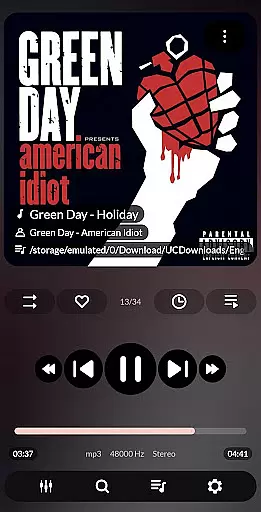
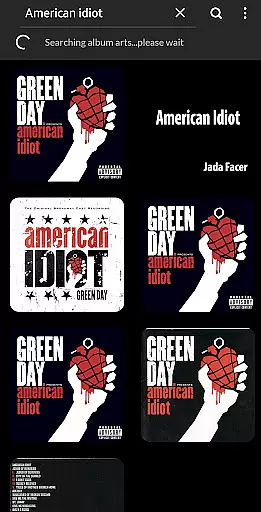
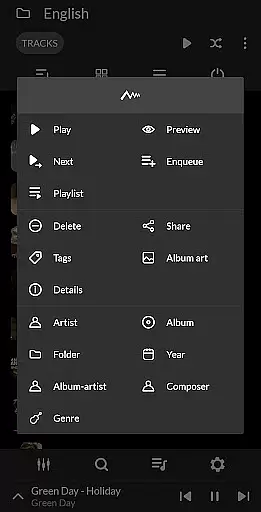
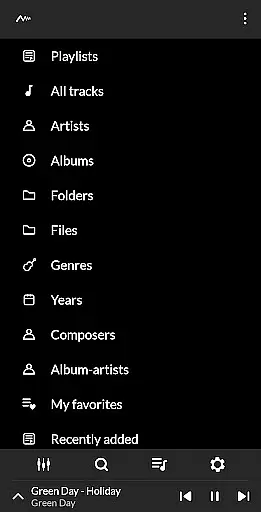
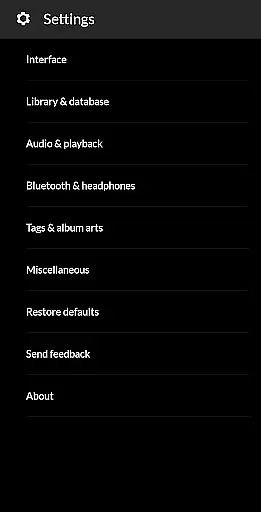
PowerAudio Plus Music Player is a feature-rich audio player designed to deliver an exceptional music experience. With its intuitive interface and superior audio quality, the app allows users to browse songs by albums, artists, or playlists. A dedicated tab for favorite tracks makes it easy to access your most-played music, while advanced playback options like repeat, shuffle, and custom queue enhance user control.
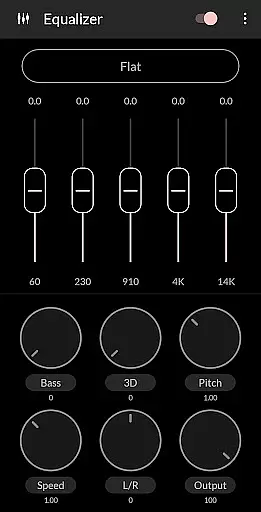
The app also includes a powerful equalizer with BassBoost and Virtualizer, offering various presets and the ability to create custom settings. Supporting all major audio formats, PowerAudio Plus provides tools for playlist creation, file sharing, and even setting phone ringtones. Whether you're managing media files or enjoying high-quality sound, this app ensures a seamless experience across devices.
PowerAudio Plus Music Player stands out with its comprehensive set of features tailored for audiophiles. The app supports all major audio formats such as MP3, WAV, AAC, and OGG, ensuring compatibility with diverse music libraries. Its robust equalizer comes with multiple presets, including BassBoost and Virtualizer, allowing users to fine-tune audio output according to their preferences.
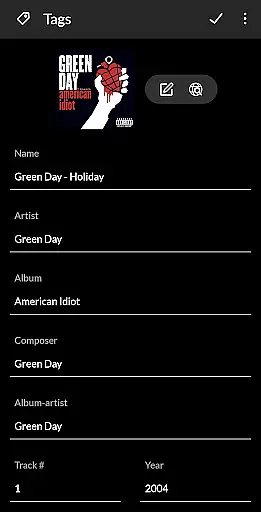
Organization and playback customization are central to the app's design. Users can browse songs by albums, artists, playlists, or favorites, with multi-select and sorting options available. Additional functionalities include creating custom playlists, detecting headphones for auto-pause, setting sleep timers, and sharing media files. Advanced details like codec information (bitrate, sample frequency) provide technical insights, while administrative features like deleting songs and playlists ensure complete library management.
PowerAudio Plus Music Player offers an extensive music library that supports all major audio formats including mp3, m4a, wav, aac, amr, and ogg. This ensures that users can enjoy a wide variety of music without compatibility issues.
The application allows users to browse songs by albums, artists, or playlists, making it easy to organize and find their favorite tracks. With the ability to create custom playlists, users have complete control over their listening experience.
While PowerAudio provides rich features for music playback, it also emphasizes copyright authenticity. Users are encouraged to manage only legally acquired music files, ensuring a responsible music consumption habit.
Delivering best-in-class audio quality, PowerAudio Plus Music Player includes a powerful equalizer with BassBoost and Virtualizer. These features allow users to customize their sound experience according to personal preferences.
Users can choose from a variety of music presets or create their own custom preset, providing flexibility and control over audio output. This customization ensures optimal sound quality tailored to individual tastes.
In addition to superior audio settings, the player supports high-quality codec details such as bitrate, sample frequency, and channels. This attention to detail highlights PowerAudio's commitment to delivering an exceptional auditory experience.
User-friendly interface
High-quality audio playback
Customizable equalizer
Comprehensive format support
Advanced playlist options
Requires multiple permissions
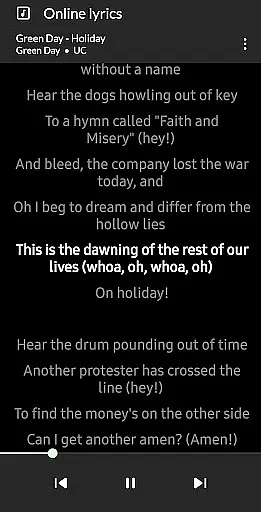
No built-in lyrics support
Limited visual themes
Occasional ads in free version
Large app size

Background pads for your band
 3.80
3.80
DJ Music Mixer - DJ Remix: remix songs, make beat music & record mix of DJ.
4.40
The ultimate media player for Android devices
3.90
Ultimate Sonos Controller
4.70
The best music and audio player, with beautiful UI, music search and equalizer.
4.60
Smart piano keyboard, Classical to Pop, Real-time multiplayer connection!
4.20
Travel To The Music Universe
3.40
Get alarms that fit your lifestyle and wake up to the sounds you love.
4.80
Play your music offline without limits
4.80
Offline Music Player & MP3 Player.Powerful equalizer, Lyrics, Themes, Tag Editor
4.80
Full-featured, High-Quality Groovebox Workstation, perfect for Live Performance!
4.80
Listen to live FM radio stations, sports, music and news on global radios online
4.70
Walkout Song DJ is the most intuitive app to manage your sports music.
4.70
Recording studio w/ 10k beats, pro vocal FX and a network of 20M rappers & fans!
4.60
Let your Android device with the sound effects you want
4.50
Manage your Sonos system directly from your home-screen!
4.40
The official Sonos app
4.10
USB audio recording and playback finally possible on Android 3.1 or higher!
3.90
MilkDrop for Android TV
3.00


User Reviews